
Roblox Shirt Maker — Design a Classic Shirt With AI
Roblox shirt maker by ThumbBlox turns an AI design or your own front and back art into a 585 × 559 classic shirt template, free to download without a watermark.
Shirt designer and download
Design source
Shirt style
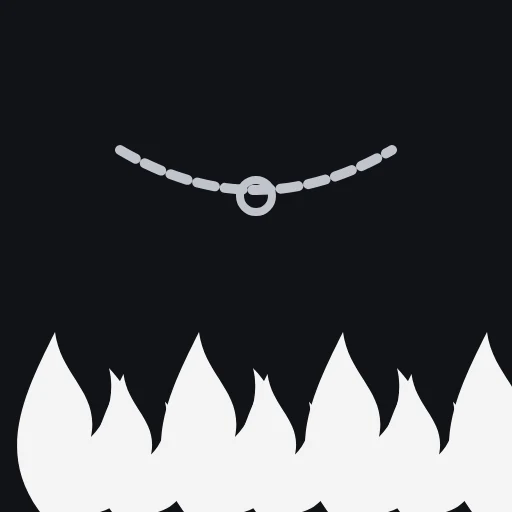
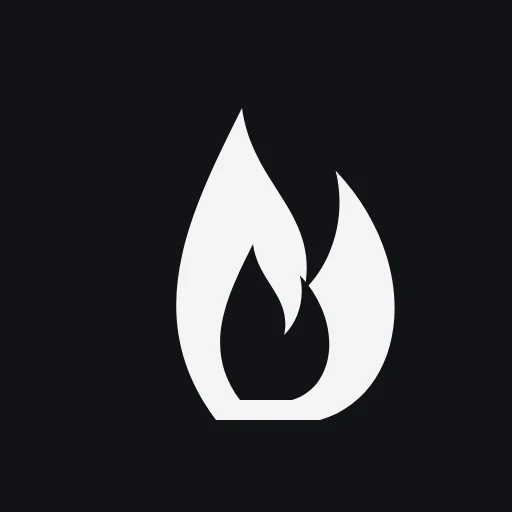
Design sent to the model: Black oversized streetwear hoodie: white flame graphics rising from the hem on the front, a silver chain print across the chest, and one large white flame emblem centered on the back. The card icon is a color hint, not a generated result.
Model
Resolution
Kling Image 4.0 is asked for one 16:9 image: front on the left, back on the right. This page cuts it into the two torso panels; the shirt you download is still 585 × 559.
Generate a design to fill the template.
Back panel
This Roblox shirt maker is for players who want a finished classic shirt. Pick or describe a style; the prompt asks the AI for front and back art (results vary), or upload your own art free. The page fits both to the torso panels.
Downloads are free and unwatermarked. An AI design costs 18 credits at 2K, about $0.15 at bulk rates (smallest pack $5.00).
How the Roblox shirt maker works
The Roblox shirt maker keeps the AI away from the template layout: the model only draws two flat pieces of artwork, and the page places them on fixed panel positions, so the file always matches the classic shirt layout Roblox expects. It also works as a Roblox t shirt maker: the front design saves as a 512 × 512 T-shirt image.
- Pick a shirt style, or choose Custom and describe the front and back. Add an outfit photo if you want the AI to follow it. Prefer your own art? Switch to “My own art” and upload a front image (and a back image if you have one).
- Generate: the prompt asks the model for one image with the front on the left and the back on the right, and the page cuts it into the two torso panels.
- Check the live 585 × 559 template and the flat avatar preview. Change the back panel, sleeve color or shading if you like.
- Download the shirt PNG (or the 512 × 512 T-shirt PNG) and upload it as a classic Shirt or T-shirt from the Roblox Creator Dashboard.
Roblox shirt examples
Each example shows a front and a back image drawn for this page and the 585 × 559 shirt this page exported from them in “My own art” mode, with auto sleeve color and shading. No AI generation was used for these examples.
Front image
Back image
Exported shirt template
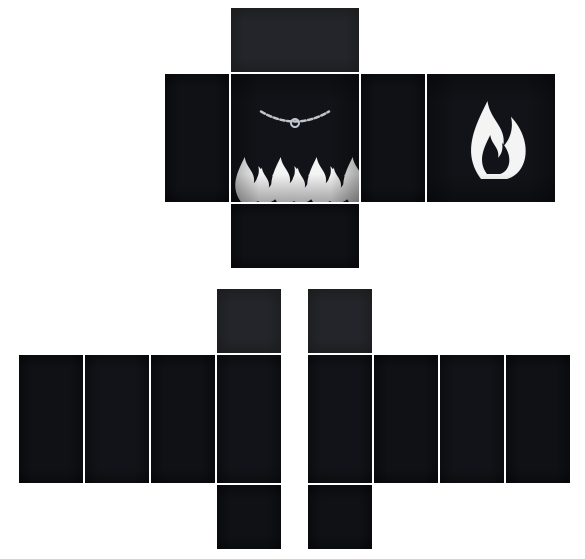
Black flame hoodie
White flames along the hem and a chain print on the front, one big flame on the back; sleeves and sides picked up the black edge color.
Front image
Back image
Exported shirt template
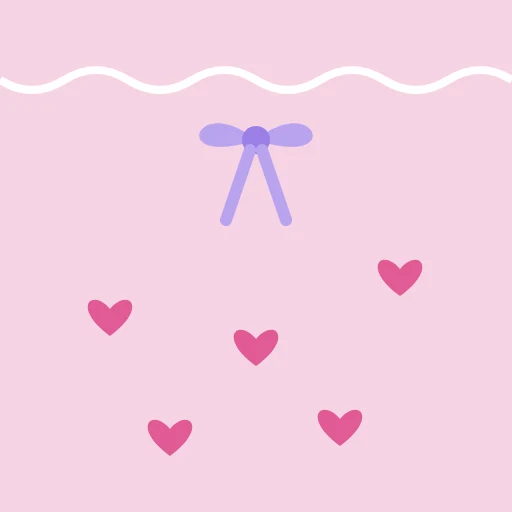
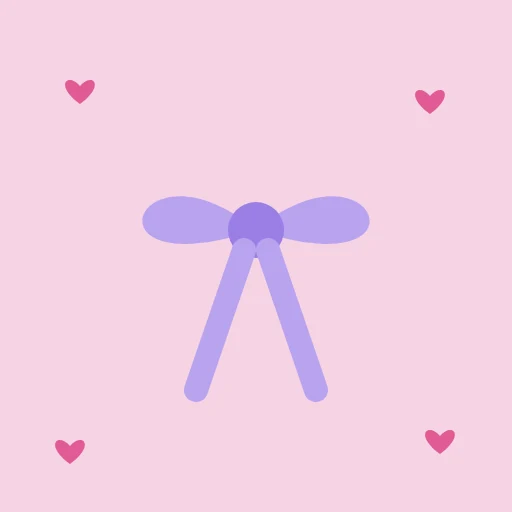
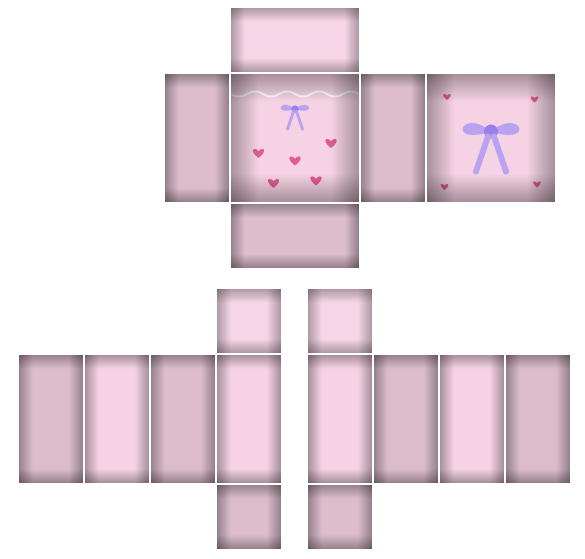
Pastel coquette top
A lavender bow, lace trim and small hearts on pink; the back carries a larger bow, and the sleeves came out in the same soft pink.
Front image
Back image
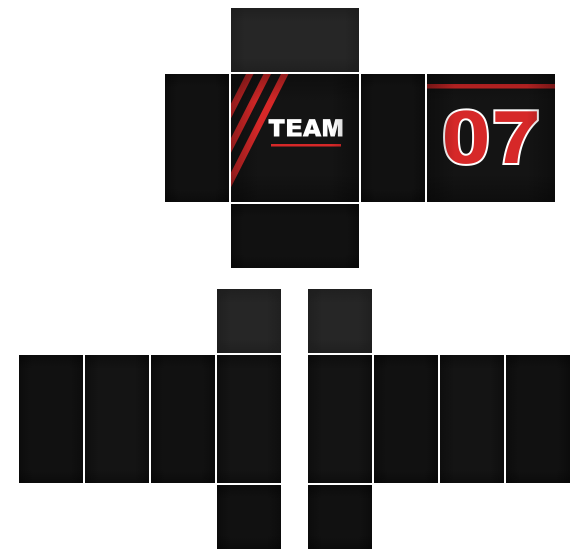
Exported shirt template
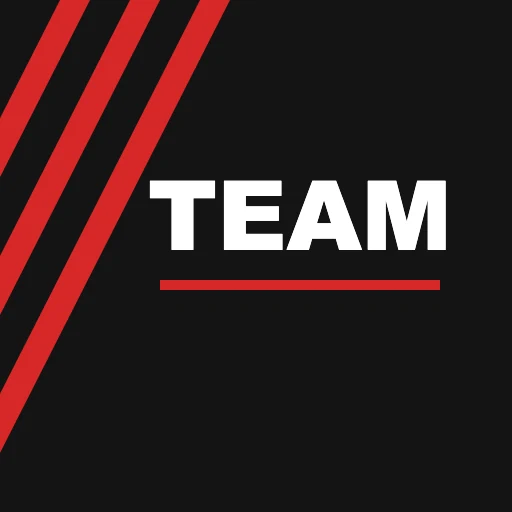
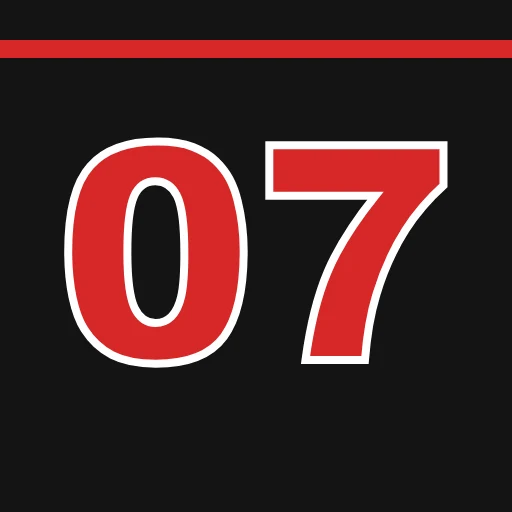
Black and red team jersey
Red diagonal stripes and TEAM on the chest, a large red 07 on the back; the black sleeves keep the jersey plain from the side.
Is this Roblox shirt maker free?
The Roblox shirt maker is partly free: uploading your own art and downloading the shirt cost nothing, while AI designs need credits. Free downloads have no watermark and need no account. An AI design costs 18 credits at 2K; from zero credits, the smallest pack that covers one is $5.00 for 50 credits, enough for 2 designs.
The free mode works without signing up: upload a front image (and a back image if you have one), and the page builds the shirt in your browser. Sign-in is only needed to generate an AI design, because that request runs on our server and uses credits.
How does the AI line up the front, back and sleeves?
This AI Roblox shirt generator never asks the model to draw the template itself. The prompt requests one 16:9 image with the front of the shirt on the left half and the back on the right half, each filling its half edge to edge. The page then cuts out a square from each half and places it on the 128 × 128 front and back torso panels.
The sleeves, torso sides, top and bottom are filled with one color taken from the outer edge of the artwork, so the torso and sleeves share one base color at the seams. You can change that color, mirror the front onto the back, or keep the back plain. Panel positions follow the Roblox classic clothing documentation. Results still vary with the prompt and model: the AI may leave a margin or draw a design that does not split evenly, so check the preview before you download.
Can I make a Roblox shirt from an image?
Yes, a Roblox shirt can be made from an image in two ways. For free, switch to “My own art” and upload a front image and an optional back image; each is cropped to a square torso panel. With AI, choose Custom, describe the shirt and add an outfit photo, and the prompt asks the model to borrow its colors, graphics and garment style.
A wide picture with the front on the left and the back on the right can also go straight into the Front slot. The prompt asks the AI to follow the photo's style rather than trace it and not to copy people, faces or brand logos; results vary with the photo and model.
Shirt maker pricing & credits
Uploading your own art and downloading the shirt is free. An AI design costs 18 credits at 2K, about $0.15 at the lowest bulk credit price. From zero credits, the smallest pack that covers one design is $5.00 for 50 credits. Credits are reserved when a request starts and returned if it is blocked by moderation, fails, returns the wrong image size or times out. Roblox charges its own fees in Robux (checked 2026-11-23 in the Roblox Marketplace fees documentation: a standard upload fee of 80 Robux per submission and a publishing advance to put an item on sale); those are paid to Roblox, not here. Testing a shirt in Roblox Studio before uploading is free, as described in Roblox's classic clothing testing guide.
| What you do | Cost | Added watermark |
|---|---|---|
| Upload your own front and back art, download shirt or T-shirt | Free · 0 credits · no account | None |
| AI shirt design, 2K | 18 credits · about $0.15 | None |
| AI shirt design, 2K with an outfit photo | 19 credits · about $0.16 | None |
| AI shirt design, 4K | 26 credits · about $0.22 | None |
| AI shirt design, 4K with an outfit photo | 27 credits · about $0.23 | None |
| Upload a classic shirt to Roblox | 80 Robux per upload (paid to Roblox) | — |
| Put it on sale in the Marketplace | Publishing advance set by Roblox (paid to Roblox) | — |
What this shirt maker can't do
This Roblox classic shirt maker makes classic shirts and T-shirt images only, with a flat preview and no upload to Roblox.
- No 3D try-on: the preview is a flat front and back view. Test in Roblox Studio for a 3D check.
- No per-panel painting: sleeves and sides get one color, and graphics go only on the front and back torso panels. To draw on the sleeves, finish the PNG in an image editor.
- No pants or layered (3D) clothing. For pants or a blank template, use the Roblox clothing template.
- AI results vary: small text, faces and fine details can come out wrong, and the model may not keep both halves perfectly even.
- It does not upload to Roblox for you. To fit a finished picture to 585 × 559, use the Roblox image resizer.
Roblox shirt maker FAQ
Does this Roblox shirt creator work on a phone?
Yes. The shirt maker runs in mobile browsers such as Safari and Chrome on iPhone, iPad and Android, with no app to install. You can generate a design, check the preview and save the PNG to your phone, then upload it from the Roblox Creator Dashboard in a browser.
Can I preview the shirt on an avatar before uploading?
The page shows a flat front and back view of a blocky avatar wearing the shirt while you edit. For a 3D check, add a Shirt object to a test rig in Roblox Studio and set your PNG as its template; Roblox documents that testing classic clothing in Studio is free.
Is the downloaded shirt PNG transparent?
Yes, outside the panels. The 18 shirt panels are filled with your design and sleeve color, and the empty space between them stays transparent, which is what Roblox expects. The 512 × 512 T-shirt PNG is filled edge to edge with the front design.
Can I sell shirts I make here on Roblox?
You can upload them, and selling follows Roblox rules: Roblox charges a standard upload fee of 80 Robux per submission plus a publishing advance to put an item on sale, and asks creators to verify their account with a government ID. Avoid other brands, logos and characters, since Roblox moderation removes items that copy them.