
AI Quote Image Generator — Turn Your Words Into Quote Cards
AI Quote Image Generator by ThumbBlox turns your words into a shareable PNG with a preset, your photo, or an AI-generated background.
Quote image editor
Preview
Typeface
Text color
ThumbBlox’s AI quote image generator turns up to 140 characters of your own text into one watermark-free PNG for Instagram posts, Stories, or Pinterest pins. Preview and download free with a preset or your photo. To create a new 2K background, sign in and spend 18 credits, or 19 with a custom style reference.
How to make a quote card
Type the line you want people to read, choose a background, and set the frame for where you’ll share it. The quote stays editable while you try a different photo or typeface. Watch the preview as you switch sizes, since a vertical crop can bring the text closer to a busy part of the photo.
1.Enter your quote
Paste a short line and add the name or source below it if you want to give credit.
2.Pick a background
Choose a preset or your own photo, or generate a background with AI. In Custom, describe the scene and optionally add one style reference.
3.Choose a size and download
Pick square, portrait post, pin, or Story. Check the line breaks and download your PNG.
Quote image examples
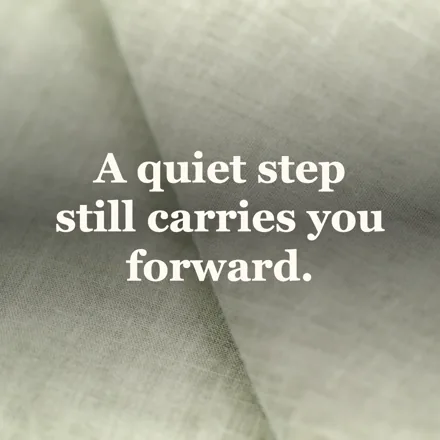
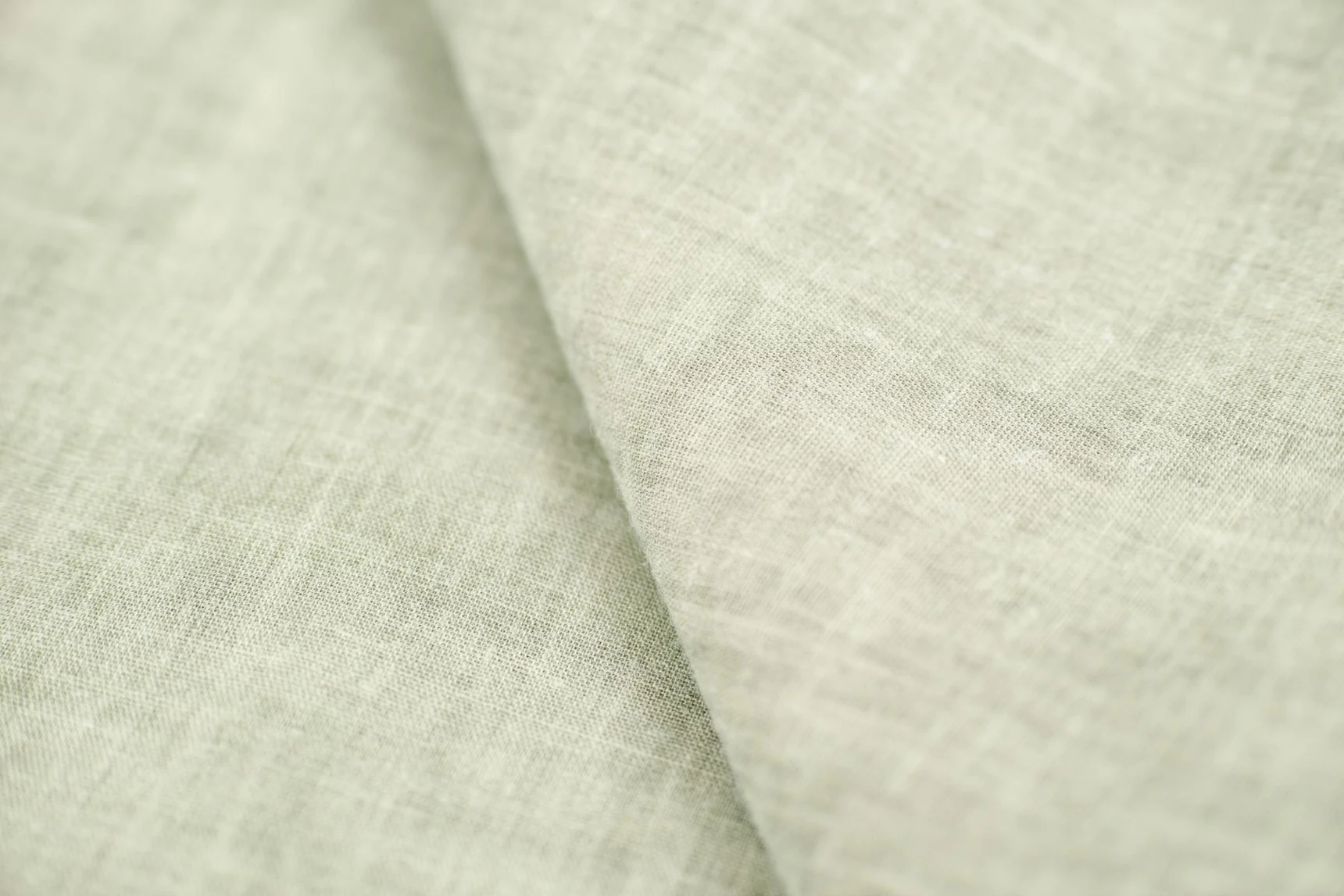
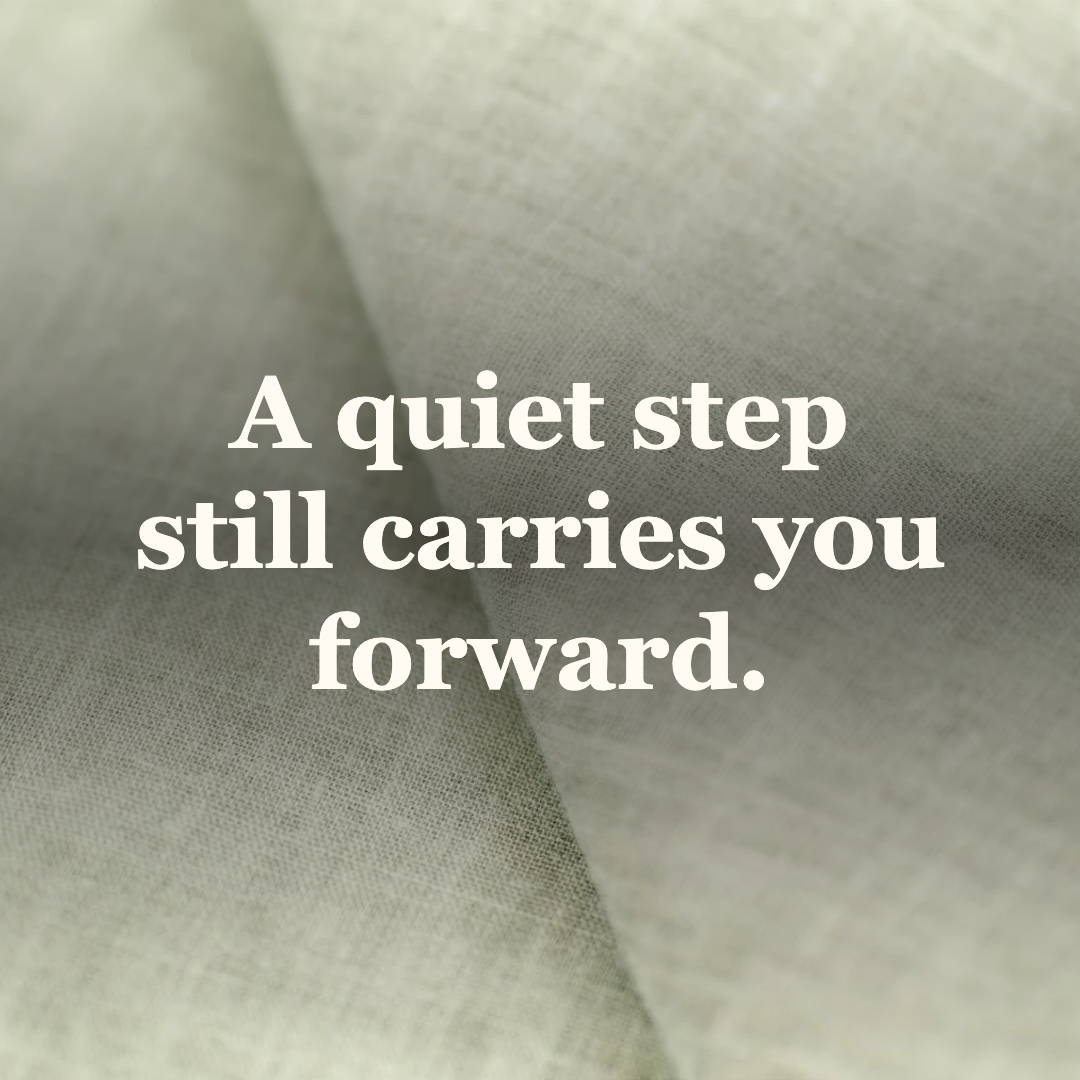
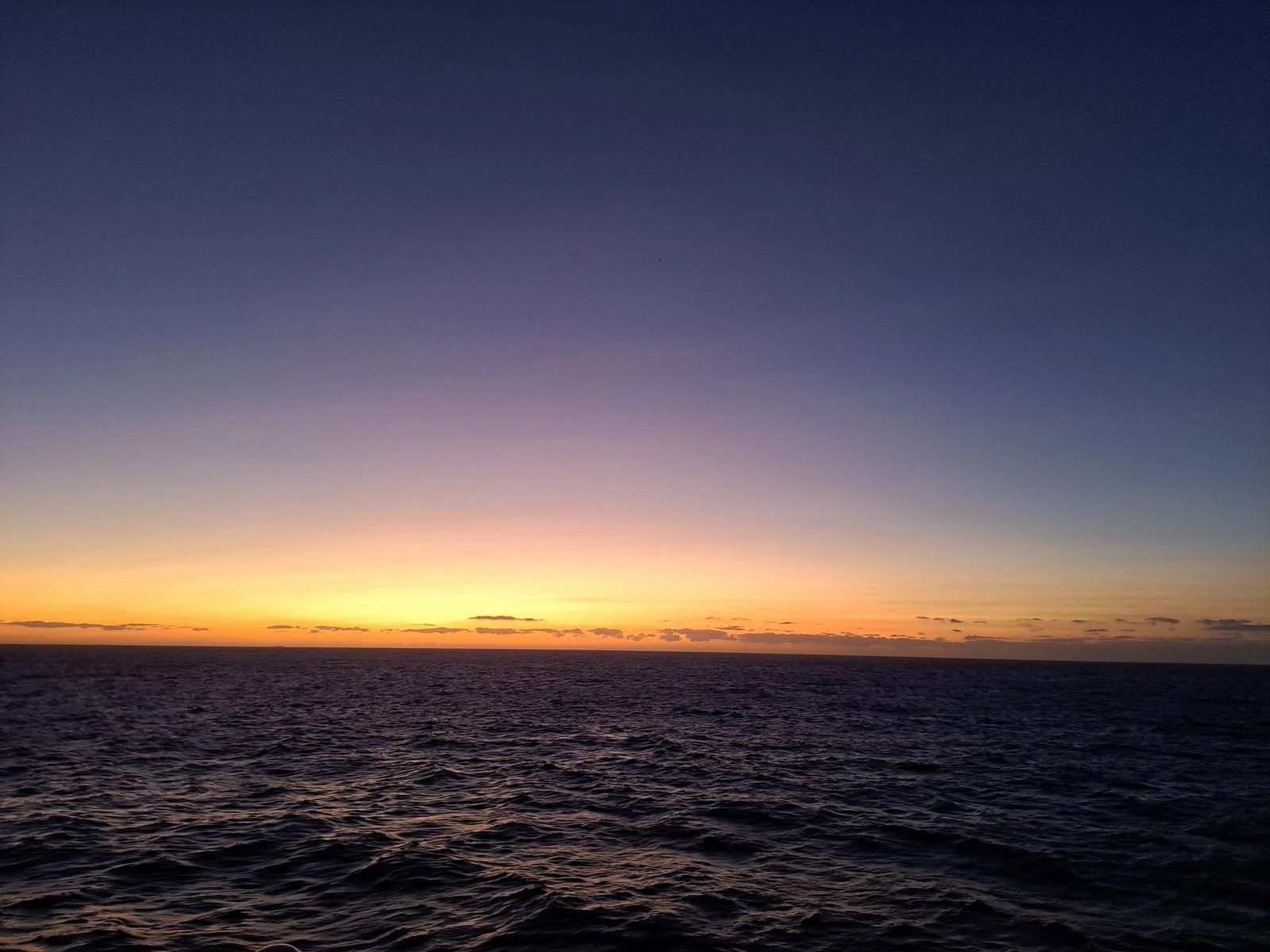
These pairs start with photos in the free editor and show finished cards using the same line, “A quiet step still carries you forward.” Try this approach when choosing a look for a series. The wording stays stable while you compare the calmer linen, warm ocean horizon, and high-contrast monochrome layout.
Background
Quote card · 1080 × 1080
Background
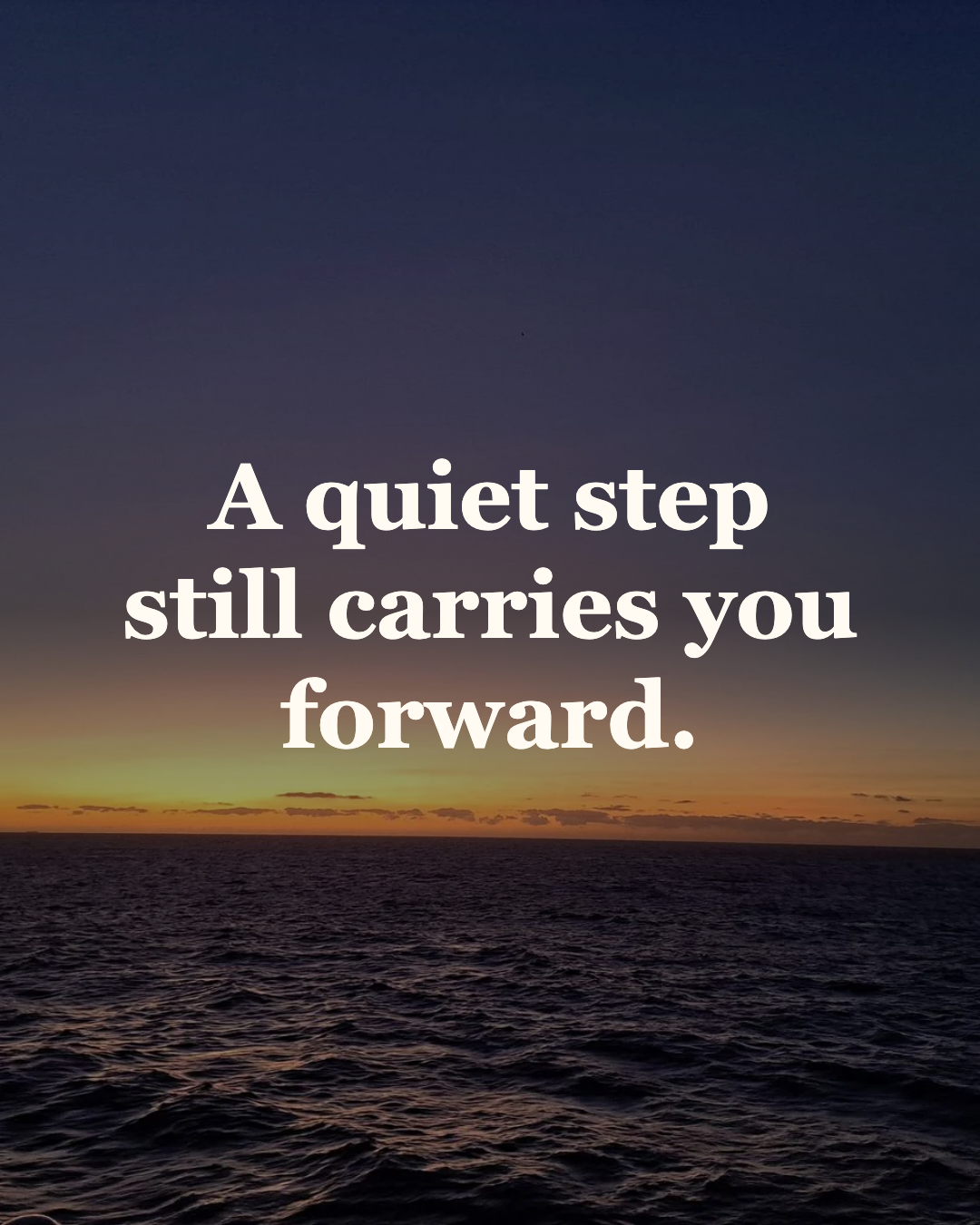
Quote card · 1080 × 1350
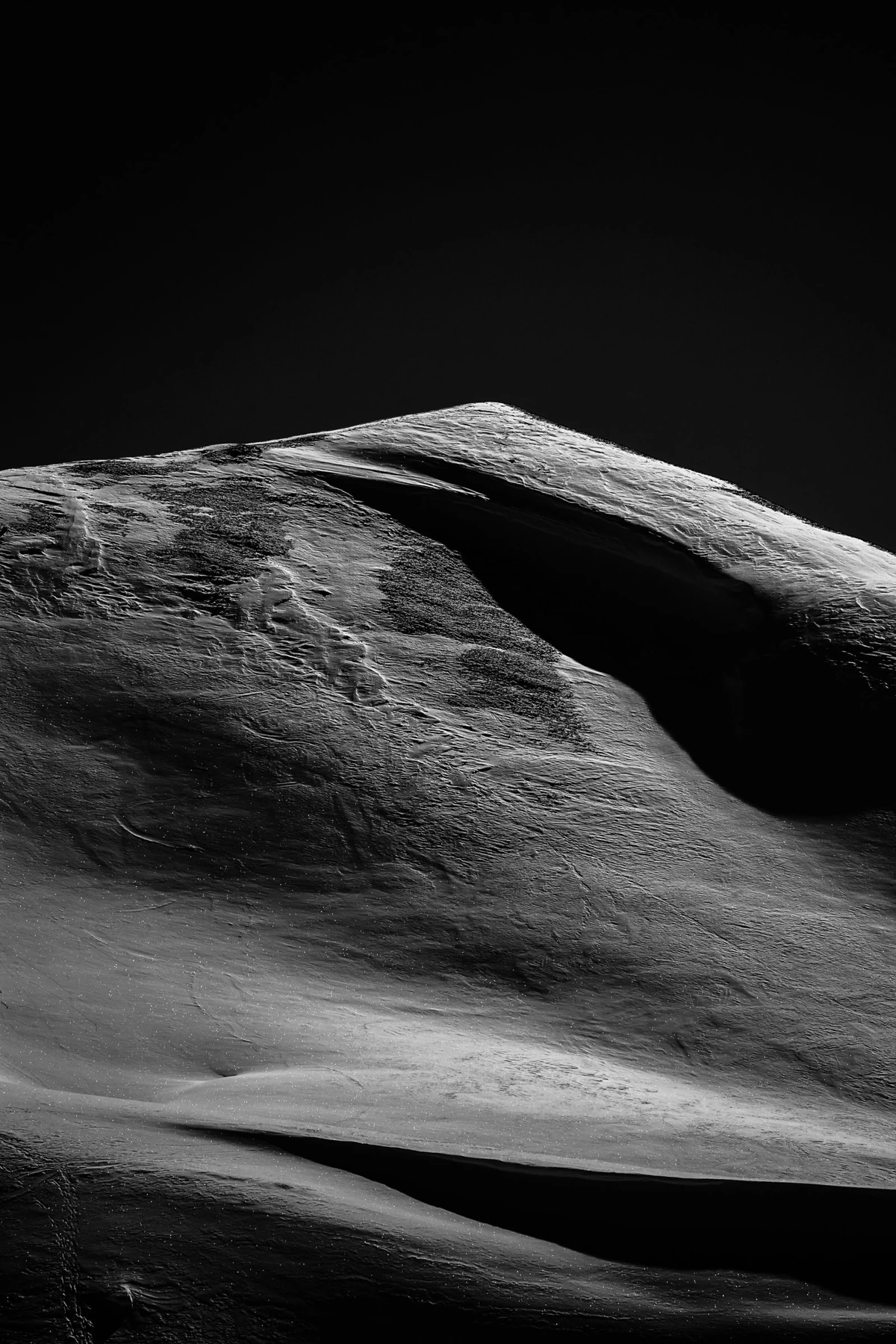
Background
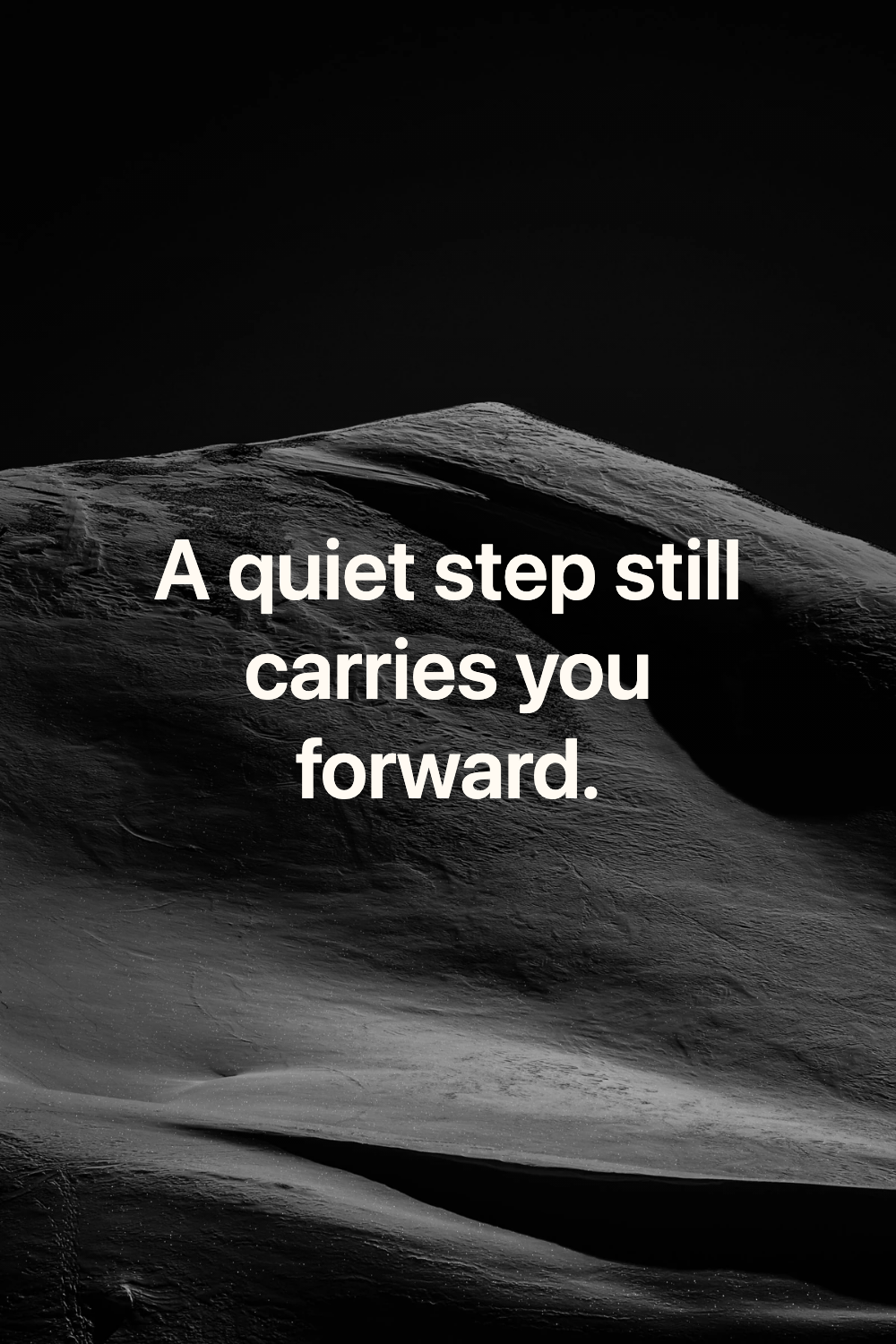
Quote card · 1000 × 1500
How do you make an AI quote image from text?
ThumbBlox’s quote maker turns the exact sentence you paste into a quote card with the background style you choose. AI can create a background based on the mood of your words, and the editor places the quote on top as editable text. You can change a name, punctuation, or a line break and download again using the same background.
Can you make a quote image with your own photo?
ThumbBlox’s quote maker places your words over a photo you select in Photo or preset. Your photo stays in your browser for this type of edit. The editor crops it to fill your chosen frame, so check the preview for faces or details close to the edges before saving.
Can you download quote images for free on ThumbBlox?
ThumbBlox lets you download a watermark-free PNG for free when you use a preset or your own photo in a phone or desktop browser. Choose 1080 × 1080 for a square post, 1080 × 1350 for a portrait post, 1000 × 1500 for a Pinterest pin, or 1080 × 1920 for Stories. The AI charge applies when you create a background. Saving the finished card is free.
Quote card pricing and credits
Use a preset or your photo for a $0 card. A new Kling Image 4.0 background costs 18 credits at 2K, or 19 if you add a custom style reference. Estimates below use the lowest per-credit pack price. If the AI generation fails, the credits for that run are returned.
| Action | Cost | Access |
|---|---|---|
| Preset or own-photo editor | $0 · 0 credits | No account required |
| One 2K AI background | 18 credits · about $0.15 | Sign in and use your credit balance |
| One 2K AI background with a reference | 19 credits · about $0.16 | Sign in and use your credit balance |
| PNG download | $0 · 0 credits | No added watermark |
| Smallest pack for a paid run from zero | $5.00 for 50 credits | One-time purchase |
Quote maker limits
Supply your own text, up to 140 characters per card, and verify any quote and its attribution before you publish it. The editor exports one flat PNG at a time. Keep a separate copy of your text and photo for later edits, and check the preview for tight crops or a busy AI background.
Quote maker FAQ
Before you publish a quote card, check the wording, the photo crop, and whether your line is legible at feed size. On a narrow Story, break a longer line at a natural pause. Use contrast to keep small text easy to read when people scroll quickly.
Do I need to create an account?
You can use the photo and preset editor and download a PNG as a guest. Sign in before generating an AI background so the run can use your credit balance.
What makes a good AI quote background prompt?
In Custom, describe the setting, colors and lighting. Try “soft morning light on a linen curtain with a quiet, pale center” to leave room for the lettering. Put the exact words in the quote field.
Can I attribute a quote to its author?
Yes. Add a name or publication in the optional attribution field. Check the original wording and attribution before posting, since the editor uses the details you enter.