
Event Ticket Generator — Add Your Logo, Print Free
Event Ticket Generator by ThumbBlox turns event details and your logo into free printable tickets with QR codes or barcodes.
Live ticket preview
Free · No account · No watermark. PNG saves the first ticket; PDF uses your copy count.
Preparing ticket preview…
Event Ticket Generator by ThumbBlox makes printable tickets for organizers who need their own logo, exact event details and readable codes. Choose a design, enter the event name, date, venue and ticket number, then download a 2100 × 750 PNG or numbered PDF. Editing and exports are free, with no account, credits or watermark; this tool creates ticket designs and does not sell tickets or manage entry.
How the event ticket generator works
Event Ticket Generator turns the details you enter into a ticket preview in your browser. The event name, date and venue are placed as editable text, and an optional logo is added from your device. Choose a QR code, a Code 128 barcode or no code, then download the first ticket as a PNG or a numbered set as a PDF.
- Choose a ticket design and replace the sample event name, date, venue and seat or tier. Add your own logo if needed.
- Set the serial prefix and starting number. Add QR content or choose a barcode that encodes each ticket number.
- Download the current ticket as a PNG, or choose a PDF layout and export 1–100 numbered copies. Print a test copy before making a full batch.
Event ticket design examples
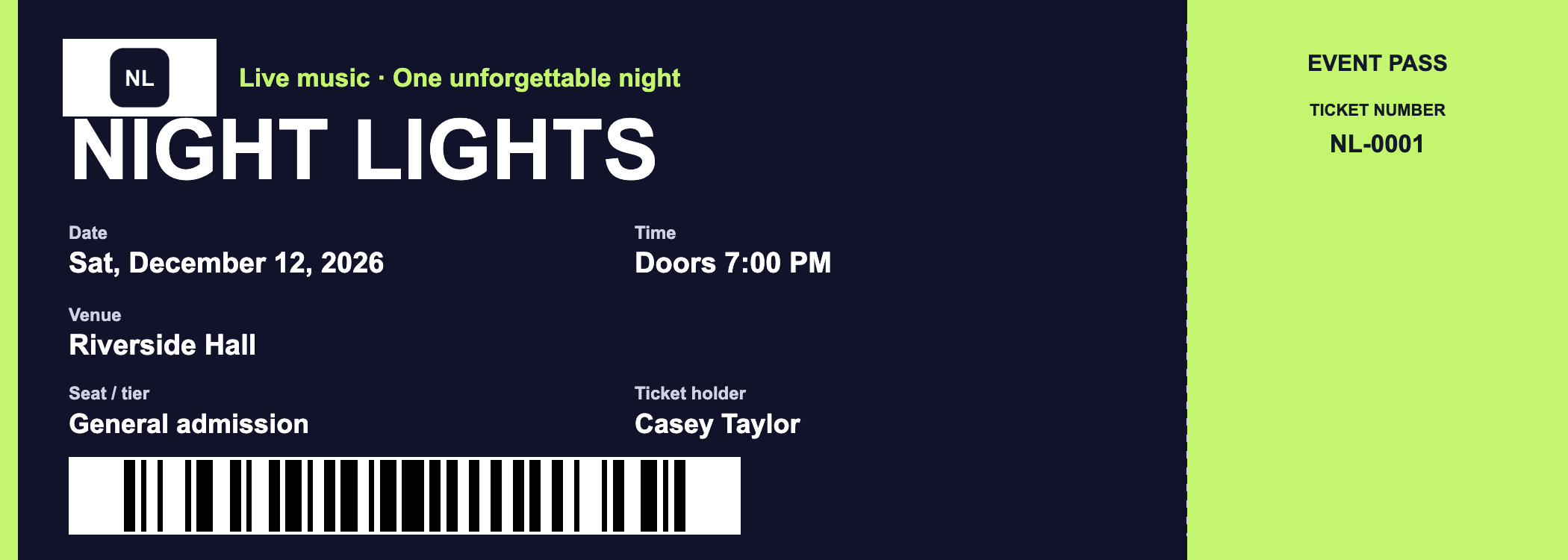
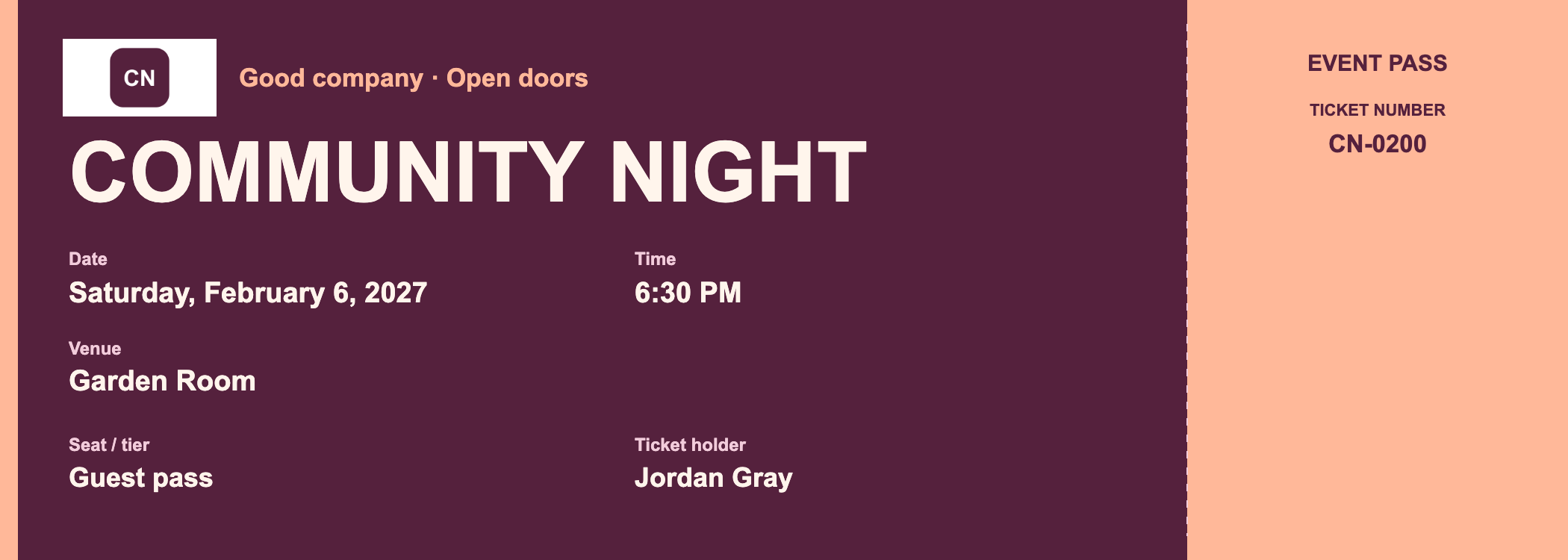
Event ticket designs can present the same essential information in three color themes. The concert theme uses a dark background, the conference theme pairs a light background with a blue stub, and the party theme uses warm colors. The examples below show editable event details and a separate numbered stub; enter your own details in the editor above.
Concert ticket

Original logo → ticket design
Event details: NIGHT LIGHTS · Sat, December 12, 2026 · Riverside Hall · NL-0001 · Barcode
Conference ticket

Original logo → ticket design
Event details: STUDIO SESSIONS · Friday, January 15, 2027 · Workshop Hall · SS-0100 · QR code

Party ticket

Original logo → ticket design
Event details: COMMUNITY NIGHT · Saturday, February 6, 2027 · Garden Room · CN-0200 · No code
Is this event ticket generator free online?
Event Ticket Generator is free to edit, preview and download, without registration. PNG exports contain the current first ticket at 2100 × 750 pixels. PDF exports contain 1–100 numbered tickets in your chosen layout. Neither format adds a watermark or uses credits, and there is no daily export allowance to unlock. Other paid image tools on the site are separate from this ticket maker.
How do I add a logo and barcode to an event ticket?
Event Ticket Generator accepts a JPG, PNG or WebP logo from your device and places it beside the event details. Select Code 128 to encode the ticket serial number as a black barcode on a white background. Set the prefix and starting number before exporting: every ticket in a PDF gets the next serial number and its matching barcode. Check a printed copy with the scanner you plan to use.
The QR option encodes your link or text instead of the serial number. Every ticket in the same PDF uses that same QR content, even while the printed ticket numbers increase. Choose a unique-code ticketing system if your event needs a different check-in link for each attendee.
Can I export event tickets as a printable PDF?
Event Ticket Generator exports a PDF with one 7 × 2.5 inch ticket per page, or four tickets on each A4 or Letter sheet with cut lines. Choose 1–100 copies and a starting number; ticket numbers increase throughout the file. Print at actual size or 100% to preserve the ticket dimensions, and check your printer margins before printing the full set.
Free downloads and credits
Event Ticket Generator charges $0 for previews, PNG downloads and PDF downloads. The ticket maker requires 0 credits and no account, including when you add a logo or a code. A single PDF can contain up to 100 numbered tickets; download another file if you need a larger batch. The export limits below describe this tool, separately from the site's paid image-generation plans.
| Action | Price / credits | Output |
|---|---|---|
| Edit and preview | $0 / 0 credits | Event text, optional logo, QR code or Code 128 barcode |
| Download PNG | $0 / 0 credits | First ticket only · 2100 × 750 pixels |
| Download PDF | $0 / 0 credits | 1–100 numbered tickets · single ticket, A4 or Letter · four per sheet with cut lines |
All ticket exports are watermark-free. No registration or paid plan is required, and repeat exports remain free.
What this ticket maker cannot do
Event Ticket Generator creates ticket designs; it does not sell tickets, take payments, maintain an attendee list or validate entry. A printed number or code is not proof of purchase and does not prevent copying. The tool cannot create an official ticket for another organizer or connect its barcode to a ticketing platform. Use your event's ticketing service for payment and check-in records.
QR content is limited to 200 UTF-8 bytes. Code 128 serials use supported ASCII characters and a maximum of 20 characters. Keep codes at a readable printed size, and test the exported file with your intended scanner; scanner compatibility and access control are separate from drawing a code on the ticket.
Event ticket generator FAQ
Event Ticket Generator works as a browser tool, with editable text and a local logo file rather than an image-generation prompt. The questions below cover using the editor on a phone, how the design is produced and what happens to the files you select. Export sizes, numbered PDFs and code behavior are described in the sections above.
Do I need an event ticket generator app?
Event Ticket Generator runs in a desktop or mobile browser; no app installation is required. Use your browser's download or share options to save the PNG or PDF. Available print options depend on your phone, browser and printer.
Is this an AI event ticket generator?
Event Ticket Generator uses preset layouts and the exact text you enter. The tool does not call an AI model or generate new artwork from a prompt. Choose a design and edit the event fields directly when names, dates and numbers need to stay under your control.
Does the ticket maker upload my logo or event details?
Event Ticket Generator handles the selected logo, event fields and exports in your browser. The ticket editor does not upload those files or details to a generation service. Downloaded tickets remain on the device where you save them.
Related design tools: Business card generator · Twitch banner maker