
Twitch Banner Maker — Profile and Offline Banners
Twitch banner maker by ThumbBlox turns your photo or description into a profile or offline banner, with editable channel names and free PNG downloads.
Example preview
1200 × 480 PNG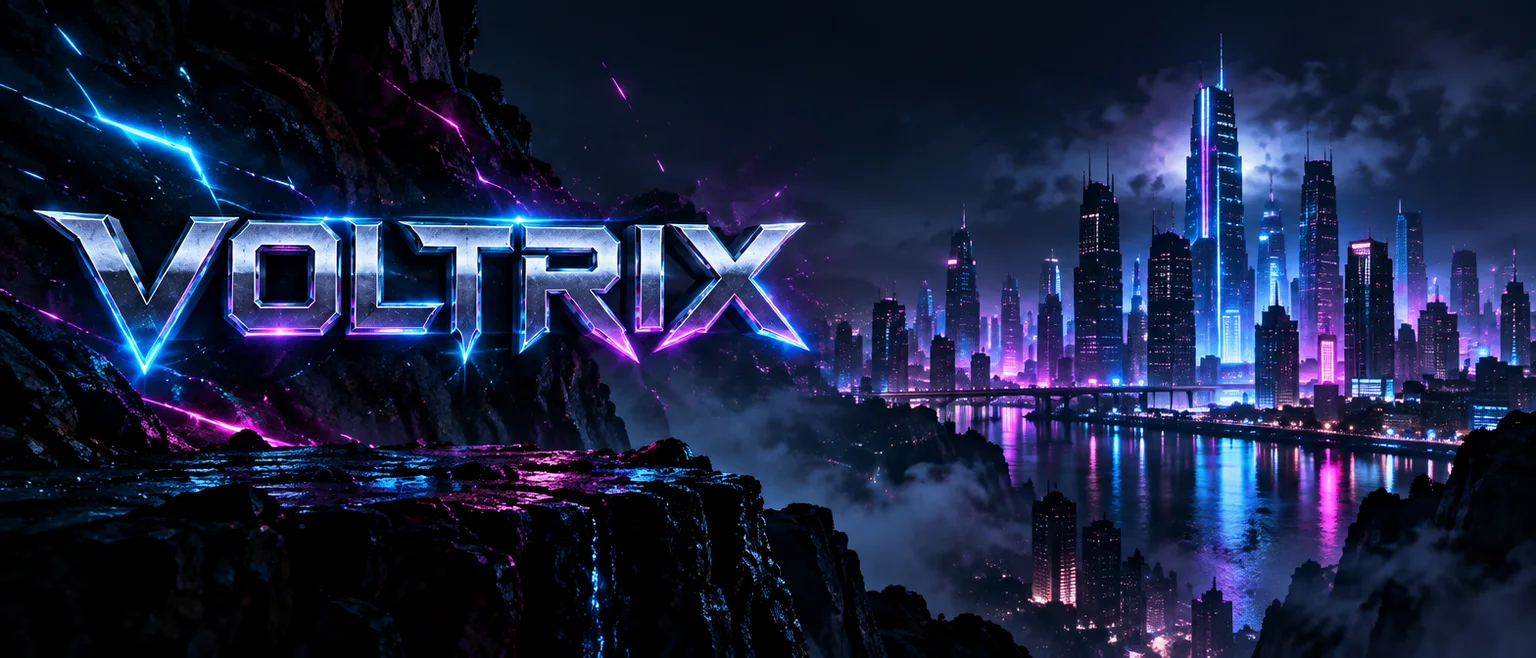
The preview guide is approximate, not an official safe zone, and stays out of the PNG. Keep essential profile graphics toward the left, away from the outer edge, then check your channel after uploading.
This Twitch banner maker helps streamers turn artwork into a 1200×480 profile banner or a 1920×1080 offline image. Crop a photo, add your channel name and download a PNG for free without an account or added watermark. AI generates one new background with credits and requires sign-in; packs start at $2.99, with 0 free signup credits. You can edit the crop and lettering before downloading.
How the Twitch banner maker works
Upload a photo when you want to keep the original artwork, or choose an AI background for a new scene. Select Profile or Offline before adjusting the crop. Add your channel name in the separate title field, check the preview and download one PNG. Changing the crop or lettering does not require another AI generation.
- Upload a JPG, PNG or WebP, or choose an AI background style. Select Profile or Offline.
- For AI, choose a working resolution and generate one background. Choose Crop a photo to preserve the uploaded artwork.
- Adjust the crop, add an optional channel name or offline message and download the PNG. Upload it to the matching Twitch banner setting.
Twitch banner examples: artwork to finished PNG
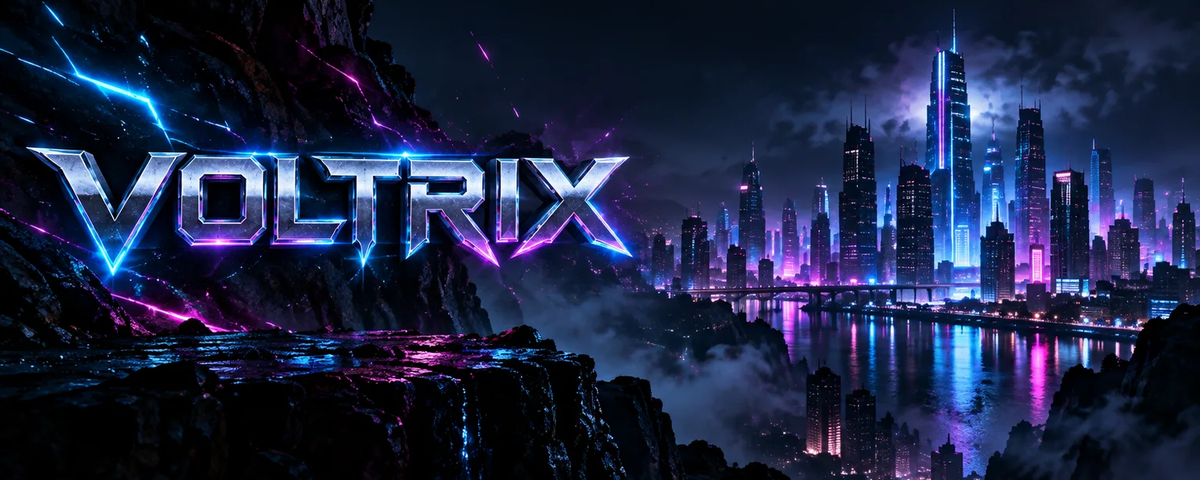
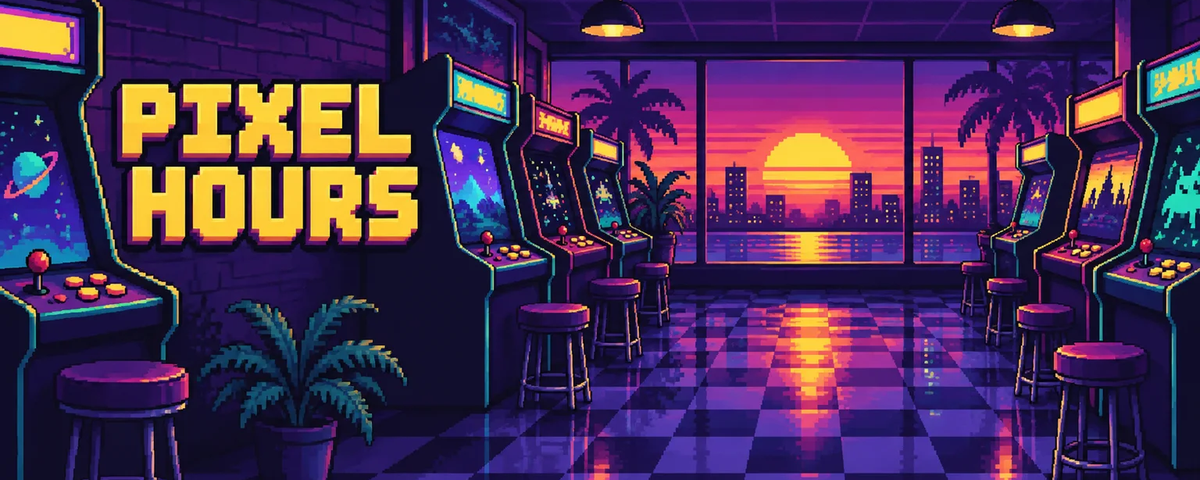
These three pairs show existing artwork and a finished profile banner layout from the free editor. Compare the full image with its 1200×480 crop to see which details remain visible. Your download contains the selected crop and title, while preview guides stay out of the file. A wide starting image leaves more room for a channel name than a narrow portrait.
Neon gaming channel
Starting artwork
Profile banner layout
Cozy streaming channel
Starting artwork
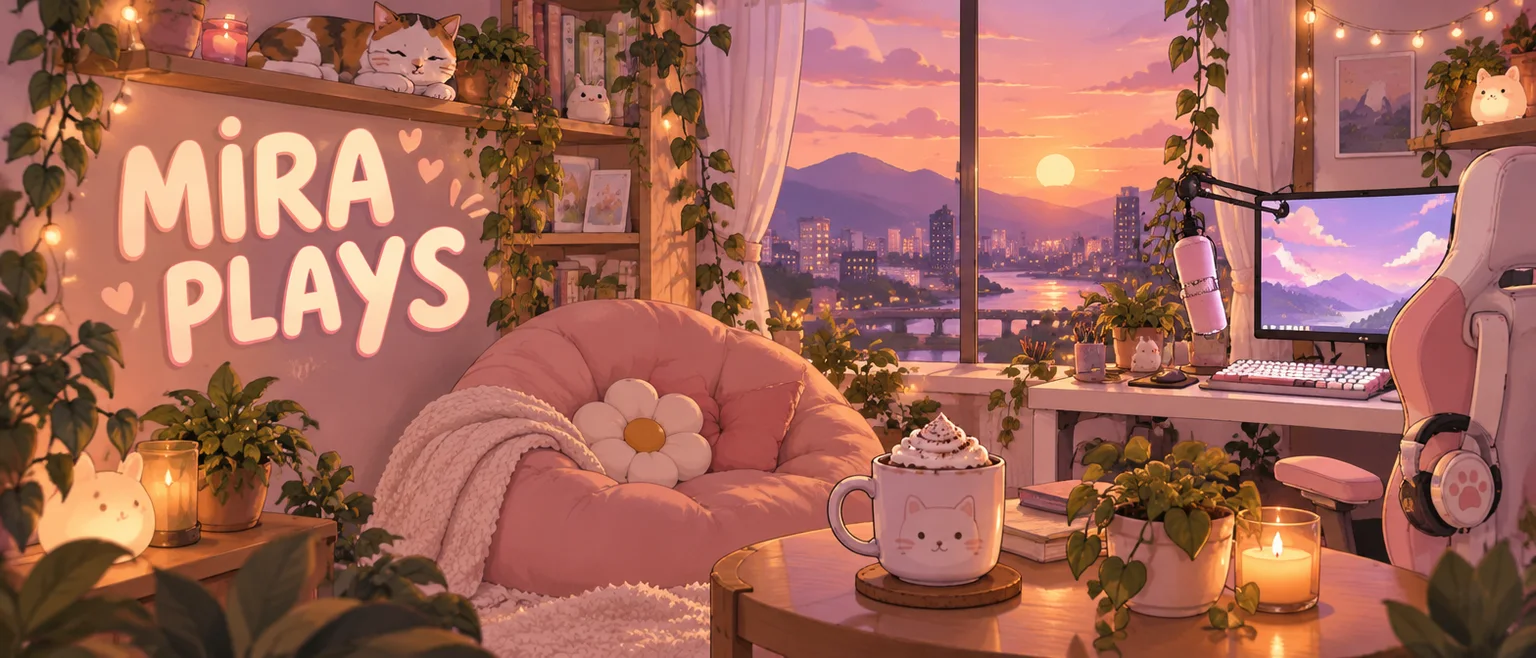
Profile banner layout
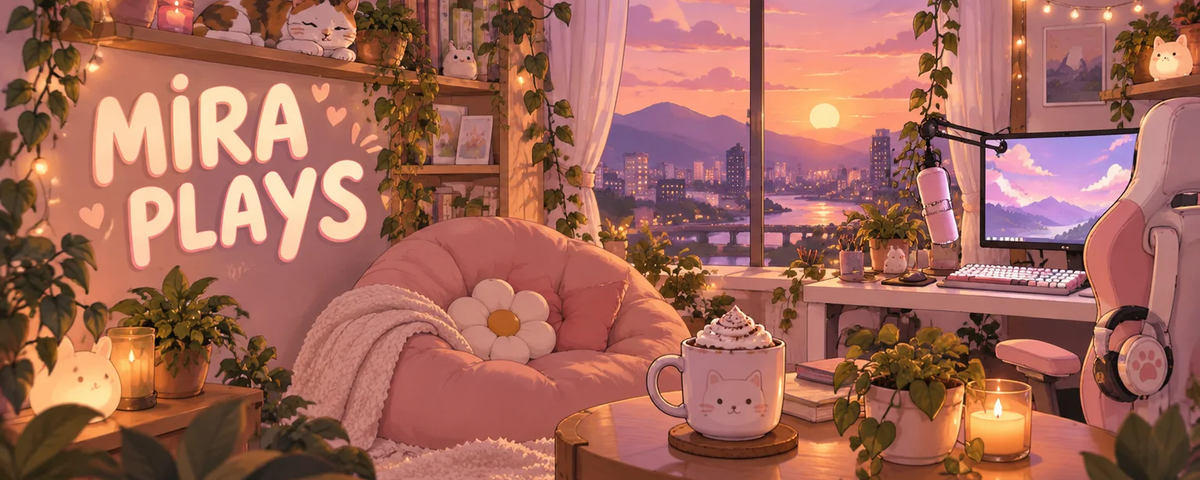
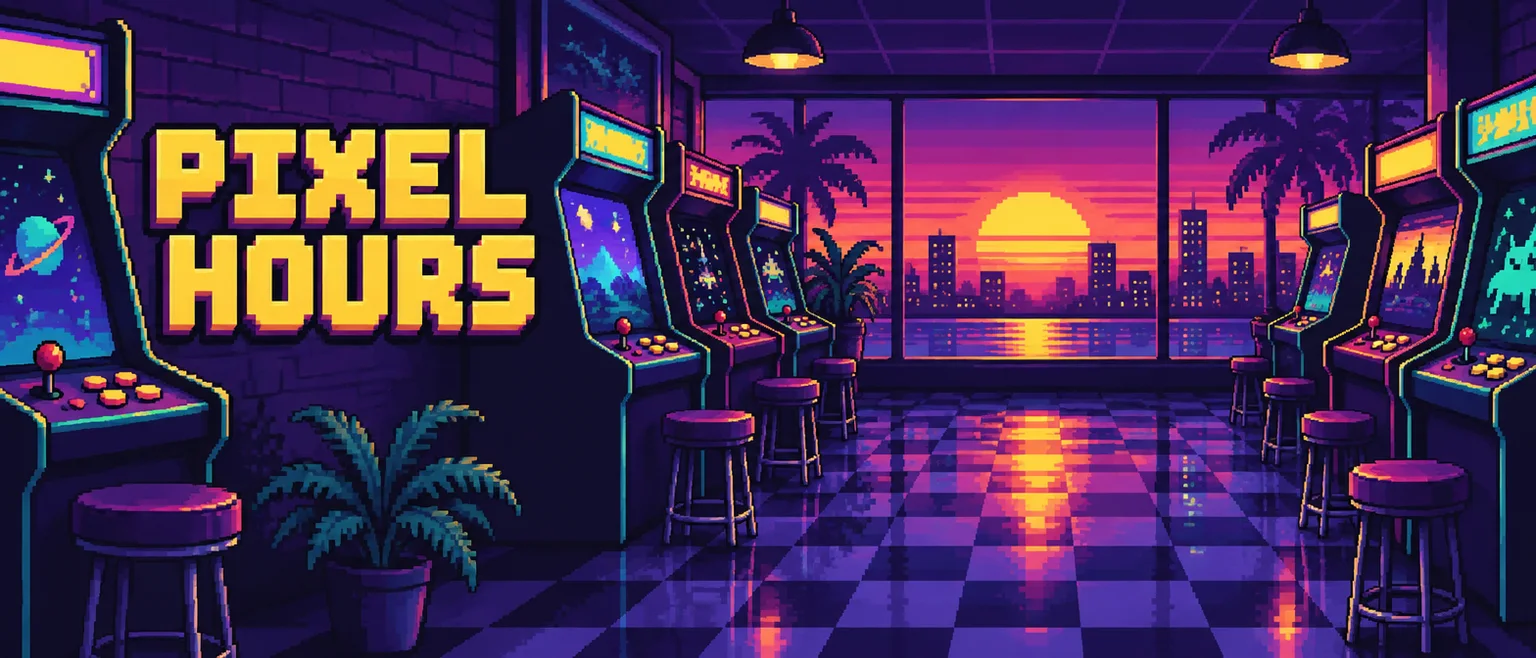
Pixel gaming channel
Starting artwork
Profile banner layout
Is there a free Twitch banner maker without a watermark?
The Twitch banner maker’s photo editor is free to use and download. Choose Crop a photo to resize your artwork, add a channel name and save a PNG for $0. You do not need an account or a card, and the editor adds no watermark. AI background generation is a separate option that requires sign-in and credits; free cropping does not include free AI images.
What Twitch banner size should I use?
Use 1200×480 pixels for a Twitch profile banner, a 5:2 image across your channel page. Twitch recommends concentrating profile graphics toward the left because the image scales with the browser. Choose 1920×1080, or 16:9, for a static offline image in the video player; this is a common working format rather than a fixed Twitch requirement. Check both uploads on different screens.
| Banner placement | Export dimensions | Composition guide |
|---|---|---|
| Profile | 1200 × 480 PNG | 5:2 profile header; keep essential graphics toward the left and check browser-dependent scaling. |
| Offline | 1920 × 1080 PNG | 16:9 offline image; leave central room for a readable channel name or message. |
Channel setup reference checked 2026-11-16: Twitch Channel Page Setup
How do AI Twitch banner prompts keep names readable?
An AI Twitch banner prompt describes the scene, colors and subject placement. The generator creates one background without lettering; you add the exact channel name or offline message in the separate title field. This keeps spelling editable without another generation. A reference photo can guide the subject and colors, but AI may still change a mascot, face or small details.
A dark gaming room with purple and teal neon light, a monitor and headset toward the right. Keep the central band calm for an editable channel name and keep important details away from the edges. No lettering or logos.
Twitch banner pricing and credits
Photo cropping, channel-name editing and the final PNG download are free. AI background generation requires sign-in and uses the credits shown before you generate. One 1K image costs 9 credits without a photo or 13 with one; 2K costs 18 or 21. Working resolution changes the AI source image, while export uses your selected profile or offline dimensions.
| Editing option | Price / allowance | Download / watermark |
|---|---|---|
| Crop and title | $0 · no account or card | PNG · no added watermark |
| AI credit packs | From $2.99 for 10 credits · 0 free signup credits | PNG · no added watermark |
| AI working resolution | No reference photo | One reference photo |
|---|---|---|
| 1K | 9 credits · ≈$0.08 | 13 credits · ≈$0.11 |
| 2K | 18 credits · ≈$0.15 | 21 credits · ≈$0.18 |
Dollar equivalents use the $50.00 / 6000-credit Studio pack, rounded to cents; images are not sold individually at those amounts. A credit pack is a separate purchase. Both working resolutions export the chosen banner dimensions.
The $2.99 / 10-credit pack covers one 1K request without a photo. The $5.00 / 50-credit pack covers every AI option shown here.
View credit packsWhat this Twitch banner maker cannot do
A portrait or a face near the edge may lose detail when cropped into a wide profile banner. AI can change faces, mascots and logos; use the free photo cropper when exact appearance matters. Offline exports are 1920×1080, but a smaller 1K source may be enlarged, so choose 2K for more source detail. This page does not create animation, edit live streams or remove existing watermarks.
Twitch banner maker FAQ
These answers cover phone use, where to upload your file, static exports and photo handling. Keep your original image so you can make another crop later. Preview the downloaded PNG on your channel because Twitch may display it differently across screens, and use artwork you have permission to edit.
Can I make a Twitch banner on my phone?
Yes. Open this page in a modern phone browser, choose your image, adjust the crop and download the PNG. No app installation is needed. The saved file is normally in your phone’s files or downloads.
How do I set my profile or offline banner on Twitch?
In Twitch Creator Dashboard, open Settings, Channel, then Brand. Under Profile Banner, choose Update for your profile header. Use Video Player Banner for the static image shown when you are offline. These are separate uploads; follow Twitch’s Channel Page Setup help article if the settings move.
Does this Twitch banner maker export animated GIFs?
No. This page exports one static PNG. It does not turn a photo into animation, convert a video to GIF or export a moving stream overlay.
Where does my photo go when I make a banner?
Crop a photo reads the image in your browser without uploading it for editing. AI generation uploads the reference to site storage and sends it to the image provider. Stored images can be accessed through their direct links; do not upload sensitive photos.