
Kling Image 4.0 — Covers, Posters and Banners With Readable Text
Kling Image 4.0 on ThumbBlox turns a written brief and up to four optional reference photos into one 2K or 4K image, 16:9 by default for covers.
Kling Image 4.0 generator
Quote every word that should appear and say where it goes. 0 / 2000
Reference images (optional)
Up to 4 PNG, JPEG or WebP photos, 300 px or more a side, no wider than 5:2. Write "image 1", "image 2" in upload order.
Model
Resolution
Aspect ratio
Example result
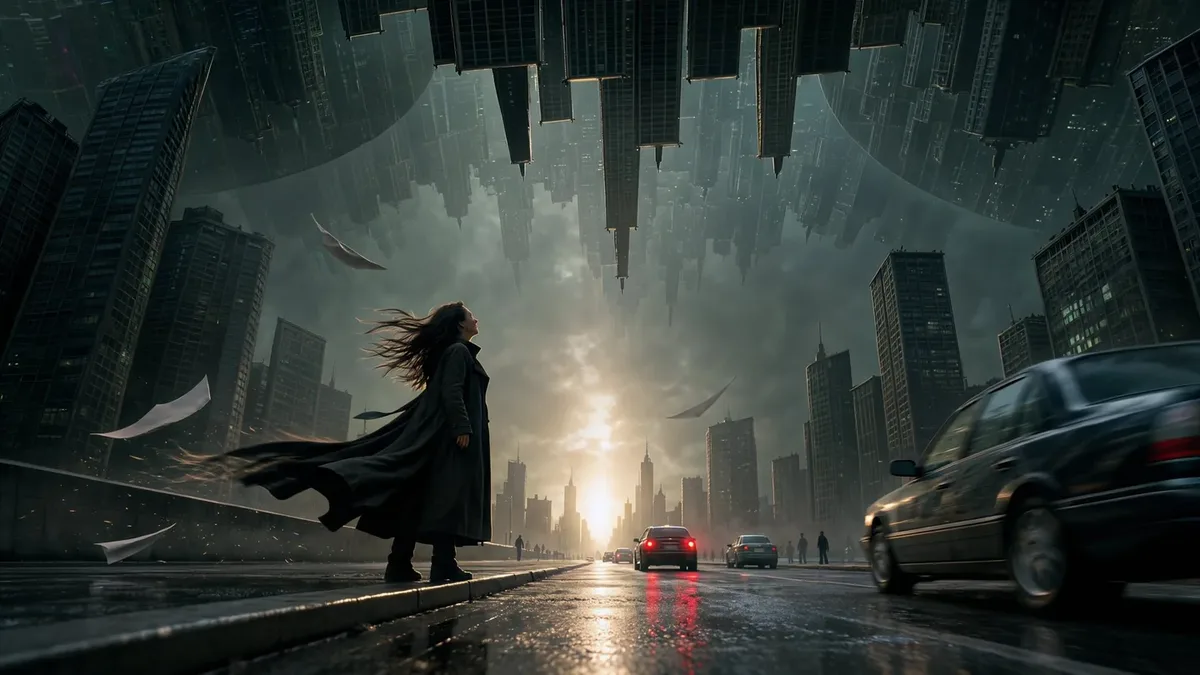
Example: a pencil sketch turned into a rainy film frame at 16:9. Your image appears here; results vary with the prompt and photos.
Results are kept in your account and never shown in the public gallery; like any stored file, a result opens for anyone who has its direct link. Uploaded reference photos are stored the same way so the model can read them.
Kling Image 4.0 on ThumbBlox is for creators who need a cover, banner or poster where the words matter. ThumbBlox is an independent site that runs the model through an API, so no Kling account is needed. A 2K image costs 18 credits (about $0.15), 4K costs 26 (about $0.22) and each reference photo adds 1; new accounts start with no free credits, so the first run needs the $5.00 pack. We add no watermark, and failed runs return credits.
How to use Kling Image 4.0 on ThumbBlox
Three steps in any browser, no app and no Kling account.
- 01
Write the brief
Describe the scene, then put every word that should appear in quotation marks and say where it sits: headline on the left, caption at the bottom. Or load a sample prompt and change it.
- 02
Add references if you have them
Upload up to four photos: a product, a face, an outfit board or a sketch. They are numbered in upload order, so you can write "use the pot from image 1".
- 03
Pick 2K or 4K and a ratio
16:9 suits thumbnails and banners, 9:16 suits Shorts and stories, 2:3 and 3:4 suit posters. Generate, then download the PNG.
Kling Image 4.0 examples: brief and references in, image out
One text-only layout and three reference edits. Each card has a prompt idea written for that picture; load it into the generator and change the words. Results vary with the prompt and photos.
Reference
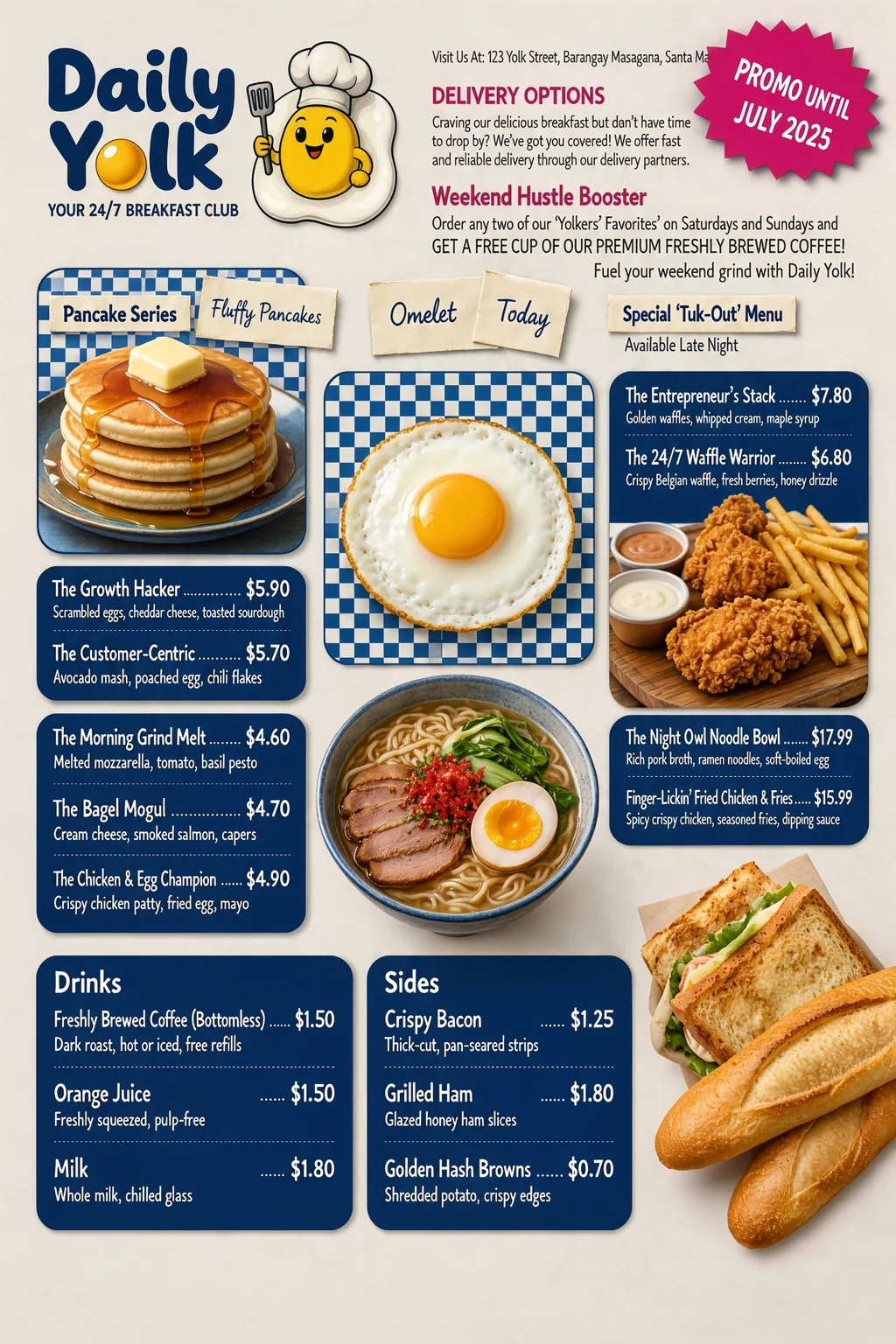
Output · 2:3
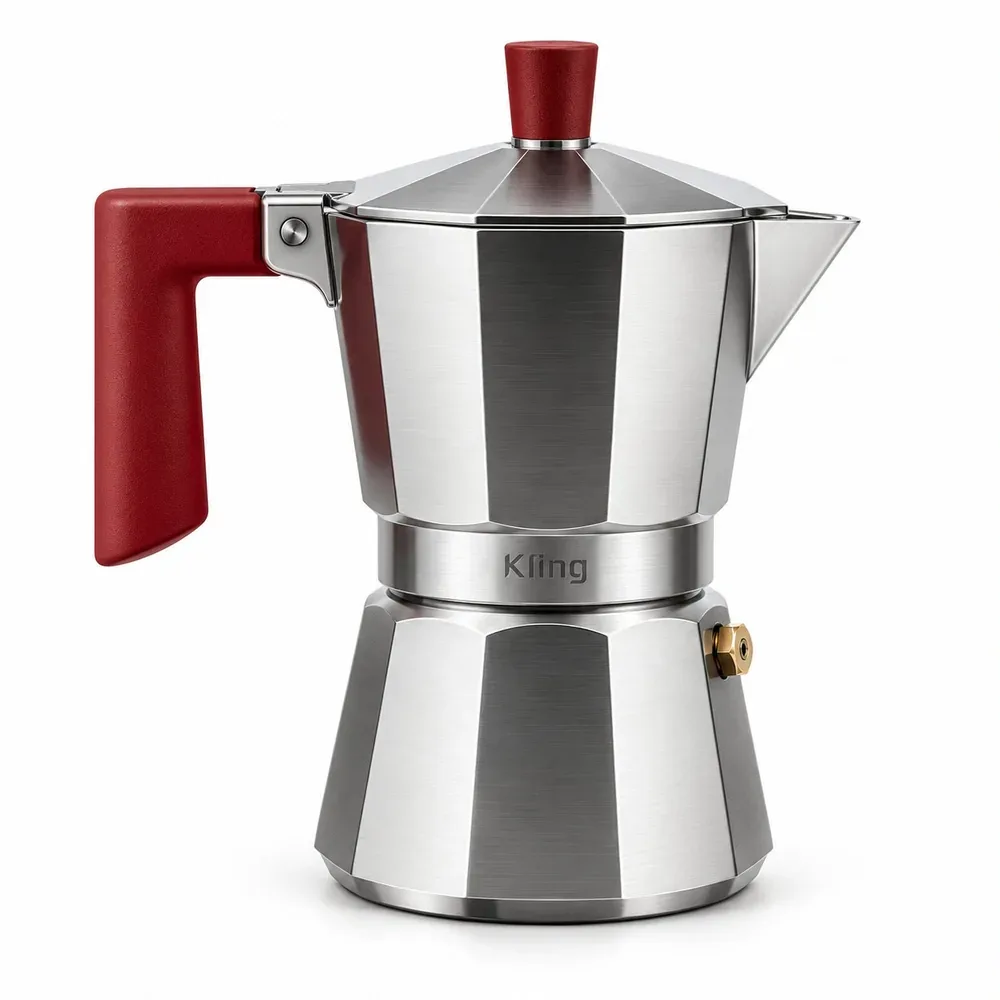
Reference

Output · 9:16
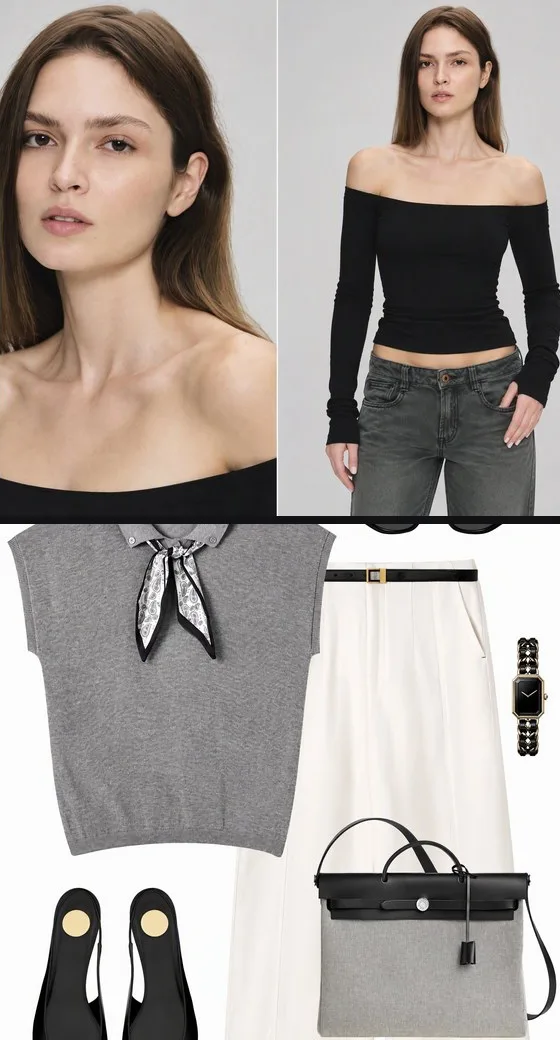
Reference
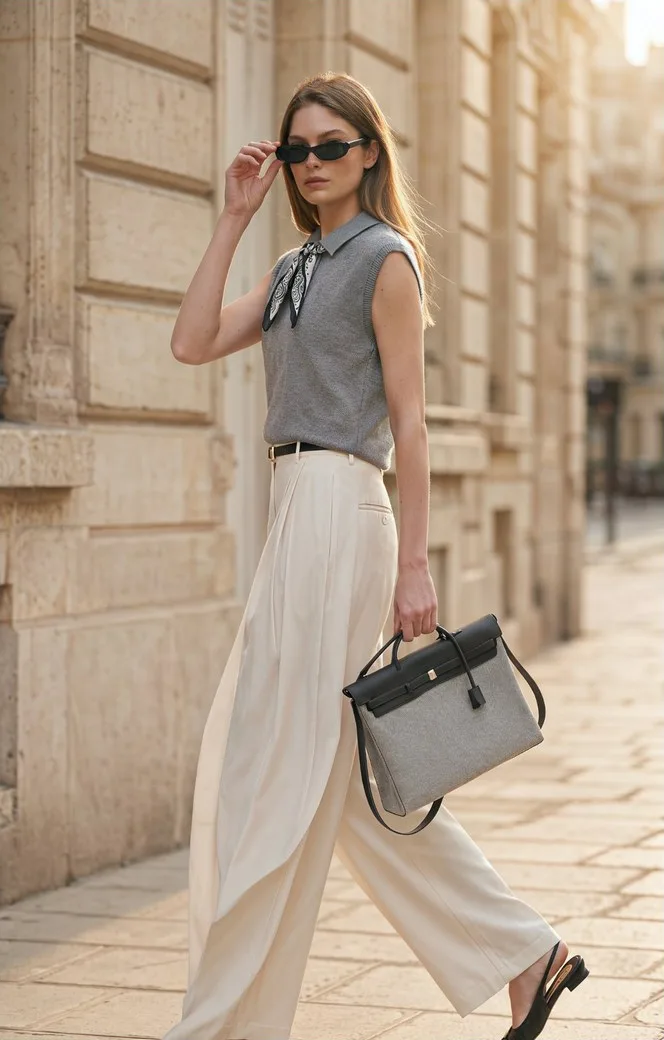
Output · 9:16
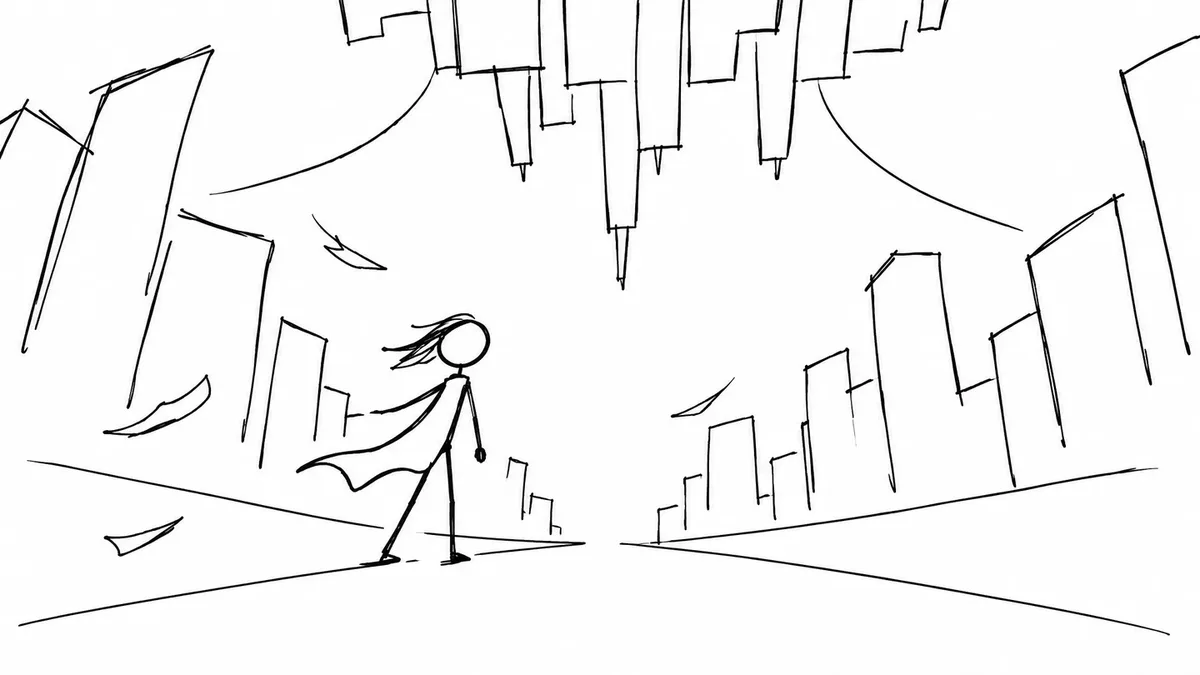
Reference
Output · 16:9
Is Kling Image 4.0 an image generator or a Kling video model?
Kling Image 4.0 is an image generator. Kuaishou's Kling team released it in November 2026 as a still-image model for text-to-image and reference-image pictures, and it does not make clips. The Kling 4.0 video models are separate products, which is why searches for "kling 4 0 ai" mix the two. This page runs only the image model; the PNG it returns can be used later as a start frame in a video tool.
Can Kling Image 4.0 edit your own photos?
Kling Image 4.0 edits your photos through references, not as a pixel editor. Upload up to four photos here (Kling's own app accepts ten), then say in the brief what should stay and what should change: a new background for a product, a sketch restyled into a film frame, a flat-lay outfit put on a model. The model draws a new picture every time, so small details can shift, and there are no masks, layers or one-click effect filters.
Tips that help: refer to photos by number ("the logo from image 2"), ask for one change per run, and quote any text exactly as it should read.
Is there a Kling Image 4 APK or download?
Kling Image 4.0 has no separate app or APK. Kling AI lists one app, Kling AI on the App Store and Google Play, that includes its image models, and the model is also offered on websites like this one (checked 2026-11-19). On ThumbBlox nothing is installed: the generator runs in a phone or desktop browser and the result downloads as a PNG. Be careful with sites that offer a standalone "Kling Image 4 APK" file.
Kling Image 4.0 pricing and credits
Each run on this page makes one image and costs the same on every ratio. Dollar amounts use our lowest per-credit rate ($0.0083 per credit in the largest pack); the smallest pack that covers a 2K image is $5.00 for 50 credits, enough for 2 images at 2K.
| What you do | Cost | Notes |
|---|---|---|
| 2K image, no reference | 18 credits · ~$0.15 | Sign-in required; credits return if the run fails |
| 2K image with 4 references | 22 credits · ~$0.18 | Sign-in required; credits return if the run fails |
| 4K image, no reference | 26 credits · ~$0.22 | Sign-in required; credits return if the run fails |
| 4K image with 4 references | 30 credits · ~$0.25 | Sign-in required; credits return if the run fails |
| Smallest pack for a 2K image | $5.00 for 50 credits | One-time payment, no subscription |
| Credits for new accounts | 0 credits | Not enough for a run; the first image needs a pack |
| Download the PNG | Free | No added watermark |
What this Kling Image 4.0 tool can't do
Kling Image 4.0 on this page stops at 4K: native 8K exists only in Kling's own app, and the API we use offers 2K and 4K, which is already larger than a YouTube thumbnail (1280×720) or a channel banner (2560×1440) needs. No image sets, long product images or several images per run; one image each time, with up to four references. No masks, layers or editable text: the words are part of the picture, so fix a typo by running again. Text is often right but not always, so proofread names, prices and dates. Faces and logos from references can change, and photos of celebrities or of people who did not agree are not allowed.
Kling Image 4.0 FAQ
Is this the official Kling AI website?
No. ThumbBlox is an independent site that runs the model through an API provider. You don't need a Kling account; you sign in to ThumbBlox and pay with ThumbBlox credits. Kling AI's own website and app are separate and have their own plans.
Can I use Kling Image 4.0 for free?
Not for generating on this page: new accounts start with no free credits and a 2K image needs 18, so the first image takes the $5.00 pack (50 credits). Sample prompts, examples and downloading your own results cost nothing. On Kling AI's own app, watermark removal is a paid-membership feature and extra credits cost $1 per 66 (Kling credits policy, checked 2026-11-19).
Will the text in my Kling image be spelled correctly?
Often, when each line is short and in quotation marks. Kling says the model handles up to 2,000 characters of text in one image, but long paragraphs and tiny print still go wrong more often, and we have not tested every font. Proofread names, prices and dates before you post.
Can I use the images on a monetized channel or for clients?
You can use what you make under ThumbBlox's terms, and we add no watermark. You are responsible for the prompt and the uploads: don't copy logos, game characters or people you have no rights to, and check a client's brand rules before delivery.