
Roblox Rivals Thumbnail Maker — Your Avatar, Weapon and Title
Roblox Rivals thumbnail maker by ThumbBlox loads your Roblox avatar by username, sets it in a RIVALS-style arena under a bold title, and exports a 1280×720 YouTube cover.
1. Your Roblox avatar
Type your username, or upload an avatar image (JPG, PNG or WebP, up to 10 MB).
2. Choose a scene
Weapon in hand
Model
Working resolution
Shape: 16:9 · one image
Up to 32 characters. Drawn on top by the editor, never spelled by AI.
Your thumbnail preview
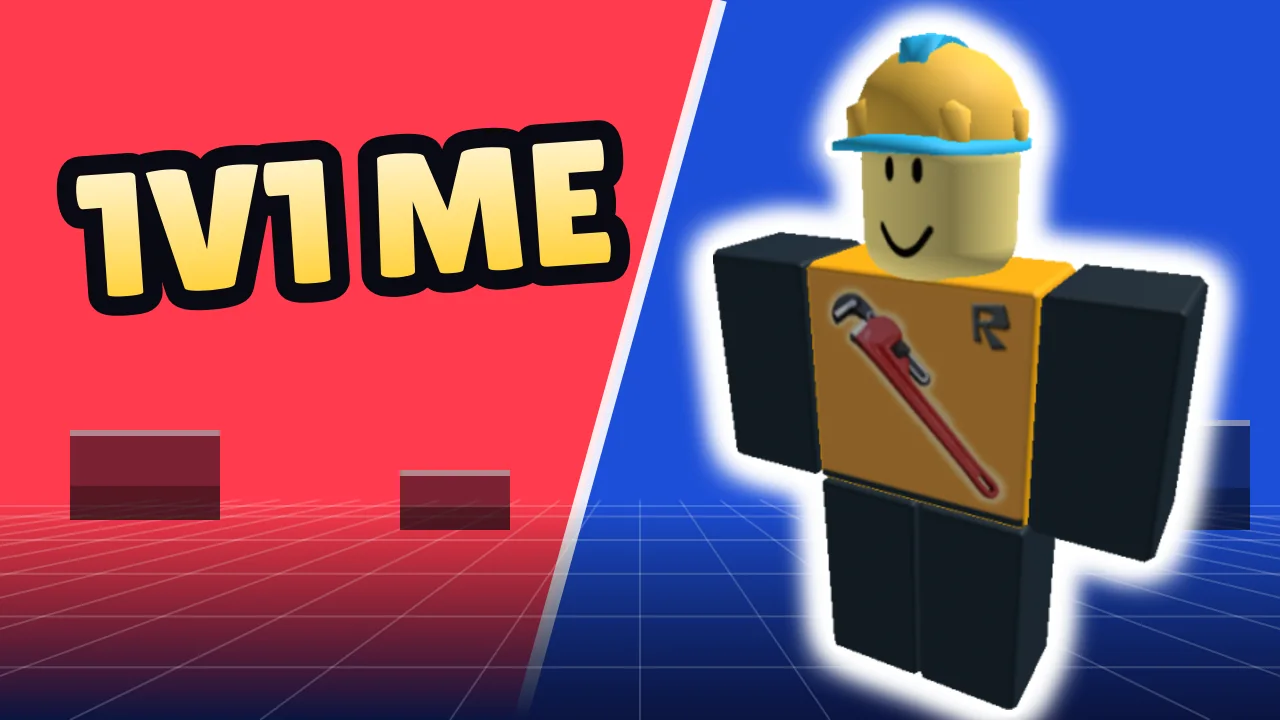
Load your avatar to start. This picture is a free template export, not an AI result.
AI may change your avatar's face, clothing details or weapon shape. Check them before publishing.
AI mode uploads your avatar (and any style image) as file links the model can read. Anyone with a link can open it. Paid-account results are unlisted by default; free-credit results may appear in the gallery. Template edits stay in this browser.
The Roblox Rivals thumbnail maker is for creators who post RIVALS duels, weapon reviews and clutch clips to YouTube or TikTok. The free template exports a 1280×720 image with no sign-in and no added watermark. AI arena scenes cost 14 credits at 1K, about $0.117 each at the largest pack's rate. New accounts currently get 0 credits. That does not cover one AI scene.
How the Roblox Rivals thumbnail maker works
The Roblox Rivals thumbnail maker works in three steps on a phone or a computer: load your avatar, choose a layout, then add a title and download. The free template draws everything in your browser. AI mode sends your avatar to the image model to paint a new arena scene, and the same title is added on top afterward.
- 01
Load your avatar
Type your Roblox username to pull your current full-body avatar, or upload an image of it. No password or cookie is needed.
- 02
Pick a layout
Choose 1v1 Duel, Weapon, Clutch or Live. In AI mode, also pick the weapon in hand, or choose Custom to describe your own scene.
- 03
Add a title and download
Type two to four words; the editor draws them in a thick outlined font. Download a 1280×720 file. Changing the title or downloading again costs nothing.
Roblox Rivals thumbnail template examples
Each pair shows a public Roblox avatar loaded by username and the free-template export of this page with a title added. No AI was used for these four, and the drawn arena is the same one you get in the editor. AI mode paints a different, new scene around your avatar instead.
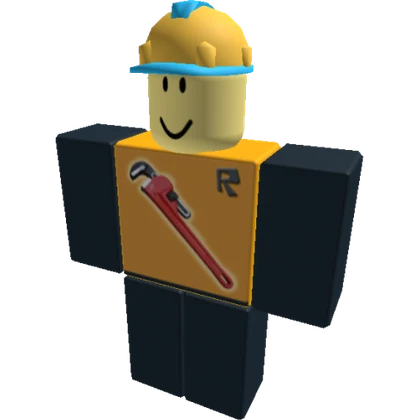
Avatar loaded by username
Free template export
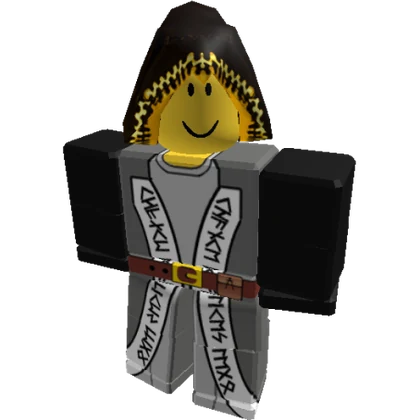
Avatar loaded by username
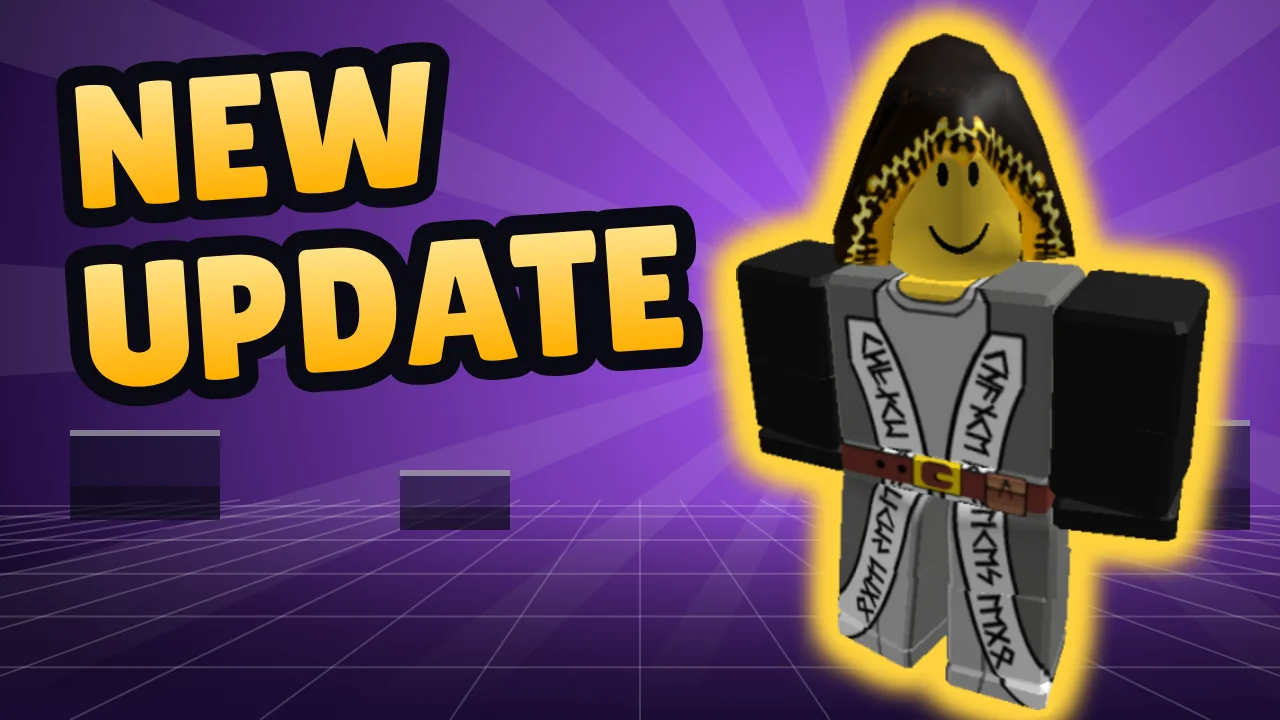
Free template export
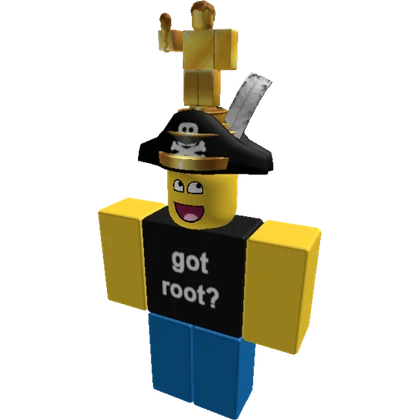
Avatar loaded by username
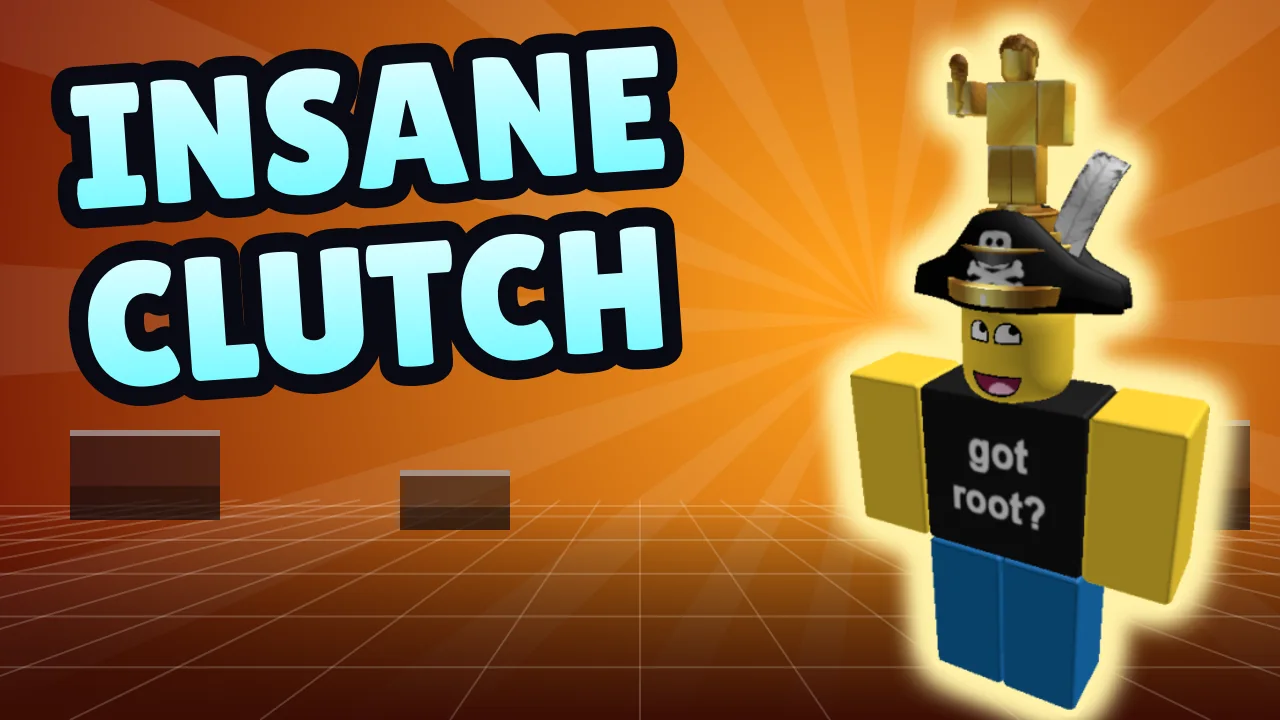
Free template export
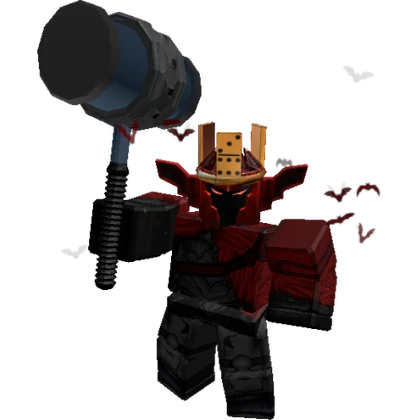
Avatar loaded by username
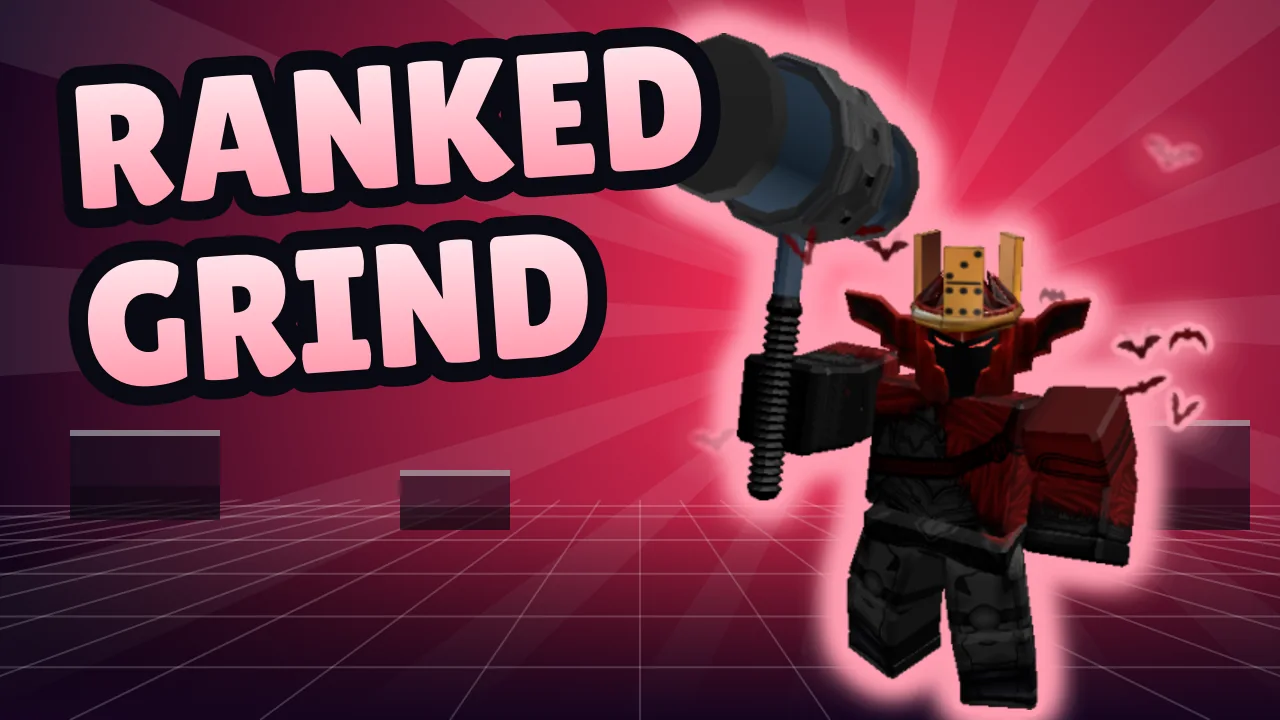
Free template export
Is there a free Roblox Rivals thumbnail template with no copyright?
Yes. The Roblox Rivals thumbnail maker includes four free templates (1v1 Duel, Weapon, Clutch and Live) that you fill with your avatar and title, then download as a 1280×720 image without signing in or a watermark. The arena backgrounds are original shapes drawn by this page, not game art or another creator's design, so there is nothing from a template seller to credit. Your avatar, the RIVALS name, maps and weapon skins still belong to their owners, so do not copy a famous creator's exact layout. There is no separate PSD or ZIP download.
What background works for a Roblox Rivals thumbnail?
A good Roblox Rivals thumbnail background is simple, bright and less detailed than your avatar, so the character and title still read at phone size. The free template draws an arena-style background with a perspective floor, cover blocks and light rays in four color sets. You can also upload a gameplay screenshot, which is cropped to 16:9 and dimmed slightly. Hide the HUD, crosshair and kill feed before you capture it, and keep busy map detail away from the left side, where the title sits.
What does “lost thumbnails rivals roblox” mean?
Lost thumbnails rivals roblox, often typed as lost thumbails, is a search phrase with two different meanings. Some searchers want thumbnails for their Roblox RIVALS videos, which is what this maker makes. Others are Roblox developers whose own experience thumbnail stopped showing; results for the phrase include Roblox Developer Forum threads about missing thumbnails. A thumbnail maker cannot fix that, so check the thumbnail settings for your experience in Roblox Creator Hub or ask on the forum.
Can the AI Roblox Rivals thumbnail generator use my avatar and weapon?
Yes. The AI Roblox Rivals thumbnail generator sends your avatar image to the model as a reference and adds the weapon you pick (RPG, Katana, Scythe, Sniper, Knife or Shotgun) to the prompt. The prompt asks the model to keep your blocky body, outfit colors and accessories and to paint a stylized arena; results vary with the model and the avatar image. The weapon is described in general terms, so a specific skin is not reproduced. Each scene costs 14 credits at 1K, and your title is drawn afterward, spelled exactly as you type it.
Making a thumbnail for your own Roblox experience rather than a RIVALS video? Use the Roblox thumbnail generator.
Roblox Rivals thumbnail pricing and credits
The Roblox Rivals thumbnail maker's free template and every download cost nothing. An AI arena scene costs 14 credits at 1K with one avatar image, about $0.117 at the largest pack's rate. For a new account, the smallest single purchase that covers a scene is $5.00 for 50 credits, enough for 3 default scenes, or $1.40 per default scene on that pack. Running AI again is a new charge; changing the title is not.
| Action | Credits / price | Access & output |
|---|---|---|
| Free template and title | 0 credits · $0 | No sign-in · 1280×720 download · no added watermark |
| AI scene · 1K · avatar only | 14 credits · ~$0.117 | Sign-in · one 16:9 image · 1280×720 download · no added watermark |
| AI scene · 1K · avatar + style image | 18 credits · ~$0.150 | Sign-in · one 16:9 image · 1280×720 download · no added watermark |
| AI scene · 2K · avatar only | 29 credits · ~$0.242 | Sign-in · one 16:9 image · 1280×720 download · no added watermark |
| AI scene · 2K · avatar + style image | 33 credits · ~$0.275 | Sign-in · one 16:9 image · 1280×720 download · no added watermark |
| Smallest pack that covers a scene | $5.00 / 50 credits | One-time purchase · enough for 3 default scenes |
| New account allowance | 0 credits | That does not cover one AI scene. |
What this Roblox Rivals thumbnail maker cannot do
The Roblox Rivals thumbnail maker cannot guarantee that AI keeps your avatar's exact face, layered clothing, accessories or a specific weapon skin, and it may add details; check before publishing. The free template does not remove backgrounds from photos, so use a username or a transparent avatar PNG for a clean cut-out. There are no official RIVALS maps, weapon models, logos or PSD packs, no animated or 9:16 covers, and no fix for a missing thumbnail on your own Roblox experience. Banned accounts and avatars Roblox has not rendered may not load.
Roblox Rivals thumbnail FAQ
What size is a Roblox Rivals thumbnail for YouTube?
A Roblox Rivals thumbnail for YouTube uses YouTube's normal custom thumbnail rules: 1280×720 pixels at 16:9, under 2 MB, as JPG, PNG or GIF. This maker always downloads 1280×720 and saves a JPG instead of a PNG when the PNG would pass 2 MB.
Can I make a Roblox Rivals live thumbnail?
Yes. In the free template, the Live layout draws a red-and-dark arena with no LIVE badge or viewer count, so the same image still works for the replay; type your own title, for example RANKED GRIND. In AI mode, the Live prompt asks for a bright arena and tells the model not to add LIVE badges or viewer counts, but results vary, so check before you publish.
Can I put a knife in a free Rivals thumbnail template?
Not as a drawn object: the free Rivals thumbnail template places your avatar and title but does not draw weapons. To show a knife or any exact skin for free, capture a gameplay screenshot with it equipped and upload it as the background, or upload an avatar image that already holds it. In AI mode, picking Knife adds a general knife to the prompt for 14 credits at 1K; it is not a specific skin.
Do I need my Roblox password or cookie to load my avatar?
No. The Roblox Rivals thumbnail maker only asks for a username and reads the public full-body avatar image Roblox shows on profiles. Never paste your password or security cookie into a thumbnail site. Loading an avatar needs no account here; AI generation does.
This page is an independent tool, not affiliated with or endorsed by Roblox Corporation or Nosniy Games, the developer of RIVALS. Roblox is a trademark of Roblox Corporation.