
Discord Banner Maker — Profile & Server PNGs
Discord banner maker by ThumbBlox turns photos or descriptions into profile and server artwork, with free PNG cropping, editable names and optional AI backgrounds.
Example preview
680 × 240 PNG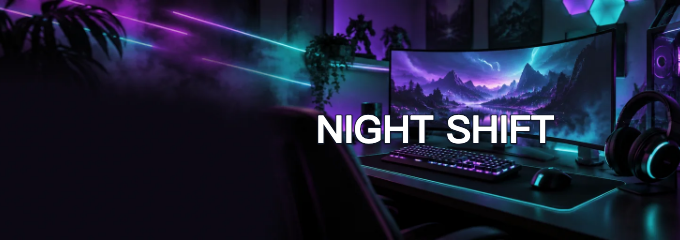
Preview guides approximate Discord’s avatar overlap and title area. Guides stay out of the downloaded PNG; check the result in Discord after uploading.
This Discord banner maker helps profile owners and server admins crop an image to 680×240 or 960×540, add a name and save a watermark-free PNG without an account. AI creates one background using credits and requires sign-in; packs start at $2.99, with 0 free signup credits. Preview the avatar overlap or server title area before downloading. This page exports static images.
How the Discord banner maker works
Start with a photo if you want to preserve the original artwork, or choose an AI background when you want a new scene. Select Profile or Server before adjusting the crop. Add your name in the title field, review the preview and download one PNG. You can change the crop and lettering without another AI generation.
- Upload a JPG, PNG or WebP, or choose an AI style. Select Profile or Server.
- For AI, choose the working resolution and generate one background. For a photo, use Crop a photo to keep the original artwork.
- Adjust the crop, type an optional name and download the PNG. Upload it through Discord’s profile or server settings.
Discord banner templates: crop and text examples
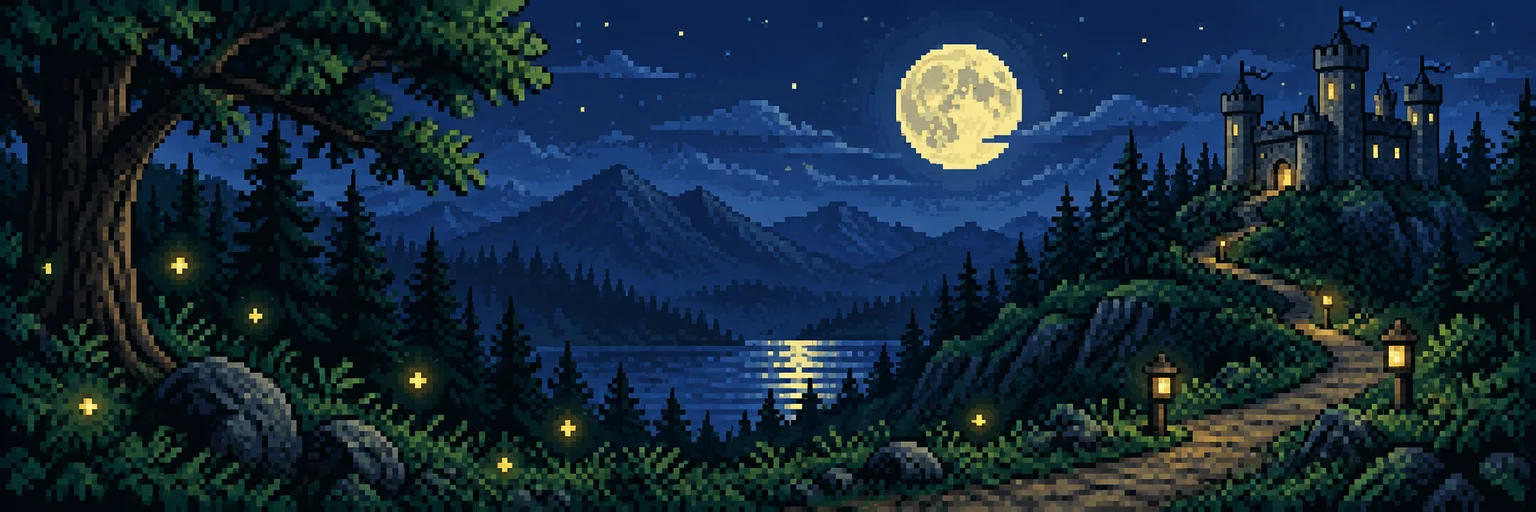
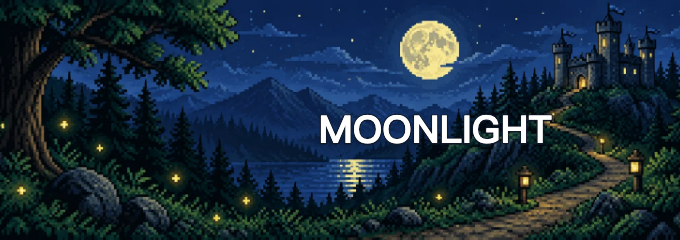
These three pairs show how existing artwork looks after cropping and adding a title in the free editor. Compare the whole image with its 680×240 profile layout, especially the space near the bottom-left avatar overlap. The downloaded PNG contains the artwork and your text; the preview guides stay out of the image. Start with a wide image when you want to retain more of the scene.
Neon gaming profile
Starting artwork
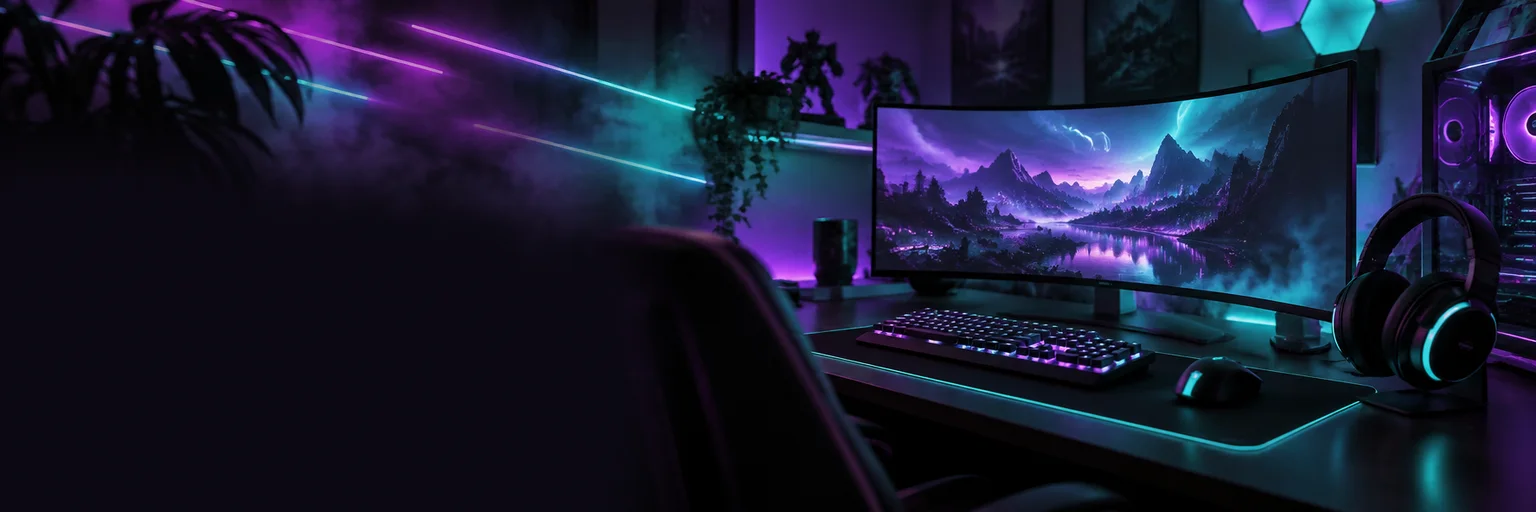
Crop + editable title
Anime sunset profile
Starting artwork
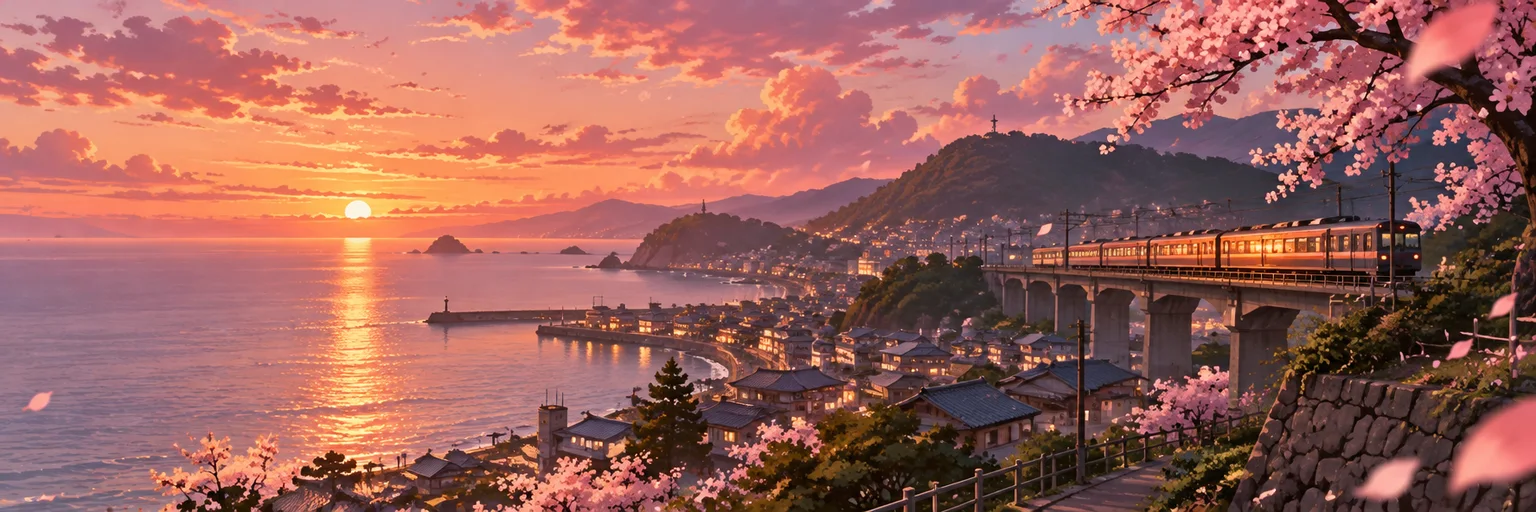
Crop + editable title
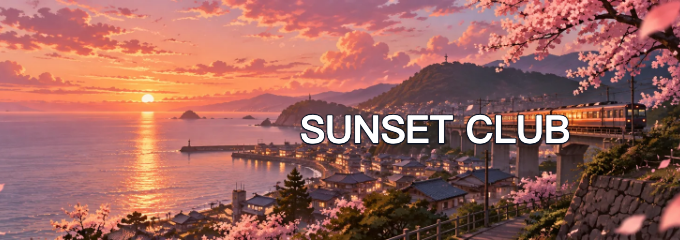
Pixel forest profile
Starting artwork
Crop + editable title
Is there a free Discord banner maker without a watermark?
The Discord banner maker’s photo editor is free. Choose Crop a photo to resize your own artwork, add a title and download a PNG for $0. You do not need to sign in or enter a card for that editor, and it adds no watermark. AI background generation is a separate credit-based option that requires an account. Creating the file here does not unlock Discord’s banner upload perks.
What size should a Discord profile or server banner be?
Discord profile banners use 680×240 here; server banners use 960×540. The profile shape is wider, and its lower-left area can sit behind the avatar. A server uses a 16:9 image above its channel list. Keep important details away from these overlays, and check the uploaded result because Discord’s display can vary by screen.
| Banner placement | Export dimensions | Composition guide |
|---|---|---|
| Profile | 680 × 240 PNG | Keep the lower-left quiet for the avatar; profile files must be under 10 MB. |
| Server | 960 × 540 PNG | Keep the top 48 pixels simple for the server title. |
Guidelines checked 2026-11-15: Discord profile banners · Discord server banners
How do AI Discord banner prompts and names work?
The AI Discord banner generator uses a style preset or your custom scene description to make one landscape background. The editor crops it to your selected shape. Add the exact username or server name in the separate title field instead of asking AI to draw it. The reference photo is optional, and AI may change faces or small details.
A dark gaming room with purple and teal neon light, a monitor and headset on the right. Keep the bottom-left calm for the profile avatar and the middle open for a title. No lettering or logos.
Discord banner pricing and credits
Photo cropping and title editing are free, including the final PNG download. AI generation requires sign-in and deducts the credits shown before you generate. A 1K background uses 9 credits without a photo or 13 with one; 2K uses 18 or 21. Working resolution changes the AI background, while the final export stays at your selected profile or server dimensions.
| Editing option | Price / allowance | Download / watermark |
|---|---|---|
| Crop and title | $0 · no account or card | PNG · no added watermark |
| AI credit packs | From $2.99 for 10 credits · 0 free signup credits | PNG · no added watermark |
| AI working resolution | No reference photo | One reference photo |
|---|---|---|
| 1K | 9 credits · ≈$0.08 | 13 credits · ≈$0.11 |
| 2K | 18 credits · ≈$0.15 | 21 credits · ≈$0.18 |
Dollar equivalents use the $50.00 / 6000-credit Studio pack, rounded to cents; images are not sold individually at those amounts. A credit pack is a separate purchase. Both working resolutions export the same chosen banner dimensions.
View credit packsWhen the crop or AI background can fall short
A narrow portrait or a group photo with faces at both edges can lose important details when cropped into a wide banner. AI may reinterpret faces, logos and small objects, so use the free cropper when their exact appearance matters. This editor does not animate GIFs, remove existing watermarks or unlock Discord perks. Check the final PNG’s size and crop before uploading.
Discord banner maker FAQ
These answers cover phone use, animation, Discord’s upload access and photo processing. The editor creates the image file; Discord decides whether your account or server can display a custom banner. Keep a copy of your original artwork so you can make another crop later, and use only images you have permission to edit.
Can I make a Discord banner on my phone?
Yes. Open this page in a modern phone browser, choose your image, adjust the crop and download the PNG. You do not need to install an app. Check the saved image in your phone’s files or downloads.
Does this Discord banner maker create animated GIFs?
No. This page exports one static PNG. It does not animate a photo, convert video to GIF or export a looping banner. Use a separate animation editor if you need a moving image.
Do I need Nitro or Server Boosts to use the banner?
Creating and downloading a file here does not require Nitro. Displaying a custom profile banner on Discord requires Nitro. Discord’s server banner feature is unlocked at Boost Level 2 for static images and Level 3 for animated banners; confirm the server’s current perks before uploading.
Where does my photo go when I make a banner?
In Crop a photo, the image is read in your browser and is not uploaded for editing. AI generation uploads the reference to site storage and sends it to the image provider. Stored images can be accessed by their direct links; do not upload sensitive photos.