
Resize Image for Roblox — Exact T-Shirt, Icon and Thumbnail Sizes
Resize image for Roblox with ThumbBlox: pick a T-shirt, shirt, icon, badge, pass or thumbnail preset and download a PNG at the exact pixel size Roblox expects.
Your picture
Nothing is uploaded unless you use AI fill.
What is it for?
Resize mode
The whole picture stays visible; the empty space is filled.
Fill the empty space with
File type
PNG keeps transparency.
ThumbBlox's Roblox image resizer is for players and creators preparing classic T-shirts, shirt and pants templates, game icons, badges, passes and 1920×1080 thumbnails. Resizing runs in your browser for free, with no sign-up, no watermark and no upload, and PNG downloads keep transparent backgrounds. When a picture's shape doesn't match, the optional AI fill asks the model to paint the empty space for 20 credits (square) or 14 credits (16:9), and results vary by picture.
Updated 2026-11-10
How to resize an image for Roblox in 4 steps
- 1. Upload a PNG, JPG, WebP, GIF or BMP picture up to 20 MB; it opens in your browser.
- 2. Pick what it is for: T-shirt, shirt / pants template, game icon, thumbnail, badge or game pass.
- 3. Choose Fit, Crop or Stretch, then drag or zoom to place the picture.
- 4. Download the PNG or JPG at the exact size and upload it in Creator Dashboard or Studio.
Roblox image resizer examples
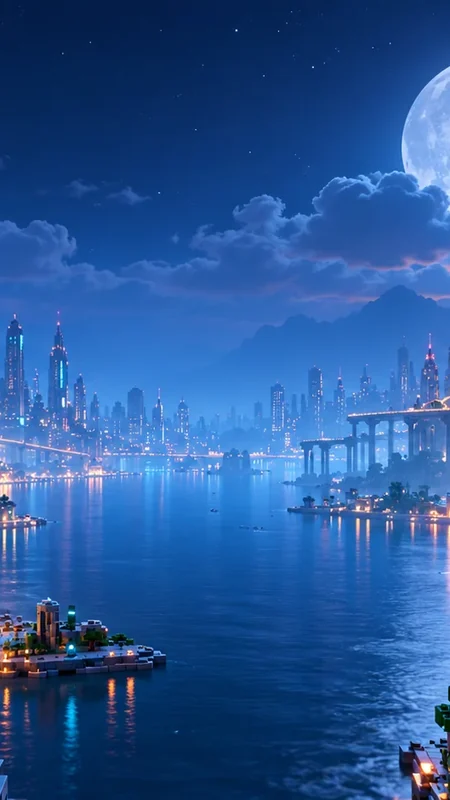
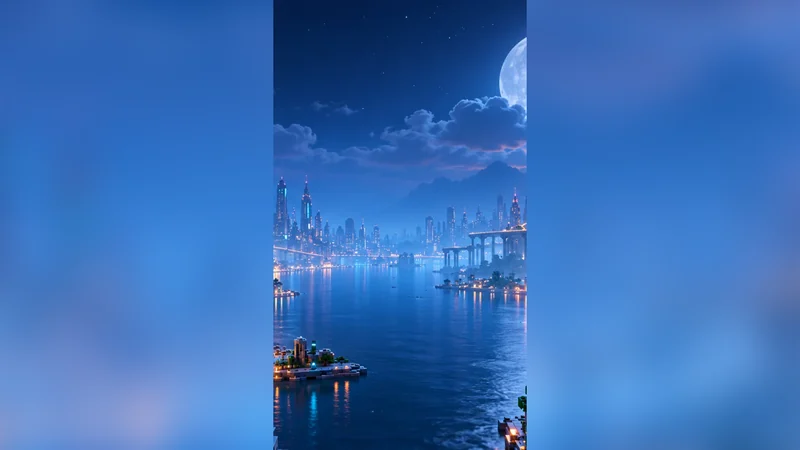
Each pair below was exported from the free modes on this page: the original on the left, the downloaded file on the right. The checkerboard marks transparent areas.
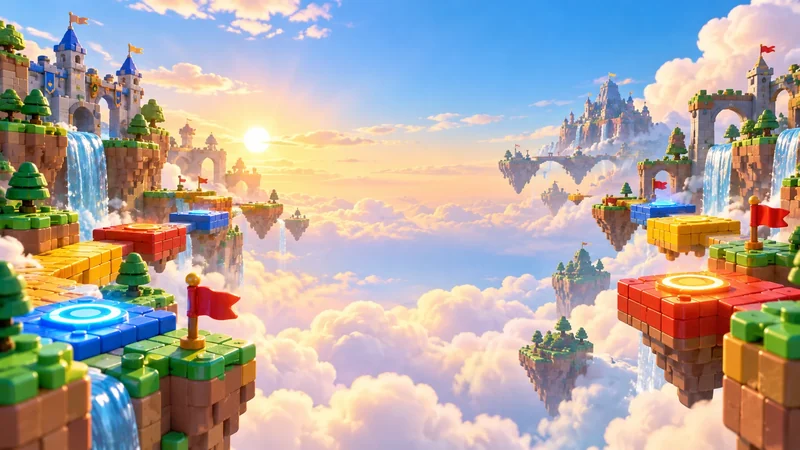
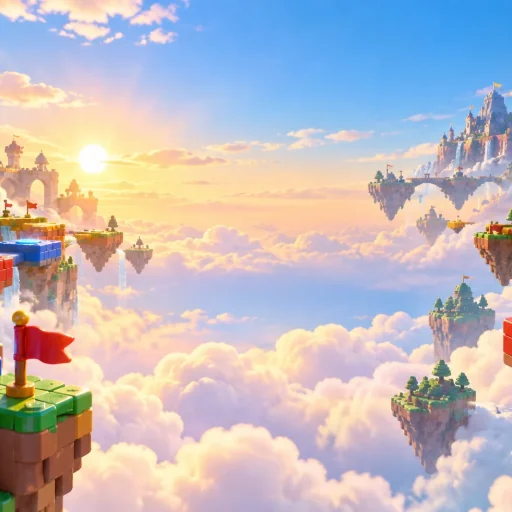
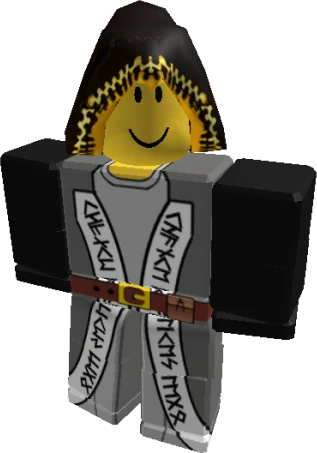
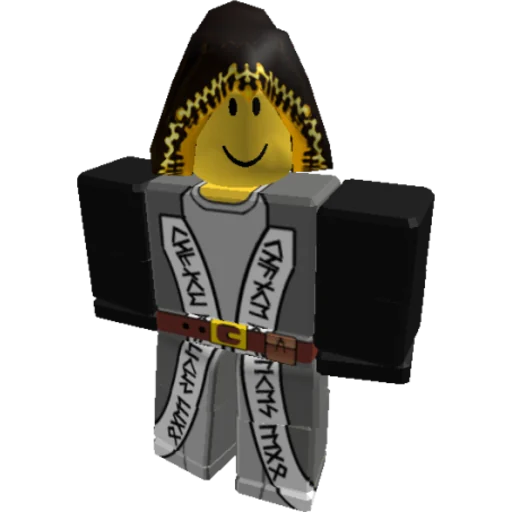
What is the Roblox T-shirt size — does it have to be 512x512?
The Roblox T-shirt size is a square image, and 512×512 pixels is the example size in Roblox's classic clothing guide. A classic T-shirt is one picture shown on the front of a blocky avatar's torso, so any square works, but 512×512 is the safe default: sharp enough for the torso and quick to upload. Pick T-shirt above and the resizer exports exactly 512×512.
If your picture is not square, choose Fit to add transparent space or Crop to trim the edges. Stretch squeezes the picture into the square, which is why faces often look squashed on uploaded T-shirts.
Can you resize a Roblox shirt to 512×512?
Resizing a Roblox shirt to 512×512 does not work, because shirts and pants are not square pictures. They use the 585×559 classic clothing template, where separate panels wrap the torso, arms and legs: 128×128 squares for the front and back, 64×128 strips for the sides and smaller squares for the tops and bottoms. A 512×512 file will not line up with those panels; that size is only for classic T-shirts.
Use the Shirt / pants preset when your design is already laid out on the template, for example a 2340×2236 export from a drawing app, to bring it back to exactly 585×559. Roblox lets you test classic clothing in Studio for free, and uploading to the Marketplace costs 80 Robux per submission (Creator Dashboard → Avatar Items → Classics).
Roblox image sizes this resizer exports
Every preset matches a size from Roblox's creator documentation. Badges and passes are cropped into a circle after upload, so the editor draws a dashed circle: keep faces and text inside it.
| Use | Pixels | What to know | Source |
|---|---|---|---|
| Classic T-shirt | 512×512 | Any square works; shown on the front of the torso. | Roblox docs |
| Shirt / pants template | 585×559 | The design must follow the template panels; not a square picture. | Roblox docs |
| Game icon | 512×512 | Square, at least 512×512; also shown as small as 150×150. | Roblox docs |
| Experience thumbnail | 1920×1080 | 16:9; keep the file under 3 MB. | Roblox docs |
| Badge icon | 512×512 | Cropped into a circle on upload. | Roblox docs |
| Game pass icon | 512×512 | No larger than 512×512; shown as a circle; JPG, PNG or BMP. | Roblox docs |
Crop, fit or stretch: keeping your picture from looking squashed
Fit and Crop keep your picture's proportions, while Stretch changes them. Use Fit when nothing may be cut off, Crop when the picture should fill the whole frame, and Stretch only for art that already has the right shape, such as a template exported at a larger size.
- Fit scales the whole picture to fit inside the frame and fills the rest with transparency, a blur of the picture, white or black.
- Crop fills the frame and trims what sticks out; drag the picture or zoom to choose which part stays.
- Stretch forces the picture to the exact width and height, which distorts it unless the shapes already match.
Roblox image resizer pricing: free resize, paid AI fill
Resizing an image for Roblox here is free: no account, no credits, no watermark and no download limit. Only the optional AI fill costs credits: 20 credits for a square T-shirt, icon, badge or pass, and 14 credits for a 16:9 thumbnail. New accounts get no free credits, so the smallest purchase that covers one fill is the $5 pack of 50 credits, which works out to $2.00 or $1.40 per fill ($0.17 or $0.12 on the 6,000-credit pack).
| Option | Price | Sign-in | Watermark | Output |
|---|---|---|---|---|
| Free resize | $0 | Not needed | None | Exact Roblox size as PNG or JPG |
| AI fill, square | 20 credits | Required | None | 1K square from GPT Image 2, then exported at 512×512 |
| AI fill, 16:9 | 14 credits | Required | None | 1K 16:9 from GPT Image 2, then exported at 1920×1080 |
What this Roblox image resizer can't do
- It does not draw a shirt or pants design onto the 585×559 template for you; it only resizes art that is already laid out on it.
- It handles one picture at a time; there is no folder or ZIP batch mode.
- It cannot open HEIC photos or PDFs; save them as JPG or PNG first.
- Correct dimensions do not get an image past Roblox moderation, and resizing does not change whether Roblox accepts a design.
- The AI fill prompt asks the model to leave your original as it is and only paint the new area, but results vary by picture and details can change. It is not offered for the shirt / pants template.
Resize image for Roblox FAQ
Is this a Roblox shirt maker?
No. This page prepares a finished picture for Roblox by resizing, cropping or padding it; it does not design clothing. For a classic T-shirt, any square picture resized to 512×512 is enough. For shirts and pants, draw your design on the 585×559 template in an image editor first, then use the Shirt / pants preset if it needs resizing.
Does the resizer keep transparent PNG backgrounds?
Yes, when you download a PNG. Transparent areas stay transparent, and Fit can add transparent space around a picture. JPG has no transparency, so a JPG download fills those areas with white. If a PNG would be larger than 3 MB, the editor saves a JPG instead and tells you.
Are my pictures uploaded to a server?
Not for the free resizer: the picture is read and resized inside your browser, and nothing is sent to ThumbBlox. The AI fill is different: it uploads a copy of the picture to our cloud storage so the image model can read it. That copy sits at an unlisted address that is not shown anywhere public, but anyone who has the exact link can open it. The result is saved to your account the same way and is not shown in the public gallery.
Which file formats does Roblox accept for images?
Roblox accepts PNG and JPG for its image uploads, and its docs also list BMP for game passes and TGA and BMP for other images. This resizer exports PNG or JPG, so the file works for T-shirts, clothing templates, icons, thumbnails, badges and passes.