
Golden Ratio Face Calculator — Make a Shareable Chart
Golden Ratio Face Calculator by ThumbBlox measures points you mark on a photo and turns them into a shareable chart without uploading your image.
One front-facing portrait · JPG, PNG or WebP · up to 20 MB
No account · Photo stays on this device
See example chartsThe golden ratio face calculator turns one front-facing portrait into a shareable chart for anyone curious about facial proportions. Mark ten points to compare face height to width and mouth width to nose width with 1.618, and see the three vertical sections as percentages. Preview and download a square or Story PNG for $0, without signing in or adding a watermark.
How to make a face ratio chart
Use a straight-on portrait with your hairline and chin visible. Open it in the editor, mark the points it asks for, then check the lines against your photo. Once the points are in place, choose a square or vertical layout and download the annotated chart.
- Open one evenly lit portrait taken at eye level.
- Tap the ten requested landmarks. Select any label to move that point.
- Pick Square or Story, check the chart preview and download the PNG.
Golden ratio face chart examples
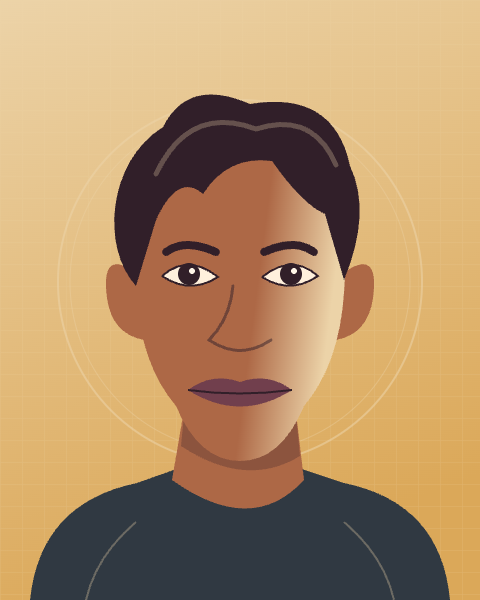
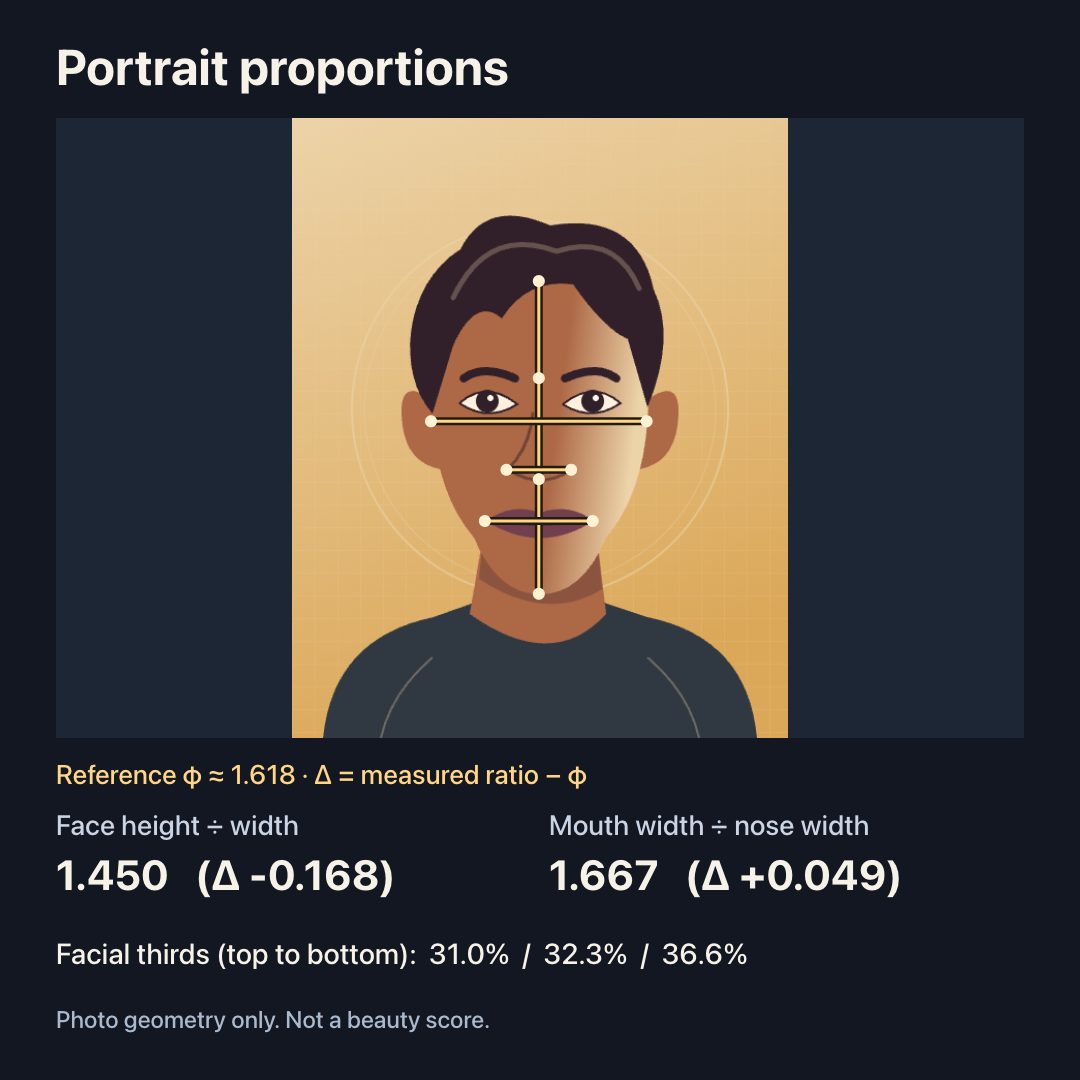
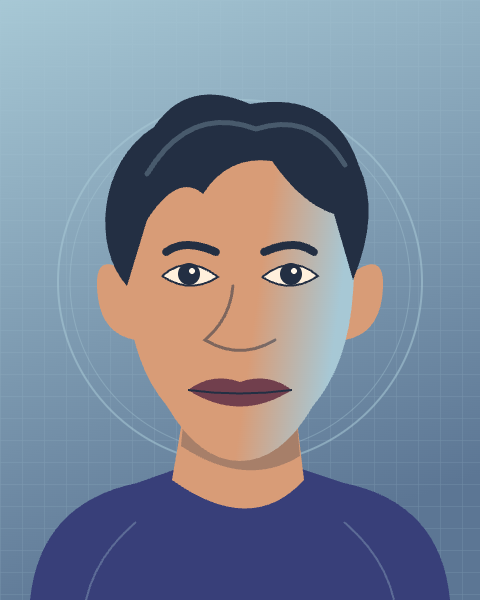
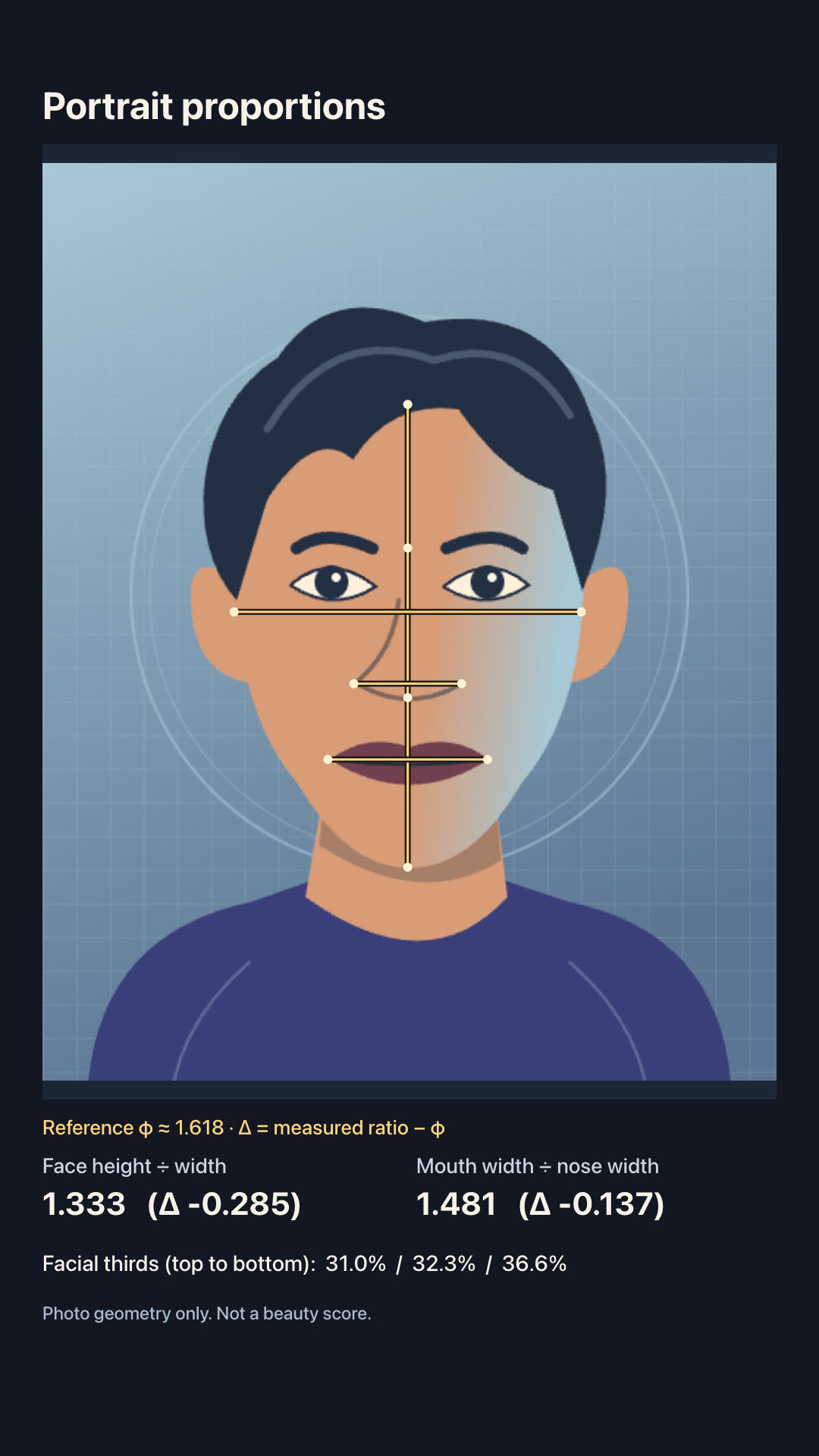
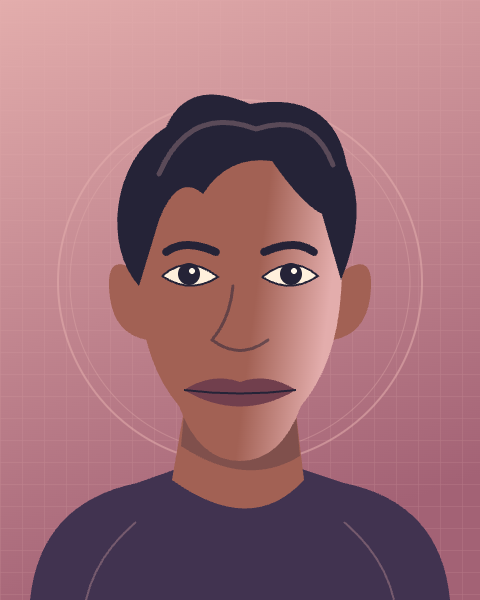
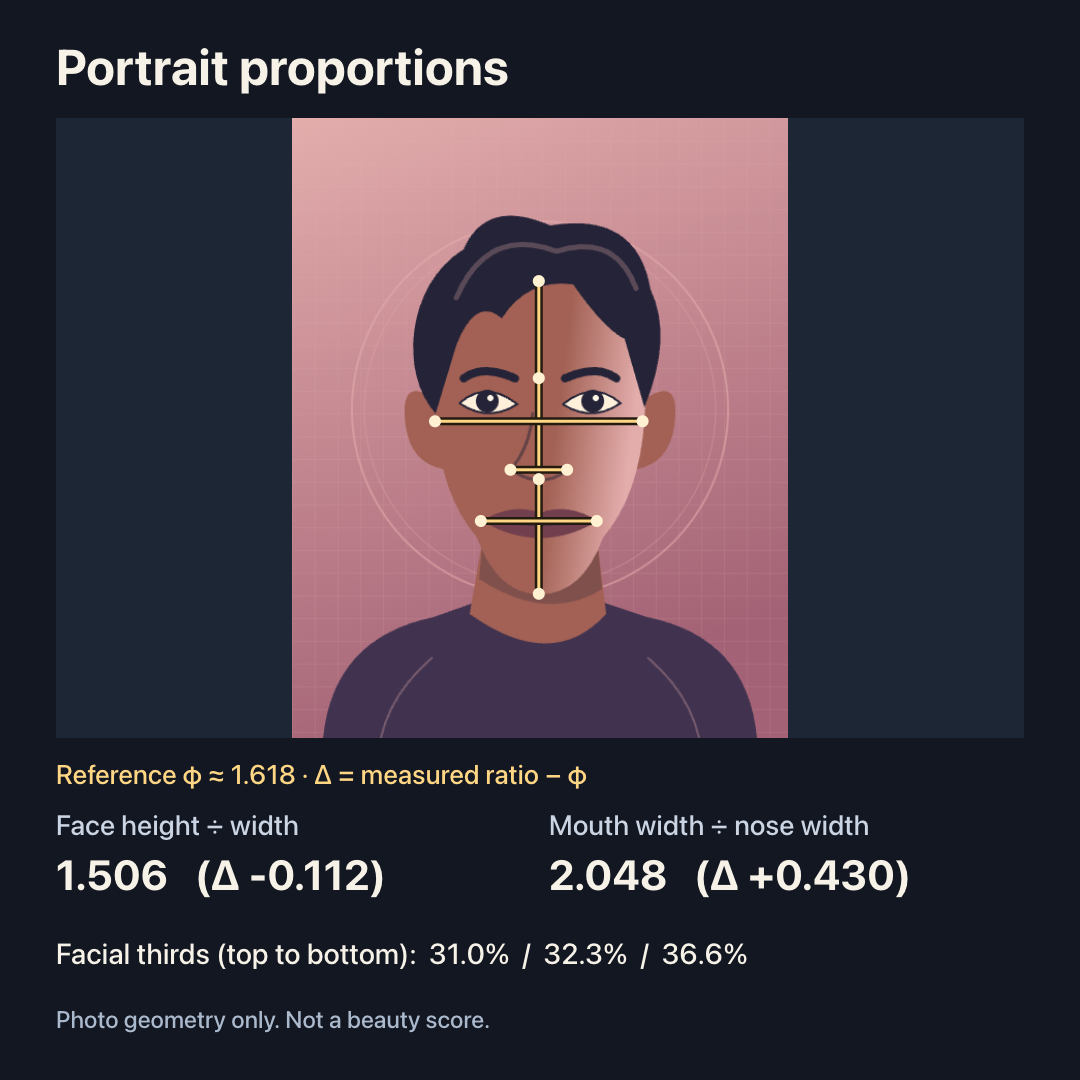
Each pair shows the unmarked portrait and its chart. The square and Story layouts use the same measurements and keep the whole image in frame. The gold lines show where the distances were taken; the numbers describe only those marks, not how the person looks.
Unmarked portrait
Annotated chart
Unmarked portrait
Annotated chart
Unmarked portrait
Annotated chart
How does a golden ratio face calculator work without AI?
ThumbBlox calculates face height divided by cheek width and mouth width divided by nose width from the marks on your photo. Each result is shown alongside its difference from φ (about 1.618): positive means above the reference, negative means below. Separately, the hairline, brows, nose base and chin divide the vertical span into three percentages. There is no overall score.
Is the ThumbBlox golden ratio face calculator free online?
ThumbBlox lets you mark a portrait, preview its measurements and download a finished PNG for $0. There is no credit limit, sign-up step or watermark on either size. If you want a chart for a Story, choose the vertical layout before downloading; the measurements stay the same.
Price and export sizes
Marking, previewing and exporting are free for both layouts. Each download is one static PNG: use the square size for a post or the taller size for a Story. Both layouts fit the entire photo inside the chart, so they may add empty space around wide or very tall photos.
| Layout | Cost | Watermark |
|---|---|---|
| Square · 1080 × 1080 | $0 · 0 credits | None |
| Story · 1080 × 1920 | $0 · 0 credits | None |
What the calculator cannot tell you
A golden face ratio calculator measures geometry in a flat photo. It cannot tell you whether someone is attractive, reconstruct a 3D face, or make a medical assessment. It does not detect points automatically, reshape faces or process group photos. Choose a front-facing photo of one adult that you have permission to use.
Photo and download FAQ
Use one still image in a current mobile or desktop browser. The photo stays on your device while you mark it, and you decide whether to save or share the result. The readings can change when camera position, expression or the placement of your marks changes.
Do I need an app to measure my face ratio?
No. Use the page in your mobile browser and tap the photo to mark it. Download the PNG using the browser’s normal file controls.
Does my photo get uploaded or saved?
No. Your selected photo and marks stay in the browser tab, not on our servers. Reloading clears the editor; any PNG you downloaded stays on your device.
Can I open a HEIC photo or an animated image?
Use a still JPG, PNG or WebP up to 20 MB and 24 megapixels. Export HEIC photos to JPG first. Video and animated images are not supported.
Why can two photos of the same face give different ratios?
Tilt, shooting distance and expression can change apparent distances, and moving a mark changes the result. Identical image pixels and point coordinates give identical readings. For comparisons, keep the camera at eye level and use a neutral expression.