
Roblox Clothing Template — Free Shirt & Pants PNG
Roblox clothing template by ThumbBlox is a free 585 × 559 PNG for classic shirts and pants, labeled or transparent, that you can fill with your own pattern online.
Template editor and download
Template
Guide lines
PNG, JPG, or WebP up to 10 MB and 20 megapixels. Your image is drawn in this browser and is not uploaded.
Free · No account · No watermark · Transparent background
Flat avatar preview
Optional: generate a fabric pattern with AI
No pattern of your own? Generate one square texture: the prompt asks the model for a seamless, repeating fabric, and results vary. The image is then tiled onto the template above. Only the style below (and an optional style image) is sent; your uploaded design stays in this browser.
Style sent to the model: Red and black flannel plaid with thin white crossing lines, woven cotton texture. The swatch is a color hint, not a generated result.
Model
Pattern resolution
Square 1:1 texture. The template you download is still 585 × 559 (or 512 × 512 for a T-shirt).
This Roblox clothing template is for players who design classic shirts, pants and T-shirts and need the exact canvas Roblox expects. Pick a shirt or pants template (585 × 559) or a T-shirt square (512 × 512), choose labeled, outline or line-free guides, add optional shading, and drop in your own pattern or graphic.
Every download is a free PNG with a transparent background, no watermark and no sign-in. Only the optional AI fabric pattern costs credits: 18 credits at 2K, about $0.15.
How to use the shirt and pants template
The Roblox clothing template editor draws every panel in your browser, so you can switch between shirt, pants and T-shirt without re-downloading anything. Your design is placed panel by panel, which keeps sleeves and legs lined up with the official layout.
- Choose Shirt, Pants or T-shirt, then pick labeled, outline or no-line guides.
- Optionally add a base color, shading, or your own pattern or graphic, or generate an AI fabric pattern.
- Check the live template and the flat avatar preview, then download the PNG.
- Upload the file to Roblox as a classic Shirt, Pants or T-shirt from the Creator Dashboard.
Roblox shirt template examples
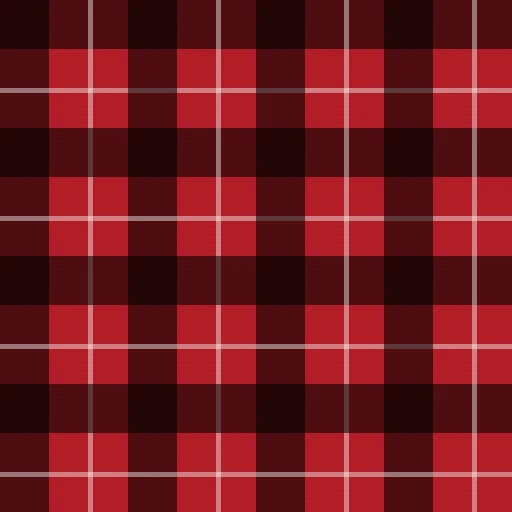
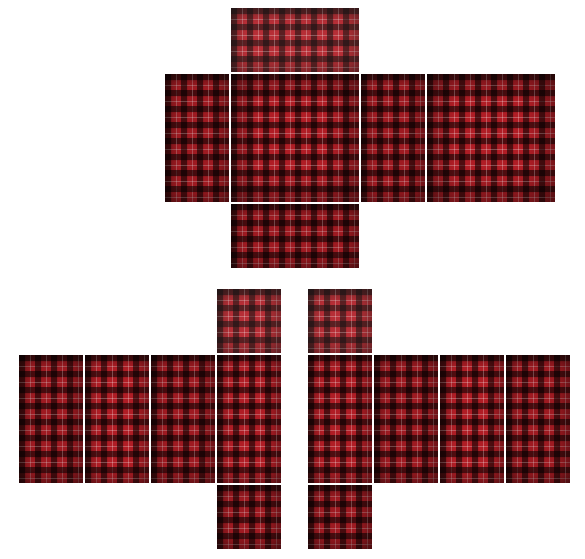
Each example starts from an original pattern image drawn for this page and shows the PNG this editor exported with “Repeat on every panel”, shading and line-free guides. No AI generation was used for these examples.
Pattern image
Exported shirt template
Red flannel shirt
A red and black plaid square repeated at 64 px per tile across all 18 shirt panels, with edge shading.
Pattern image
Exported pants template
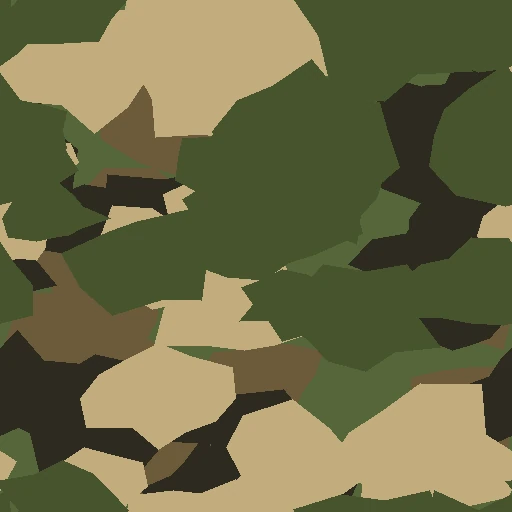
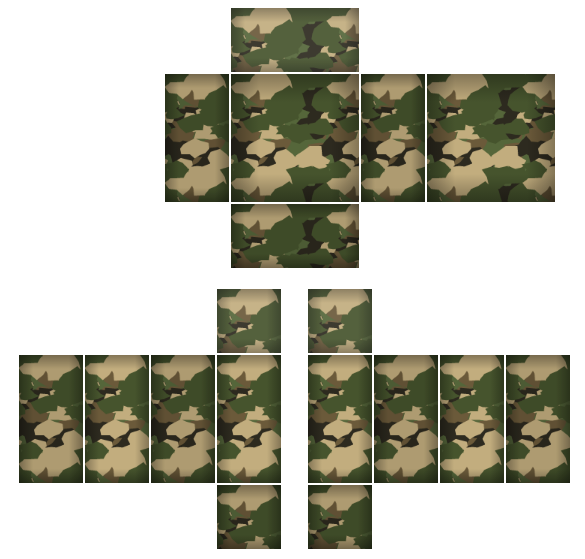
Woodland camo pants
An olive, tan and brown camouflage square repeated across the hips and both legs of the pants template.
Pattern image
Exported shirt template
Pink hearts shirt
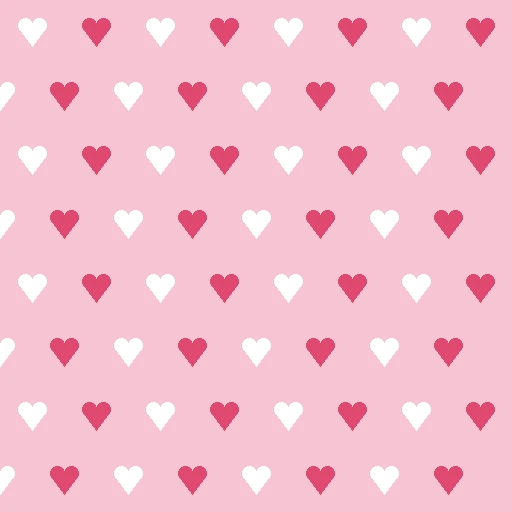
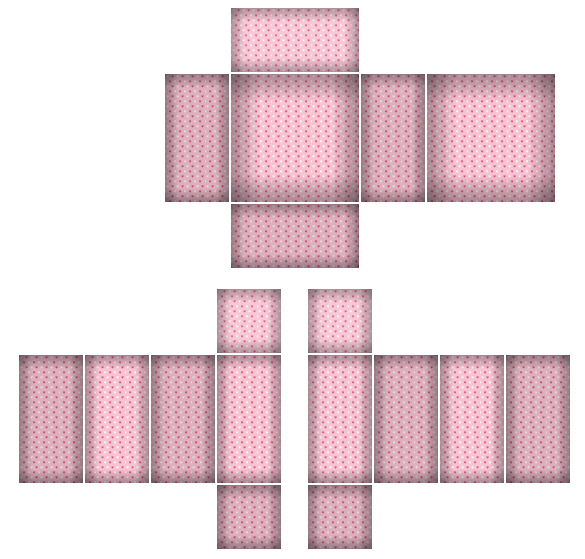
A pastel pink square with small hearts, tiled at a smaller scale so several hearts fit on each sleeve panel.
What size is a Roblox clothing template?
A Roblox clothing template for a classic shirt or pants is 585 × 559 pixels, and both use the same layout. The front and back of the torso are 128 × 128, torso sides and limb sides are 64 × 128, the top and bottom of the torso are 128 × 64, and the ends of each arm or leg are 64 × 64. A classic T-shirt is different: it is a single square image, such as 512 × 512, shown on the front of the torso.
Export at exactly that size. If an editor scales the canvas, panels drift off their rectangles and the design wraps onto the wrong side. Panel sizes are from the Roblox classic clothing documentation.
Which part of the Roblox shirt template is the front?
On the Roblox shirt template, the front of the torso is the 128 × 128 square in the middle of the top row, starting at x 231, y 74. The back is the square at the far right of that row, the narrow 64 × 128 strips on either side of the front are the right and left sides, and the wide strips above and below are the top and bottom. Download the labeled version to see every name on the canvas.
The lower half holds the limbs. The right arm (right leg on pants) is the group on the left of the image, because the avatar faces you. Its four tall panels run Left, Back, Right, Front, with the top and bottom squares above and below the Front panel. The left arm mirrors it on the right side, running Front, Left, Back, Right.
| Part | Panel | Top-left (x, y) | Size (px) |
|---|---|---|---|
| Torso / hips | Up (top) | 231, 8 | 128 × 64 |
| Torso / hips | Right | 165, 74 | 64 × 128 |
| Torso / hips | Front | 231, 74 | 128 × 128 |
| Torso / hips | Left | 361, 74 | 64 × 128 |
| Torso / hips | Back | 427, 74 | 128 × 128 |
| Torso / hips | Down (bottom) | 231, 204 | 128 × 64 |
| Right arm / Right leg | Up (top) | 217, 289 | 64 × 64 |
| Right arm / Right leg | Left | 19, 355 | 64 × 128 |
| Right arm / Right leg | Back | 85, 355 | 64 × 128 |
| Right arm / Right leg | Right | 151, 355 | 64 × 128 |
| Right arm / Right leg | Front | 217, 355 | 64 × 128 |
| Right arm / Right leg | Down (bottom) | 217, 485 | 64 × 64 |
| Left arm / Left leg | Up (top) | 308, 289 | 64 × 64 |
| Left arm / Left leg | Front | 308, 355 | 64 × 128 |
| Left arm / Left leg | Left | 374, 355 | 64 × 128 |
| Left arm / Left leg | Back | 440, 355 | 64 × 128 |
| Left arm / Left leg | Right | 506, 355 | 64 × 128 |
| Left arm / Left leg | Down (bottom) | 308, 485 | 64 × 64 |
Where can I download a transparent Roblox clothing template for free?
A transparent Roblox clothing template is free to download on this page: choose Shirt, Pants or T-shirt and press Download PNG, with no account and no watermark. Roblox also links its own shirt and pants template files for free in the classic clothing documentation. Either file opens in any editor that keeps PNG transparency, such as Photopea, GIMP or ibisPaint.
Pick “No lines” when you want a clean, fully transparent base to upload. Pick “Labeled” or “Outline” when you want a guide layer to draw over; hide or delete that layer before exporting so the lines do not show on your avatar.
What is a Roblox shading template?
A Roblox shading template is a layer of soft shadows placed over a shirt or pants design so flat colors look like folded fabric on the avatar. Turn on “Add shading” here to darken the edges of every panel and the torso sides, then download it alone as a semi-transparent overlay or on top of your color and pattern.
The built-in shading is a simple edge shadow, not a hand-drawn wrinkle map. For heavier folds, keep the shading layer, then paint extra creases in your editor.
Pricing for templates and AI patterns
Downloading and filling every template is free. The optional AI fabric pattern costs 18 credits at 2K. From zero credits, the smallest pack that covers one pattern is $5.00 for 50 credits. Dollar amounts use the lowest bulk credit price. Credits are reserved when a pattern request starts and returned if it is blocked by moderation, fails or times out. Uploading to Roblox costs 80 Robux per item according to Roblox documentation (checked 2026-11-23); that fee is paid to Roblox, not here.
| What you do | Cost | Added watermark |
|---|---|---|
| Download any template (labeled, outline, no lines, shading) | Free · 0 credits · no account | None |
| Fill the template with your own pattern or graphic | Free · 0 credits · no account | None |
| AI fabric pattern, 2K | 18 credits · about $0.15 | None |
| AI fabric pattern, 2K with a style image | 19 credits · about $0.16 | None |
| AI fabric pattern, 4K | 26 credits · about $0.22 | None |
| AI fabric pattern, 4K with a style image | 27 credits · about $0.23 | None |
| Upload a classic shirt, pants or T-shirt to Roblox | 80 Robux per upload (paid to Roblox) | — |
What this template maker can't do
- No 3D try-on: the preview is a flat front and back view. Test in Roblox Studio for a 3D check.
- No layered (3D) clothing, accessories or UGC meshes, only classic 2D shirts, pants and T-shirts.
- It does not upload to Roblox for you or pull a template from an existing item ID.
- The AI option makes a repeating fabric texture, not a finished outfit with logos or text; results vary with the prompt and model.
- Pattern scale and position apply to all panels at once; to paint a different design on each panel, download the labeled PNG and finish it in an image editor.
Need to fit an existing picture to 585 × 559 instead? Use the Roblox image resizer.
Roblox clothing template FAQ
Does the template work for R6 and R15 avatars?
Classic shirts and pants use one 585 × 559 image for both R6 and R15 avatars. On R15 the torso and limbs are split into more body parts, so designs that cross a joint, such as an elbow or knee, can look cut. Roblox also notes that some newer avatar bodies may not display classic clothing, so test on the body you plan to wear.
Why is my Roblox clothing template not working in game?
Most problems come from a file that is not exactly 585 × 559, a design shifted off its panel, or arm panels in the wrong order. Download the labeled version, keep each graphic inside its rectangle, then export at 100% scale as PNG. A graphic that sits on a side panel wraps around the avatar instead of showing on the chest.
Can I preview the outfit before uploading it?
This page shows a flat front and back preview of a blocky avatar while you edit. For a 3D check, Roblox Studio lets you add a Shirt or Pants object to a test rig and set the template image, and testing in Studio costs nothing according to Roblox documentation.
Can I make a Roblox shirt template on my phone or iPad?
Yes. The template editor and download work in mobile browsers such as Safari and Chrome, with no app to install. To keep editing in an app such as ibisPaint, download the labeled PNG, draw on a layer above it, and export as PNG at 585 × 559 so the transparent background is kept.