
Valorant Thumbnail Maker — Build Your YouTube Cover
Valorant thumbnail maker by ThumbBlox turns your screenshot into a YouTube cover with editable text, optional agent overlays and AI scene styles.
1. Upload your game screenshot
JPG, PNG or WebP · up to 10 MB and 40 megapixels. Pick a clear game frame.
Exact agent overlay (optional)
Your own transparent PNG works best. This separate layer stays unchanged and is not sent to AI.
2. Choose a scene
Model
Working resolution
Shape: 16:9 · one image
Up to 32 characters. Added after generation, never spelled by AI.
Your cover preview
Upload your screenshot to start. These images show layout ideas; your AI result will be different.
AI may alter an agent’s face, outfit, weapon skin or map details. Inspect the result before publishing.
Original-mode edits stay in this browser. AI uploads and results use unlisted image links that anyone with the link can open. Paid AI results are hidden from the public gallery by default.
Valorant thumbnail maker helps gaming creators turn a screenshot into a 16:9 YouTube cover for highlights, ranked matches or duo videos. Original-image editing and 1280×720 PNG downloads are free, without sign-in or added watermarks; AI redraws cost 14 credits at 1K, about $0.117 on the largest pack. New accounts receive 0 credits, and AI can change agents or weapon details; use the original-image mode when accuracy matters.
How to make a Valorant thumbnail
Start a Valorant thumbnail with a clear screenshot from the video you are publishing. Upload it, choose a scene and add a short headline such as CLUTCH MOMENTS. Keep original preserves the image; AI cover redraws it with a new visual treatment. Add your own agent image as a separate layer when its exact appearance needs to stay unchanged.
- 01
Choose the moment
Upload one screenshot. For a duo cover, use a frame that already includes both agents. Add a transparent agent image only if you need a separate overlay.
- 02
Set the scene
Pick Clutch, Montage, Ranked or Duo. Custom opens a required scene description and an optional style reference. Keep original skips AI.
- 03
Add words and export
Type a short, accurate headline, check the agents and weapons, then download a 1280×720 PNG. Text edits and exports do not use extra credits.
Valorant thumbnail editing examples
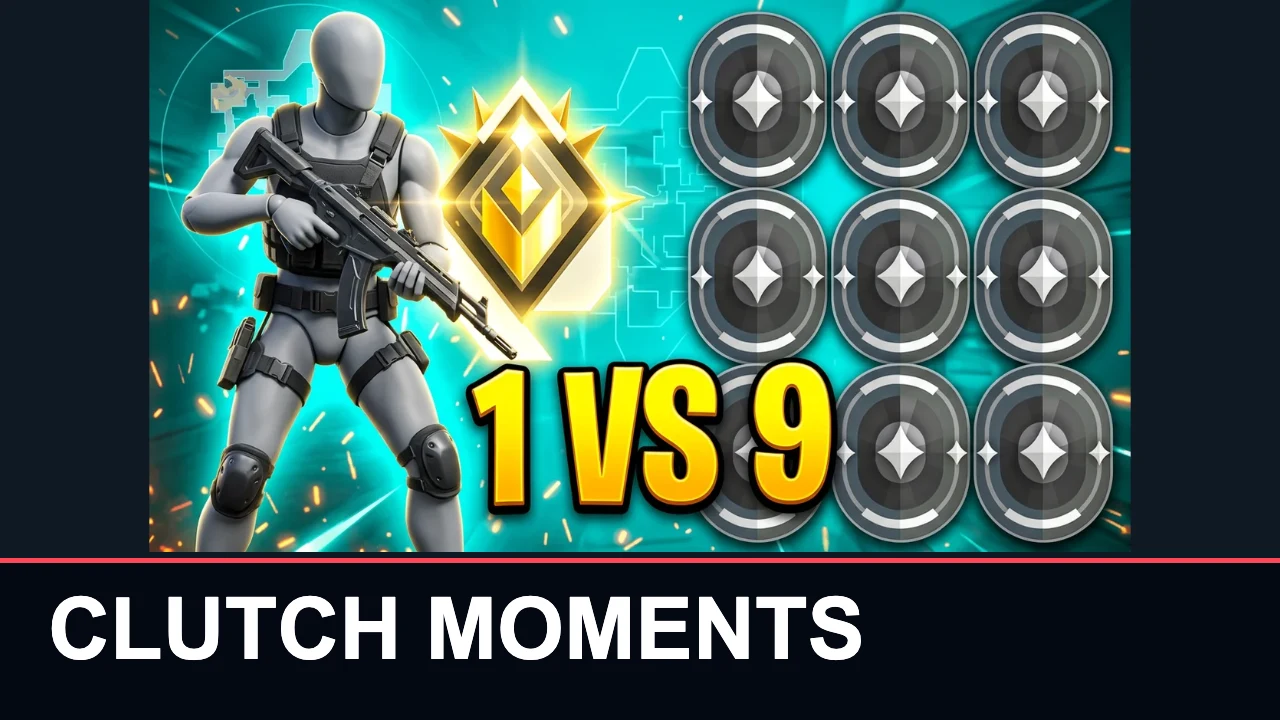
These four original-to-layout pairs show the free editor adding a headline to a game cover image. The complete input fits above the title band, so existing artwork and lettering remain visible. Compare a challenge, montage, ranked reveal and two-player composition. These are title-layout examples; AI mode makes a new image and may change character details.
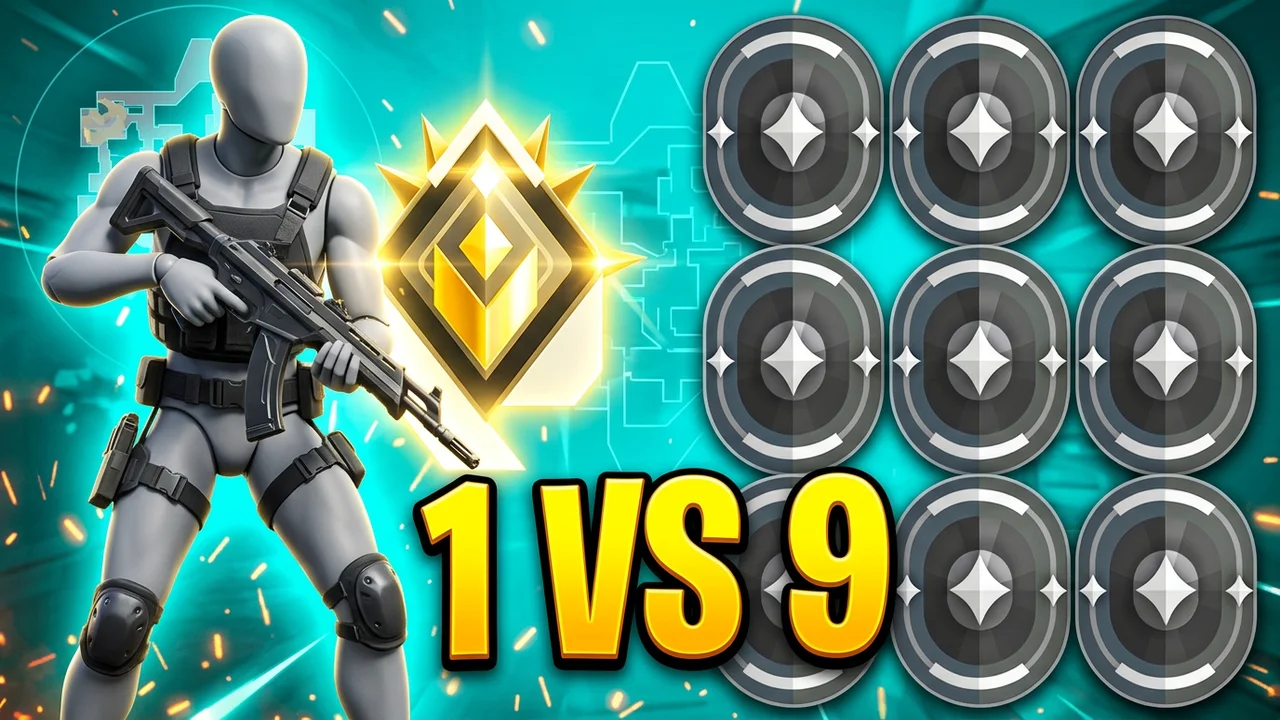
Input image
Headline layout
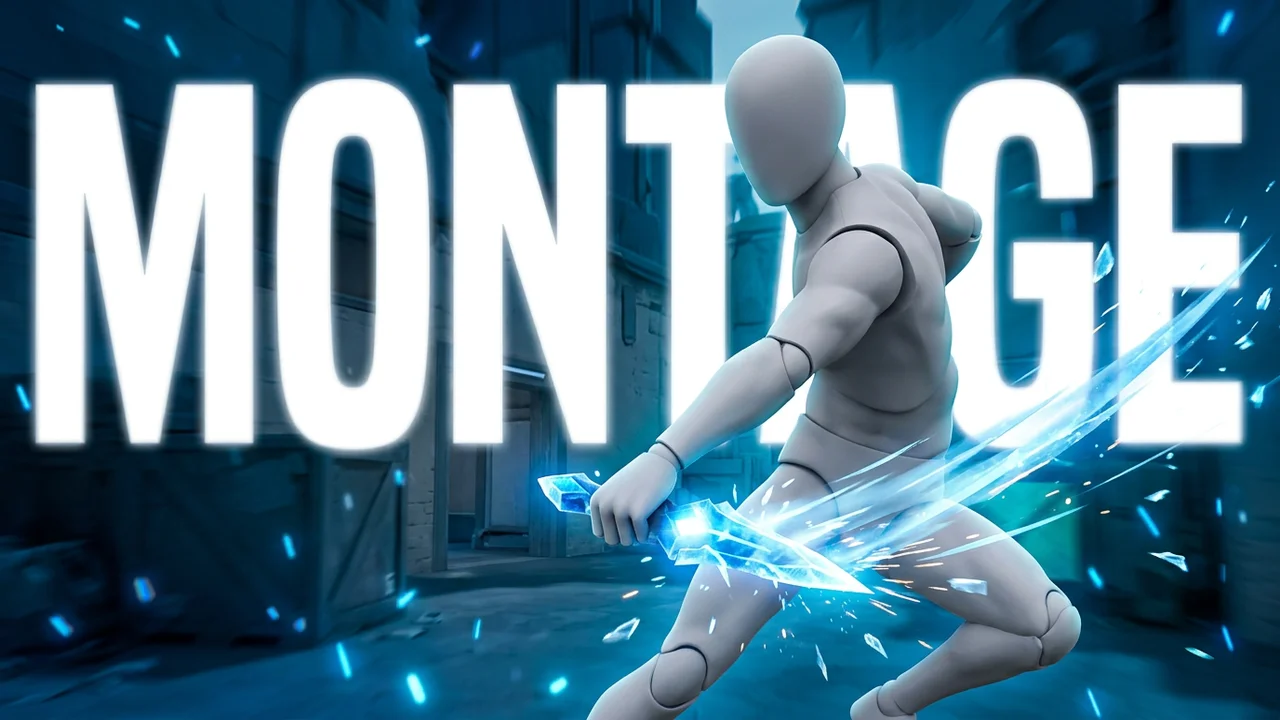
Input image
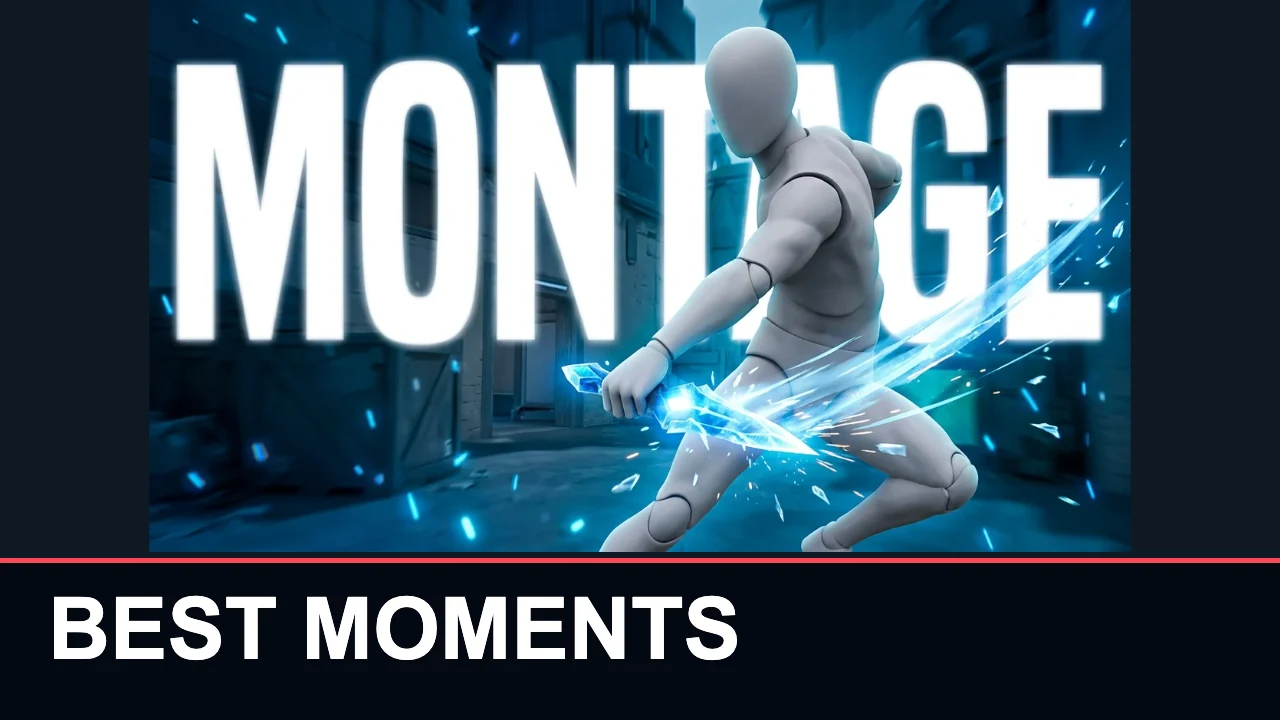
Headline layout
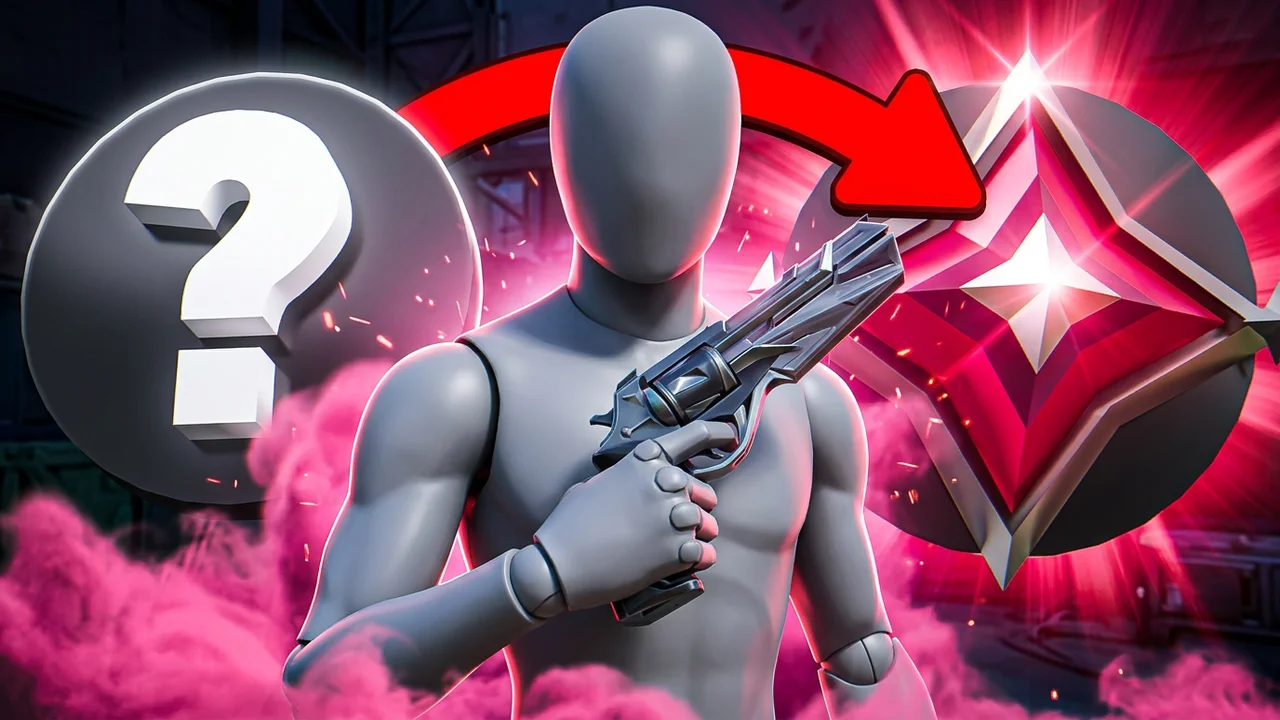
Input image
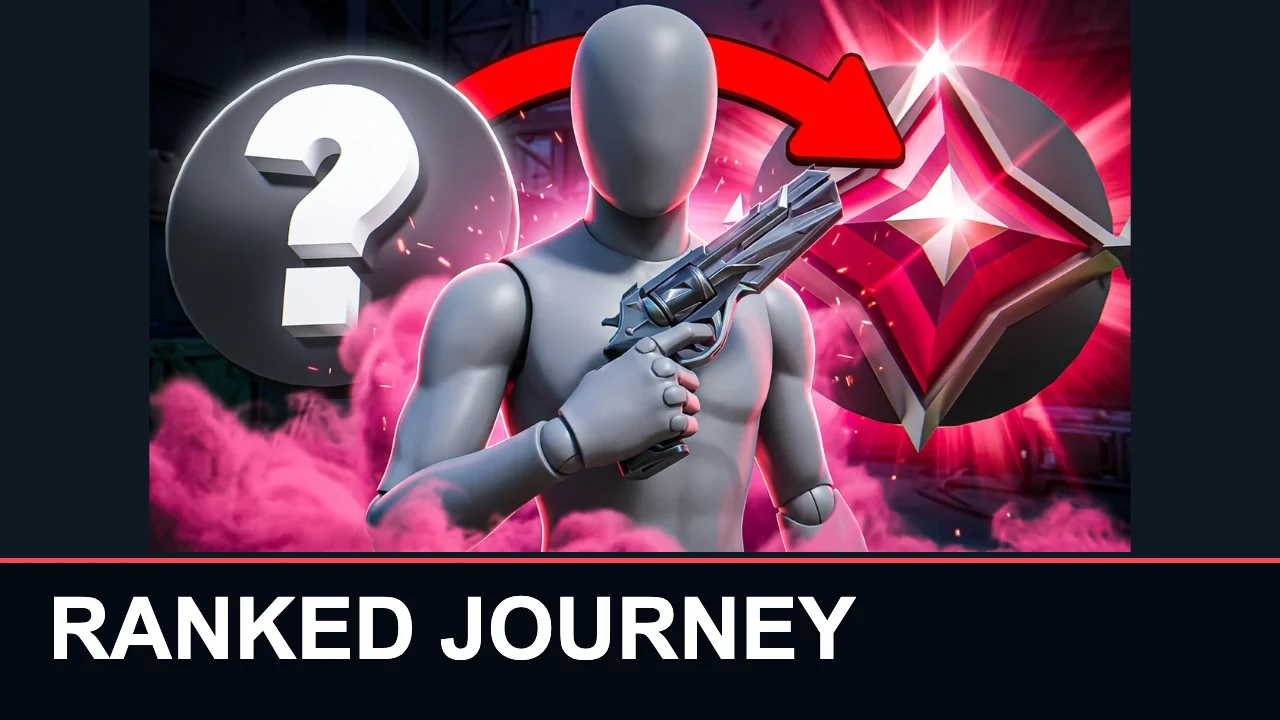
Headline layout
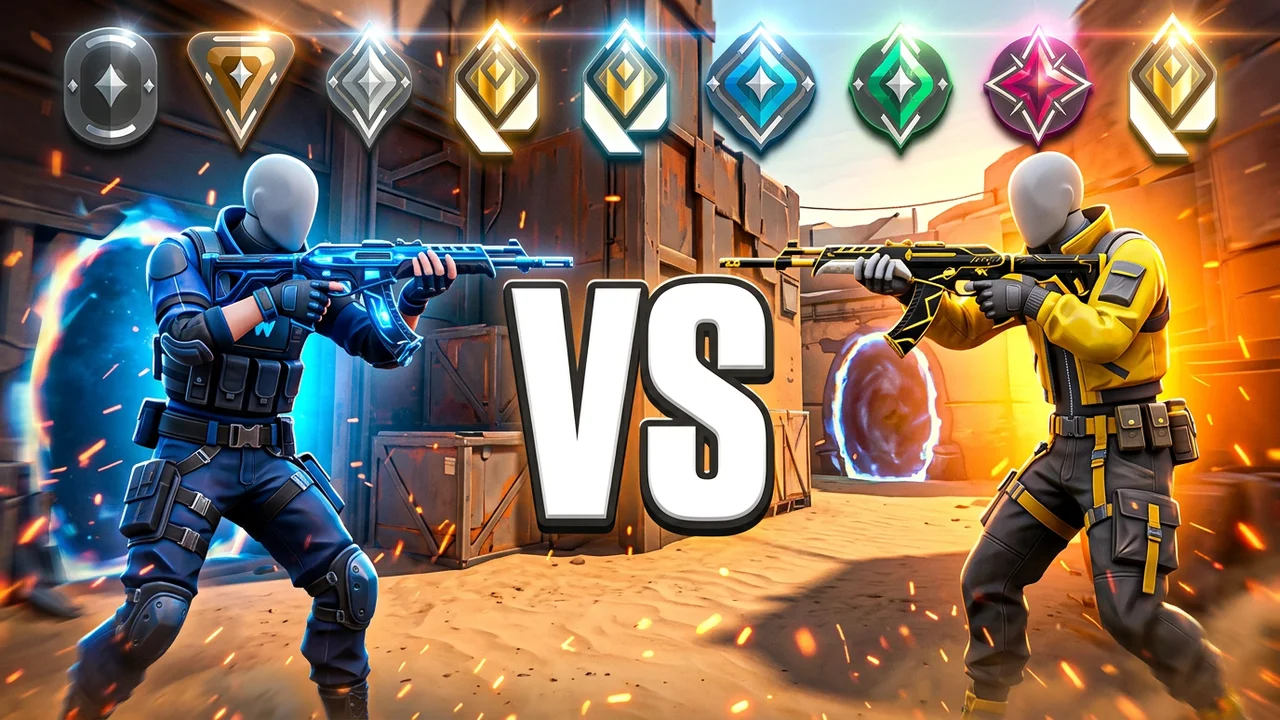
Input image
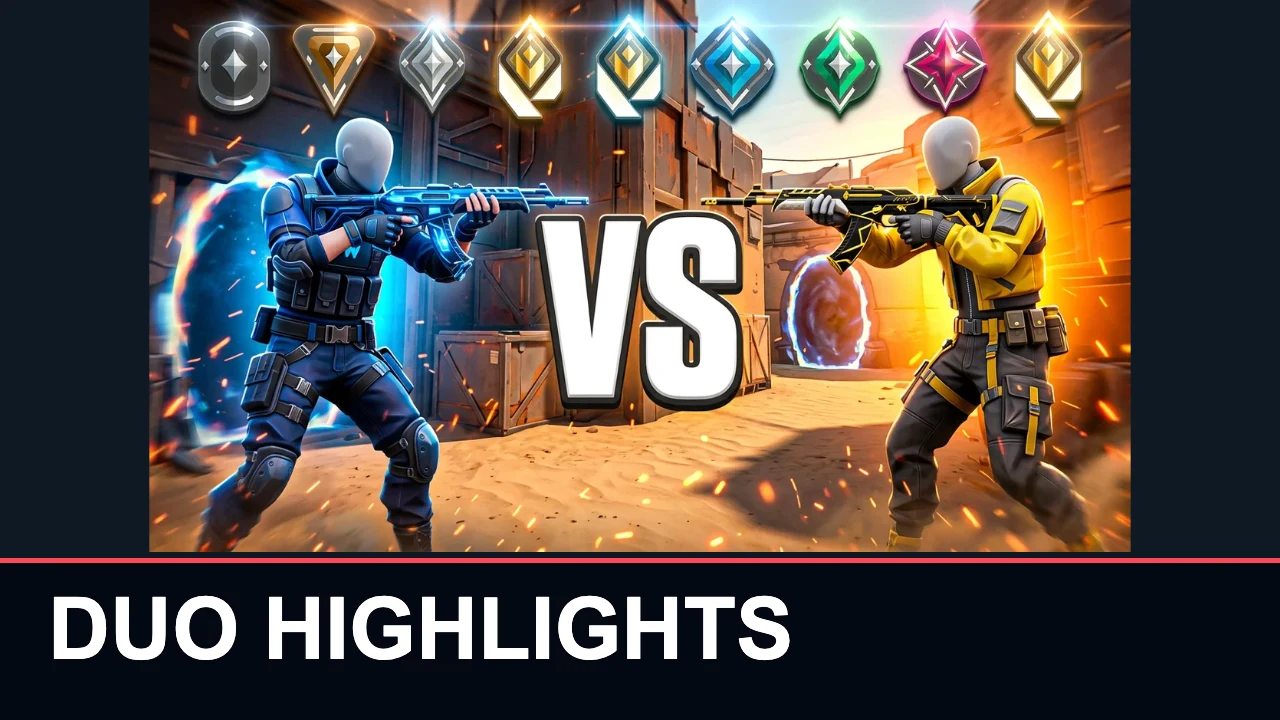
Headline layout
Can I make Valorant thumbnails free?
Yes. Choose Keep original to make a Valorant thumbnail free and download a 1280×720 PNG without signing in or adding a watermark. AI generation is separate: one 1K redraw with a screenshot costs 14 credits, plus 4 for an optional unique style reference. New accounts currently receive 0 credits. That does not cover one AI redraw. Editing text and downloading an existing result are free.
How do I make a Valorant montage thumbnail?
For a Valorant montage thumbnail, choose one strong frame instead of squeezing every highlight into the cover. The Montage scene uses cool blue and violet lighting with a clear focal point. Add two or three words in the text field so they stay editable. A knife, agent or weapon should be recognizable at a small size; AI can alter these details, so inspect the output against your original screenshot.
Can I make a Valorant duo thumbnail?
A Valorant duo thumbnail starts with a screenshot showing both agents and the Duo scene for a balanced composition. The scene asks AI to keep two visible agents without inventing a second player when the input has only one. For exact faces, outfits and weapon skins, choose Keep original instead. An optional agent overlay adds one separate image; the tool does not automatically cut people out or combine two isolated character uploads.
Pricing & credits
Valorant thumbnail editing is free; AI generation costs 14 credits for one 1K redraw with a screenshot. That is about $0.117 per image on the largest pack. Starting from zero, the smallest single pack that covers one redraw is $5.00 for 50 credits, equivalent to $1.40 per default image. A new redraw spends credits again; failed requests follow the site’s refund flow.
| Action | Credits / price | Access & output |
|---|---|---|
| Original image, agent overlay and text | 0 credits · $0 | No sign-in · 1280×720 PNG · no added watermark |
| AI · 1K · 1 input image(s) | 14 credits · ~$0.117 | Sign-in · one 16:9 working image · 1280×720 PNG export · no added watermark |
| AI · 1K · 2 input image(s) | 18 credits · ~$0.150 | Sign-in · one 16:9 working image · 1280×720 PNG export · no added watermark |
| AI · 2K · 1 input image(s) | 29 credits · ~$0.242 | Sign-in · one 16:9 working image · 1280×720 PNG export · no added watermark |
| AI · 2K · 2 input image(s) | 33 credits · ~$0.275 | Sign-in · one 16:9 working image · 1280×720 PNG export · no added watermark |
| Smallest sufficient pack | $5.00 / 50 credits | One-time purchase · credits valid for one year |
| New account allowance | 0 credits | AI allowance depends on the current sign-up offer |
What this Valorant thumbnail maker cannot do
AI may redraw agent faces, outfits, weapons and maps, so it cannot promise an exact Jett, Reyna or weapon-skin match. Keep original preserves the uploaded artwork; the separate agent overlay is never redrawn. This tool does not extract video frames, create editable PSD files, verify your rank or prove a clutch happened. It is independent of Riot Games. Use images you have permission to use and keep the cover faithful to the video.
Valorant thumbnail FAQ
Can I use the Valorant thumbnail maker online on my phone?
Yes. Upload images, choose a scene and download the PNG in your mobile browser; no app is required. AI needs sign-in and enough credits. After signing in, the tool restores text and settings and asks you to attach the images again.
Is a Valorant thumbnail automatically copyright-free?
No. Exporting an image or using AI does not clear rights in game art, logos or other people’s images. Use uploads you have permission to use. A watermark-free download is not a copyright license or an endorsement by Riot Games.
Does this create Valorant 3D thumbnails or Blender files?
The tool exports a flat PNG image. Lighting can give an AI cover a rendered look, but the result is not a 3D scene, model or Blender project. Upload an existing render if you want to use it as the starting image.
Can I paste a YouTube link or upload a match video?
This page accepts JPG, PNG and WebP images, not videos or YouTube links. Capture a frame from your own match first, then upload that image. It does not automatically find highlights or make video clips.