
Certificate Generator — Make Classroom Awards Free
Certificate Generator by ThumbBlox turns classroom achievements into printable awards you can personalize and download free, without signing in.
More details: logo, paper and class list
Paste up to 100 names, one per line. The preview and PNG show the first name.
Free downloads · no watermark · no sign-in
The certificate generator from ThumbBlox is a free online certificate maker for teachers who need classroom awards for reading, progress, or participation. Pick a design, type the exact name and award wording, and optionally add your school logo. Download the current certificate as a PNG or print up to 100 named awards in one A4 or US Letter PDF, without a watermark or account.
How the certificate maker works
Make a classroom certificate by choosing a design, entering the student's name and achievement, then downloading the result in the size you need. The preview updates as you type, so you can catch a misspelled name before you print.
- Choose Reading Star, Progress Award, or Participation Award.
- Fill in the exact name and award wording. Add the school name, date, signer, or logo if needed.
- Choose A4 or US Letter. Download a PNG to share or a PDF to print.
Classroom certificate examples
Use Reading Star for a book challenge, Progress Award for steady improvement, or Participation Award for taking part in a class activity. Each layout gives the student’s name its own line and has space for a class mark, a short reason, and a typed signer name.
 Logo added to the design
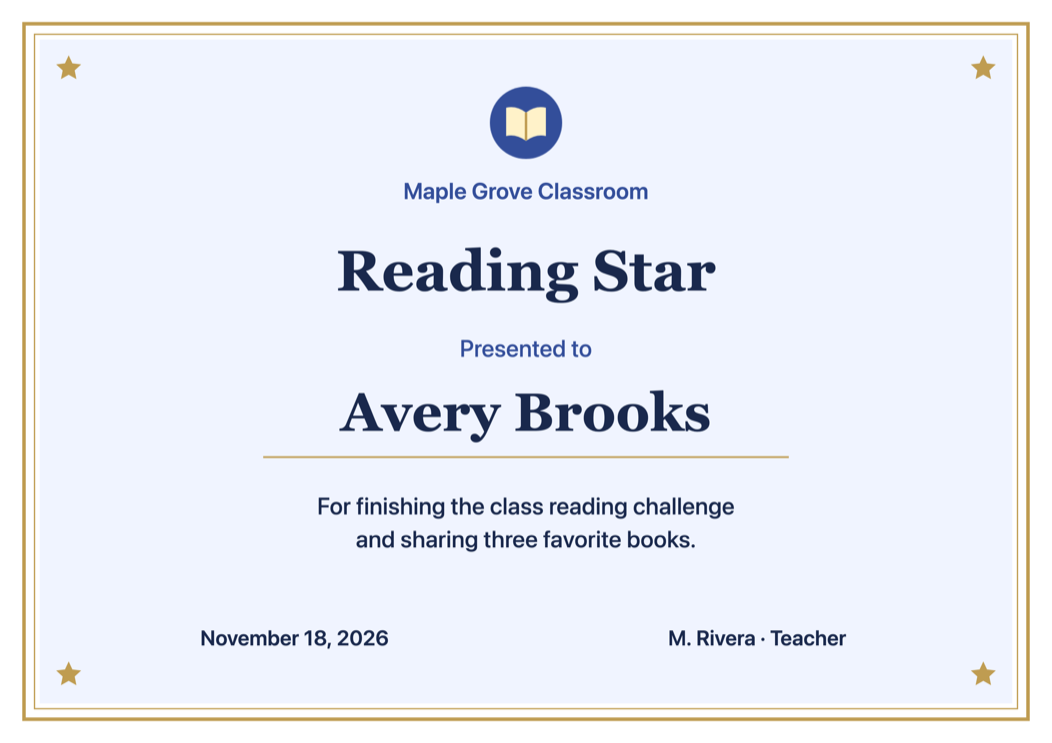
 Logo added to the design
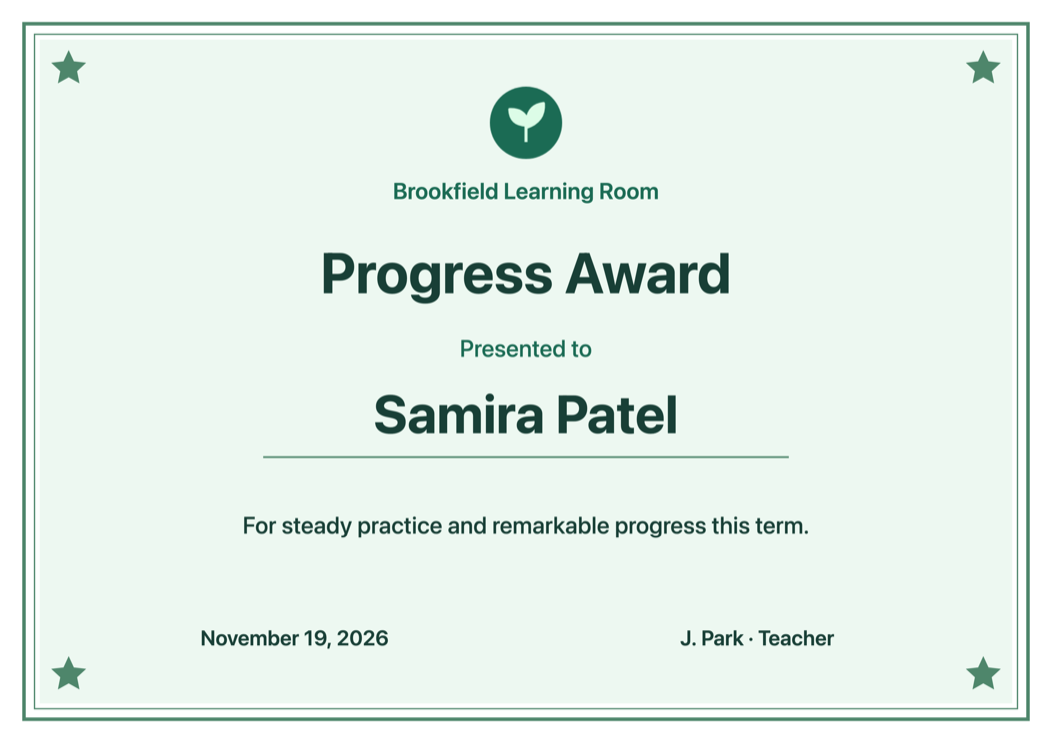
 Logo added to the design
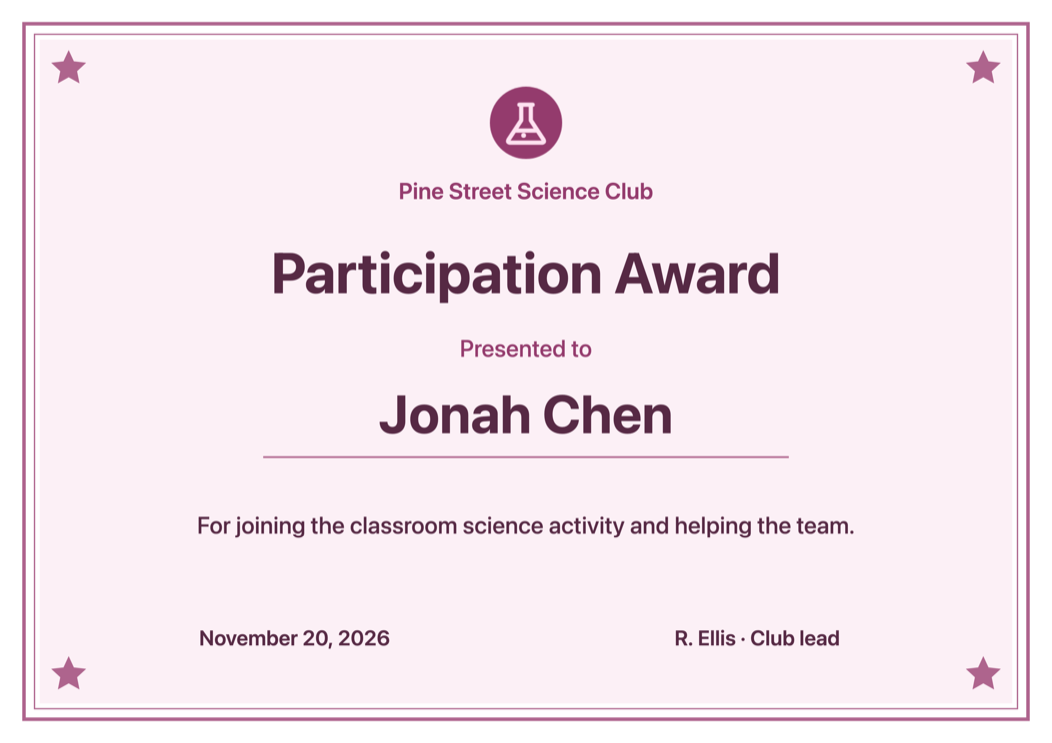
How do you make a certificate for school?
ThumbBlox makes school certificates by placing a student's name on a Reading Star, Progress Award, or Participation Award design. Pick the one that matches the achievement and write a specific reason, such as “For sharing three book recommendations.” Add your own class or school logo if you have one.
Can you print the certificate as a PDF?
The certificate generator exports a printable landscape PDF in A4 (297 × 210 mm) or US Letter (11 × 8.5 in). Print at actual size on matching paper. If a printer crops the outer border, use its fit-to-page option. PNG exports are 3508 × 2480 pixels for A4 or 3300 × 2550 pixels for US Letter.
How do you make certificates for an entire class?
The certificate generator turns a pasted class list of up to 100 names into one PDF, with a page per student in list order. Paste one name per line. Everyone gets the same award title, description, logo, and paper size. The preview and PNG show the first name; download the PDF for the entire class.
Certificate generator pricing
Previewing, exporting a PNG, and downloading a print PDF are all free. There is no sign-in, credit card, credit charge, or watermark, including on a PDF made from a class list. This covers every design and both paper sizes in the classroom editor.
| Action | Cost | What you get |
|---|---|---|
| Preview | $0 · 0 credits | Live editor |
| PNG export | $0 · 0 credits | One certificate |
| PDF export | $0 · 0 credits | 1–100 pages |
What this certificate maker doesn’t do
This tool makes classroom and club award artwork. It does not verify credentials, issue diplomas or official records, create digital signatures, or email recipients. The list accepts pasted names, not spreadsheet files. The PDF is for printing; its artwork is flattened and the text cannot be edited in a PDF viewer.
Also make printable event ticketsCertificate maker FAQ
- Can I use the tool on a phone or Chromebook?
- Yes. Open the certificate maker in a modern browser, edit your award and use the download buttons. You don’t need to install an app.
- Is this an AI certificate generator?
- No. The editor places the exact text you type on a fixed design and keeps your logo as an image, rather than asking AI to redraw names or artwork.
- Are student names or logos uploaded?
- No. The editor processes the names and logo in your browser, including when making the PDF. Save the finished files before closing the tab if you want to keep them.