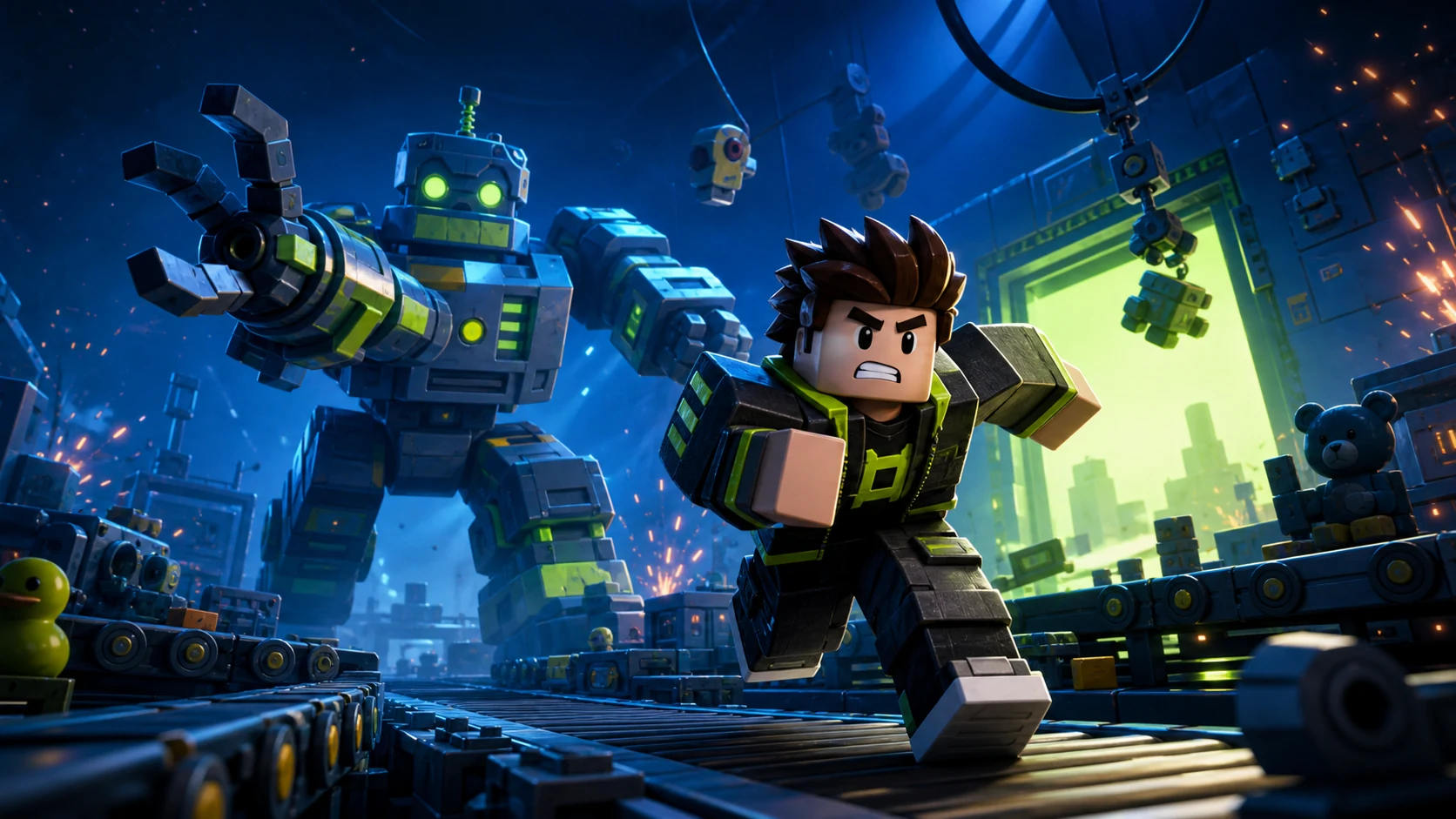
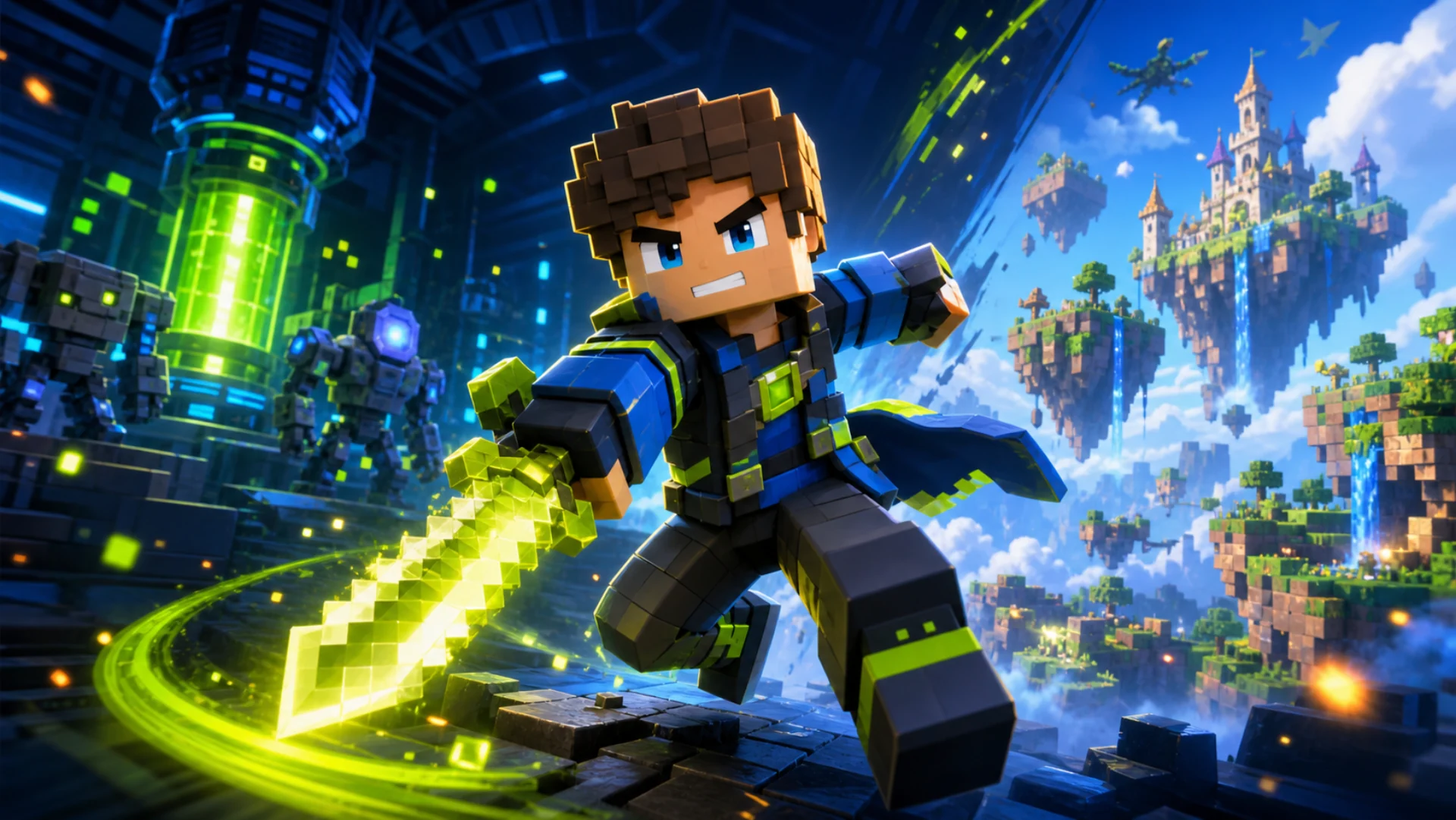
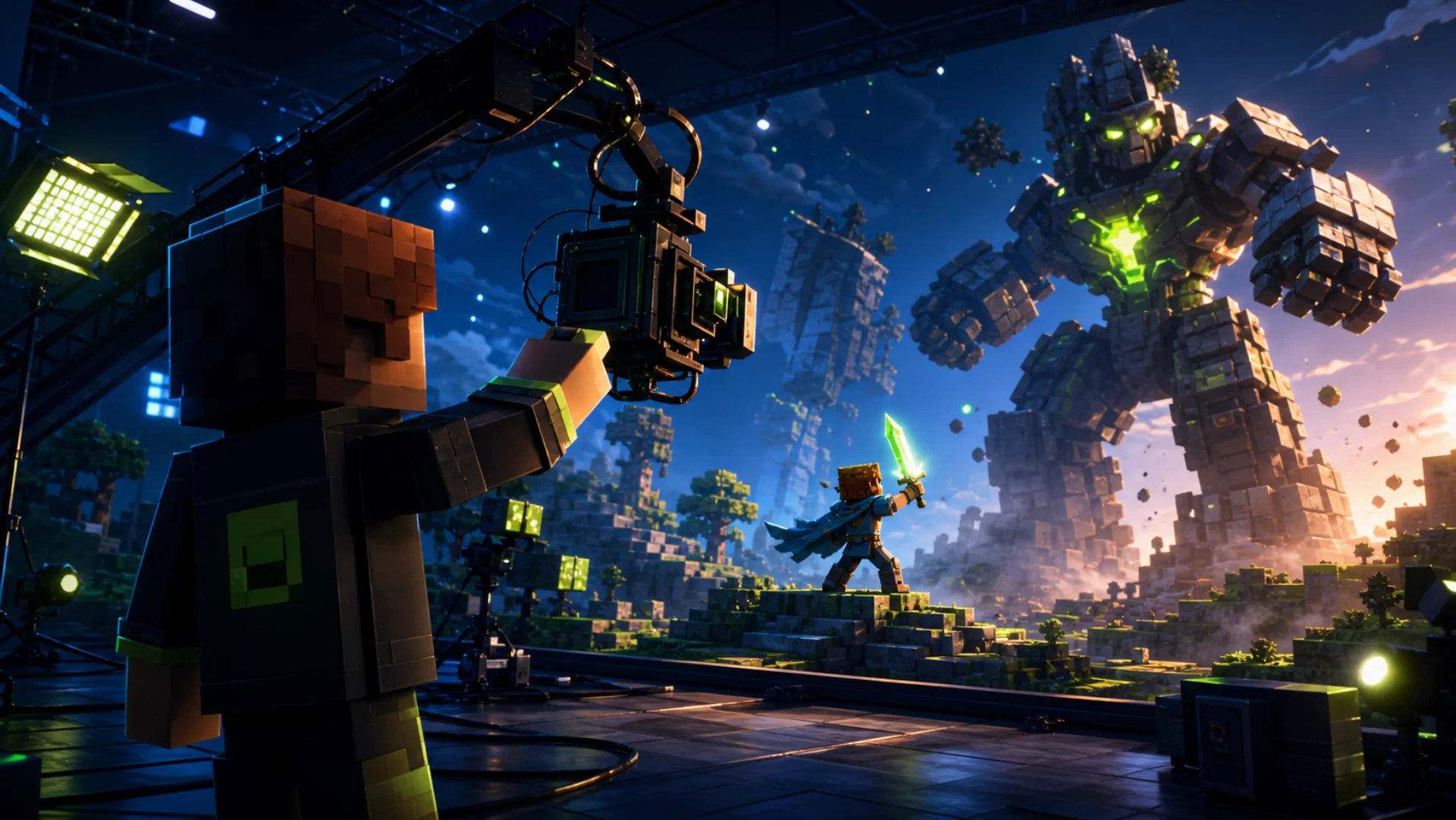
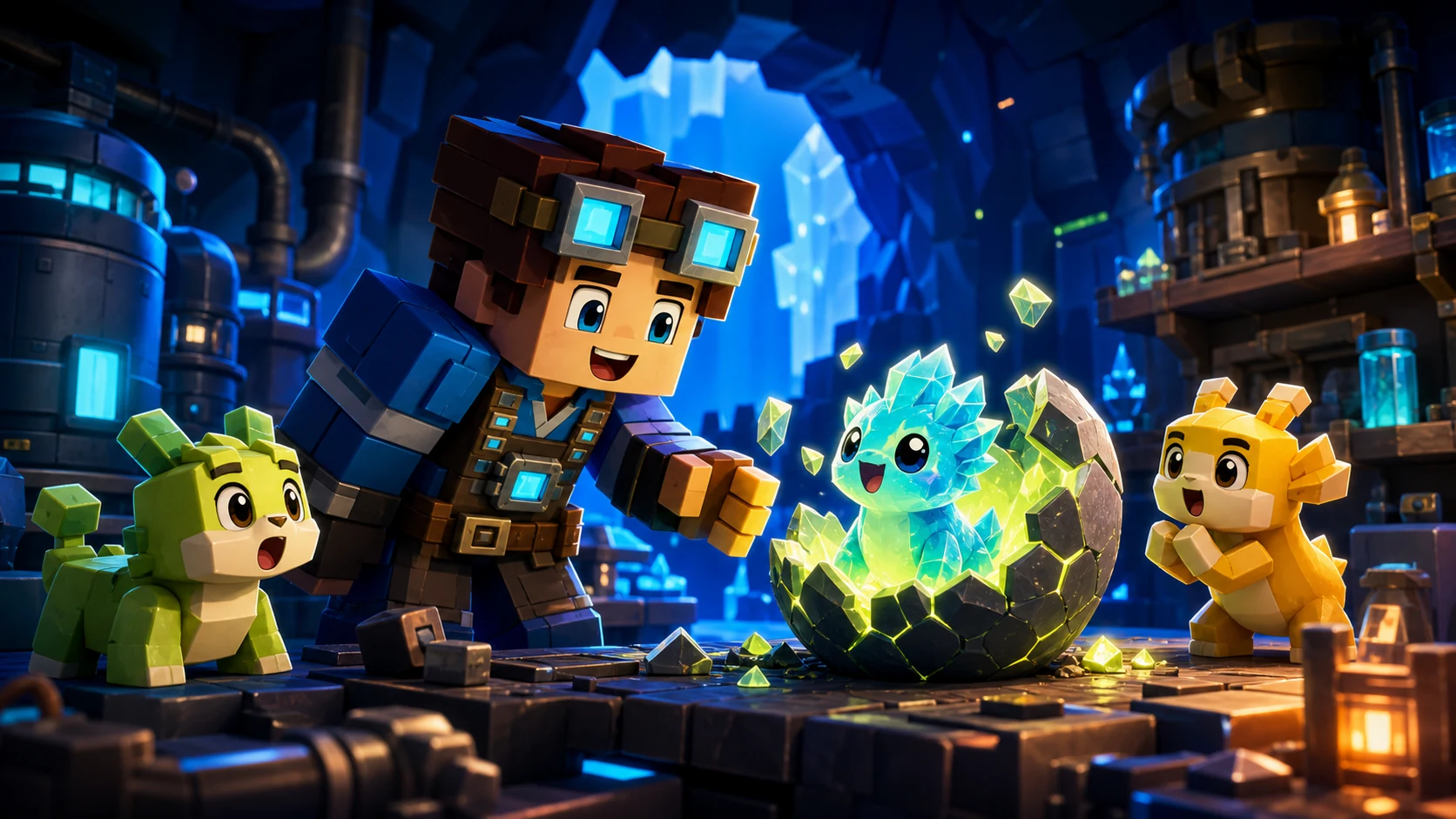
Describe your game in one sentence and this AI Roblox thumbnail maker turns it into an original 16:9 image, sized for your experience page. No Studio camera rig, no Blender, no Photoshop. Credit packs start at $2.99.
Thumbnail
$2.99 gets 10 credits — enough for 1 thumbnail at 1K.
Lab escape / Horror
Roblox thumbnails that read in one glance
Every image below started as a single sentence in this Roblox thumbnail maker. Big emotion, one clear action and strong depth are what make a Roblox game thumbnail work at the size players actually see it: a small tile in the Discover feed, usually on a phone.
Most AI thumbnail tools are YouTube tools with a Roblox page bolted on, and they export 1280x720 for a video you have already recorded. ThumbBlox is built for the experience page itself, so it works before you have any footage at all.
One sentence in, a full scene out
You write the story beat. ThumbBlox chooses the camera angle, the lighting, the focal subject and the depth so the Roblox thumbnail still reads at tile size. There is no prompt engineering to learn and no negative-prompt syntax to memorise.
Sized for the Roblox experience page
Roblox recommends 16:9 at 1920x1080 for experience thumbnails. Every result here is composed at 16:9 and rendered at 2K, so it stays sharp when Roblox downsamples it, and the same file works as a 1280x720 YouTube cover without a re-crop.
Change one thing, keep the rest
Ask for a bigger monster, warmer light or a different expression, and the same image carries forward. You are not rerolling from zero on every attempt the way a general-purpose image generator makes you.
Upload your own game screenshots
Attach up to 16 reference images straight from Roblox Studio and the generator treats them as visual constraints. It keeps your actual character, your map colours and your props instead of inventing a game you never built.
Original art, made to pass moderation
Roblox moderates every thumbnail against the Community Rules before it goes live. ThumbBlox is instructed to never reproduce platform logos, catalog items, trademarked marks or recognisable characters, so what you upload is genuinely yours.
Built for the Discover feed
Bold silhouettes, high subject-to-background contrast and controlled detail are the three things that survive being shrunk to a phone-sized tile. Every Roblox thumbnail is composed around them rather than around decorative detail nobody will ever see.
How to make a Roblox thumbnail
Three steps, about a minute. This is the entire Roblox thumbnail maker workflow: no Studio camera rig, no Blender scene, no layered Photoshop file and no freelance designer waiting on a brief.
1. Describe the scene
Type the moment in plain language: what the player is doing, what is chasing them, what they stand to win. Then pick the closest style, or leave it on Auto and let the art direction be inferred from your brief.
2. ThumbBlox art-directs it
Your sentence is expanded into a full brief: one dominant focal subject, one unmistakable story beat, a camera and lighting plan, foreground, midground and background depth, and clean silhouette separation so nothing muddles together at small size.
3. Refine, then upload
Download the finished 16:9 file and add it to your experience page in Roblox Studio, or keep chatting and adjust one detail at a time until the Roblox thumbnail is exactly right.
Roblox thumbnail size, answered
The most searched question in Roblox art is not which Roblox thumbnail maker to use, it is what size a Roblox thumbnail should be. These numbers come straight from Roblox's own creator documentation, and every render here is built to fit them.
Experience thumbnail
1920 x 1080 px
16:9
The image on your game's detail page. Roblox recommends 16:9 and ideally 1920x1080 so it always displays in high resolution across the site and the app. You can feature up to 10 images or videos per experience, and each image should stay under 3MB.
Game icon
512 x 512 px
1:1
The square tile players see in search results and in the Discover feed. It is a different crop from your thumbnail, so keep the subject centred and the detail low enough that it survives at icon size.
YouTube cover
1280 x 720 px
16:9
If you also cut a trailer for your game, YouTube's recommended size is 1280x720. It is the same 16:9 frame, so a single ThumbBlox render covers both your Roblox game page and your video without re-cropping anything.
Roblox accepts .jpg, .gif, .png, .tga and .bmp for image thumbnails. Every upload is moderated against the Roblox Community Rules before it appears publicly, which is exactly why every image here is generated from original characters and original assets.
Built for Roblox creators who need clear, clickable game thumbnails without a slow design workflow. Describe the moment, choose a direction and create artwork that fits your audience.
Roblox game developers
Create Roblox thumbnails for obby, tycoon, simulator, roleplay and story games. Turn each update, event or new map into a clear visual hook.
YouTube creators
Make clickable Roblox YouTube thumbnails for challenge videos, horror playthroughs, racing highlights and battleground moments without starting from a blank canvas.
Solo creators and small teams
Produce polished game thumbnails without a dedicated designer. Keep launches moving while you focus on building, testing and growing your Roblox experience.
Studios and agencies
Explore thumbnail directions quickly across multiple Roblox games, from family-friendly pet simulators to survival horror and anime-inspired fighting games.
New Roblox creators
Start with a simple game idea and get a usable thumbnail direction. No advanced 3D rendering, lighting or graphic design workflow is required.
Obby - Tycoon - Simulator - Roleplay - Horror - Fighting - Racing - Tower defense - Story game - Battlegrounds
Simple creator pricing
Private when you need it. Pay once, from $2.99.
Buy a one-time credit pack from $2.99 to create private thumbnails with commercial-use rights — no subscription.
1K uses 10 credits · $2.99 includes 1 generation•One-time payment · Credits expire after 1 year
Mini
Lowest entry
$2.99
10 credits
1 generation at 1K
Try one private, commercially licensed thumbnail at 1K.
What's included
Private by default, with an optional public switch
Commercial-use license for paid generations
Credits stay valid for 365 days
Starter
$5
50 credits
About 5 1K generations
A small pack to explore a few thumbnail directions privately.
What's included
Private by default, with an optional public switch
Commercial-use license for paid generations
Credits stay valid for 365 days
Creator
Most popular
$15
1,600 credits
About 160 1K generations
+1,450 bonus credits vs the $5 pack rate
Extra room to test directions across a launch or update.
What's included
Private by default, with an optional public switch
Commercial-use license for paid generations
Credits stay valid for 365 days
Studio
Best value
$50
6,000 credits
About 600 1K generations
+5,500 bonus credits vs the $5 pack rate
More iterations for teams and frequent releases.
What's included
Private by default, with an optional public switch
Commercial-use license for paid generations
Credits stay valid for 365 days
Secure payments supported byCreem
Paid packs unlock private generation and commercial use while purchased credits remain active.
Roblox thumbnail questions
Sizes, moderation, editing and everything else creators ask before their first upload.
What size should a Roblox thumbnail be?
Roblox recommends 16:9 at 1920x1080 pixels for experience thumbnails, and each image should stay under 3MB. Game icons are square at 512x512. ThumbBlox composes every result at 16:9 and renders it at 2K, which downsamples cleanly to 1920x1080 with no cropping and no stretching.
How do I make a Roblox thumbnail without Blender or Photoshop?
Describe the scene in one sentence and pick a style. The generator handles the camera, the lighting, the composition and the depth for you. Most creators have a finished Roblox thumbnail in about a minute, with no Studio render, no 3D software and no image editor involved.
Is this Roblox thumbnail maker free?
Creating an account is free, but new accounts do not receive free credits. Generation requires a paid credit pack, starting at $2.99 for 10 credits. Each 1K thumbnail uses 10 credits.
Do I need to write a detailed AI prompt?
No. Write the story in plain language: what the player is doing and what is at stake. Your brief is expanded into a full art-direction plan behind the scenes while your actual request is preserved exactly as you wrote it.
Can I change a Roblox thumbnail after it is generated?
Yes. Keep chatting and describe one change, such as making the monster larger or switching the alarm light to red. The established subject and the choices that already worked carry forward, so you are refining one image rather than rerolling a new one.
Can I use my own game screenshots?
Yes. Attach up to 16 reference images and the generator treats them as visual constraints, preserving your character identity, your key colours and your props while it builds the scene around them.
Will my thumbnail pass Roblox moderation?
Every Roblox thumbnail is moderated against the Community Rules and Terms of Use before it appears. ThumbBlox is instructed to use original characters and original assets and to avoid platform logos, trademarked marks and copied characters. You are still responsible for reviewing the result before you upload it.
How many thumbnails can I put on my experience page?
Roblox lets you feature up to 10 images or videos on a game's detail page. Accepted image formats are .jpg, .gif, .png, .tga and .bmp, so a standard PNG or JPG export works fine.
Can I make a Roblox game icon as well?
Yes. Generate the scene first, then crop the 16:9 render square to 512x512 for your icon. Because the composition always keeps one dominant subject with clean silhouette separation, the centre of a ThumbBlox Roblox thumbnail usually survives a square crop without losing the story.
How do I upload a thumbnail to my Roblox game?
Open your experience in Roblox Studio, go to the game settings and add the image under the thumbnails section, or upload it from the Creator Dashboard on the web. It will not appear publicly straight away because every image goes through moderation first.
What makes a Roblox thumbnail get more clicks?
One dominant subject, one readable story beat, and a background that contrasts hard against that subject. Avoid tiny characters, flat camera angles, cluttered scenes and generic centred group poses. This Roblox thumbnail maker builds every image around those rules rather than leaving them to you.
Does it work for games other than Roblox?
Yes. The same generator carries tuned art direction for Minecraft, Fortnite and original Unity games, each with its own visual language, so one account covers every game page you publish.
Is ThumbBlox affiliated with Roblox?
No. ThumbBlox is an independent AI image tool and is not affiliated with, endorsed by, or officially connected to Roblox Corporation.
Your next Roblox thumbnail starts with one sentence.
Describe the moment players cannot scroll past. The ThumbBlox Roblox thumbnail maker turns it into an original 16:9 image, sized for your experience page and ready to upload. Start with a one-time credit pack.