
Geometry Dash Thumbnail Maker — Make Your Next Cover
Geometry Dash thumbnail maker by ThumbBlox turns your level screenshot into a neon YouTube cover, with your original cube icon and editable text.
1. Upload your level screenshot
JPG, PNG or WebP · up to 10 MB each. A 16:9 screenshot works best.
Cube icon (optional)
A transparent PNG works best. Placed over the result without AI redrawing it.
2. Choose a layout
Model
Working resolution
Shape: 16:9 · one image
Up to 32 characters. Added after generation, never spelled by AI.
Your cover preview
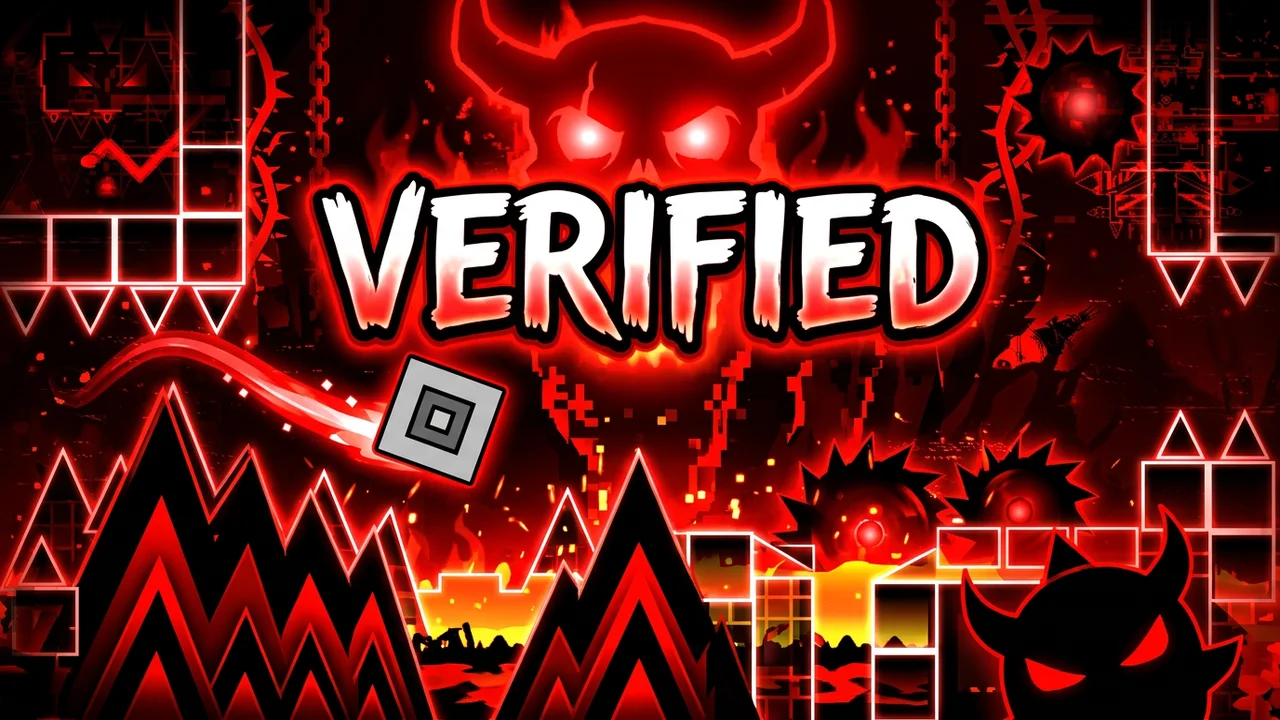
Upload a screenshot to start. Layout images illustrate neon styles; they are not a preview of your AI result.
AI may change spikes, the wave path or level decoration. Check the result before publishing.
Your uploads follow the site privacy policy. Paid AI results default to private. Your local edits stay in this browser.
Geometry Dash thumbnail maker helps video creators turn a level screenshot into a 16:9 cover. Editing your original image and exporting a 1280×720 PNG is free, without sign-in or added watermarks; AI redraws cost 14 credits at 1K, about $0.117 per image on the largest pack. New accounts receive 0 credits; an AI redraw may alter level details, while your separate cube icon stays unchanged.
How to make a Geometry Dash thumbnail
Geometry Dash covers start with your own screenshot. Upload a clear frame, choose a neon treatment, then add a short headline and a separate cube icon. Keep original makes a free composition without redrawing the level. AI neon cover generates a new background; you can check it and change the final text before downloading.
- 01
Upload a recognizable frame
Choose a screenshot of the level shown in your video. Add a transparent cube PNG if you want your exact icon on top.
- 02
Choose your treatment
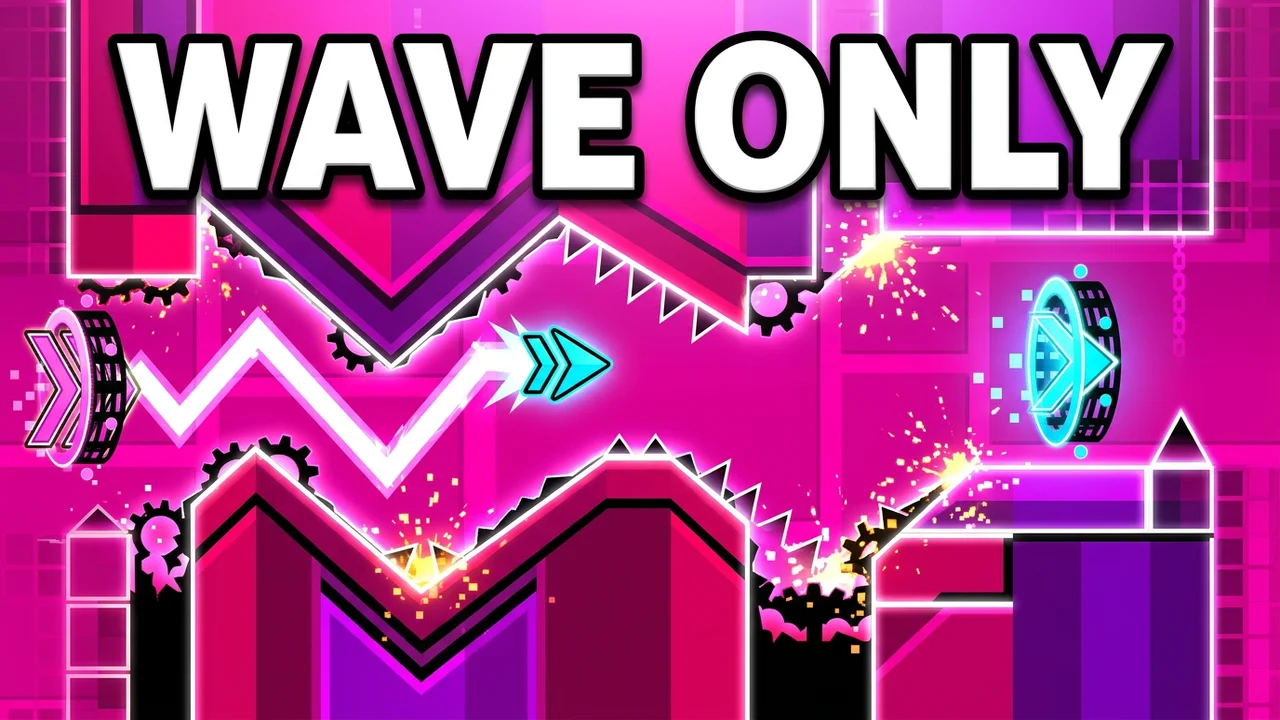
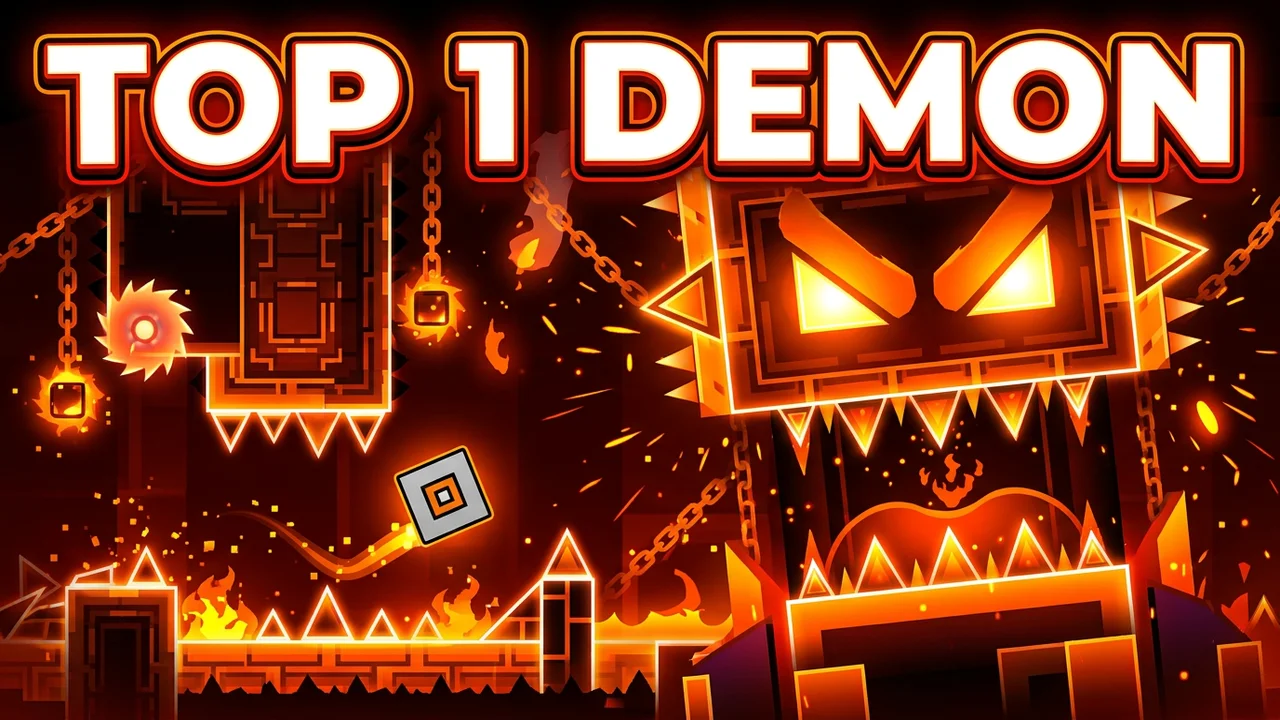
Pick Verified, Top 1 Demon, Wave Only or Stream. Custom lets you describe another dark neon layout. Keep original skips AI.
- 03
Check and export
Keep the headline short, inspect the level details and download a 1280×720 PNG. Text edits and exports do not cost extra credits.
Geometry Dash thumbnail editing examples
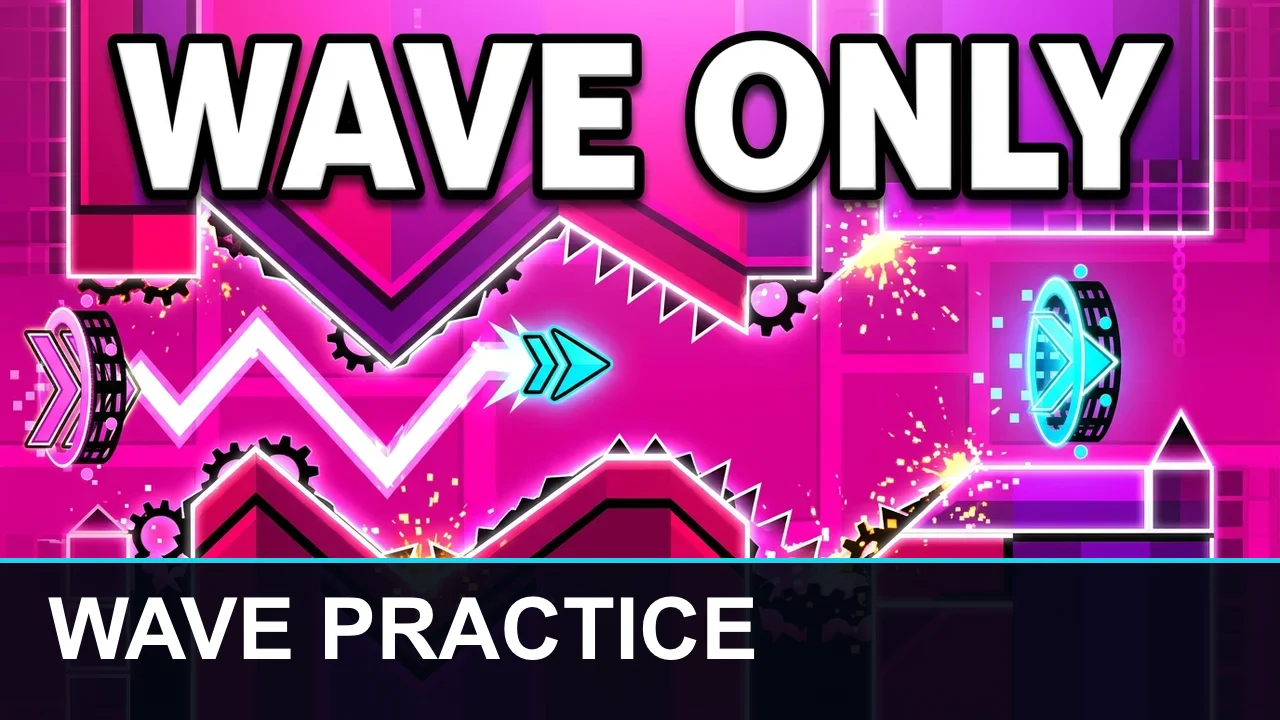
These three before-and-after pairs show the free editor adding a short headline to a template image. The original artwork stays visible, and the lower text band is drawn in the browser. Use these pairs to compare red demon, pink wave and amber challenge compositions; AI mode creates a new composition from your screenshot, so check its level details before posting.
Template image

PNG with headline
Template image
PNG with headline
Template image
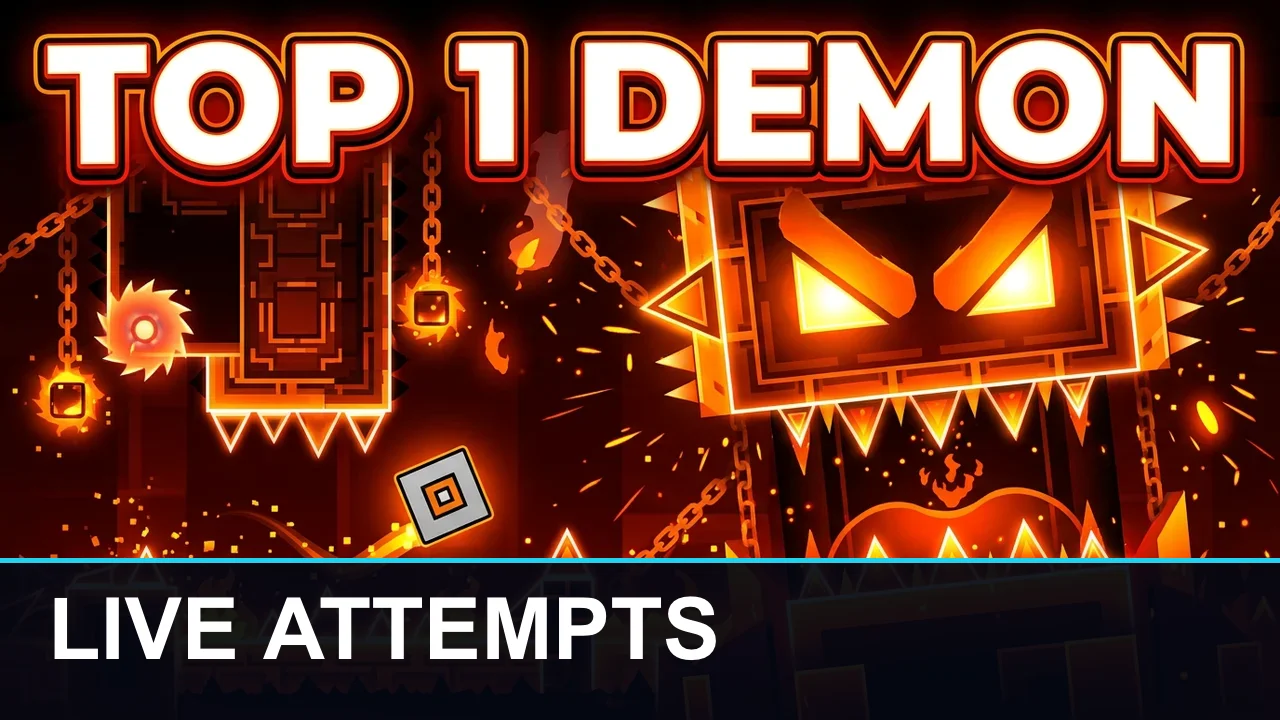
PNG with headline
How do I use a Geometry Dash thumbnail template?
A Geometry Dash thumbnail template works as a starting layout: upload an image you may use, add your cube and type the words you want viewers to notice. Keep original preserves the artwork while fitting it to a 16:9 frame. Choose AI neon cover only when you want a new composition; the model can change obstacles and decoration, so it cannot promise a pixel-for-pixel match.
Can I make cool Geometry Dash thumbnails for free?
Yes: the Geometry Dash thumbnail maker lets you edit your own image and download a watermark-free PNG for free, without an account. AI redraws use credits: 14 for 1K with one screenshot, plus 4 for an extra style reference. New accounts currently receive 0 credits. That does not cover one AI redraw. No charge is added for changing the headline or downloading the finished composition.
How do I make a Geometry Dash stream thumbnail?
A Geometry Dash stream thumbnail needs a clear level image and a headline that describes the session, such as VIEWER LEVELS or WAVE PRACTICE. Use the Stream preset for a dark amber and red composition, then add your own words in the editor. Reuse your original cube icon across sessions; changing text is free, while generating another background costs the displayed credits again.
Pricing & credits
Geometry Dash thumbnail editing is free; AI generation costs 14 credits for one 1K redraw with your screenshot. This is about $0.117 per image using the largest credit pack. Starting from zero credits, the smallest single pack that covers a redraw is $5.00 for 50 credits, equivalent to $1.40 per default image. Every new redraw uses credits, including revisions.
| Action | Credits / price | Access & output |
|---|---|---|
| Original image, icon and text | 0 credits · $0 | No sign-in · 1280×720 PNG · no added watermark |
| AI · 1K · 1 input image(s) | 14 credits · ~$0.117 | Sign-in · one 16:9 working image · 1280×720 PNG export · no added watermark |
| AI · 1K · 2 input image(s) | 18 credits · ~$0.150 | Sign-in · one 16:9 working image · 1280×720 PNG export · no added watermark |
| AI · 2K · 1 input image(s) | 29 credits · ~$0.242 | Sign-in · one 16:9 working image · 1280×720 PNG export · no added watermark |
| AI · 2K · 2 input image(s) | 33 credits · ~$0.275 | Sign-in · one 16:9 working image · 1280×720 PNG export · no added watermark |
| Smallest sufficient pack | $5.00 / 50 credits | One-time purchase · credits valid for one year |
| New account allowance | 0 credits | AI allowance depends on the current sign-up offer |
What this GD thumbnail maker cannot do
Geometry Dash AI covers are illustrations, not verified gameplay screenshots. AI may move spikes, alter decorations or invent a wave path; use Keep original when accuracy matters. The tool does not confirm records, download levels, install the Level Thumbnails mod or export editable PSD layers. Exact cube preservation applies to the separate icon overlay, not to any cube already inside an AI-redrawn screenshot. Use images you have permission to use.
Geometry Dash thumbnail FAQ
Which Geometry Dash thumbnail font does the editor use?
The editor adds a heavy sans-serif headline with high contrast. The font is separate from the image model, so your typed words stay editable and are not respelled by AI. Keep the phrase short and inspect the small preview.
Can I download an editable Geometry Dash thumbnail template?
The editor downloads a flattened 1280×720 PNG. It does not export PSD files or editable layers. Keep your original screenshot and cube image if you want to rebuild the composition in a layered editor later.
Can I make a GD thumbnail on my phone?
Yes. Upload images, choose a layout and save the PNG in a mobile browser without installing an app. AI generation requires sign-in and enough credits. If sign-in reloads the page, the tool restores text and settings and asks you to reattach the images.
Does this change level thumbnails inside Geometry Dash?
No. This tool makes covers for YouTube videos and livestreams. It does not connect to Geometry Dash or change the game’s level preview images. It is an independent tool, not an official Geometry Dash service.