
Sympathy Card Maker — Find the Words, Make a Card
Sympathy Card Maker by ThumbBlox turns your own words and an optional photo into a free card to print or share, without signing in.
Who are you writing to?
95 / 220 characters
Card design
JPG, PNG, or WebP: up to 5 MiB, 20 megapixels, and 10,000 px per side. A photo replaces the illustration and stays on this device.
Live card preview · 5 × 7 in
Free to download · No account or watermark
ThumbBlox’s sympathy card maker helps you reach out to a friend or coworker after a loss, whether you start with one of the short messages or write your own. Personalize a single-sided card with exact wording and an optional photo, then download a 1500 × 2100 PNG or a 5 × 7-inch PDF. Both exports are free, require no account or credits, and add no watermark.
How to make a sympathy card
- Choose a starting message. Pick a friend, a coworker, or pet loss to fill in a short note.
- Make it personal. Edit the heading and note, choose a design, and add a photo if you like.
- Save your card. Choose PNG to share the image or PDF to print a flat 5 × 7-inch card.
Sympathy card examples
See how the same illustration becomes a card once a heading and a personal note are added.

Original illustration
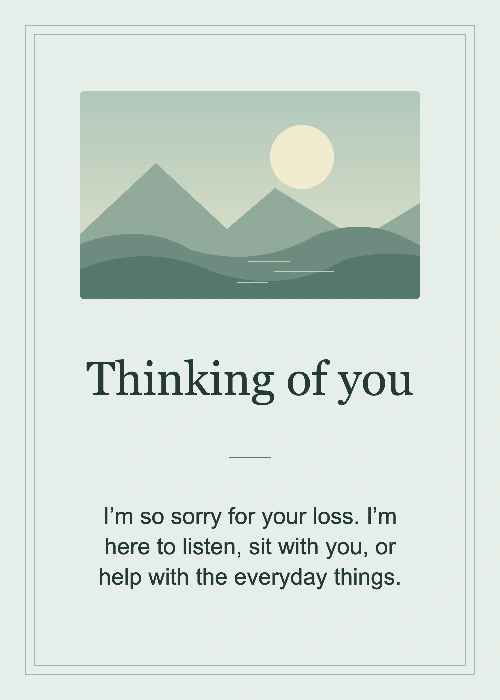
Finished card
A card for a friend
A quiet lake and a simple offer to be there.

Original illustration
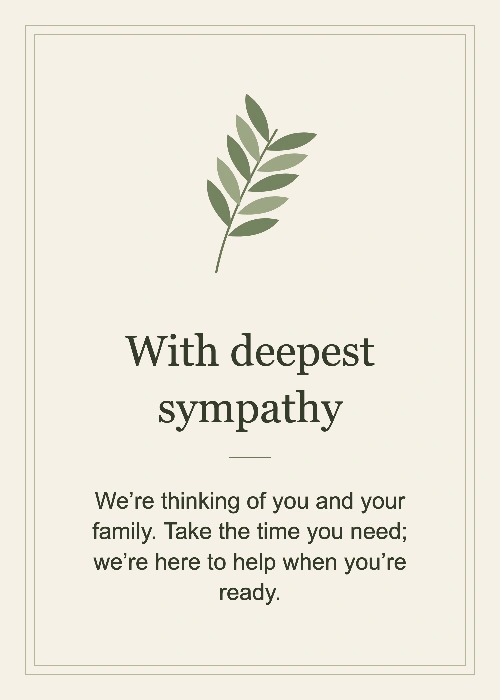
Finished card
A card from coworkers
An olive branch with a note from the team.

Original illustration
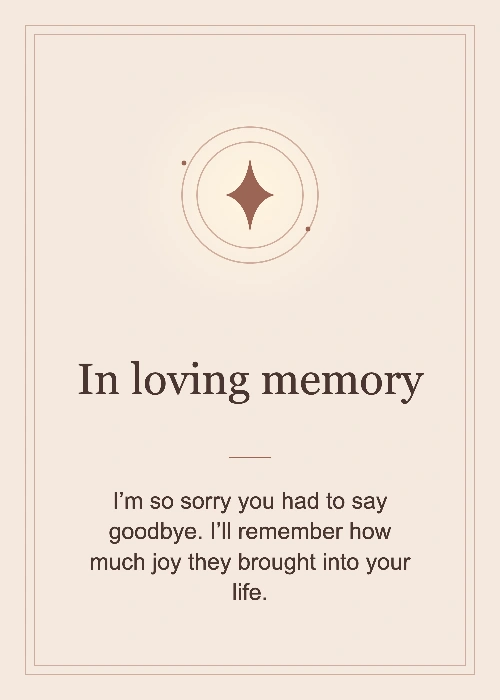
Finished card
A card for pet loss
A small light and a message to remember a loved pet.
How can I make a free digital sympathy card?
Sympathy Card Maker offers editable notes for a friend, a coworker, or someone grieving a pet, and exports a free PNG to attach to a text or email. Make the message your own: say that you’re thinking of them, share a memory, or offer something specific you can do. There is no account or app to install.
How do I print a sympathy card at 5 × 7 inches?
Sympathy Card Maker exports a free printable sympathy card; choose Actual Size or 100% in the print dialog to keep its dimensions. The single PDF page measures 5 × 7 inches and uses 1500 × 2100 pixels, or 300 pixels per inch at that size. If a home printer needs margins, print at actual size on a larger sheet and trim to fit.
Price, downloads and watermarks
Design and download as many cards as you like for free.
| Download | Price / credits | Watermark |
|---|---|---|
| PNG image | $0 / 0 credits | None |
| 5 × 7-inch PDF | $0 / 0 credits | None |
What this card maker can’t do
The editor makes a flat, single-sided card. It does not set up folded cards, printer bleed, or a second side. It fits your whole photo in the illustration area but does not sharpen, retouch, or redraw it, so a small or blurry original may still look soft in print.
Sympathy card maker FAQ
Does the sympathy card maker upload my photo?
No. Your selected photo and card text are processed in this browser and are not sent to a card-making server. The tool does not save drafts after you leave. Download a copy before closing the page.
Can I make a sympathy card without a photo?
Yes. Each design starts with an illustration. Leave the photo field empty to keep it, or remove a photo to restore the illustration.
Can the sympathy card maker send the card for me?
No. Download the PNG and attach it to a message or email yourself, or print the PDF and deliver the card. There is no mailing or group signing service.