
Fortnite Thumbnail Maker — Keep Your Skin
Fortnite thumbnail maker by ThumbBlox adds titles and optional AI backdrops to your screenshots.
Local layout preview · free
The complete image is scaled to fit, including its existing background. AI changes the backdrop around the panels; it does not cut out or redraw your skin. Upload a transparent PNG if you already have a character cutout.
A Fortnite thumbnail maker turns your screenshots into a video cover: ThumbBlox arranges complete images and exact title text in a 1280×720 PNG. Local layouts and downloads are free without an added watermark; optional AI backgrounds start at 18 credits. Signup currently includes 0 credits, and the smallest pack covering one background costs $5.00. Use a phone or desktop browser; AI appearance varies.
How the Fortnite thumbnail maker works
Start a Fortnite thumbnail with your own gameplay screenshot or transparent skin image, then add a short title. Choose a blue, purple or golden backdrop and download the free layout immediately. For a different background, sign in and request AI generation. The editor places the original images over that background, so the visible skin and weapon come from your upload instead of being regenerated.
- Upload your screenshots
Choose one clear screenshot. A second image is optional for a duo or comparison. Remove private account details before uploading.
- Set the title and background
Type a title such as VICTORY ROYALE. Victory, Ranked and Mythic change the backdrop colors; Custom asks for your background description.
- Preview, then download
Check the screenshot panels at phone size. The free PNG export is 1280×720; generating another AI background spends credits again.
Before and after layout examples
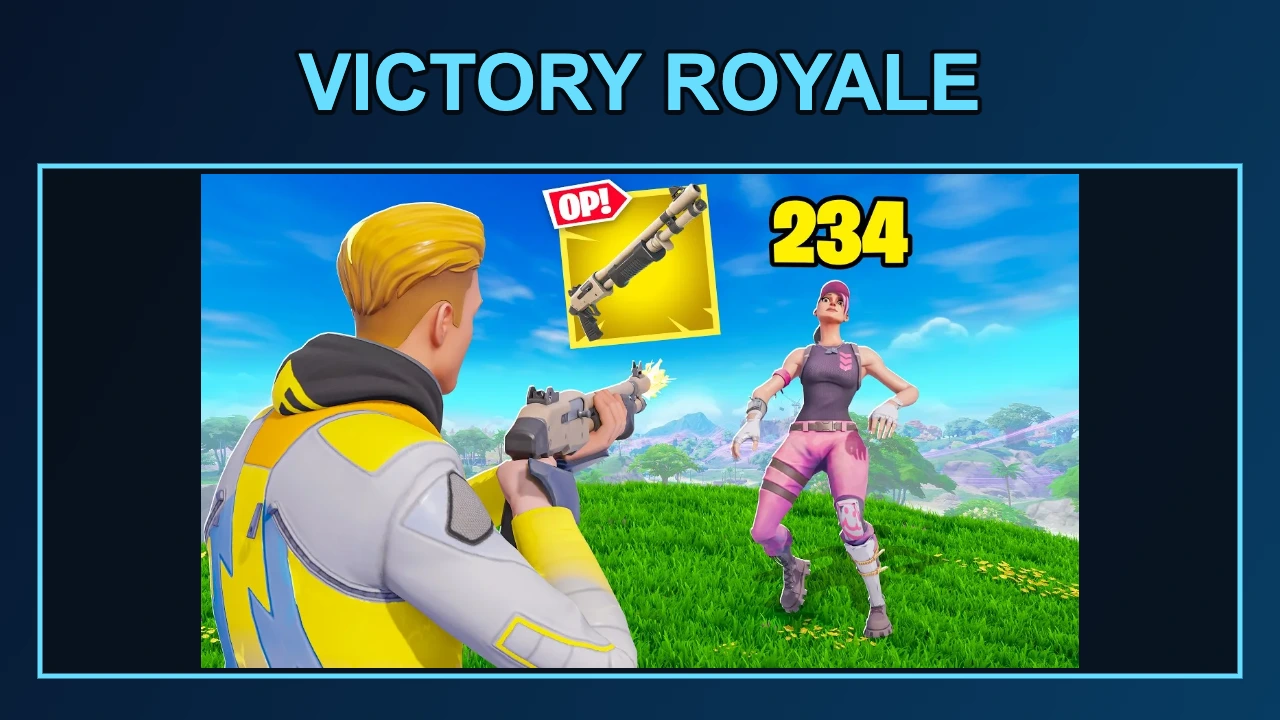
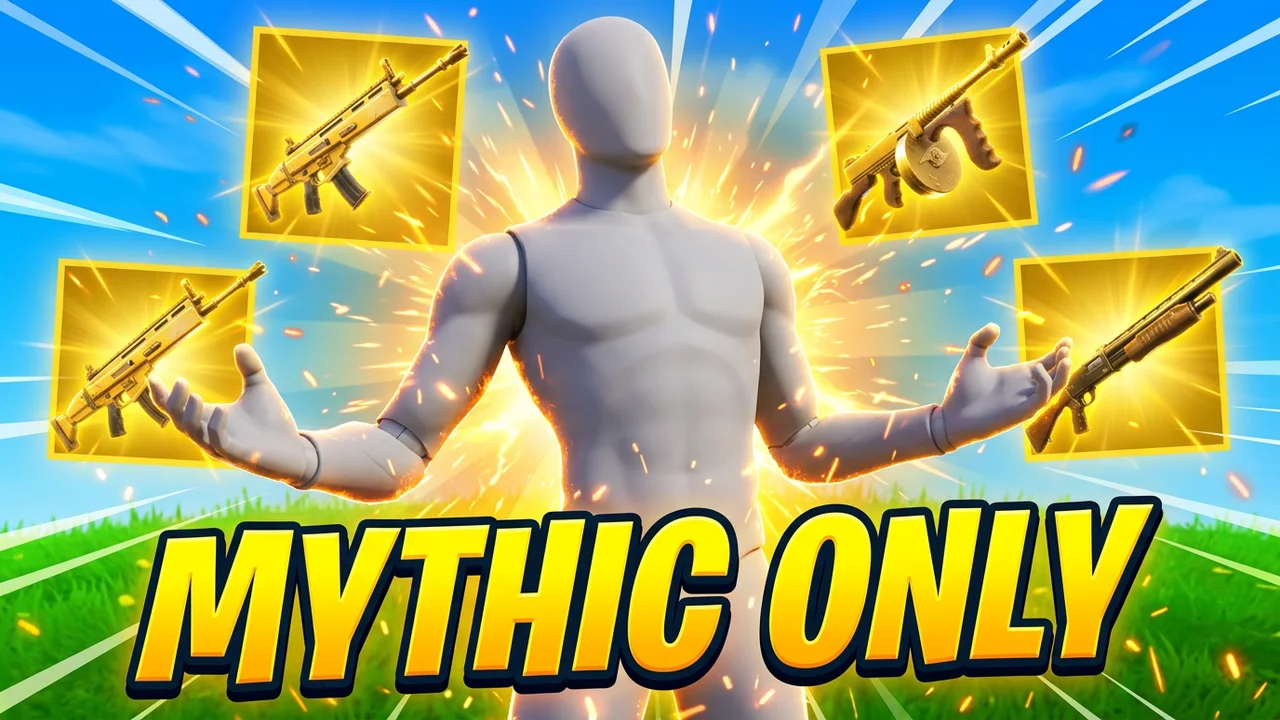
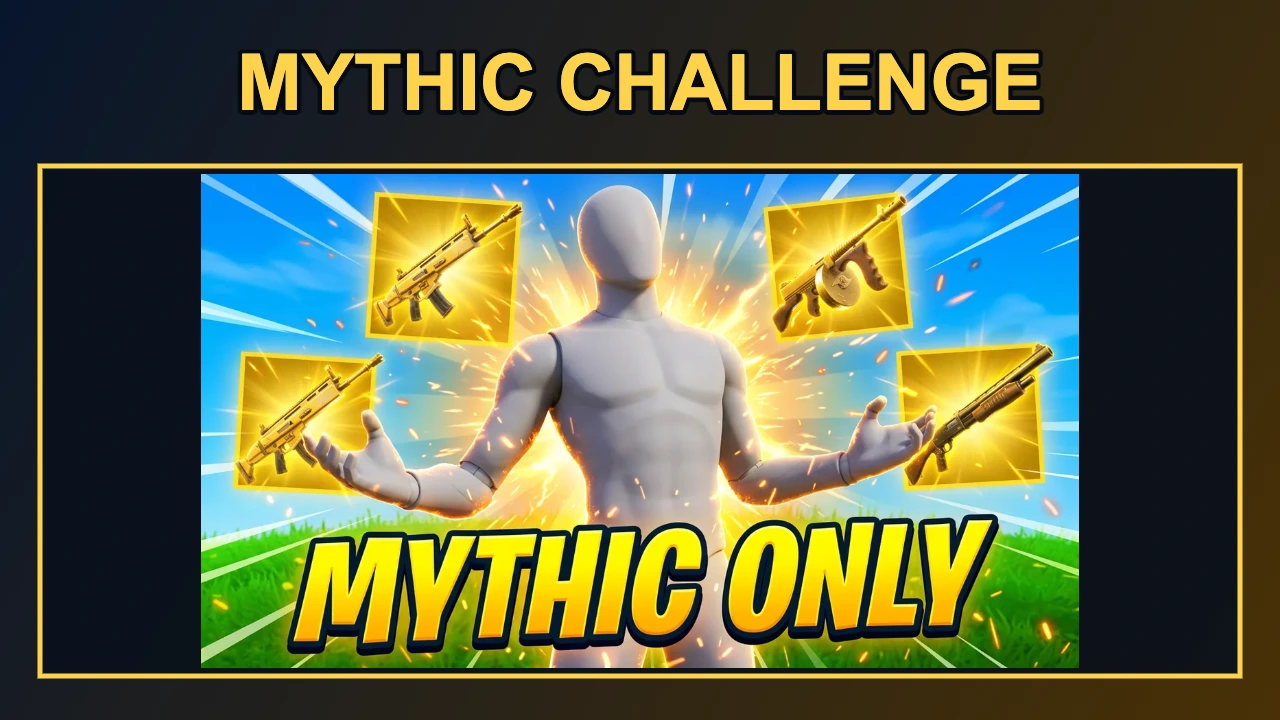
These Fortnite thumbnail examples pair existing artwork with the free editor’s exported layout. A combat image, a rank comparison and a gold weapon illustration show how a complete picture fits beneath a typed title. The pairs demonstrate framing and text placement. An AI background is optional, and its appearance depends on the description and model output.
Original image
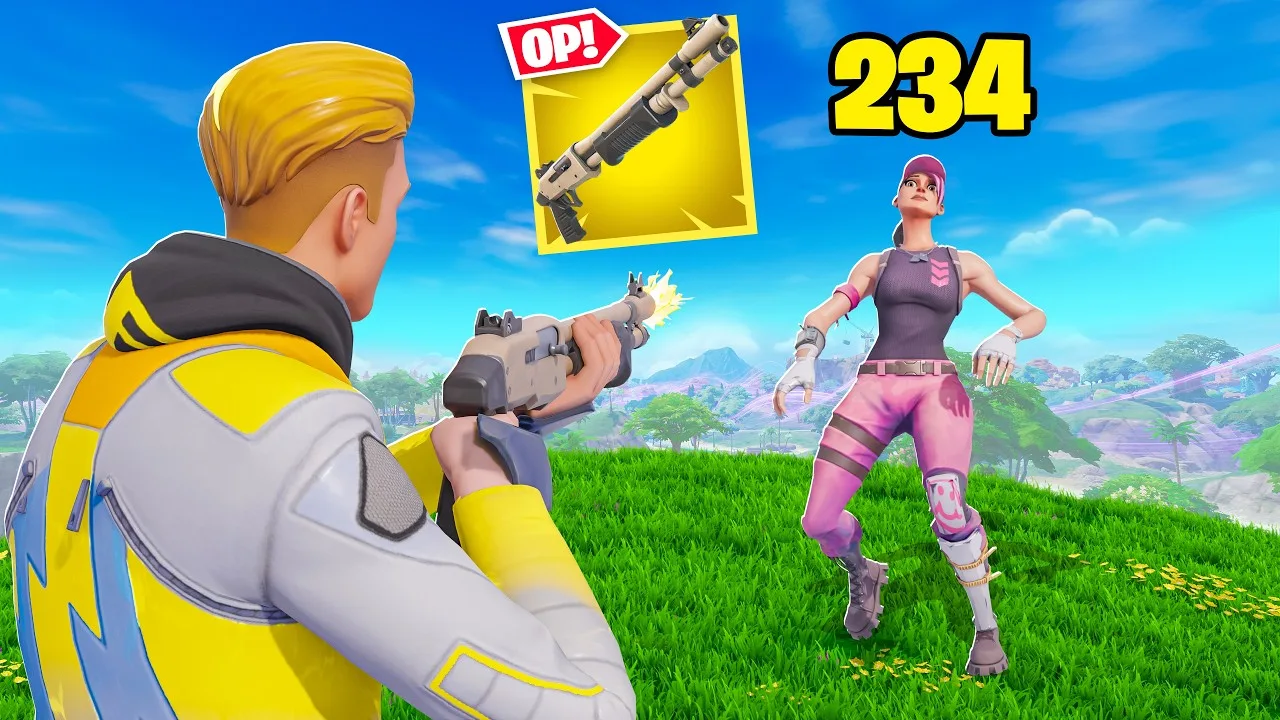
Exported layout · 1280×720
Original image
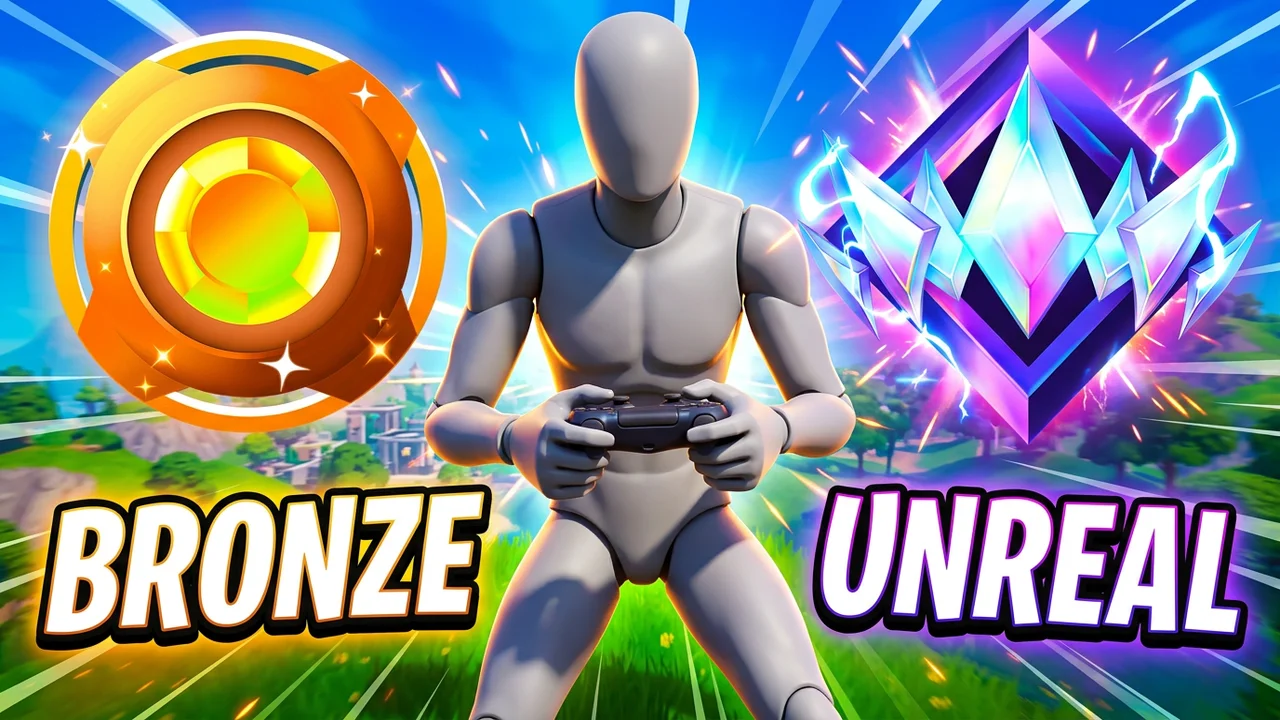
Exported layout · 1280×720
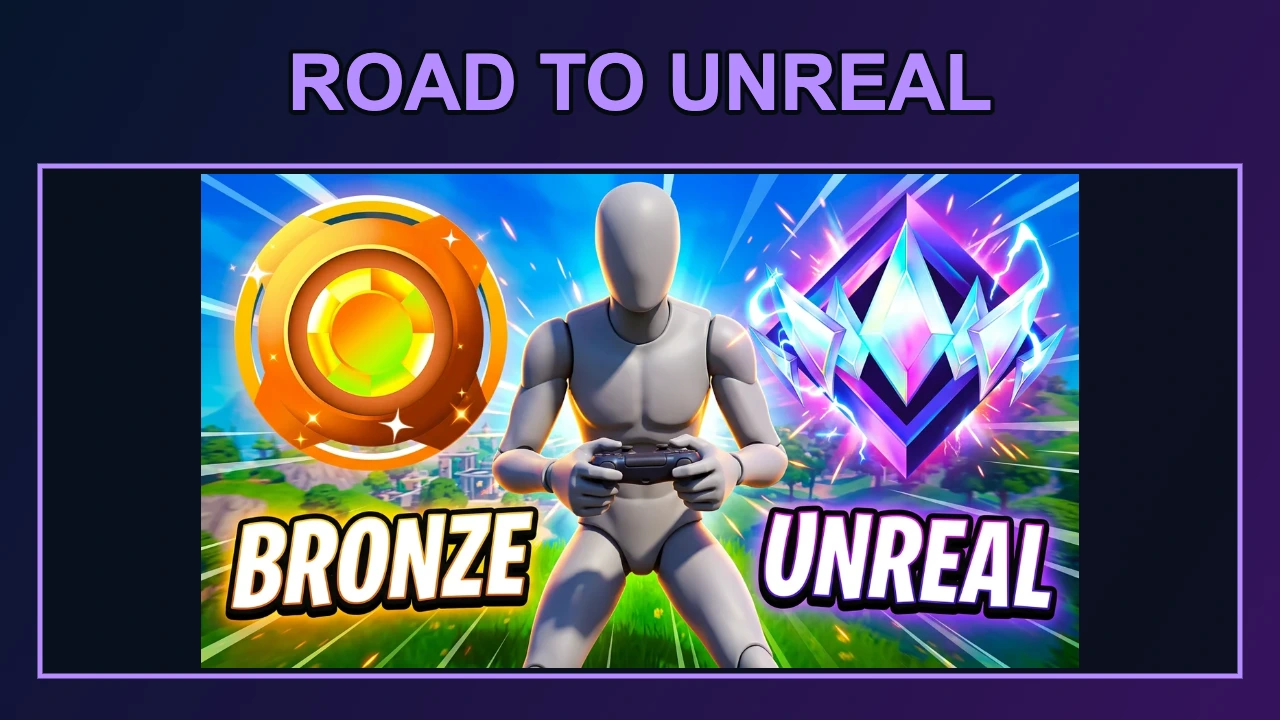
Original image
Exported layout · 1280×720
Is this Fortnite thumbnail maker free?
The Fortnite thumbnail maker is free to arrange and download in ThumbBlox with your own images and the local backdrop. No sign-in or added watermark is required for that route. AI backgrounds are a separate action starting at 18 credits. Signup currently includes 0 credits; check that against your selected cost. From zero balance, the smallest pack covering one AI background costs $5.00.
How can I keep my Fortnite skin unchanged?
An unchanged Fortnite skin comes from your original screenshot layer. This Fortnite skin thumbnail maker scales the full image to fit and does not redraw its face, outfit or weapon. It also retains the screenshot’s existing background. For a cutout look, supply an already transparent PNG. The AI prompt requests only a separate landscape backdrop; this page has no skin library, automatic cutout or 3D pose editor.
Can I use this for a Fortnite Creative map thumbnail?
The Fortnite thumbnail maker exports 1280×720 video covers, so it is not a complete Fortnite Creative map thumbnail maker or island publishing workflow. You can explore a layout using your own map screenshot, but prepare the final island artwork to the current requirements shown in Epic’s Creator Portal. Do not assume a YouTube cover is ready for Discover, and avoid adding features or rewards that your island does not contain.
Pricing & credits
One default Fortnite AI background costs 18 credits, about $0.15 at the lowest per-credit pack rate. The smallest purchase covering it is $5.00 for 50 credits. Each request produces one 16:9 background, while the final layout exports at 1280×720 regardless of background resolution. Layout edits and downloads remain free. Failed generation requests return reserved credits; another successful generation is charged again.
| Option | Price / credits | Output / watermark |
|---|---|---|
| Local screenshot layout | Free · no sign-in | 1280×720 PNG · no added watermark |
| 1K background · 1 unique image(s) | 18 credits · about $0.15 | One AI background · no added watermark |
| 1K background · 2 unique image(s) | 22 credits · about $0.18 | One AI background · no added watermark |
| 1K background · 3 unique image(s) | 26 credits · about $0.22 | One AI background · no added watermark |
| 2K background · 1 unique image(s) | 34 credits · about $0.28 | One AI background · no added watermark |
| 2K background · 2 unique image(s) | 38 credits · about $0.32 | One AI background · no added watermark |
| 2K background · 3 unique image(s) | 42 credits · about $0.35 | One AI background · no added watermark |
| Signup allowance | 0 credits | Below one AI background; local export stays free |
Dollar equivalents use the $50.00 / 6000-credit pack, not a per-image cash checkout. Smaller packs have higher per-credit prices. Existing marks inside an uploaded image are retained. See credit packs
What this tool cannot do
This Fortnite thumbnail generator cannot fetch your locker, change a character pose, remove image backgrounds, export PSD layers or create gameplay video. It exports 1280×720 only, including when you choose a 2K AI background. AI is asked for scenery and lighting; results vary. Your screenshots go to storage and the model service only when generating, and anyone with their image links may open them. Remove private account details first.
Fortnite thumbnail FAQ
Can PS4, PS5 or phone players use it?
Yes. Transfer your console screenshots to a phone or computer, then open this page in its browser and upload them. No app or console-account connection is needed. This tool accepts images, not a gameplay recording or YouTube link.
Can I download a Fortnite thumbnail PSD?
The export is a flattened PNG, not a PSD template or asset pack. Keep your original images to make changes later. Images are not saved in the browser draft; text settings are restored after sign-in.
Are these Fortnite thumbnails no copyright?
No copyright-free guarantee is provided. Use images you have permission to publish and check the game and platform rules for your use. This independent tool is not affiliated with or endorsed by Epic Games. An AI background does not grant rights to uploaded game assets.
More tools: YouTube thumbnail generator · YouTube title generator