
AI Motorcycle — Preview Paint, Carbon and Fairing Mods on Your Own Bike
AI motorcycle editing by ThumbBlox takes a photo of your own bike and asks GPT Image 2 to repaint it or add graphics, carbon parts or a fairing kit.
AI motorcycle editor
Your motorcycle photo
One photo of the whole bike, side or three-quarter view. PNG, JPG or WebP, up to 10 MB.
Modification
Asks the model to repaint the tank, side covers, tail and fender in glossy candy green and keep the decals. For another color, choose Custom.
Model
Aspect ratio
Resolution
Preview
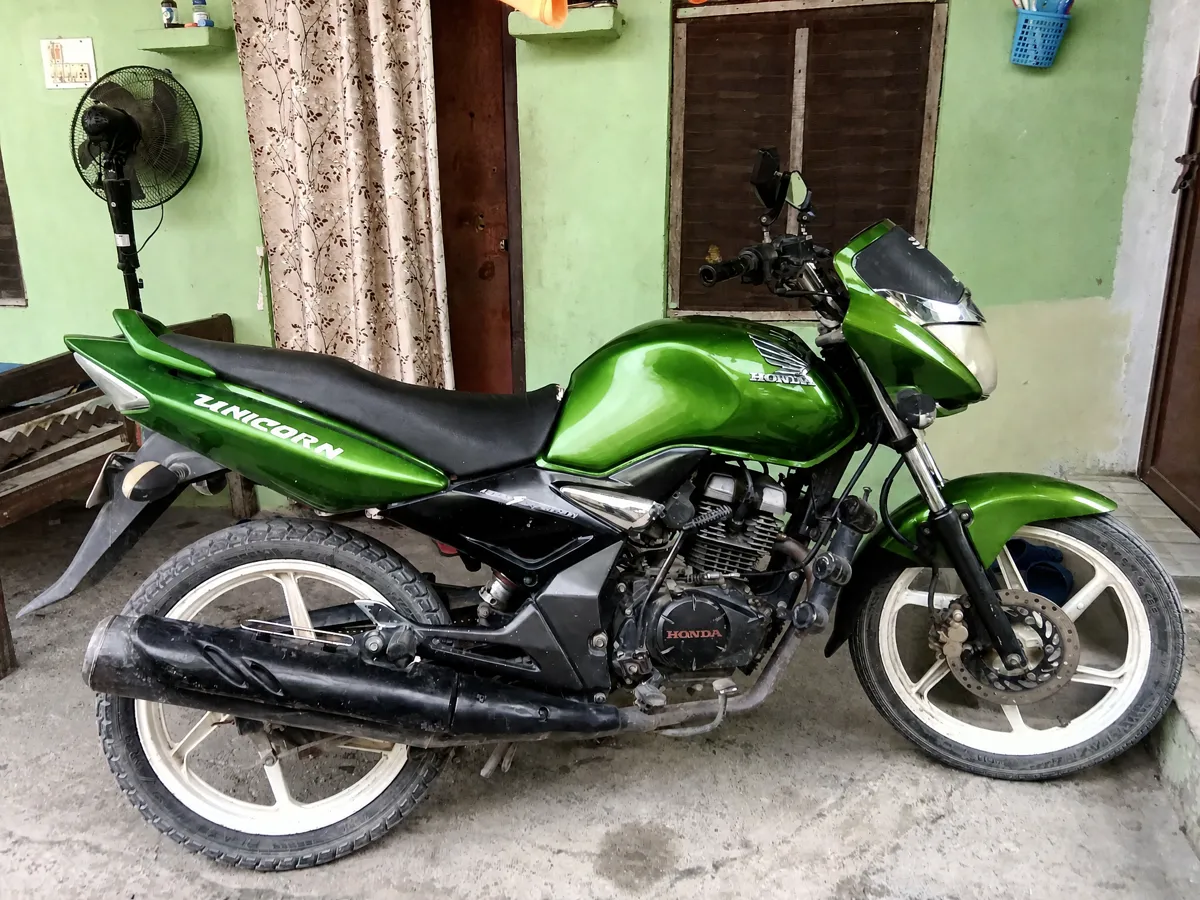
Sample: a red commuter bike repainted glossy candy green. Results vary with the model and your photo.
Your photos are uploaded to unlisted file links for processing; anyone with a link can open them. Results stay out of the gallery.
AI motorcycle previews on ThumbBlox are for riders, custom shops and sellers who want to see a build before paying for parts or paint. Each run returns one PNG at 4:3, 3:4 or 1:1 in 1K or 2K, with no added watermark. A 1K edit costs 20 credits (about $0.17 at the largest pack rate), and the smallest one-time pack from zero is $5.00 for 50 credits.
How AI motorcycle editing works
AI motorcycle editing here needs one photo and a few choices. The prompt asks the model to change only the modification you pick and to keep the frame, engine, camera angle and background as they are; results vary with the model and your photo.
- 01
Upload a photo of your bike
Use a sharp side or three-quarter photo with the whole motorcycle in frame. PNG, JPG or WebP up to 10 MB.
- 02
Pick a mod, ratio and resolution
Candy green paint, Teal & gold graphics, Carbon front and Full fairing kit are fixed edits; Custom follows your own description and can take one style photo. Pick the ratio closest to your photo, then 1K or 2K.
- 03
Generate and compare
Generate once, set the edit next to your original, then download the PNG. Run another mod on the same photo to compare builds.
Modified motorcycle examples: original photo and AI edit
Each pair shows an original bike photo next to an AI-edited version with one change: the same bike, the same angle. The four edits are the same kinds of change as the four presets; results vary with the model and your photo.
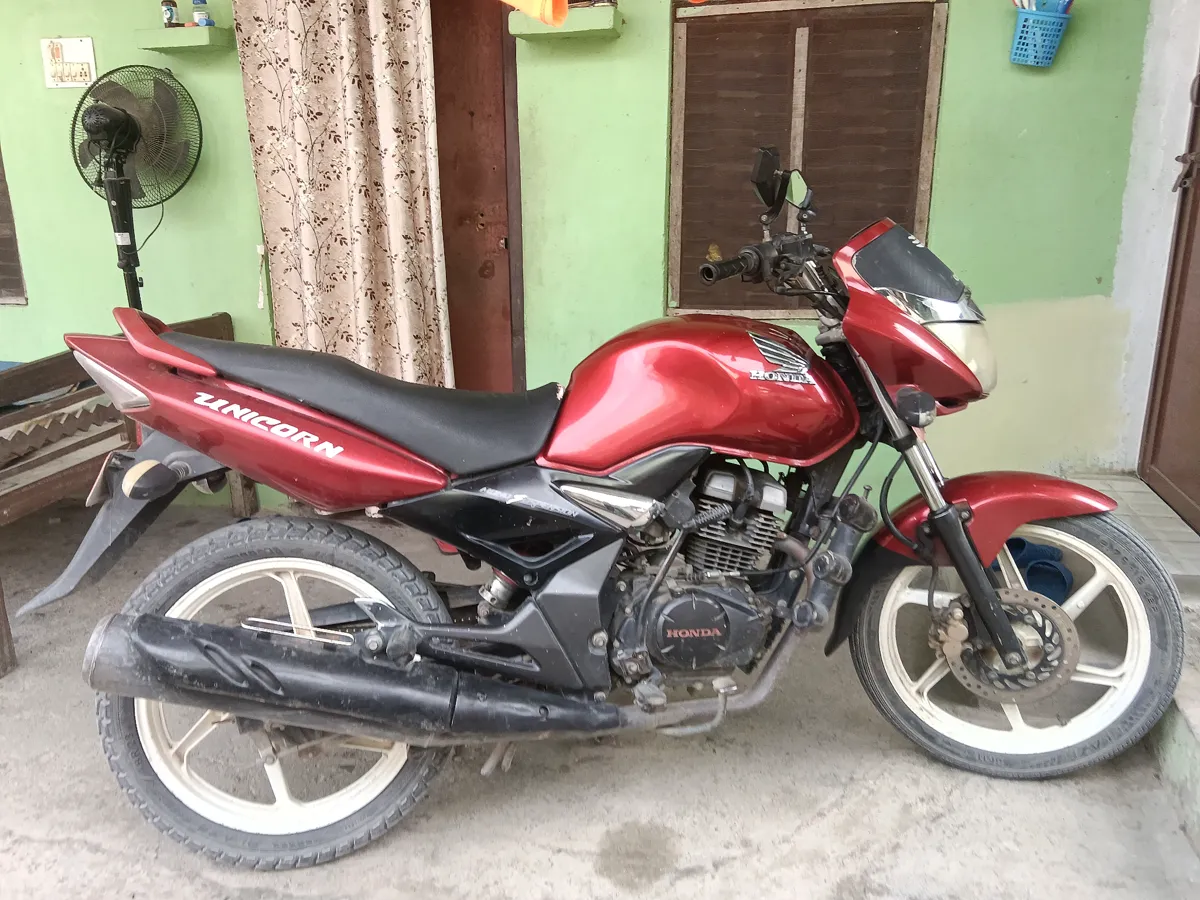
Original
Edited
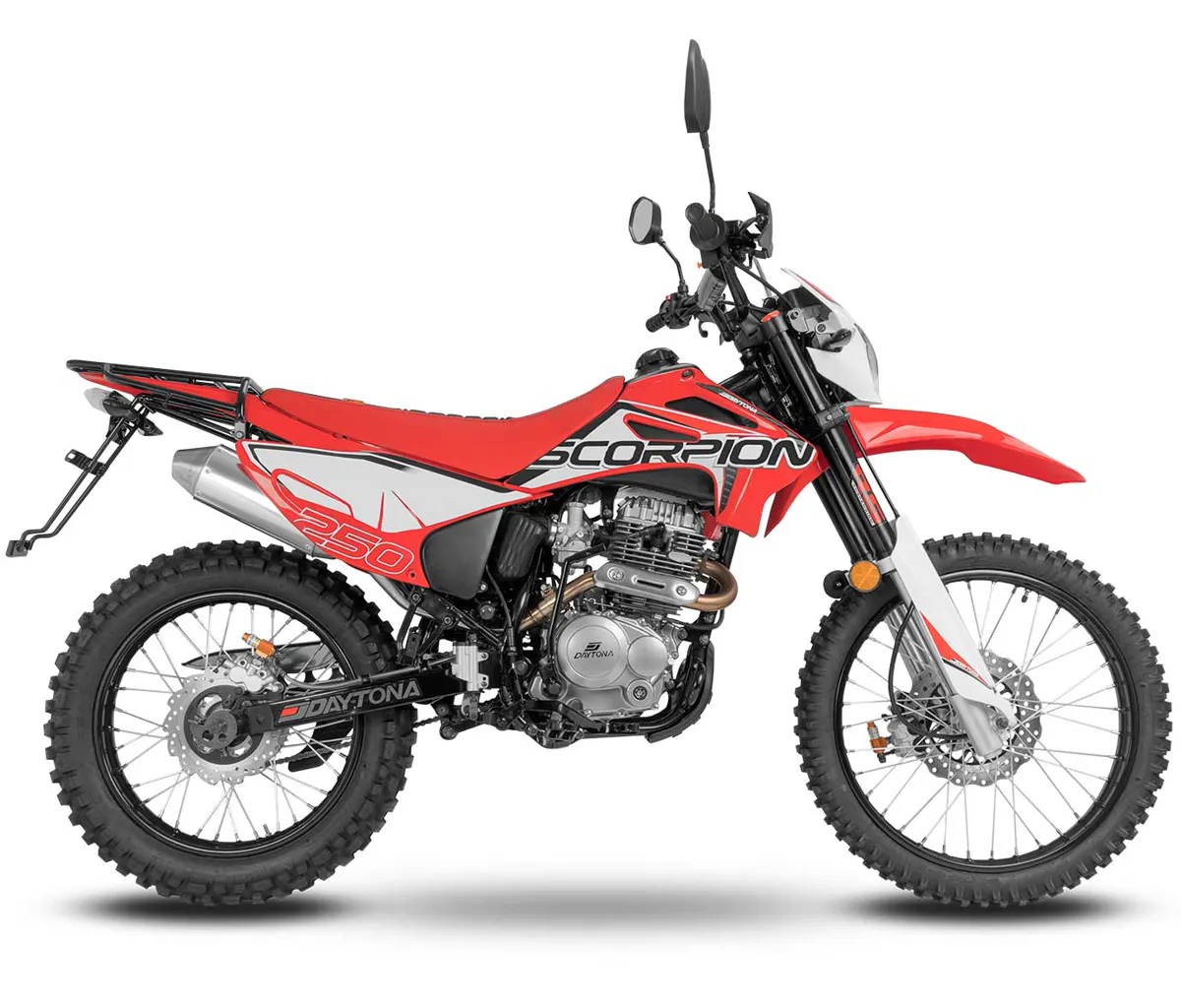
Original
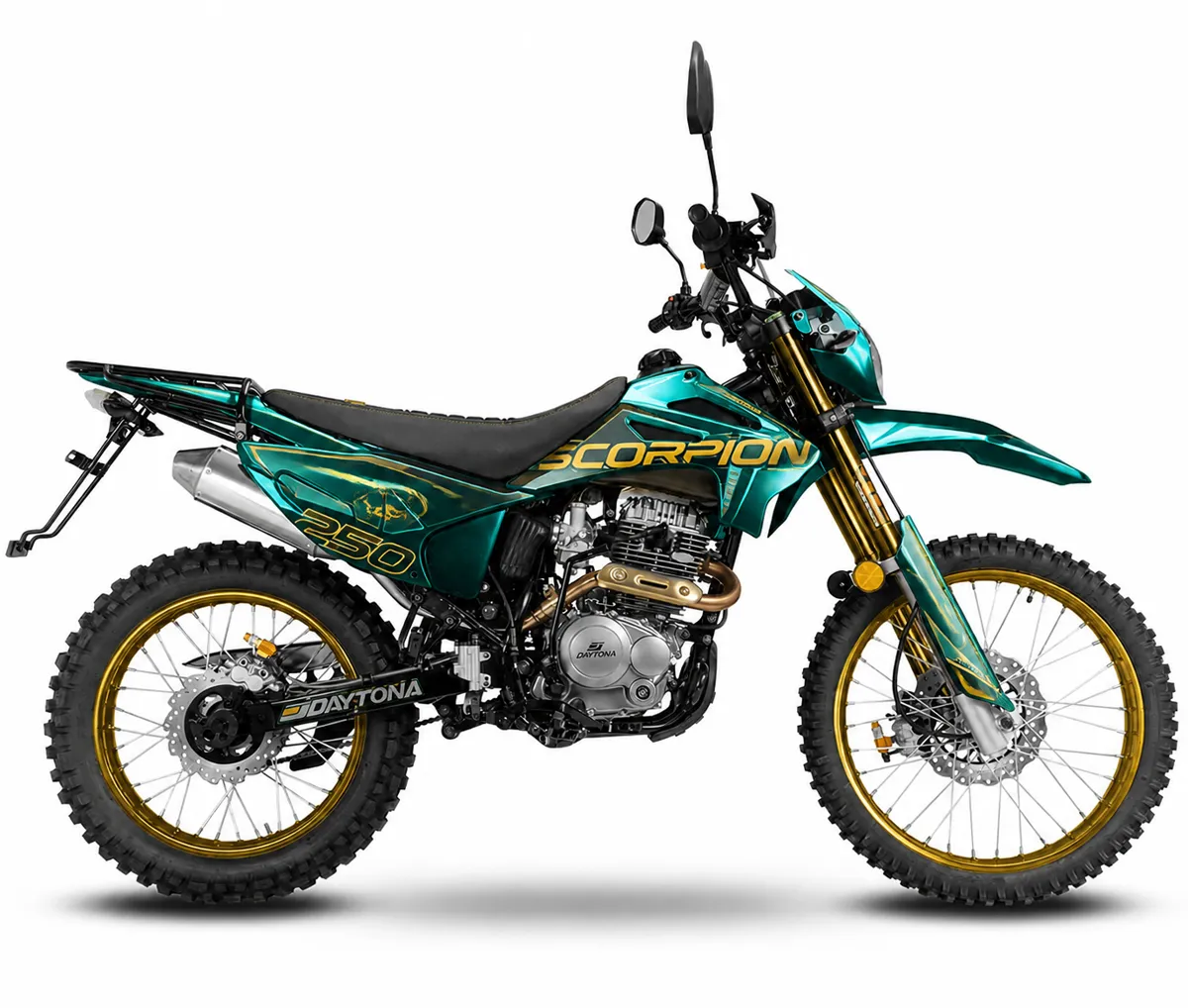
Edited
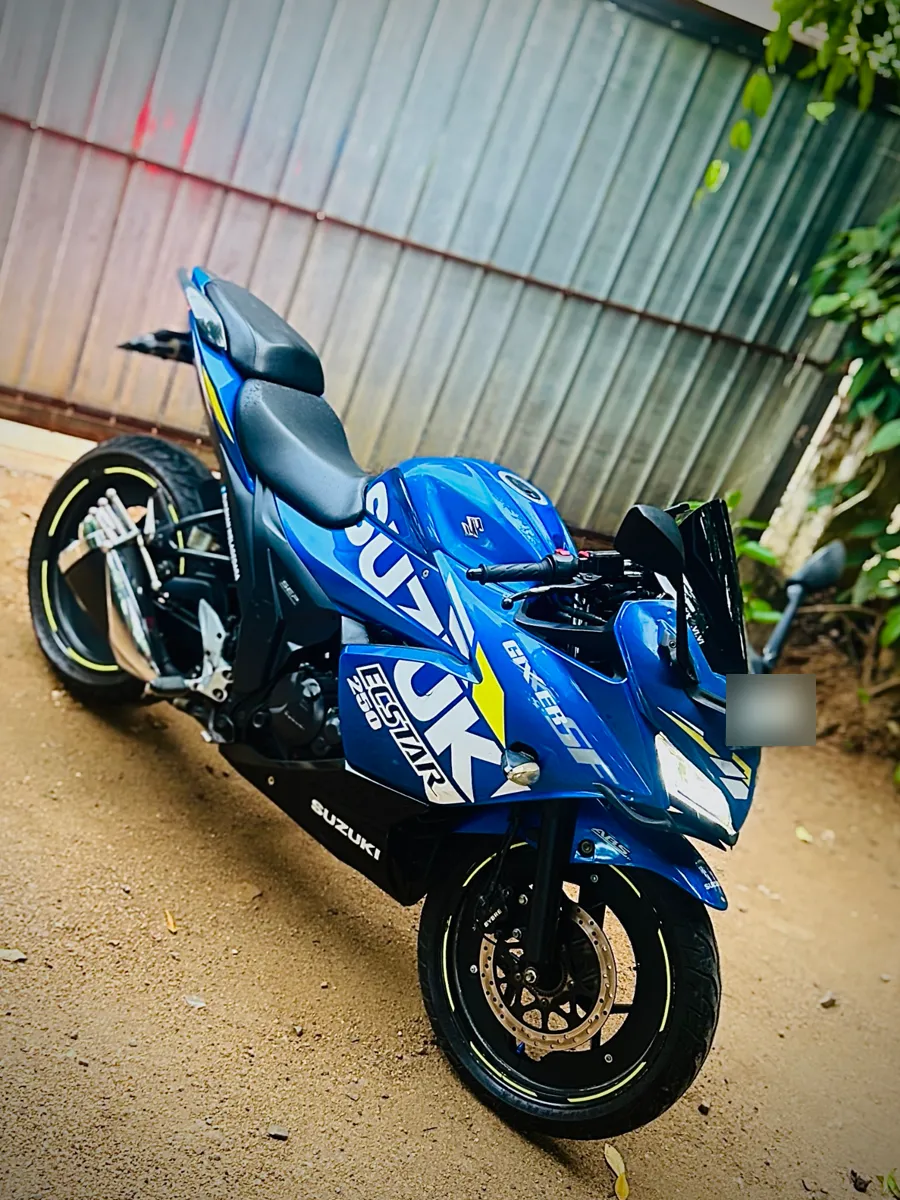
Original
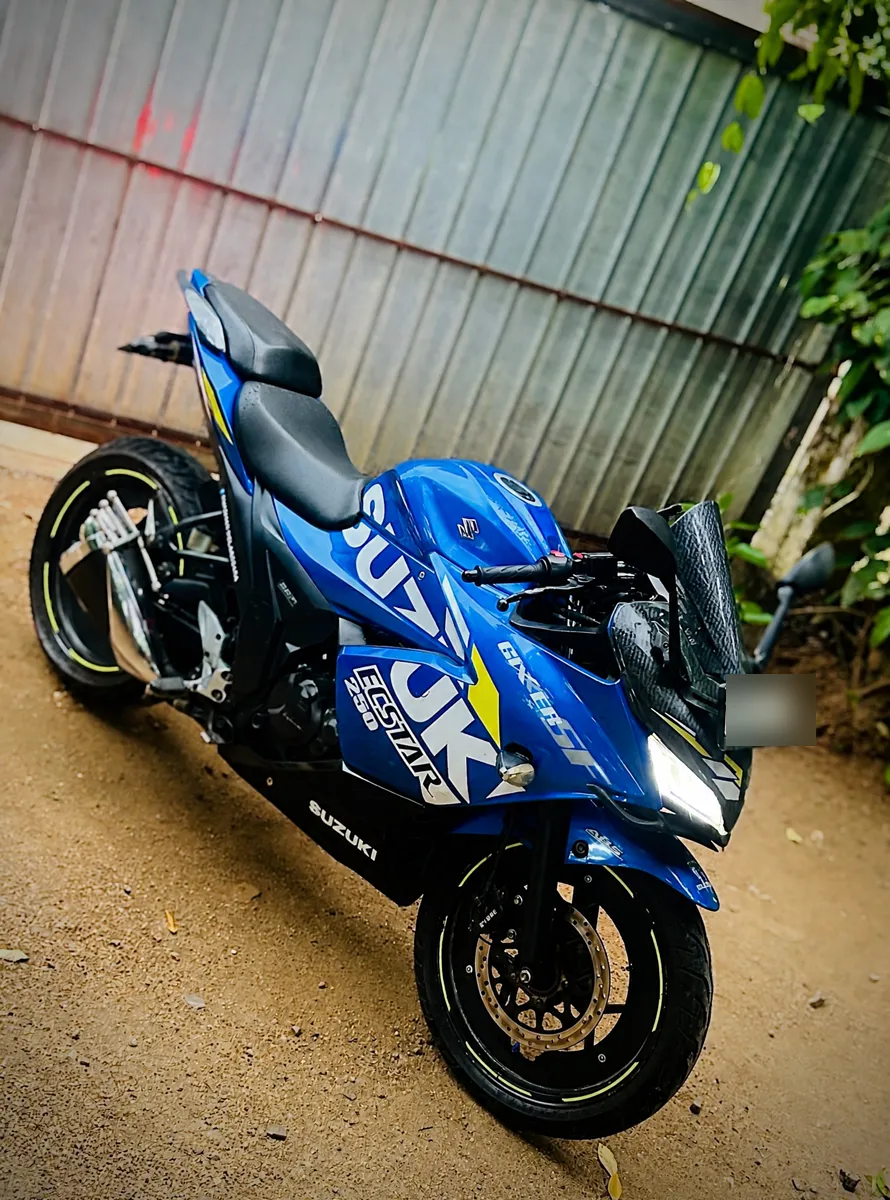
Edited
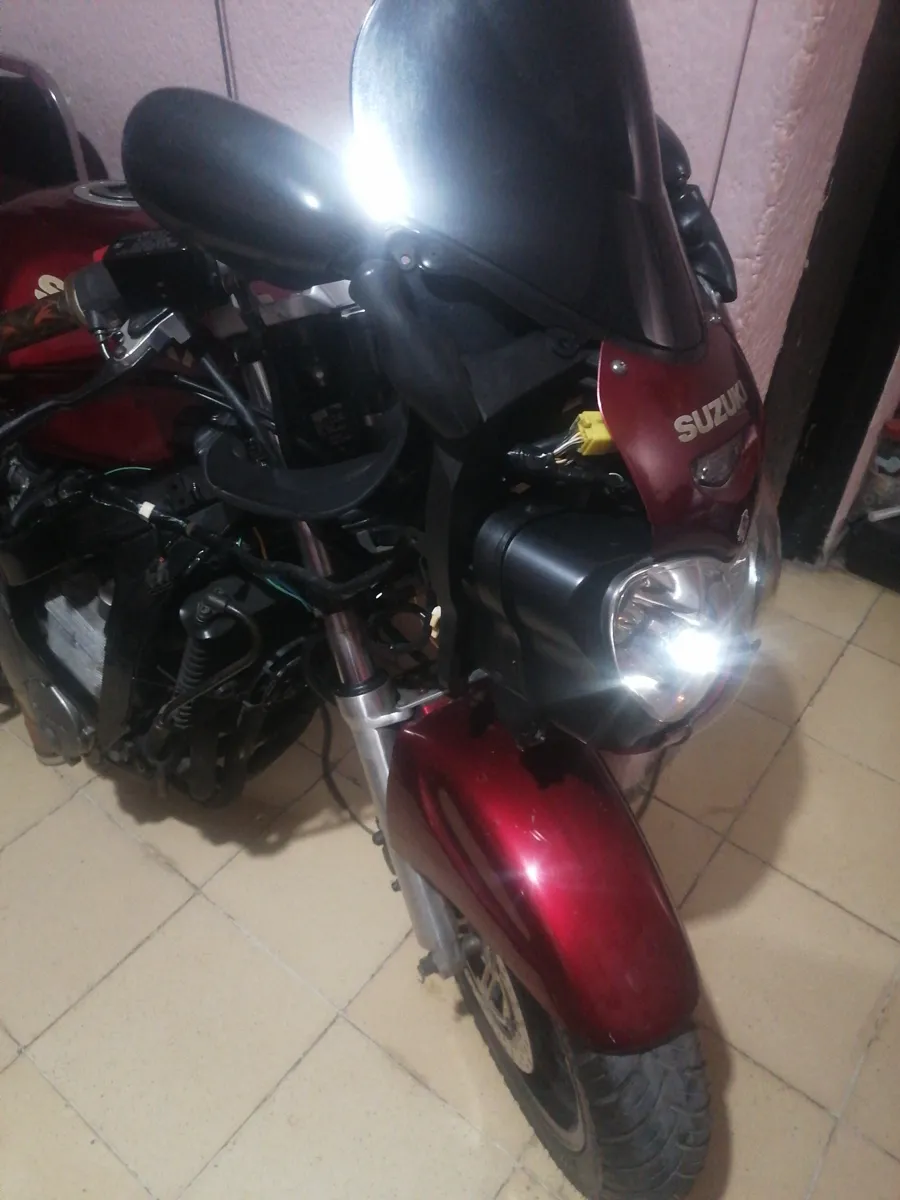
Original
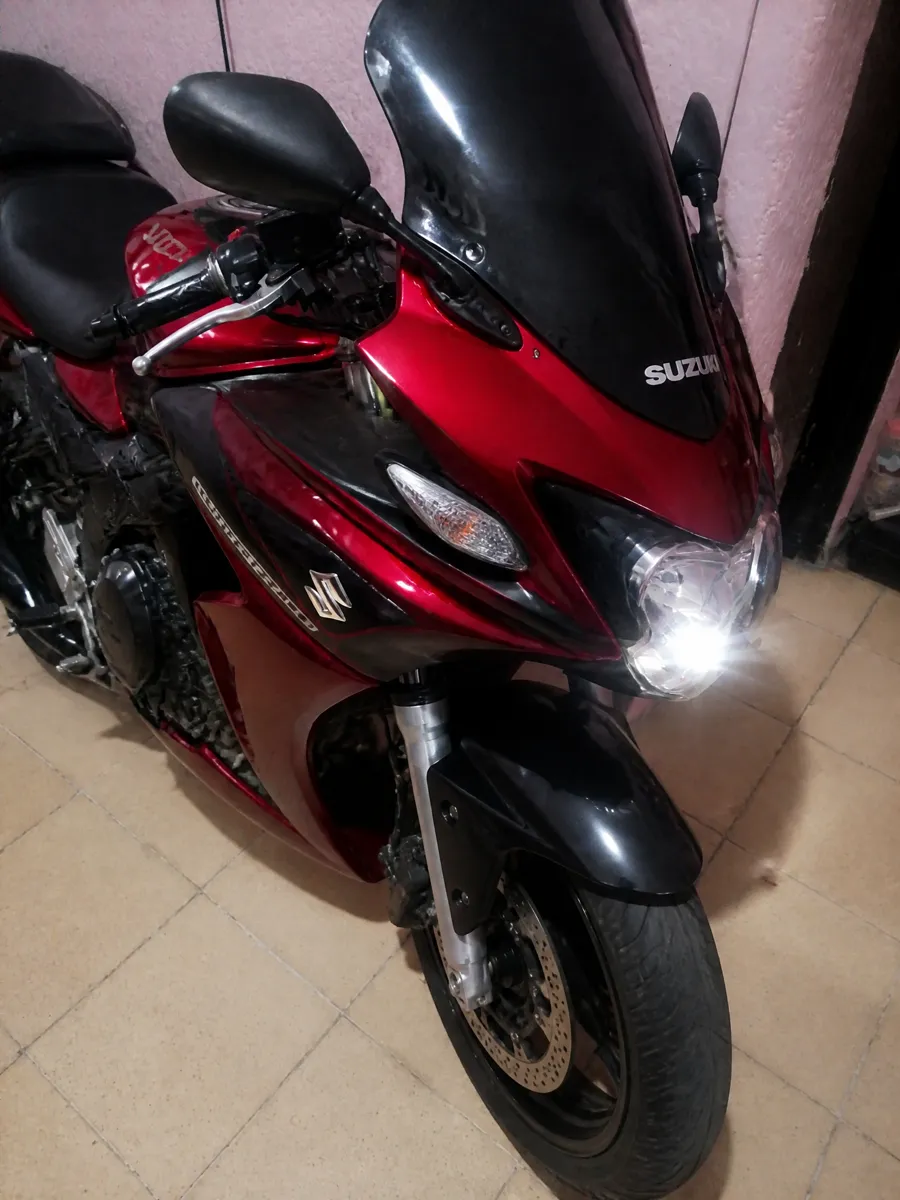
Edited
Can I upload a picture of my motorcycle and change different parts with AI?
AI motorcycle editing on ThumbBlox starts from a picture of your own bike: upload it, pick one part or look to change, and the prompt asks GPT Image 2 to edit that area while keeping the make and model, frame, engine, tank shape, camera angle and background. Results vary, and the model can still redraw spokes, chains or badges, so compare the edit with your original before you buy anything.
Change one area per run: paint first, then parts, so you can compare each step with the original. In Custom, name the part and the finish and say what must stay, for example “matte black tank and gold wheels, everything else unchanged”.
Is this virtual motorcycle customizer free?
AI motorcycle edits on ThumbBlox are not free to generate: each 1K edit uses 20 credits, and the smallest one-time pack from zero is $5.00 for 50 credits, enough for 2 edits (about $2.00 each). Downloading the finished PNG is free, carries no added watermark and needs no subscription.
If the model fails or returns no image, the credits go back automatically, and you are never charged for downloading.
Do I need a motorcycle design app to modify my bike with AI?
AI motorcycle editing on ThumbBlox runs in a phone or desktop browser, so there is no app to install: upload from your camera roll, generate, and save the PNG. Generating needs a free account and credits. Dedicated iPhone apps for motorcycle mods exist too, but a browser tool works the same on a laptop, an Android phone or a shop computer.
Motorcycle edit AI pricing and credits
Motorcycle edit AI pricing on ThumbBlox depends on resolution and on how many photos you send: a 1K edit of one bike photo costs 20 credits, about $0.17 at the largest pack rate or $2.00 in the $5.00 pack. A Custom style photo adds 4 credits, and every aspect ratio costs the same.
| Edit | Credits / price | Access & output |
|---|---|---|
| 1K · bike photo | 20 credits · ~$0.17 | Sign-in · PNG · no added watermark |
| 1K · bike photo + style photo (Custom) | 24 credits · ~$0.20 | Sign-in · PNG · no added watermark |
| 2K · bike photo | 64 credits · ~$0.53 | Sign-in · PNG · no added watermark |
| 2K · bike photo + style photo (Custom) | 68 credits · ~$0.57 | Sign-in · PNG · no added watermark |
| Smallest pack that covers one edit from zero credits | $5.00 / 50 credits | One-time purchase · 2 1K edits · credits valid for one year |
| New account allowance | 0 credits | Not enough for an edit; buy a pack to start |
| Download the finished image | 0 credits · $0 | Full-size PNG · works in a phone browser, no app |
Prices in US dollars. The ~$ column uses the lowest price per credit (ThumbBlox largest one-time pack).
See all credit packsWhat the bike photo editor can't do
The editor makes one still image per run; it does not build a 3D model, list parts or prices, or confirm that a part fits your bike. The prompt asks the model to keep your frame, engine and angle and not to add other companies' logos, but results vary with the model and your photo: it may redraw spokes, chains, brake discs, badges or the plate and can miss small parts. It does not design a bike from text alone.
Motorcycle modification with AI: FAQ
Which photo of my motorcycle works best?
Upload a sharp side or three-quarter photo taken in daylight, with the whole bike in frame, both wheels visible and nothing parked in front. Skip heavy filters and night shots: the prompt asks the model to keep your background and light, and results vary with the model and your photo.
Can a custom shop or a seller use the images?
You can show the images to customers or in a sale listing if you own the photo or have the owner's permission. Label them as AI concept previews so nobody takes them for photos of finished work, and keep other companies' logos out of them.
Who can see my bike photo and license plate?
Uploads and results are saved to unlisted file links so the model can read them and you can download the result; anyone with a link can open it. Motorcycle edits never go to the ThumbBlox public gallery. Cover or blur the plate before uploading if you plan to share the image.
Can it design a motorcycle from text only?
No. This page always starts from a photo of a real bike, because it is built to preview changes on your own motorcycle. For a concept bike from text alone, a general image generator is a better fit.