
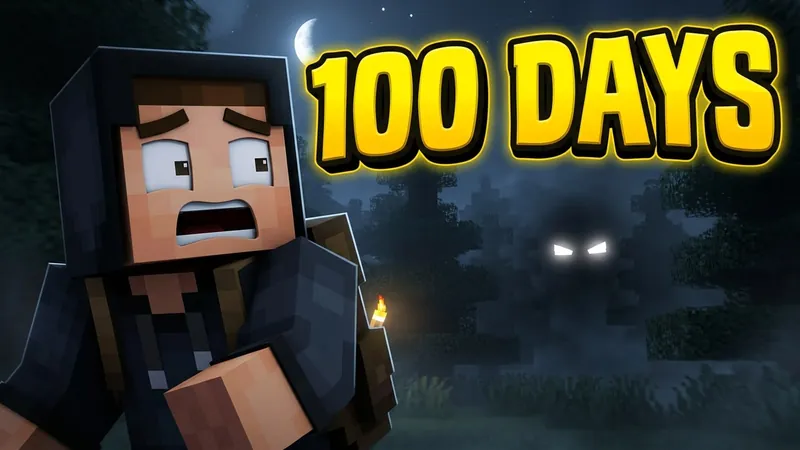
100 Days survival
Show the promise of the whole run. A big number and one worried face beat a wide shot of your base.
Free editor and AI generator by ThumbBlox
This Minecraft thumbnail maker gets your next upload ready in minutes. Use the free editor to place your skin, a screenshot and a bold headline, or let the AI generator turn a video idea into a designed 16:9 scene. No Blender, no Photoshop.
Drag the headline, the character or the background to move them. Arrow keys nudge the headline.
Phone-size preview
This is how big it looks in a feed. If the headline is hard to read here, shorten it.
Video type
Headline color
Your Minecraft skin
Type a Java Edition username to load its public skin.
Character or cutout
Or upload a render, a logo or a transparent PNG.
Background screenshot
Add your world, or keep the block scene from the template.
Your images stay in this browser and are never uploaded.
Style exampleYour thumbnail appears here in about a minute or two. Credits are returned automatically if a generation fails.
NOT AN OFFICIAL MINECRAFT SERVICE. NOT APPROVED BY OR ASSOCIATED WITH MOJANG OR MICROSOFT.
Every Minecraft series has its own look. Pick the closest one to load a matching template in the Minecraft thumbnail maker and fill in a starter brief for the AI generator.
Show the promise of the whole run. A big number and one worried face beat a wide shot of your base.
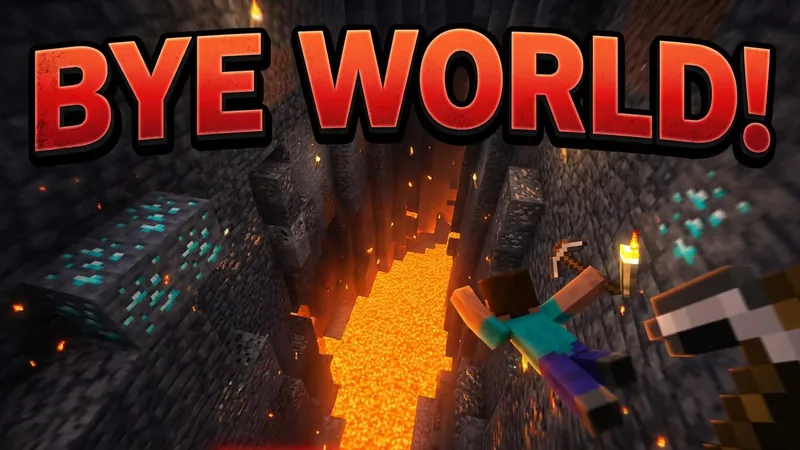
Danger sells this format. Put lava, a fall or a mob next to the player, and keep the words few.
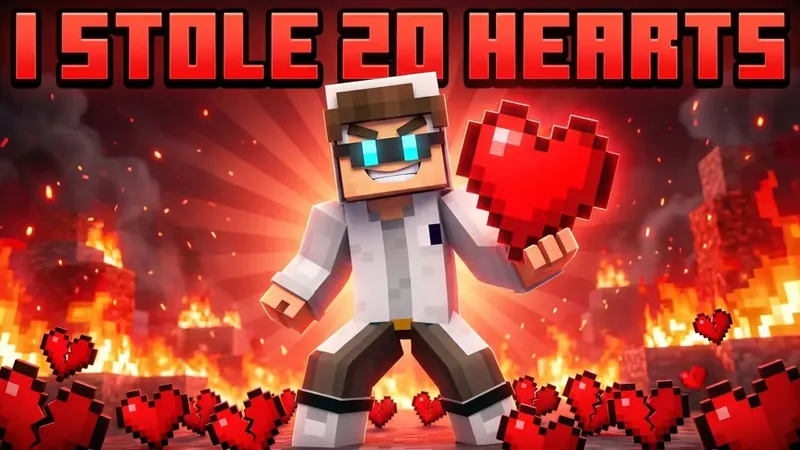
Viewers click on conflict between people. Show the stolen thing, the betrayal or the reaction.
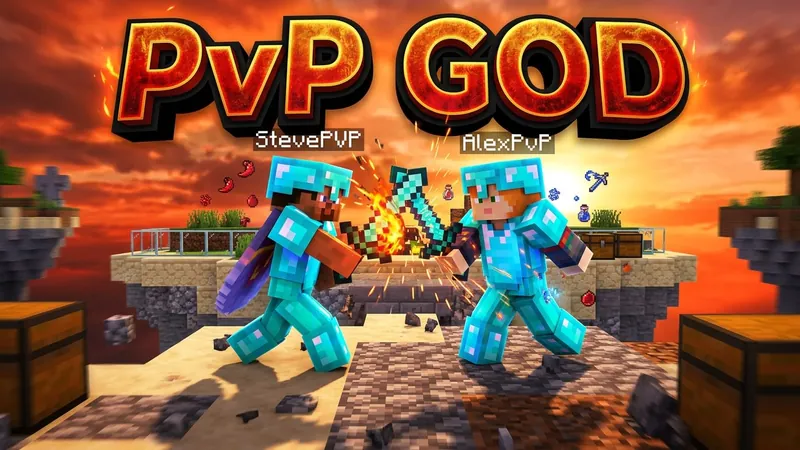
Two armored players mid-clash read instantly. Keep the arena simple so the fight stays the subject.
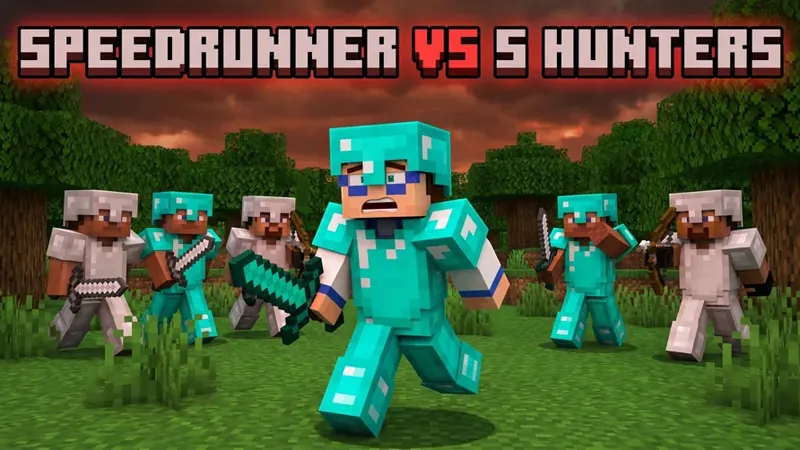
One runner against a crowd is the whole story. Show the gap closing and keep the odds in the headline.
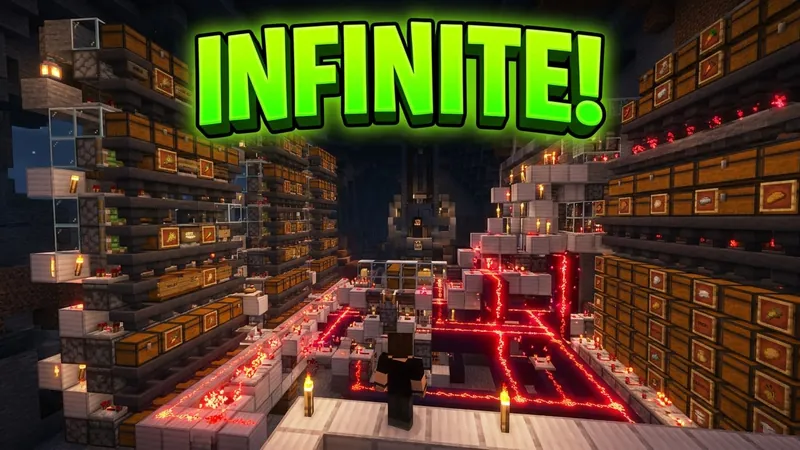
Scale is the hook. Use a dramatic angle on one structure, not the full base at once.
These images show the visual style for each video type. What you get depends on your own brief, references and skin.
The whole job takes three steps in the Minecraft thumbnail maker, on a phone or a computer.
Choose 100 Days, Hardcore, SMP, PvP, Manhunt, Horror, Build, Modpack or Live. The template sets the block background, the icon and a starter headline.
Load your skin by username, drop in a screenshot, and write two to four big words. Check the phone-size preview, then move anything that sits under the timestamp.
Download the free 1280×720 file, or switch to the AI generator for a fully rendered scene. Upload it in YouTube Studio under Thumbnail.
A lot of pages say free and then ask for credits at the last step. Here is how this Minecraft thumbnail maker really works. The browser editor is free, with no account and no watermark. The AI generator uses paid credits.
| Free editor | AI generator | |
|---|---|---|
| Price | $0 | 10 credits at 1K, 25 at 2K, 40 at 4K, plus 4 per reference image |
| Account | Not needed | Required |
| Watermark | None | None |
| You provide | Template, skin, screenshot, headline | A written brief, headline and up to 4 references |
| You get | 1280×720 PNG, or JPG if it passes 2 MB | A rendered 16:9 scene at 1K, 2K or 4K |
New accounts do not receive free credits, so the AI generator needs a credit pack. The smallest pack is $2.99 for 10 credits, which covers one 1K thumbnail with no reference images. Each reference image adds 4 credits. If a generation fails, your credits are returned automatically.
See credit packsThe AI Minecraft thumbnail generator writes a complete scene from your brief: posed blocky characters, a lit world, depth and your headline. It works from the video type you pick, so a Hardcore image and a Build image come out differently without a long prompt. Use the Minecraft thumbnail generator when a video deserves more than a template.
It has limits, and it helps to know them. The Minecraft thumbnail generator invents its own art rather than pasting real game textures. It is set to leave out official logos and game interface, but check each result, because a model can still slip. Headline text is drawn by the model, so check the spelling before you upload. If one detail is wrong, press Change this thumbnail and describe only that part.
Most tools treat every upload as a new job. A series needs the opposite: viewers should spot episode 12 as yours before they read a word. This thumbnail maker for Minecraft series carries your look forward.
Make the first episode in the AI generator with your skin and a headline style you like.
Press Make the next episode. The last thumbnail becomes a reference image, which adds 4 credits, and the character, lettering and colors stay the same.
Change only the new part, such as DAY 50, a new mob or a new base. Your series stays in this browser, so you can come back next week and keep going.
Your skin is your channel's face. Type your Java Edition username and the Minecraft thumbnail maker loads your public skin in a few seconds. In the free editor it appears as a crisp front-facing character you can drag and resize. In the AI generator it becomes a reference, so the model poses your outfit in the scene.
Only public Java Edition skins can be loaded by name. Bedrock gamertags are not supported, so upload a screenshot of your character instead. Skins with very fine detail can lose some of it at thumbnail size, which is normal.
Every Minecraft thumbnail competes with a feed of the same blocks. These rules keep yours readable when it is the size of a postage stamp.
Pick one character, mob or build. If you need a second look to find it, the image has too much in it.
The text should add curiosity, not repeat your title. DAY 100 works. A full sentence does not.
Flat daylight is why screenshots blend together. Torchlight, a sunset or a glow behind the subject lifts it off the background.
Two hearts left, day 1 against day 100, one player against four. Clickbait works only when the video delivers it.
Most views start at phone size. Use the preview beside the editor and fix what you cannot read there.
YouTube Studio can compare thumbnails on your own videos. Make two versions and let your viewers pick.
A Minecraft thumbnail background should support the subject, not fight it, so a good background for thumbnail text stays simple and dark. The free Minecraft thumbnail maker gives you nine original block scenes, one per video type, and you can replace any of them with your own screenshot.
A Minecraft thumbnail follows YouTube's normal rules. These numbers come from YouTube Help.
1280×720 is still the usual working size and it is what the free Minecraft thumbnail maker exports. The 4K option in the AI generator suits creators who want the largest file. Your channel must be verified to upload custom thumbnails. Keep the bottom-right corner clear, because YouTube covers it with the video length.
There are four common ways to get a thumbnail for a Minecraft video, and this Minecraft thumbnail maker covers the first two. The right one depends on how often you upload and how much time you have.
| Method | Time per image | Cost | Best for |
|---|---|---|---|
| Free browser editor | A few minutes | $0 | Fast uploads and a clean layout |
| AI generator | A minute or two per try | From 10 credits | Rendered scenes without learning 3D |
| Blender or Mine-imator | Hours, plus learning time | Free software | Exact poses and full control |
| Hire a designer | Usually days | Roughly $5 to $100 each | Larger channels with a budget |
Minecraft's usage guidelines let players share videos and screenshots of their own play, and they ask that nothing looks official. So keep the Minecraft logo out of your thumbnail, and do not imply a link to Mojang or Microsoft. ThumbBlox is run independently and is responsible for this Minecraft thumbnail maker. Questions go to support@thumbblox.com.
NOT AN OFFICIAL MINECRAFT SERVICE. NOT APPROVED BY OR ASSOCIATED WITH MOJANG OR MICROSOFT.Read Minecraft's usage guidelines
For vlogs, tutorials and reviews, with your photo in the thumbnail.
Crop a channel icon free, or generate one that matches your thumbnails.
Make Roblox and other game thumbnails and icons, and refine them with follow-up requests.
Browse what other creators have made for more ideas.
Most big channels pose a character in Blender or Mine-imator, render it with shaders, then add lighting and text in Photoshop. That can take hours for each image. An AI Minecraft thumbnail maker skips the posing and rendering, and a template editor skips the composition work.
Yes. The free editor on this page needs no account and adds no watermark. It exports a 1280×720 file from your browser. The AI generator is separate and uses paid credits.
Yes. The free editor uses no AI at all. You place your own skin, screenshot and text on a template, and everything is drawn in your browser.
Test any tool on three things: does it keep your skin, does it look blocky without copying game textures, and does it spell your headline correctly. A general image model often misses the first two. This Minecraft thumbnail generator adds direction for each video type, and you can give it your skin as a reference.
Be specific about one moment instead of a topic. Name the subject, the danger and the mood, add a screenshot of your world, and keep the headline short. Then change one thing at a time.
Yes. Type your Java Edition username into the Minecraft thumbnail maker to load your public skin. The free editor shows it as a front-facing character, and the AI generator uses it as a reference to pose your outfit in the scene.
Yes for both, since a Minecraft thumbnail maker only produces an image. The one difference is skin loading: usernames work for Java Edition only. Bedrock players can upload a screenshot of their character.
Yes, in the free editor. Upload your logo as the character layer, and use a template or your AI image as the background. The AI generator may redraw or leave out a logo, so add it in the editor afterwards. Avoid the Minecraft logo itself.
This Minecraft thumbnail maker creates 16:9 images for regular videos. YouTube recommends 9:16 for Shorts, so it is not the right shape for them. You could still crop the center of a 4K image in another editor.
Minecraft's usage guidelines allow videos and screenshots of your own play, as long as nothing looks official. Keep logos out, and check the guidelines if you plan to sell something.
Start in the free editor, and move to AI when the video deserves a full scene. The Minecraft thumbnail maker is ready when your upload is.
Open the Minecraft thumbnail maker