
Warzone Thumbnail Maker — Build Your YouTube Cover
Warzone thumbnail maker by ThumbBlox frames your gameplay screenshots with exact titles and optional AI backgrounds for YouTube covers.
Local layout preview · free
Your screenshots stay as complete image panels, including their existing background and text. The AI button changes the backdrop behind the panels; it does not cut out an operator or redraw a gun. Local editing stays in your browser. AI generation uploads images and shares their links with the model service; anyone with a link can open it.
A Warzone thumbnail maker helps Call of Duty creators turn gameplay and loadout images into YouTube covers: ThumbBlox arranges your screenshots and exact title in a 1280×720 PNG. Local editing and downloads are free with no added watermark; optional AI backgrounds start at 18 credits, with 0 signup credits and a $5.00 minimum pack covering one background. The editor scales your complete images without redrawing operators or weapons.
How the Warzone thumbnail maker works
A Warzone thumbnail starts with one clear gameplay screenshot and an optional weapon image. Add a short title, choose the surrounding color treatment, and download the local layout for free. To change the backdrop, sign in and request an AI background. The editor places the original screenshot panels above that backdrop, so the model is not responsible for reproducing your operator, weapon attachments or title spelling.
- Upload your screenshots
Choose your own game screenshot. Add a separate weapon image if the loadout is the subject. Remove private account details before selecting files.
- Set the title and background
Try a short headline such as NEW META or MATCH HIGHLIGHTS. Amber and Blue change the frame and background direction; Custom requires your own background description.
- Preview, then download
Check the screenshot panels at phone size. The free PNG export is 1280×720; generating another AI background spends credits again.
Warzone thumbnail layout examples
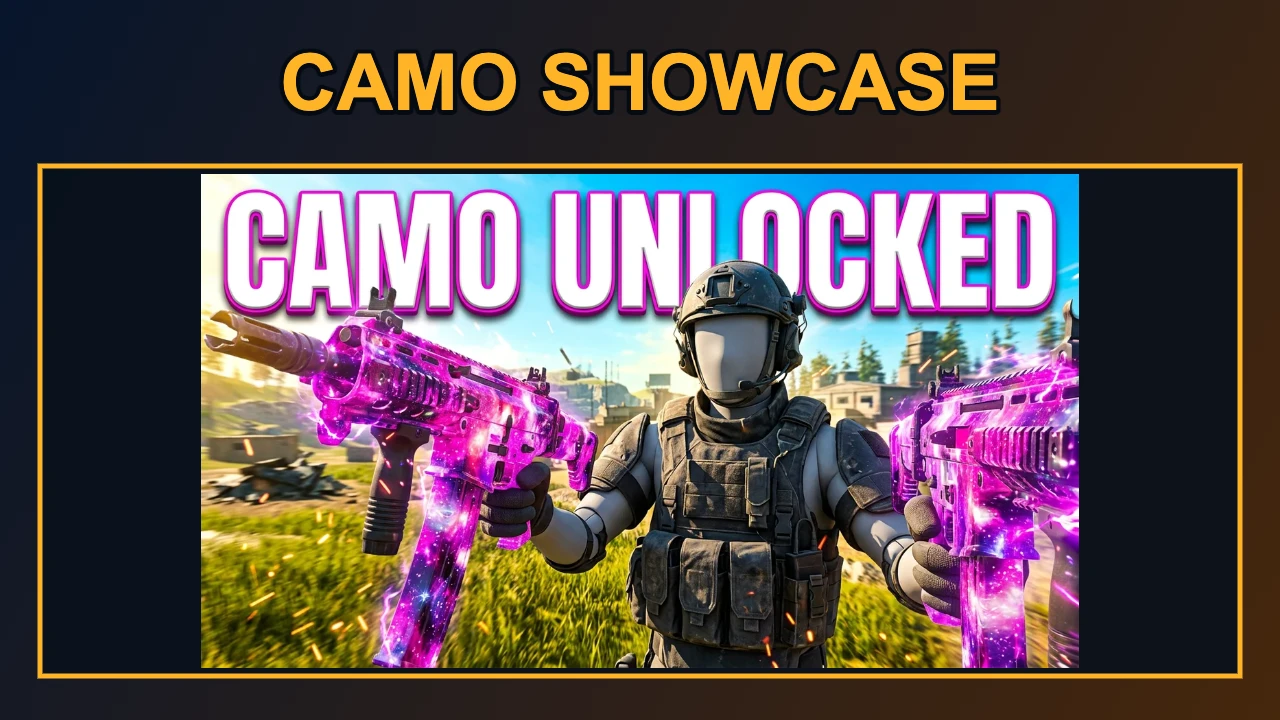
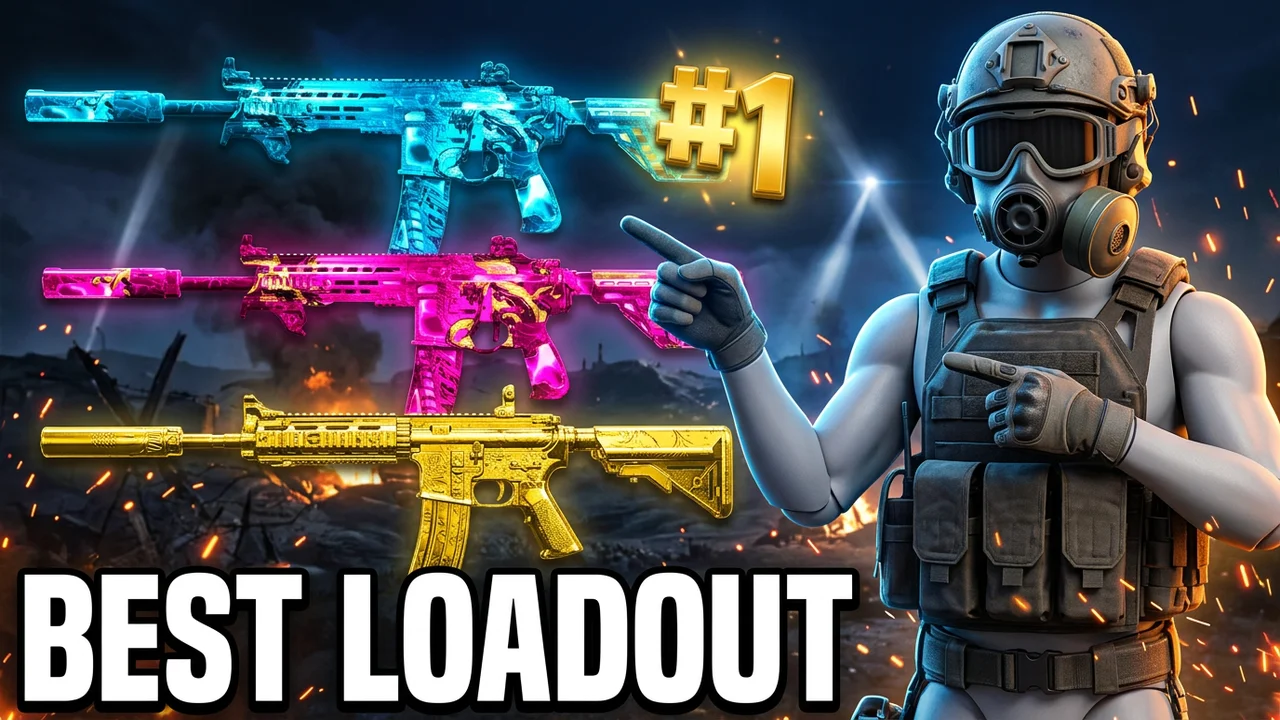
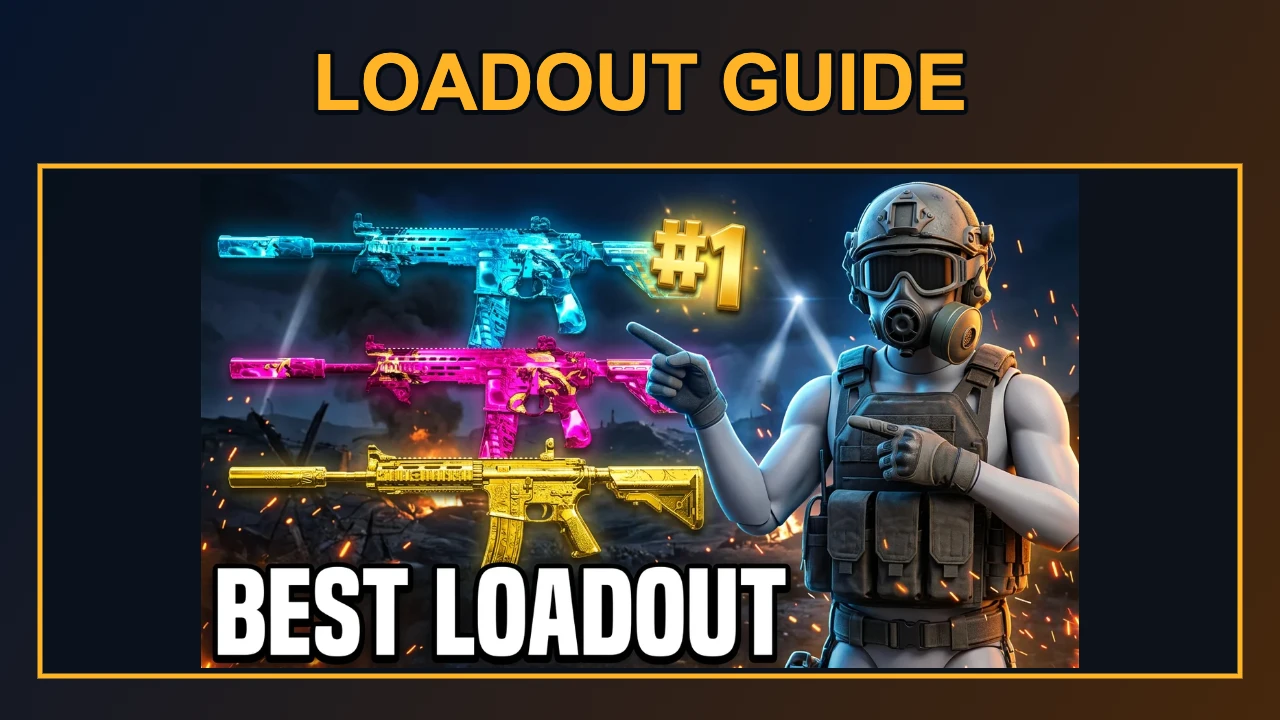
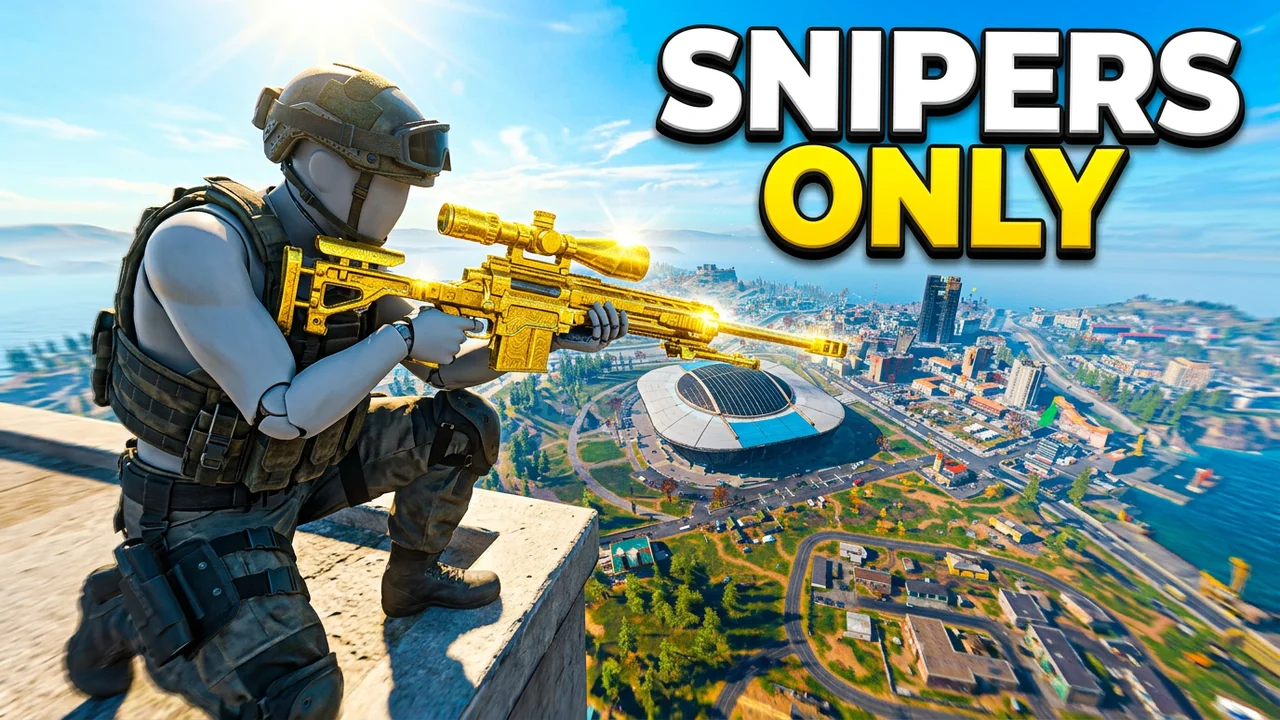
These Warzone thumbnail examples pair a complete input image with a PNG layout exported by the editor. The titles and colored frames are added around the image; any text already inside the input stays visible. Use the pairs to compare framing and readability, not to judge AI background quality. The optional background prompt asks for tactical lighting and smoke, and generated results vary.
Original image
Exported layout · 1280×720
Original image
Exported layout · 1280×720
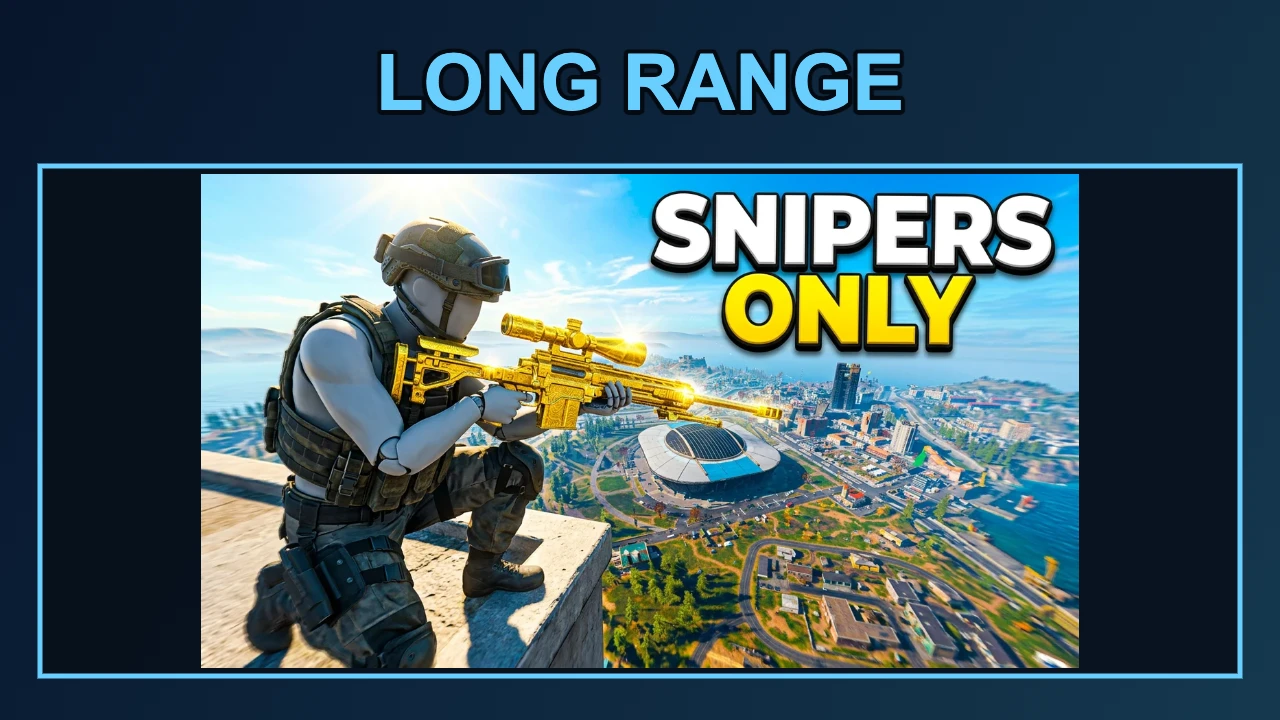
Original image
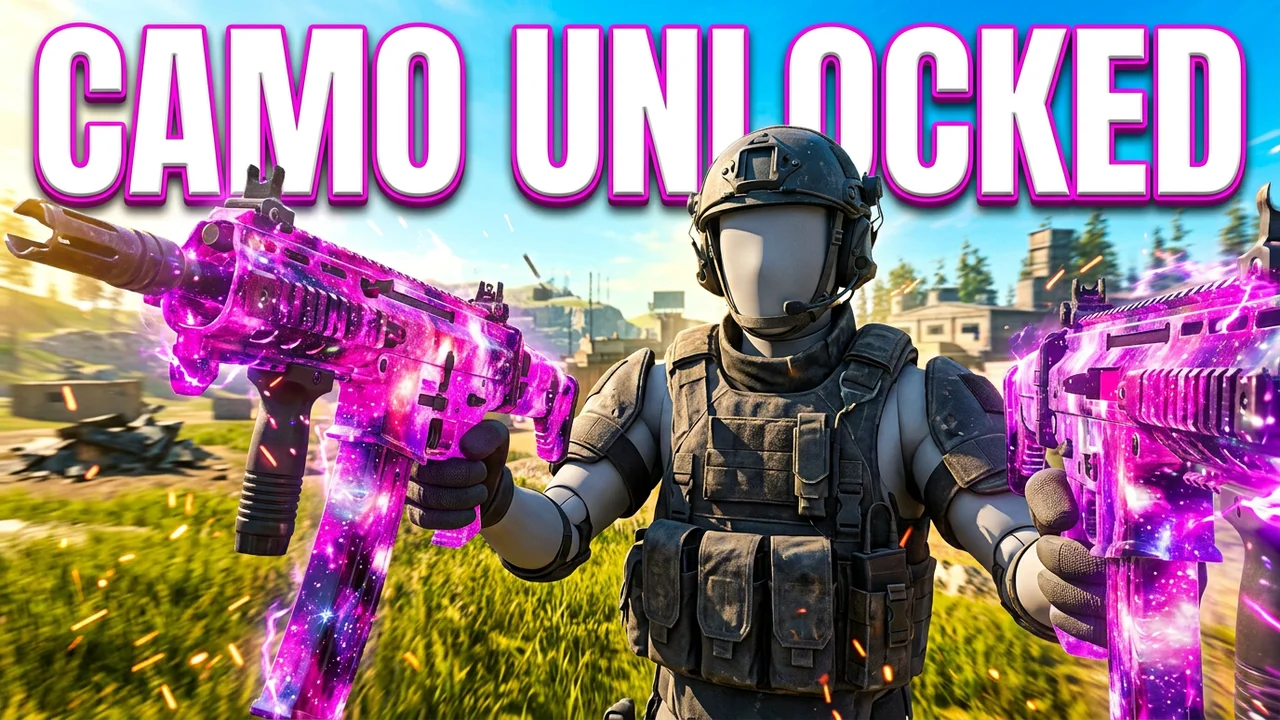
Exported layout · 1280×720
Can I make free Warzone thumbnails?
Warzone thumbnails are free to arrange and download in ThumbBlox with your screenshots and a local background, without sign-in or an added watermark. Optional AI backgrounds cost credits, starting at 18 per request. The current signup allowance is 0 credits; compare it with the selected generation cost. From zero balance, the smallest pack covering one AI background is $5.00. Another successful AI attempt spends credits again.
Can I download a Warzone thumbnail in 4K?
Warzone thumbnail downloads from ThumbBlox are 1280×720 PNG files, not 4K. The 1K and 2K choices control the optional AI background request; the final editor canvas stays 1280×720. Start with a sharp screenshot and inspect the exported image at a small size. Selecting a larger AI background does not increase the exported canvas or restore detail that was missing from the input.
Is this a Warzone thumbnail pack?
This Warzone thumbnail maker is an online editor, not a downloadable PSD or operator-asset pack. Upload your own images, change the title and frame, then export one flattened PNG. There are no editable Photoshop layers, extracted weapon renders or batch template downloads. Keep your original screenshots for later revisions; the page saves text settings for a sign-in return, but you need to attach the files again.
Pricing & credits
The Warzone thumbnail editor charges only when you request an AI background; arranging screenshots and exporting remain free. Each request creates one 16:9 background, followed by a 1280×720 composition in the editor. The smallest pack covering the default request is $5.00 for 50 credits. Failed generation requests return reserved credits; reloading a completed background does not generate or charge again. Identical input images count once.
| Option | Price / credits | Output / watermark |
|---|---|---|
| Local screenshot layout | Free · no sign-in | 1280×720 PNG · no added watermark |
| 1K background · 1 input(s) | 18 credits · about $0.15 | One AI background · no added watermark |
| 1K background · 2 input(s) | 22 credits · about $0.18 | One AI background · no added watermark |
| 1K background · 3 input(s) | 26 credits · about $0.22 | One AI background · no added watermark |
| 2K background · 1 input(s) | 34 credits · about $0.28 | One AI background · no added watermark |
| 2K background · 2 input(s) | 38 credits · about $0.32 | One AI background · no added watermark |
| 2K background · 3 input(s) | 42 credits · about $0.35 | One AI background · no added watermark |
| Signup allowance | 0 credits | Below one AI background; local export stays free |
Dollar equivalents use the $50.00 / 6000-credit pack, not a per-image cash checkout. Smaller packs have higher per-credit prices. Existing marks inside an uploaded image are retained. See credit packs
What this tool cannot do
This Warzone thumbnail maker does not remove backgrounds, read kill counts, verify loadouts or produce official game assets. Your uploads remain rectangular image panels, scaled to fit, with their original text intact. AI is asked for tactical background lighting; its appearance varies and may need another paid attempt. No click-through-rate promise or affiliation with Call of Duty or Activision is implied. Use images you have permission to publish.
Warzone thumbnail FAQ
Do I need a Warzone thumbnail maker app?
No. This online editor works in a phone or desktop browser. Select images from your device, edit the title and use Download PNG. Your browser may offer an image-saving or sharing action instead of saving directly.
Will AI misspell my headline or change the kill count?
Your typed headline is drawn by the editor after background generation, so AI does not rewrite those characters. Text and numbers already inside your uploaded screenshots remain part of those images. Check that any kill count or performance claim matches the video.
Can I use other Call of Duty screenshots?
Yes. You can arrange your own Black Ops, Modern Warfare or Zombies screenshots using the same image panels. The presets request tactical background lighting, not a specific game map or verified operator design. This page does not supply official game assets.
More tools: YouTube thumbnail generator · YouTube title generator