
TikTok Banner Maker — Split One Image Into 3 Pinned Covers
TikTok Banner Maker by ThumbBlox splits one image into three covers that form a single banner across your pinned posts.
Drop a wide JPG, PNG or WebP here. Up to 20 MB and 40 MP.
HEIC works where your browser supports it.
Example profile grid



- Post 3 · Left
- Post 2 · Middle
- Post 1 · Right
Approximate 3:4 profile crop. Each downloaded cover is 1080 × 1920.
Download format
Free downloads · No watermark · Image stays on your device
The ThumbBlox TikTok banner maker helps creators and brands turn one wide image into a continuous row across three pinned posts. Frame the image, check the approximate profile crop and export three 1080 × 1920 covers as JPG or PNG. Preview and download the full set for $0 and 0 credits, with no account or added watermark.
Updated
How the TikTok banner splitter works
Start with a wide photo or finished design. The splitter crops a single canvas into three equal covers, so the picture runs across all three tiles. Use the grid preview to see where TikTok may crop the tops and bottoms, then save all three covers together or download them separately.
- Choose a wide photo or design from your device.
- Drag or zoom the photo to frame all three tiles together.
- Check the profile preview. Keep faces and text away from the seams and outside edges.
- Choose JPG or PNG. Download the three numbered covers as a ZIP or save them one at a time.
Three-tile TikTok banner examples
Compare each wide source with the three covers as they might appear on a profile. The preview shows the middle of each tile and the space between posts. Use the outer tiles for scenery or color and keep small details inside a single tile so the gaps leave them readable.
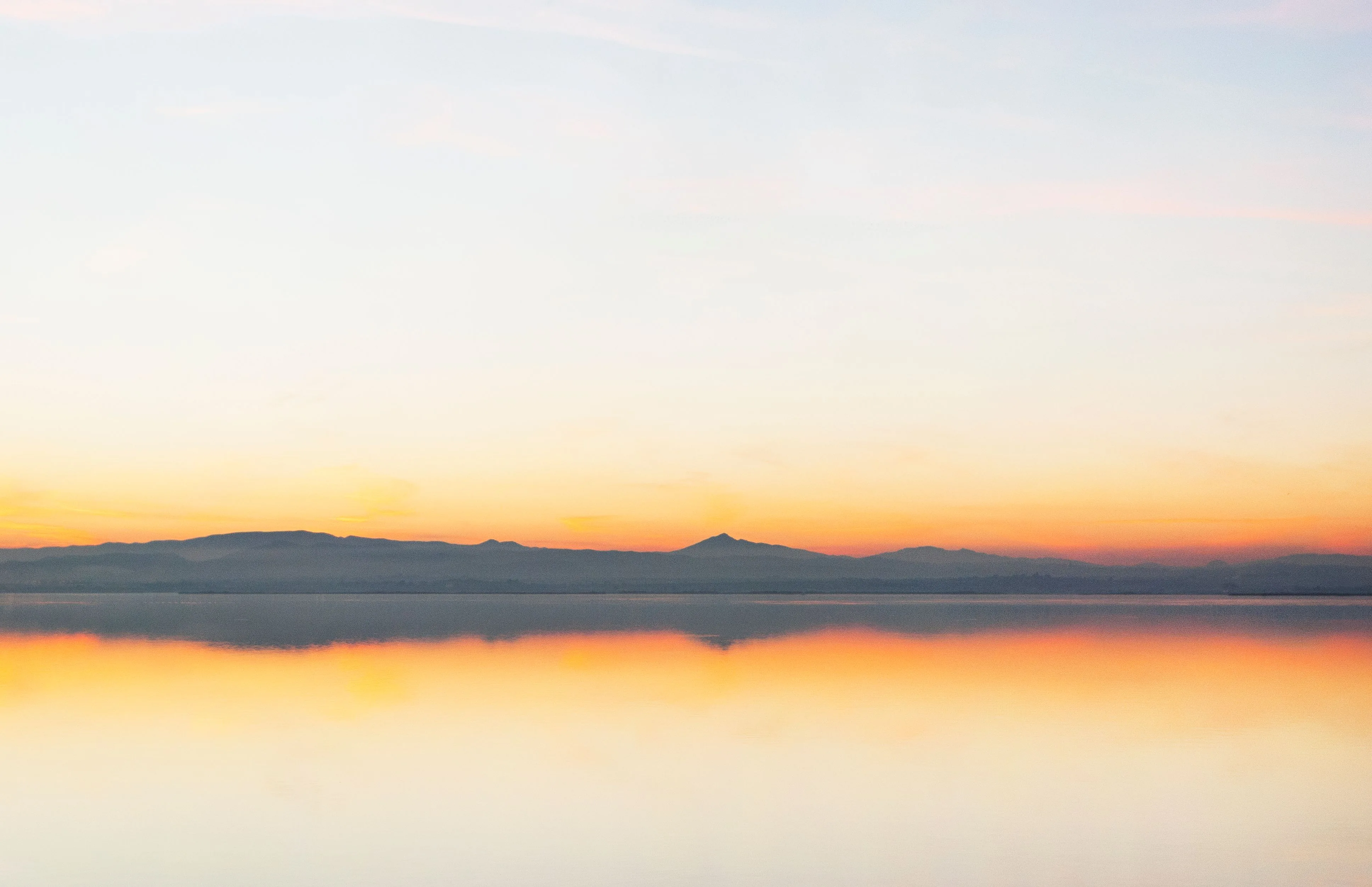
Lake at dusk
The waterline and sunset continue across all three covers.
Original image
Profile preview · 3 covers
Exports are 1080 × 1920 px per cover.
Pastel waterfront
The canal in the middle stays clear of both cut lines.
Original image

Profile preview · 3 covers



Exports are 1080 × 1920 px per cover.
Moonlit city
The reflected skyline spans all three covers, with the moon in the right cover.
Original image

Profile preview · 3 covers



Exports are 1080 × 1920 px per cover.
What size is a TikTok banner?
A TikTok banner starts with a 3240 × 1920 px canvas. It splits into three 1080 × 1920 px covers. ThumbBlox approximates the profile grid with a 3:4 crop, showing the middle 1440 px and trimming 240 px from the top and bottom in the preview. TikTok can crop covers differently across devices and app versions, so check the finished row in your profile.
| Area | Pixels |
|---|---|
| Full banner canvas | 3240 × 1920 |
| Each exported cover | 1080 × 1920 |
| Previewed area of each cover | 1080 × 1440 |
How do you add a banner to a TikTok profile?
A TikTok profile banner uses three separate pinned posts. Publish the right cover first, then the middle, then the left. Pin them in that same order and check your profile to see whether they read left to right. If the newest pin appears on the right in your grid, unpin the three posts and reverse the pin order. Give each tile its own photo post.
Can I make a TikTok banner on my phone?
The ThumbBlox TikTok banner maker works in your phone browser. Pick a picture from your library. Frame it with the crop controls and save the three covers. You can download them separately if your phone keeps the ZIP in its file manager. If your browser cannot open an iPhone HEIC photo, save a JPG copy and choose that file.
TikTok banner maker pricing
It costs $0 and 0 credits to make a TikTok banner on ThumbBlox. The preview, three full-size covers and ZIP are free, and you can use them without an account. Every cover downloads at 1080 × 1920 in your chosen JPG or PNG format, with no added watermark.
| Action | Price | Credits | Watermark |
|---|---|---|---|
| Profile preview | $0 | 0 | None |
| Single JPG or PNG | $0 | 0 | None |
| Three-cover ZIP | $0 | 0 | None |
Image limits and layouts that work best
Choose one still JPG, PNG or WebP up to 20 MB and 40 megapixels. HEIC works when your browser can decode it. A wide original keeps more of the design in the frame. A narrow portrait can lose much of its height when cropped to the banner shape, and a small source can look soft after enlargement.
TikTok banner splitter FAQ
The splitter prepares one row of three static covers. The same setup works for a panoramic photo, an illustrated background or a finished layout with a title. Save the original image if you want to update the banner later and re-export the full set with matching seams.
Does my photo leave my device?
The TikTok banner maker reads, crops and exports your photo in your browser. Your original and the three finished covers stay on your device.
Can I make an animated TikTok banner?
The splitter exports still JPG or PNG covers. You can use the covers with video posts by including each tile in its corresponding video and using that frame as the video cover.
Are these the right dimensions for a TikTok LIVE banner?
These three covers are sized for the pinned row on your TikTok profile. For an overlay inside a TikTok LIVE, follow the canvas size in your streaming layout.