
LinkedIn Banner Maker — Free 1584×396 Cover, No Sign-Up
LinkedIn Banner Maker by ThumbBlox sets your name and headline on a 1584×396 cover, shows where your profile photo will sit, and downloads a free PNG.
Make your LinkedIn banner
Live preview · 1584 × 396
Text position
Font
Text color
This LinkedIn banner maker serves job seekers, engineers, marketers and small companies. The free editor exports a 1584×396 profile or 1128×191 company page PNG with no account and no added watermark. Optional AI backgrounds from Kling Image 4.0 cost 18 credits at 2K or 26 at 4K; a new buyer starts with the $5.00 pack of 50 credits, and the largest pack brings 2K to about $0.15.
How it works: four steps to a LinkedIn background
The LinkedIn banner maker works the same in a phone or desktop browser, with no app to install. Everything except the optional AI background is drawn on your device.
1.Pick a background
Choose a free color style, upload your own photo, or switch to AI background and pick Tech glass, Data blue, Warm glow, Teal aurora or a Custom description.
2.Type your name and headline
Add a name or company, a headline and an optional extra line such as a website or “Open to work”. The dashed circle shows the area your profile photo covers.
3.Choose the size
Profile exports 1584×396 pixels; Company page exports 1128×191. Move the text to the right or the middle and pick the crop of a photo.
4.Download and upload
Download the PNG, open your LinkedIn profile, select the camera or pencil icon on the background image and upload the file.
Banner examples by job
Each pair shows a wide abstract background and the 1584×396 banner the free editor lays out from it, with a sample name, headline and extra line set to the right of the profile photo area.
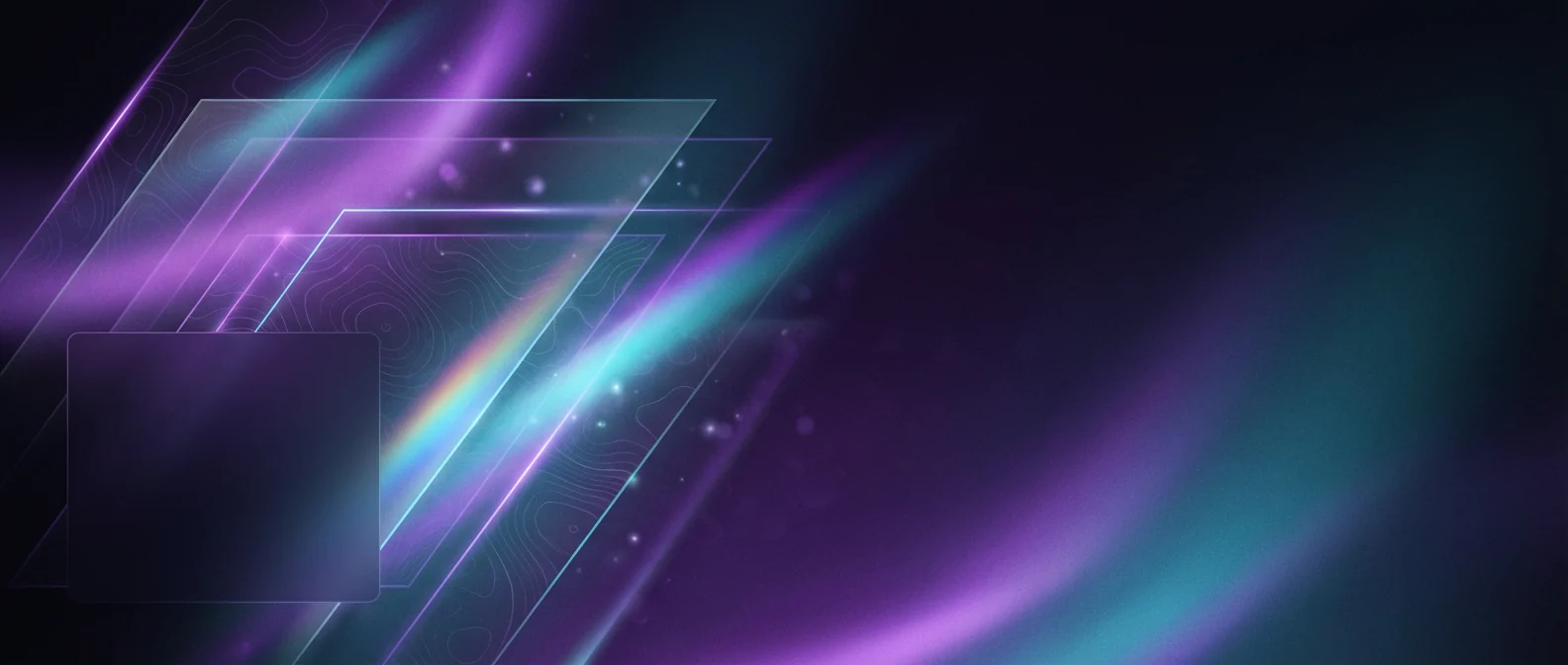
Background
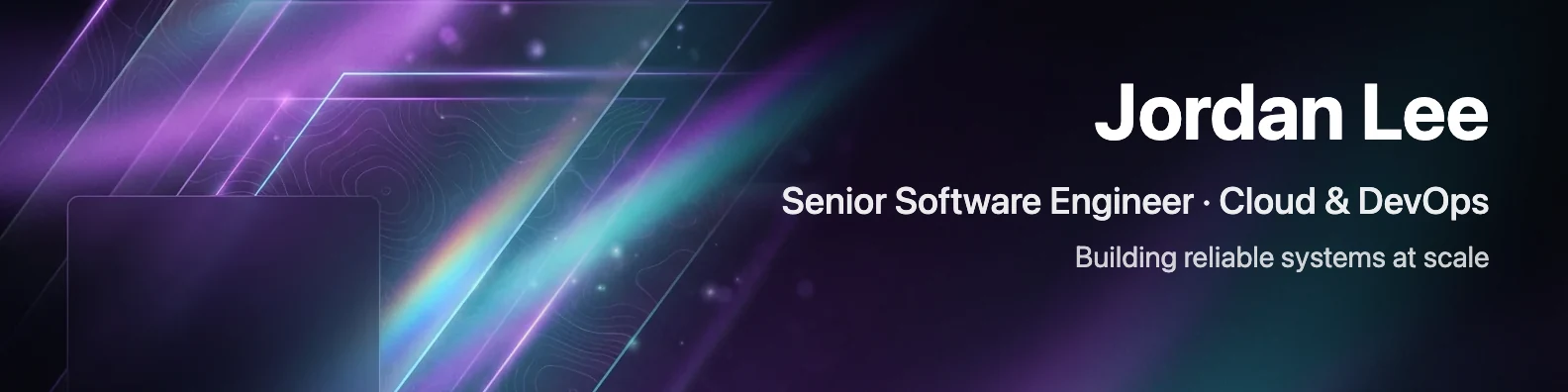
Finished banner · 1584 × 396 PNG

Background
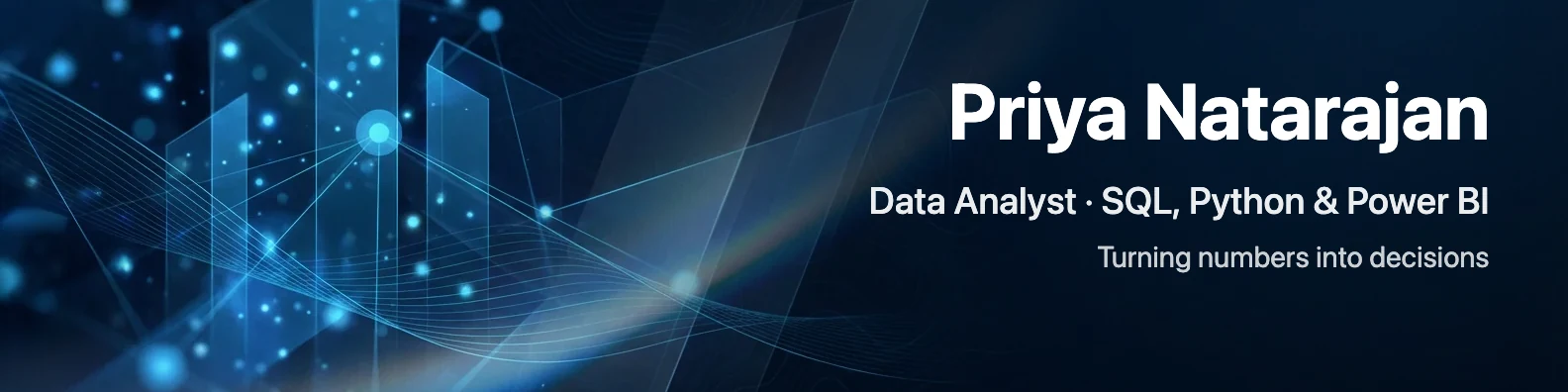
Finished banner · 1584 × 396 PNG

Background
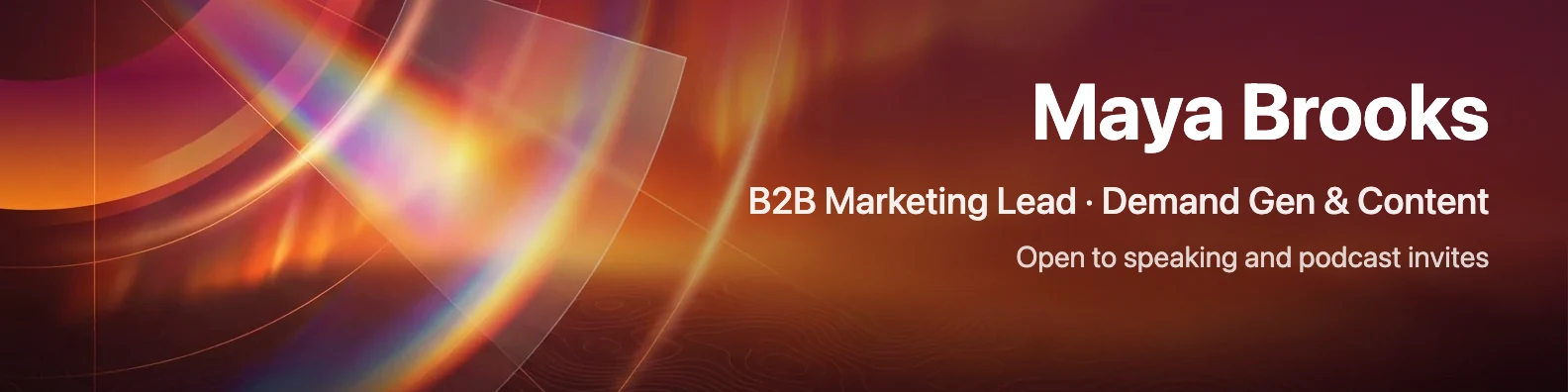
Finished banner · 1584 × 396 PNG

Background
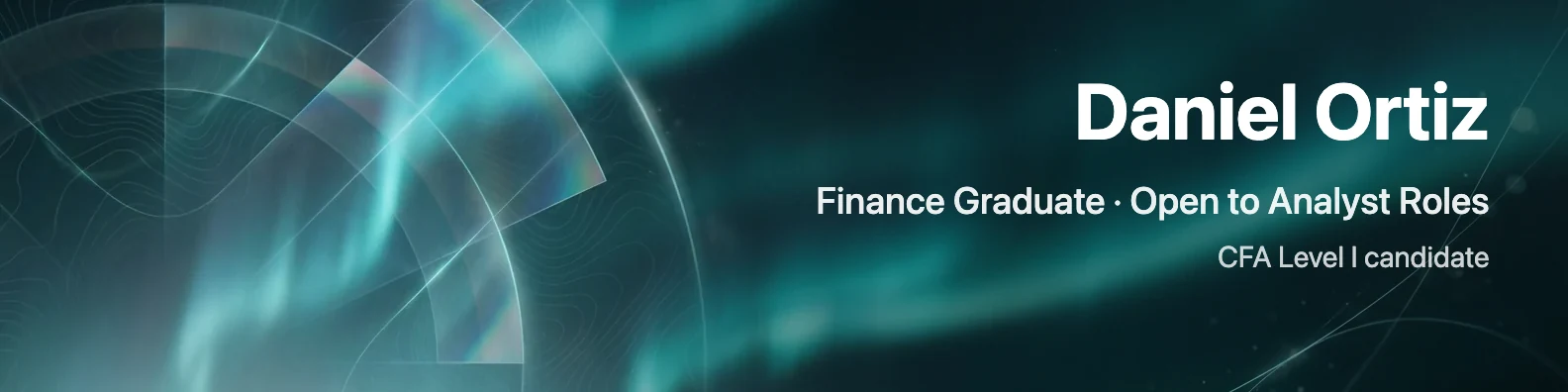
Finished banner · 1584 × 396 PNG
Can you make a LinkedIn banner free here?
The LinkedIn banner maker on this page is free in its editor mode: pick a color style or your own photo, type your text and download a 1584×396 or 1128×191 PNG without an account, credits or an added watermark. Only the AI background mode costs credits: 18 at 2K or 26 at 4K, and new accounts start without free credits.
Downloads from the AI mode carry no added watermark either. The free styles are simple gradients drawn in your browser, so a free banner never needs a server.
What size is a LinkedIn banner, and where does the profile photo cover it?
A LinkedIn banner for a personal profile is 1584×396 pixels (a 4:1 strip), and LinkedIn’s help page recommends that size for the background photo. A company page cover is 1128×191. On a personal profile the round photo overlaps the lower-left corner, so keep names and key details in the middle and right.
The dashed circle or square in the preview marks that area. It is an estimate: LinkedIn shows the banner a little differently on phones and desktops, so leave some space around your text.
How does the AI LinkedIn banner generator keep your name spelled right?
The AI LinkedIn banner generator on this page only paints the background. Its prompt asks Kling Image 4.0 for no text, letters, faces or logos, and the editor then types your name and headline in a real font, so the spelling is exactly what you entered. Your face is not redrawn because your real headshot stays your LinkedIn profile photo.
Image models can still add stray shapes that look like letters or symbols; results vary with the style and description. If that happens, change the description or try the other quality level.
What should a LinkedIn banner for a software engineer or job seeker say?
A LinkedIn banner for a software engineer, student or job seeker works best with one clear line about the role you want and one proof point, such as a stack, a certification or a portfolio address. Keep it to two or three short lines; the headline under your photo already repeats your job title.
Darker tech or data styles suit engineers and analysts; warm glow suits marketing and sales; teal aurora is calm enough for finance, consulting and students.
Pricing & credits for AI backgrounds
LinkedIn banner downloads are free; credits are only spent on AI backgrounds. One 2K background costs 18 credits, about $0.15 at the lowest per-credit pack price; a new account buys $5.00 for 50 credits first. Credits return automatically if the content check blocks a description, the model fails, the image fails our size check, or a run passes 10 minutes.
| What you make | Cost |
|---|---|
| Free editor: color style or your photo, text, PNG download | $0 · no account |
| AI background · Kling Image 4.0 · 2K | 18 credits (≈ $0.15) |
| AI background · 2K + Custom style photo | 19 credits (≈ $0.16) |
| AI background · 4K | 26 credits (≈ $0.22) |
| AI background · 4K + Custom style photo | 27 credits (≈ $0.23) |
| Smallest pack that covers one AI background from zero | $5.00 for 50 credits (2 at 2K) |
The $2.99 pack (10 credits) only tops up an existing balance; it does not cover one background on its own. No added watermark on any download.
See all credit packsWhat this banner tool can’t do
- No template library, icon packs, logo upload or QR codes: the editor sets up to three lines of text on one background.
- No team sets: each run makes one background, so matching banners for a whole team are made one at a time.
- No animated or video banners; LinkedIn shows a still image.
- The AI background may not match the style sample, can contain stray shapes, and is not shown before you spend credits.
- The photo area is an estimate and LinkedIn may crop differently on some screens. Text is flattened into the PNG and cannot be edited later.
LinkedIn cover photo maker FAQ
Can I make a LinkedIn banner on my phone?
Yes. The editor runs in a phone browser on iPhone or Android with no app to install; the download saves the PNG to your phone. AI backgrounds (18 credits at 2K) work the same way after you sign in.
How do I change my LinkedIn banner once I have the PNG?
On your profile, select the camera or pencil icon on the background image, upload the PNG and adjust it. For a company page, open the page as an admin, edit the page header and upload the 1128×191 cover image.
Why does my LinkedIn banner look blurry?
A small or heavily compressed photo gets stretched to 1584 pixels wide. Download the PNG at the exact size from this editor, start from a photo at least 1584 pixels wide, or use a 2K or 4K AI background.
Are my photos and text uploaded?
In the free editor your photo and text stay in the browser. An optional AI style photo is uploaded to our storage so the model can read it, and the finished background is saved at an unlisted link; anyone who has that link can open it.
Can I use the banner on a company page or for business?
Yes, you can use the downloaded PNG on a personal profile, a company page or other channels. Only upload photos and logos you have the right to use.