
Twitter Header Maker — Your Photo to a 1500×500 Banner
Twitter header maker by ThumbBlox turns a photo or AI background into a 1500×500 X banner, with editable text and an avatar-overlap preview.
Layout preview
Approximate guides: leave the dashed center band clear for text and the lower-left clear for your avatar. X can crop differently by screen. Guides are excluded from downloads.
ThumbBlox helps X users turn one image into a correctly sized profile banner. Crop, editable text, previews and PNG downloads are free without sign-in or added watermarks. Optional GPT Image 2 backgrounds cost 7–16 credits per image, depending on working resolution and whether a photo is attached. The final download is always 1500×500; AI may change faces, colors or details.
How the Twitter header maker works
Start with a photo for a free resize, or choose an AI background composition. The same editor adds your exact wording and exports one 1500×500 PNG. Preview guides help you judge the crop and avatar overlap before uploading to X. They illustrate a layout rather than guaranteeing how every device will display it.
- 1Choose a photo, or select an AI background composition.
- 2For AI, choose the working resolution and generate after signing in. Custom compositions need a description.
- 3Add a short name or tagline. Check desktop and phone previews, then adjust the crop if needed.
- 4Download the PNG. In X, open Profile → Edit profile → Header photo, upload and save.
Twitter header layout examples
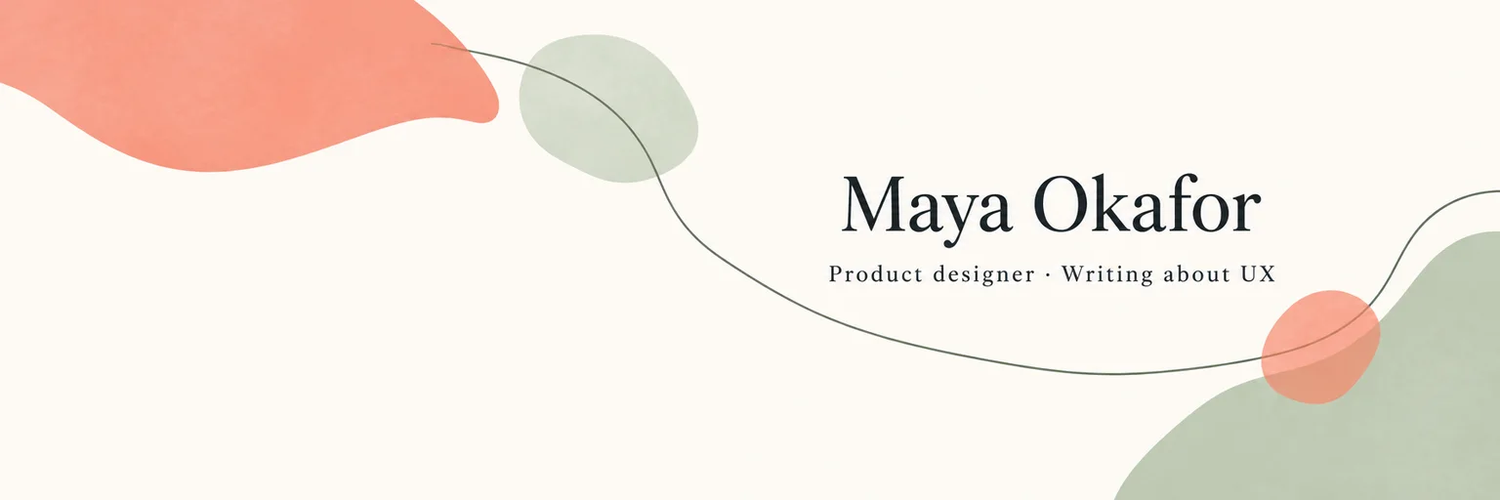
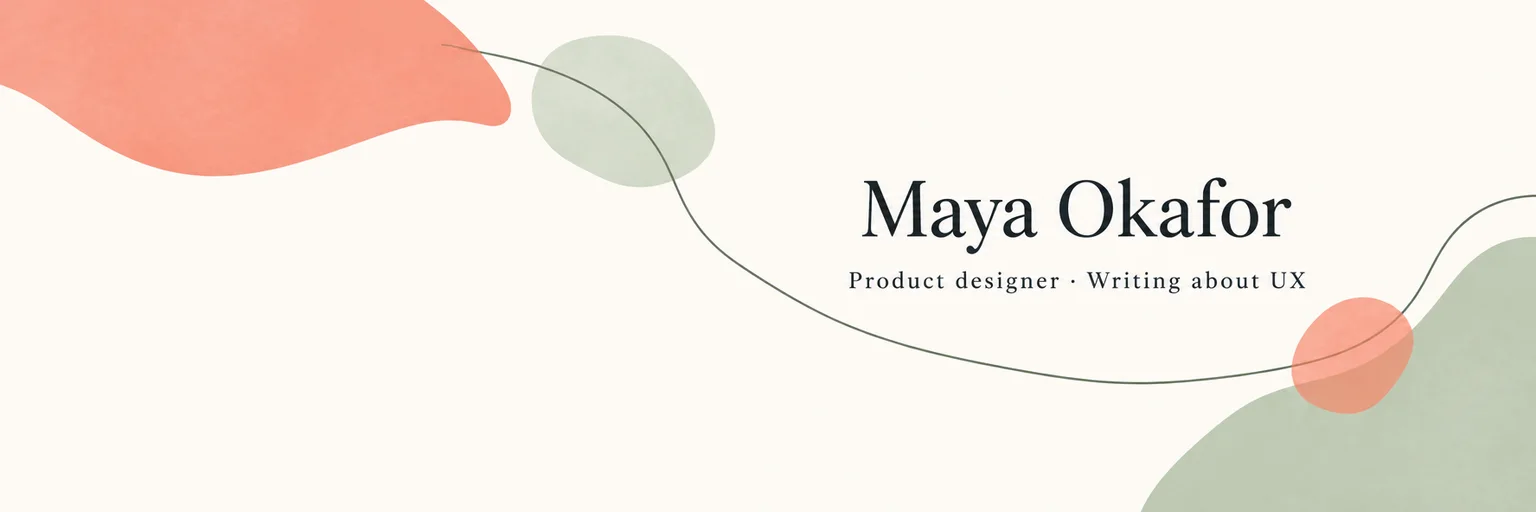
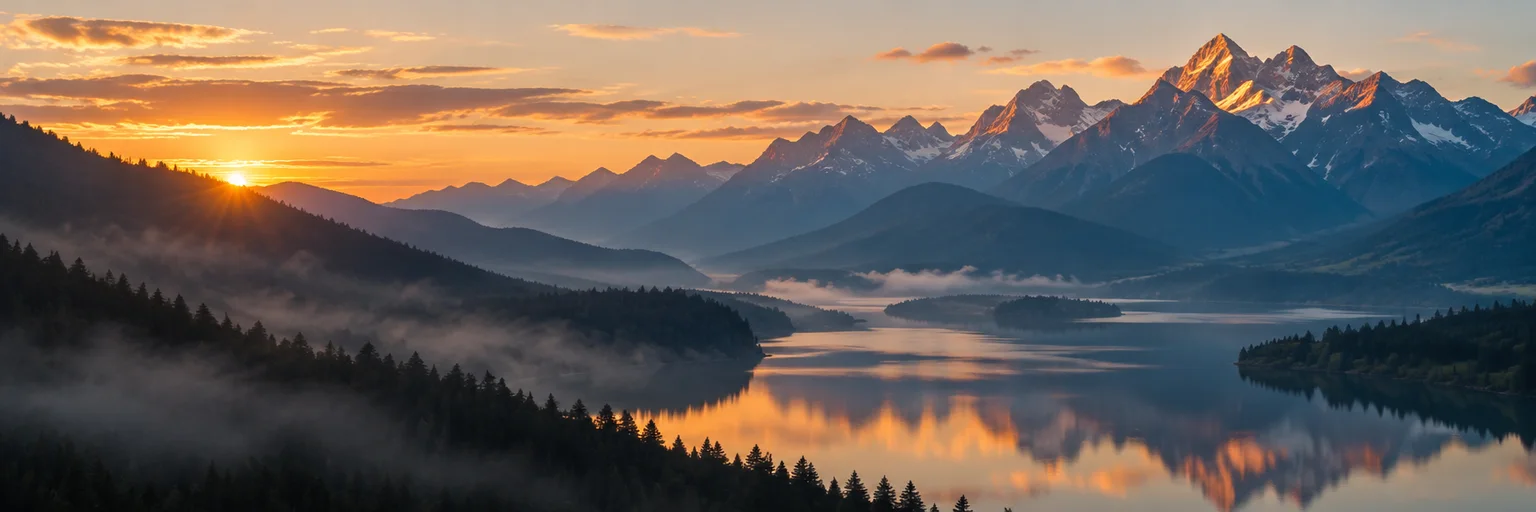
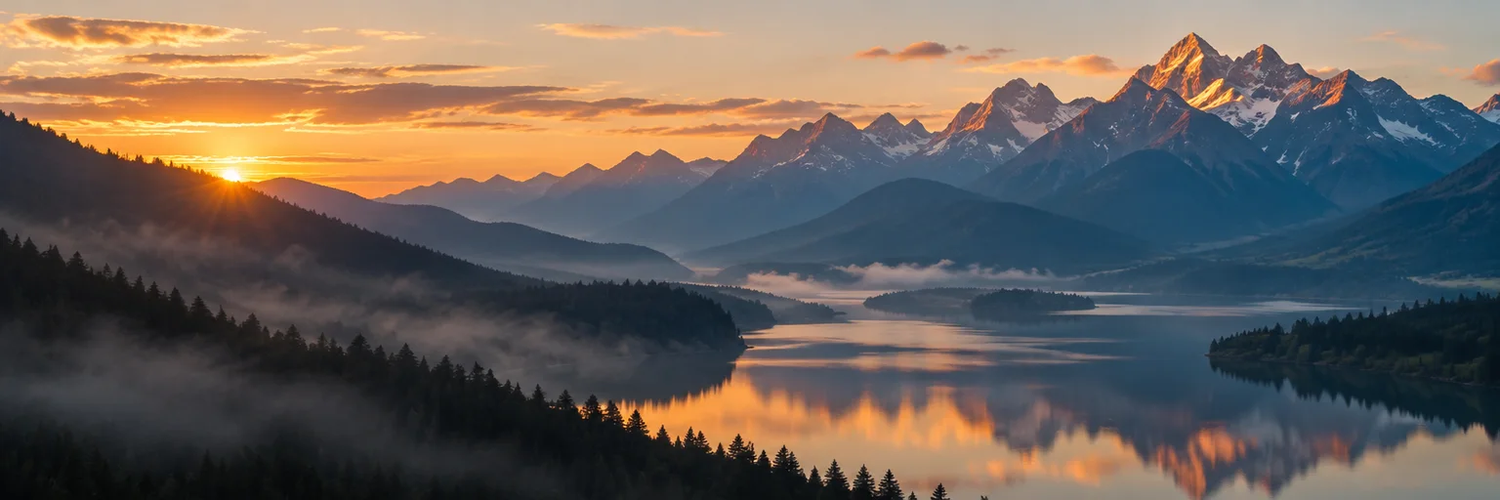
These three before-and-after layouts show existing artwork sized for a Twitter header. Each pair uses the same scene, with a 1500×500 export on the right. Use them to compare framing and text placement. They illustrate the photo editor’s export layout; the AI background you request will vary with your photo and description.
Original artwork · 1536×512
1500×500 export
Original artwork · 1536×512
1500×500 export
Original artwork · 1536×512

1500×500 export

What size should a Twitter header be?
The recommended Twitter header size is 1500×500 pixels, a 3:1 rectangle. This editor exports those exact dimensions without stretching the image. X may trim parts of the top and bottom, while the profile photo overlaps the lower-left. Keep important words near the center-right and check the result after uploading; the preview is approximate.
X’s official profile image guidanceHow does an AI Twitter header maker handle text?
This AI Twitter header maker asks GPT Image 2 to create a background without lettering, then draws the text you type as a separate editable layer. That lets you correct your name without buying another generation. The prompt requests a quiet lower-left corner and room for text near the center-right. The model can still add unwanted details, so review every result.
Can I make an aesthetic Twitter header from a photo?
Yes. Choose Free photo editor to crop an existing picture without redrawing it. For an aesthetic Twitter header with a different background, choose soft abstract, mountain lake, dark neon or a custom composition in the paid generator. You can attach one photo as a visual reference. AI may change the subject; use the free editor when preserving the original pixels matters.
Twitter header maker pricing & credits
Free photo editing includes the full-size PNG download, editable text and device previews, without an account or added watermark. AI background generation is a separate paid action. Its credit cost is shown before you submit and changes with working resolution and photo input. Both working resolutions export the same 1500×500 header; larger input is useful only when the artwork has enough detail.
| Operation | Credit cost | Access / added watermark |
|---|---|---|
| Photo crop, text, preview and PNG download | 0 | No sign-in · no added watermark |
| GPT Image 2 · 1K · without photo | 7 | Sign-in · no added watermark |
| GPT Image 2 · 1K · with one photo | 11 | Sign-in · no added watermark |
| GPT Image 2 · 2K · without photo | 12 | Sign-in · no added watermark |
| GPT Image 2 · 2K · with one photo | 16 | Sign-in · no added watermark |
Current sign-up allowance: 0 credits. A 1K background without a photo costs 7 credits; the smallest pack is $2.99 for 10 credits. With a photo it costs 11 credits; the smallest sufficient pack is $5.00 for 50 credits. View credit packs
What this X header maker cannot do
This X header maker handles one static picture at a time. It does not combine multiple photos into a collage, animate a header, recreate missing detail from a small image, preserve an AI subject exactly or guarantee a crop on every device. The free editor crops to fill, so some edges can be lost. JPEG, PNG and WebP are supported; HEIC and animated files are not. Unfinished AI requests time out after 10 minutes. Reopening this page checks completion or returns reserved credits for confirmed failures.
Twitter header maker FAQ
Photo editing and AI generation have different account requirements. The answers below cover sign-in, using a phone browser, uploading a saved header and business profiles. If you request AI processing, your photo is uploaded to storage and passed to the model. Anyone with a direct file link can open that file, so avoid uploading sensitive images.
Do I need to sign in?
No account is needed for the photo editor or PNG download. AI background generation requires a signed-in account and enough credits for the selected option.
Is there a Twitter header maker app to install?
No installation is needed. This online editor works in a current phone or desktop browser. Use your browser’s download controls to save the PNG.
How do I change my header on X?
Open your X profile, choose Edit profile, select the header photo, upload the PNG, adjust its placement and save. Check your profile again after saving.
Can I use the result for a business profile?
Use photos and names you have permission to use. Paid generations follow ThumbBlox’s commercial-use terms; an AI result does not clear third-party trademarks, likeness rights or copyright.
More image tools
For a different profile or channel surface, choose the tool that matches its destination. Each page explains its own canvas dimensions and generation prices. A Twitter header export is a wide static image; changing its destination can require another crop, so check the matching tool before requesting an AI background.