
PFP Maker — Turn Photos Into Character Avatars
PFP Maker by ThumbBlox turns a photo or character description into a square avatar with anime, neon or pastel styling and space for a circle crop.
Create a square character avatar
1. Add your photo
One person or pet. JPG, PNG or WebP, up to 10 MB; each side at least 300 px, up to 4 megapixels.
2. Pick a look
The prompt requests this look while keeping the traits in your photo. Results may change facial details.
Model
Resolution & credits
Output
PFP preview
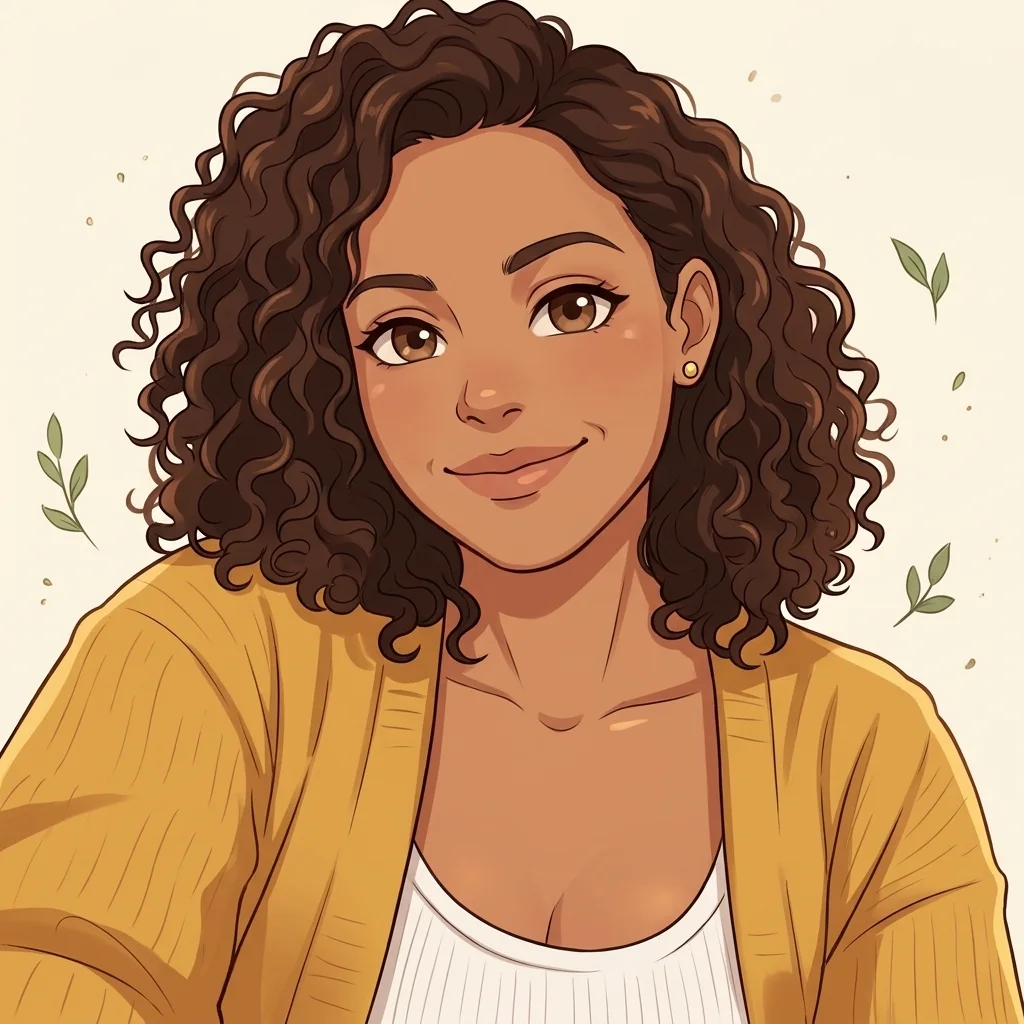
Curly hair, cream background
Uploads and results are stored online and omitted from the public gallery. Anyone with a direct file link can open it.
PFP Maker by ThumbBlox creates one square character avatar from a photo or text in your browser. Choose 2K or 4K; the prompt asks for a centred face. Text generation starts at 18 credits and a photo edit at 19. New accounts currently receive no free credits. The smallest sufficient pack is $5.00 for 50 credits. PNG downloads have no added watermark.
How to make a PFP
Use this PFP maker to turn one clear photo into a character portrait, or describe an original character without uploading a photo. Pick a look and resolution, check the displayed credits, then sign in to generate. The tool returns one square image, which you can download as a PNG and position inside your profile’s circle crop.
- Upload a clear photo, or describe one original character.
- Pick a style and 2K or 4K. Custom needs a description; a style image is optional.
- Confirm the credit cost, create one image, then download the PNG.
PFP maker examples: photo to avatar
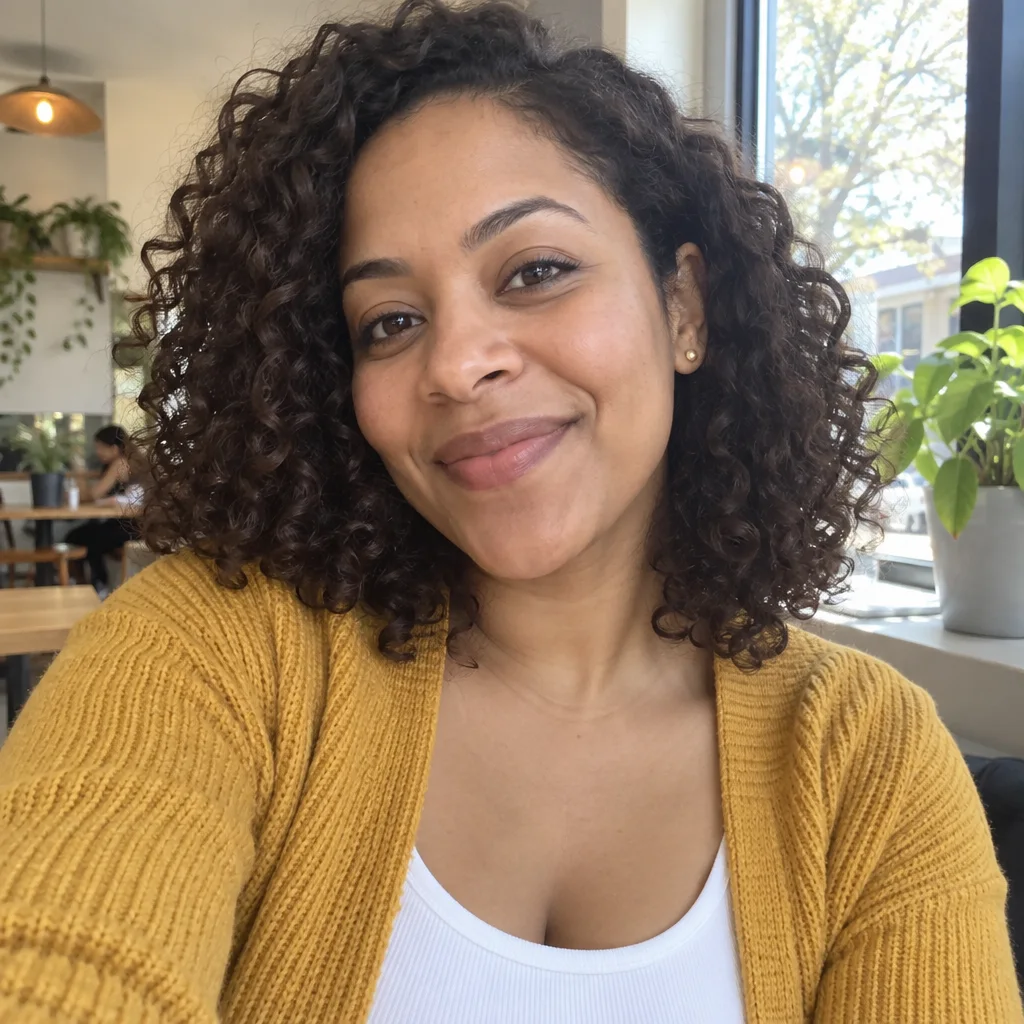
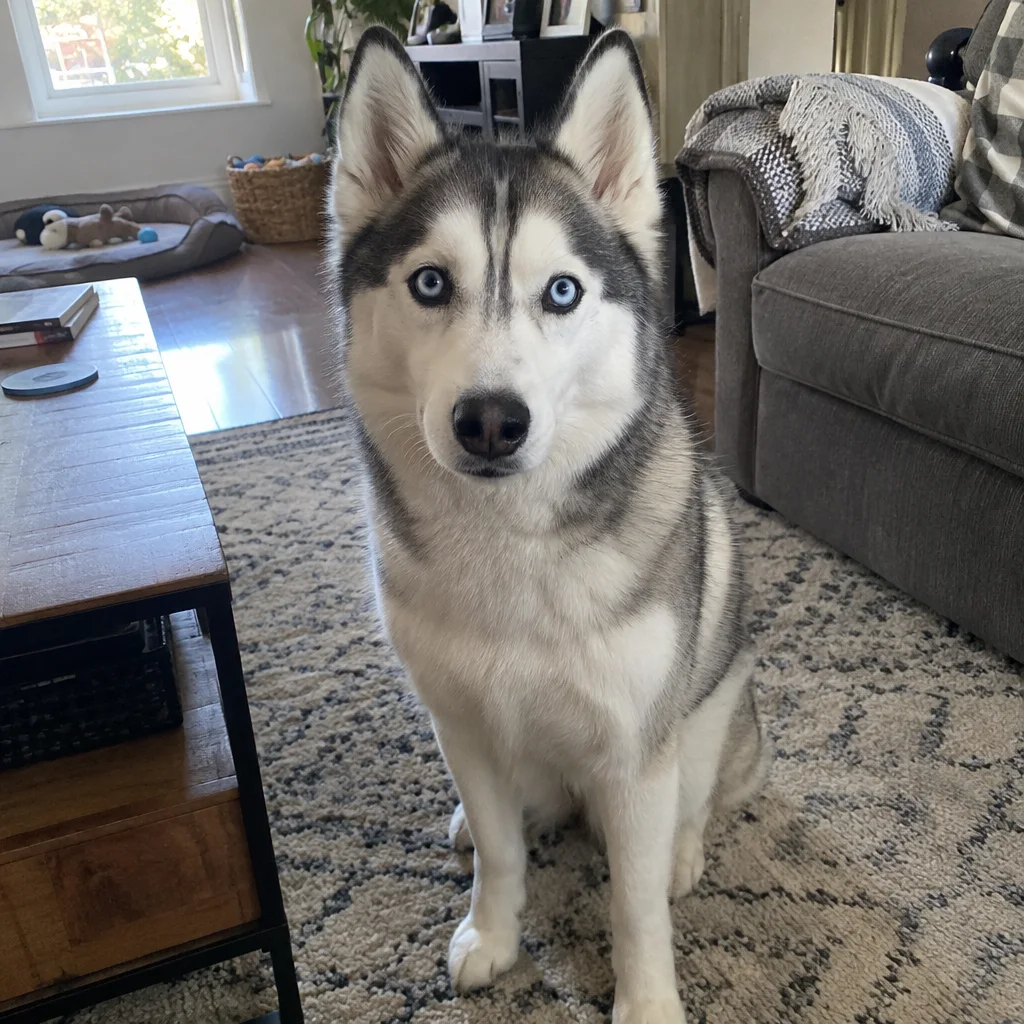
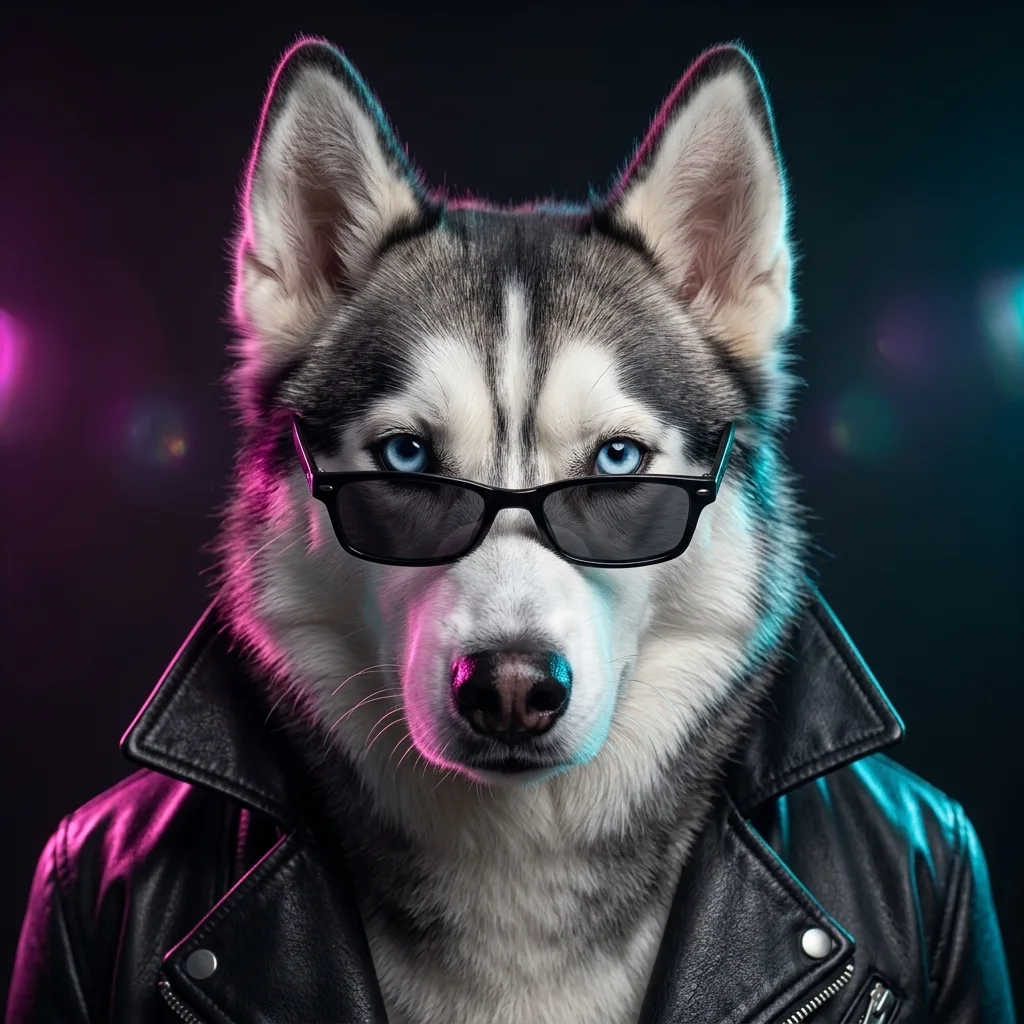
These photo-to-avatar pairs show three visual directions: an anime portrait, a neon-lit husky and a soft pink pet portrait. Compare the face, hair or fur markings with the starting photo, then look at how the background and accessories change. They illustrate different looks; your own image depends on the input and the model’s interpretation.
Photo
Avatar
Photo
Avatar
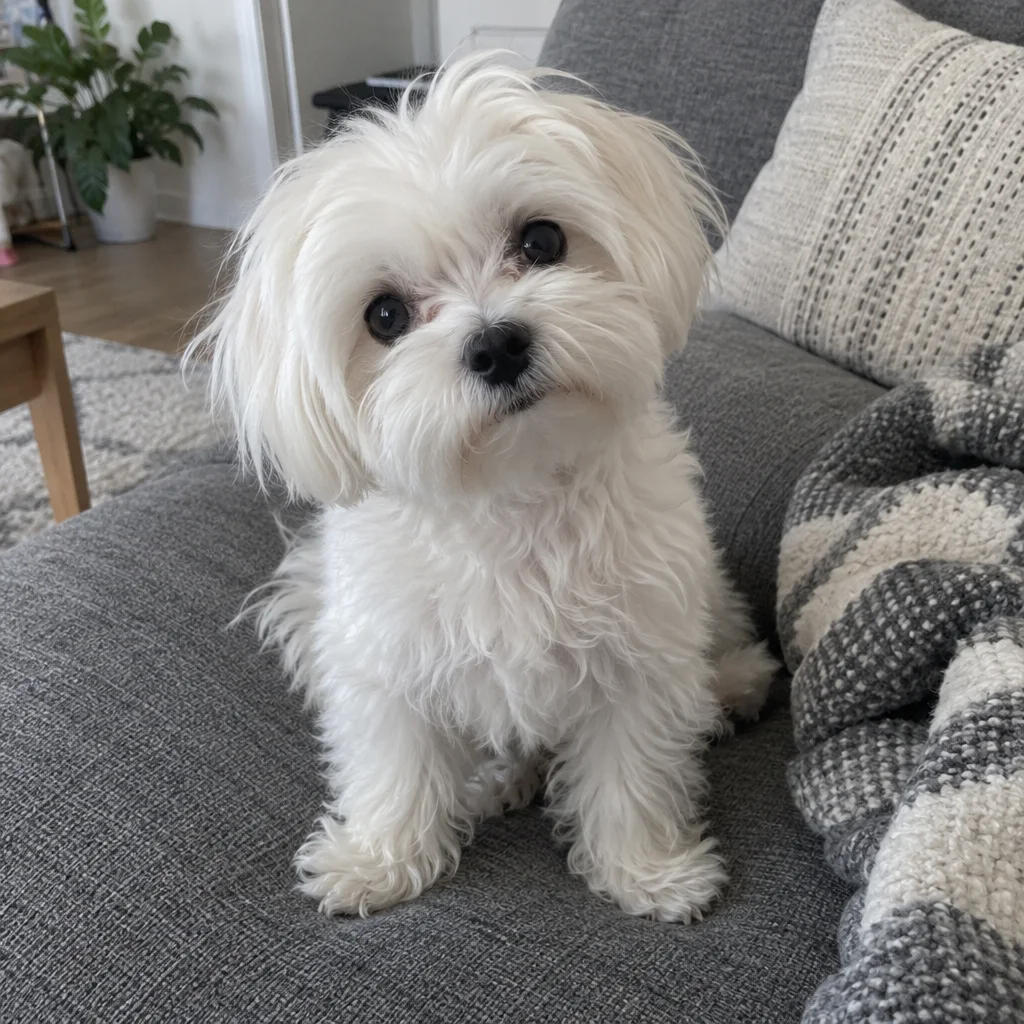
Photo
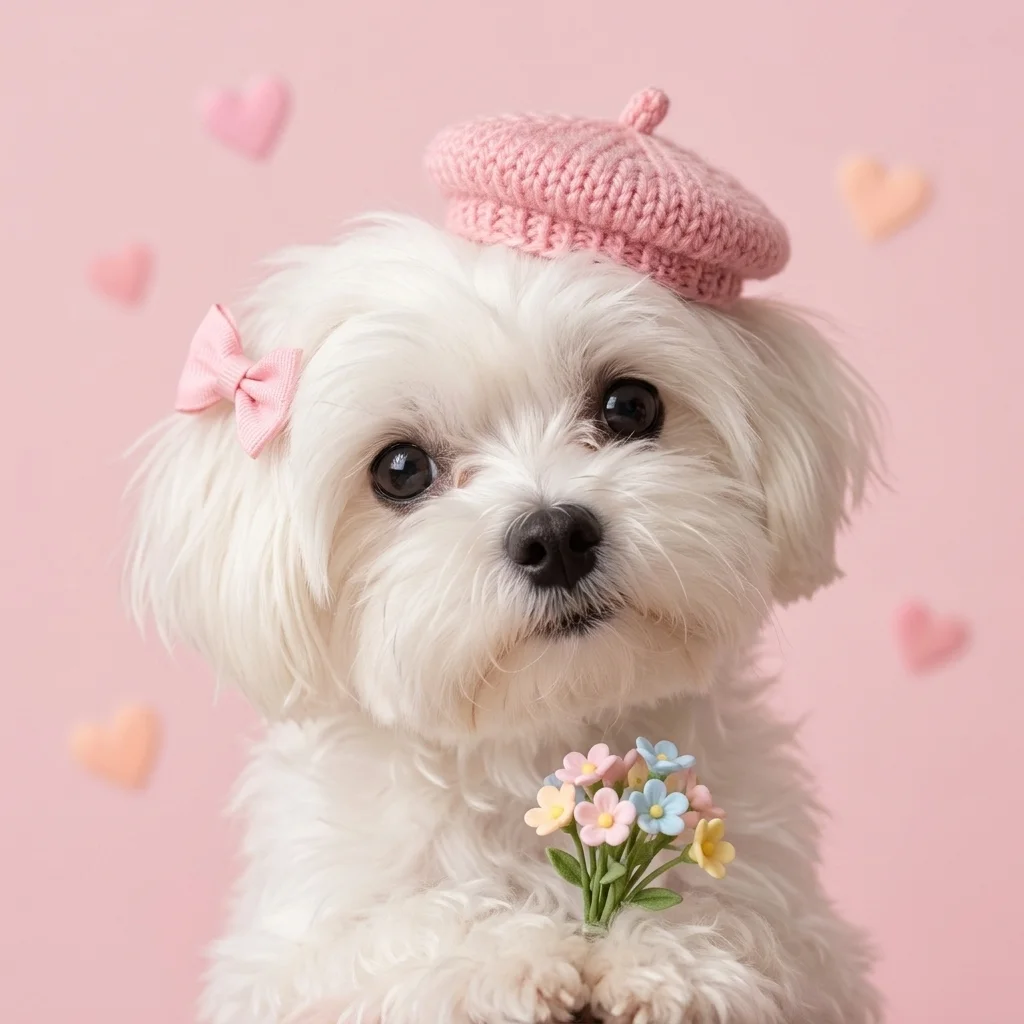
Avatar
How to make a good PFP for Discord?
PFP Maker requests one large face or character, a simple background and a clear difference between the subject and its surroundings. The square composition asks for room around the head so a circle crop is less likely to cut off ears or hair. Preview the download at a small size and adjust the crop in Discord before saving it.
Need a Roblox username avatar or a channel icon instead? Try the dedicated tools. Roblox PFP Maker · YouTube Profile Picture Maker
Can an AI PFP generator work from text?
PFP Maker can create an original character from text. Choose “Original character from text” and describe one subject, the hair or fur, clothing and two main colours. Pick a preset look, or select Custom for your own art direction. This AI PFP generator makes one square image from that description; it does not need a selfie. Text-only 2K creation costs 18 credits, and adding an optional Custom style reference costs one more credit.
PFP maker pricing and credits
PFP Maker charges credits for generation; browsing examples and downloading a completed image cost no more. A default 2K photo edit uses 19 credits, equivalent to about $0.16 at the lowest pack rate. The table lists all combinations. The smallest sufficient pack is $5.00 for 50 credits. Failed requests return reserved credits; pending requests can be recovered after a refresh.
| One image | Reference images | Credits | Equivalent at lowest pack rate |
|---|---|---|---|
| 2K · 1:1 | 0 | 18 | $0.15 |
| 2K · 1:1 | 1 | 19 | $0.16 |
| 2K · 1:1 | 2 | 20 | $0.17 |
| 4K · 1:1 | 0 | 26 | $0.22 |
| 4K · 1:1 | 1 | 27 | $0.23 |
| 4K · 1:1 | 2 | 28 | $0.23 |
| Free allowance | New accounts currently receive no free credits. | ||
| Watermark & download | No added watermark; PNG download included. | ||
What this PFP maker cannot do
PFP Maker creates one still image per request, rather than an animated GIF or a coordinated batch. The prompt asks to preserve visible traits, but facial details, glasses and pet markings can change. A circle-safe composition is a request to the model, not a guaranteed crop. Check each result yourself; this tool does not verify identity, copy a specific artist or promise exclusive rights.
PFP maker FAQ
These answers cover account access, mobile use and making related avatars one at a time. You can inspect the tool and its prices before signing in. Only generate with images you are allowed to use, and review every download before setting it as a public profile picture. Saved files are accessible to anyone holding their direct links.
Do I need to sign up for this AI PFP maker?
Yes, sign in before uploading to the server or generating. Choosing a local photo, browsing styles and checking prices do not require an account.
Can I make a PFP online on my phone?
Yes. Use a browser that can select a JPG, PNG or WebP from your device and save a download. No separate app is required. Convert HEIC photos before uploading.
Can best friends make matching PFPs?
Make one avatar per run with the same preset and colours. In Custom, resize the first avatar to 2000×2000 pixels or smaller before uploading it as a style reference for the second. Each run is charged separately, and a matching result is not guaranteed.
Will my uploaded photo appear in the public gallery?
This tool does not add your uploads or results to the public gallery. Files are stored online and sent to the image provider for processing; anyone holding a direct file link can view it.