
Instagram Grid Maker — Split One Image Into Profile Posts
Instagram grid maker by ThumbBlox cuts one banner, thumbnail or photo into 3, 6, 9 or 12 numbered profile posts, free in your browser with no sign-up or watermark.
Free · No account · No watermark · Stays on your device
The ThumbBlox Instagram grid maker is for creators who already have a channel banner, game thumbnail or poster and want it to read as one picture across their Instagram profile. It exports 1080-pixel-wide JPG or PNG posts in the current 3:4 profile shape (1080×1440), 4:5 or square, numbered in posting order and bundled in a ZIP. Splitting and downloading cost $0 and 0 credits, need no account and add no watermark; the picture never leaves your device.
Updated 2026-11-20
How to split an image for an Instagram grid
Splitting an image for an Instagram grid takes four steps on this page, on a phone or a computer. The tool picks the row count that wastes the least of your picture, shows cut lines and posting numbers on top of the preview, and only cuts the tiles when you press the button. Nothing is uploaded, so there is no queue or daily limit.
- 1Upload a JPG, PNG or WebP banner, thumbnail or photo.
- 2Check the suggested layout (3×1 to 3×4) and pick 3:4, 4:5 or square posts.
- 3Drag or zoom the crop, or keep the whole image with padding.
- 4Cut the tiles, download the ZIP and post #1 first, ending with the top-left tile.
Banner and thumbnail grid examples
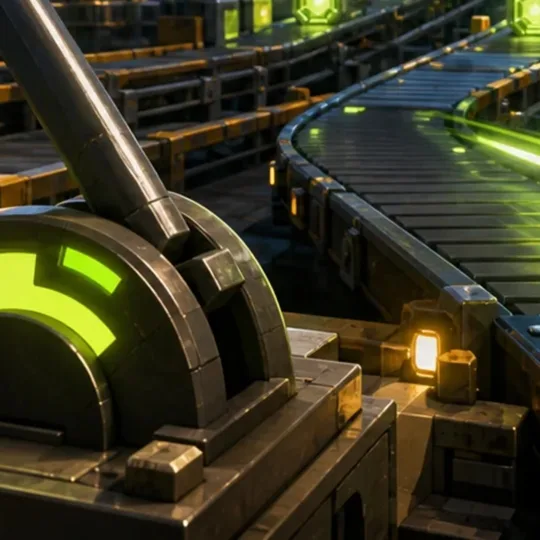
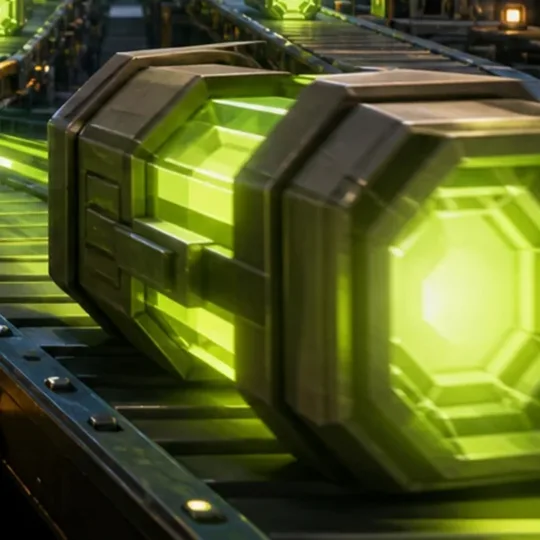
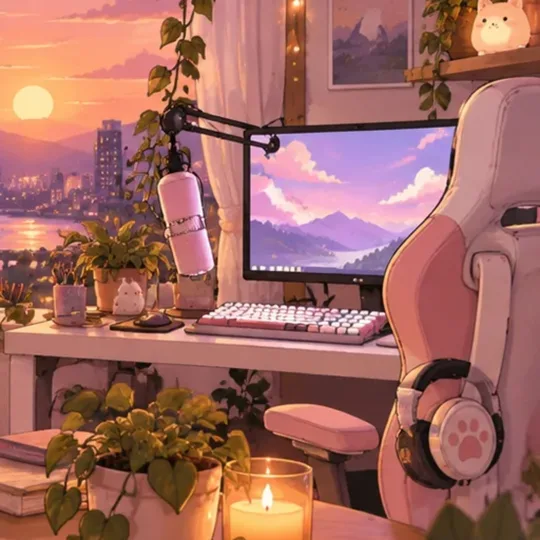
Each example shows the original picture and the actual tiles this page exported from it, laid out the way they sit on a profile. A 2.3:1 stream banner fits a 3×1 row of 3:4 posts almost without cropping; a 16:9 game thumbnail suits a 3×2 block of square posts; a wide cozy banner becomes a square 3×1 row with a little trimmed from the top and bottom.
Original · 1536×658
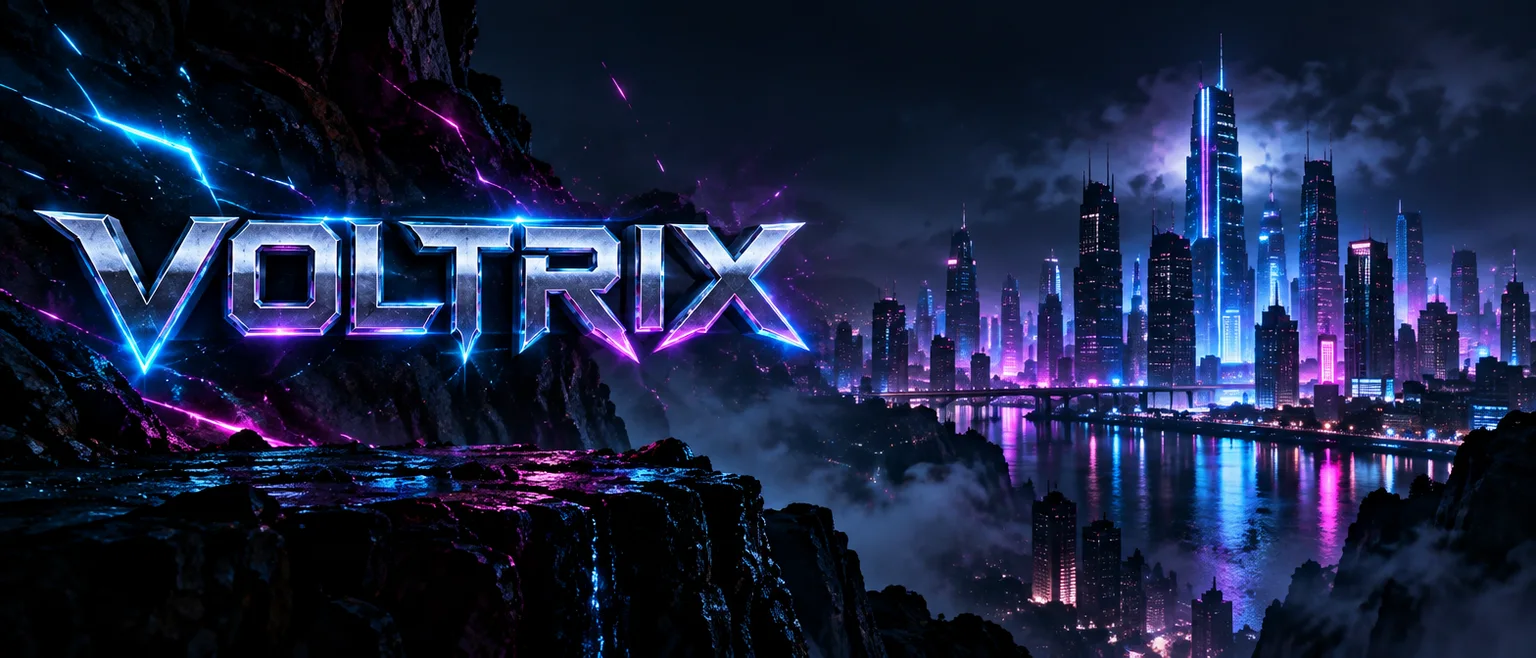
Exported tiles · 3 × 1080×1440
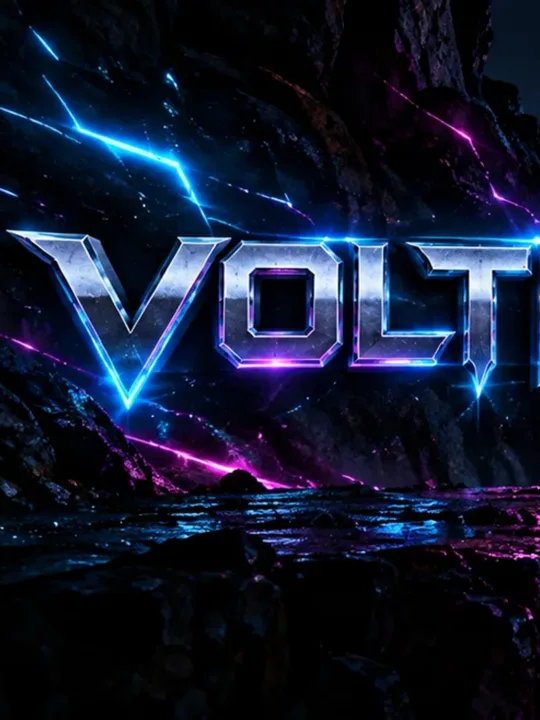 #3
 #2
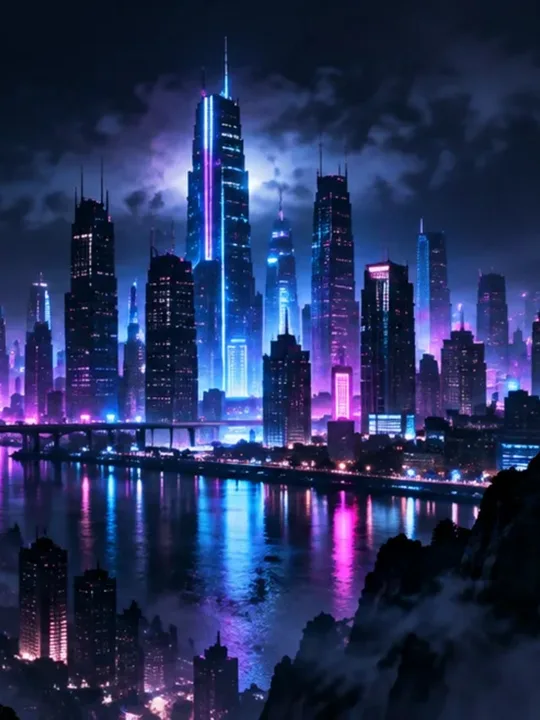 #1
Original · 1672×941

Exported tiles · 6 × 1080×1080
 #6
 #5
 #4
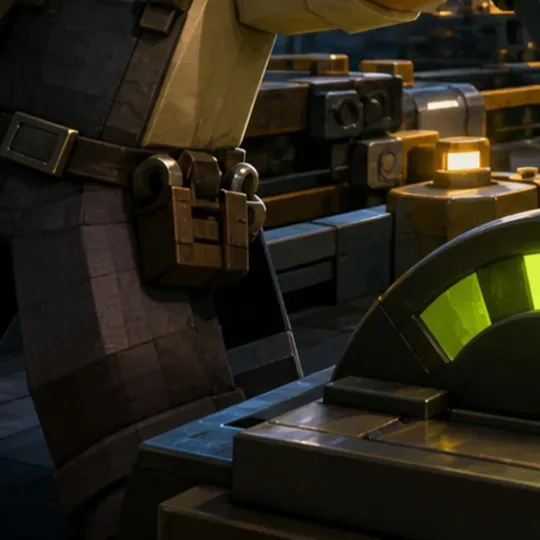 #3
 #2
 #1
Original · 1536×658

Exported tiles · 3 × 1080×1080
 #3
 #2
 #1
What size is an Instagram grid post in 2026?
An Instagram grid post should be 1080×1440 pixels (3:4), because profiles now display each post as a 3:4 thumbnail. A full 3×1 row is therefore 3240×1440, a 3×2 block 3240×2880 and a 3×3 grid 3240×4320. This grid maker cuts those sizes for you and still offers 4:5 (1080×1350) and square (1080×1080) posts for older plans or feed-first posts.
| Layout | 3:4 whole image | 4:5 whole image | 1:1 whole image |
|---|---|---|---|
| 3×1 (3 posts) | 3240×1440 | 3240×1350 | 3240×1080 |
| 3×2 (6 posts) | 3240×2880 | 3240×2700 | 3240×2160 |
| 3×3 (9 posts) | 3240×4320 | 3240×4050 | 3240×3240 |
| 3×4 (12 posts) | 3240×5760 | 3240×5400 | 3240×4320 |
How do I make a 3x1 Instagram banner from one image?
To make a 3x1 Instagram banner, upload one wide image, choose 3×1 and 3:4 posts, then download the three tiles. The ideal source is 3240×1440 pixels, a 2.25:1 shape, so most stream and channel banners need only a small crop. Post the right tile first and the left tile last, and the banner reads across the top row of your profile.
A 3×1 row only stays together until you post again: every new post pushes it one slot along. Many creators therefore use a banner row for a launch or a new channel look, then follow it with posts in multiples of three.
In what order do you post an Instagram puzzle grid?
Post an Instagram puzzle grid in reverse: the bottom-right tile first and the top-left tile last, because Instagram places each new post at the top-left of your profile. This grid maker names every file post-01, post-02 and so on in exactly that order, so you upload them by number without working out positions.
Upload the whole set in one session without other posts in between. A pinned post sits at the start of your profile, so unpin it or expect the puzzle to shift while it is pinned.
Is there a free Instagram grid maker without a watermark?
The ThumbBlox Instagram grid maker is free to use and download, with no watermark, account, credits or daily limit. Every layout, all three post shapes, JPG or PNG files and the ZIP download are included. It runs in your browser, so the picture is not uploaded to our servers; very large images are limited only by your device memory.
Need a new banner first? Try the Twitch banner makerInstagram grid splitter pricing
Everything in this image splitter is free: previewing, changing the crop, cutting the tiles and downloading them one by one or as a ZIP. ThumbBlox credits are only used by separate AI tools, not by this page, so a 3×1 banner row and a 12-post grid both cost nothing.
| What you do | Price | Credits | Account | Watermark |
|---|---|---|---|---|
| Preview, crop and padding | $0 | 0 | Not needed | None |
| Cut 3, 6, 9 or 12 JPG / PNG posts | $0 | 0 | Not needed | None |
| ZIP or single-tile download | $0 | 0 | Not needed | None |
What this image splitter cannot do
The ThumbBlox Instagram grid maker cuts one still image into three columns and up to four rows. It does not publish or schedule posts, split videos or Reels, build swipe carousels, design text or add detail to a small picture. It accepts one JPG, PNG or WebP up to 20MB and 40 megapixels; HEIC and animated images are not supported. Instagram leaves thin gaps between profile thumbnails, so a line crossing a seam can look slightly broken.
Instagram grid maker FAQ
Does this grid maker work on iPhone without an app?
Yes. Open the page in Safari or Chrome on iPhone or Android, pick a photo and press the split button. Save single tiles to your photo library with a long press, or download the ZIP to the Files app. No app or account is needed.
Can I preview the grid before posting?
Yes. The preview shows cut lines and the posting number of every tile before anything is exported, and the finished tiles are listed in posting order with their numbers. Change the crop or layout until the seams fall where you want them.
Why do my grid tiles look blurry?
Tiles look soft when the original has fewer pixels than the grid needs, for example a 1280-pixel thumbnail cut into a 3240-pixel-wide grid. The tool warns you when tiles are enlarged. Use a larger original, fewer rows, or JPG at the default quality for photos.
Are my photos uploaded to a server?
No. The image is read and cut by your browser on your own device. ThumbBlox does not receive, store or reuse the picture or the tiles.