
AI Head Swap — Replace the Whole Head in a Photo
AI Head Swap from ThumbBlox uses two photos to replace a whole head, including hair, while aiming to preserve the base photo’s outfit, pose, and scene.
Example preview

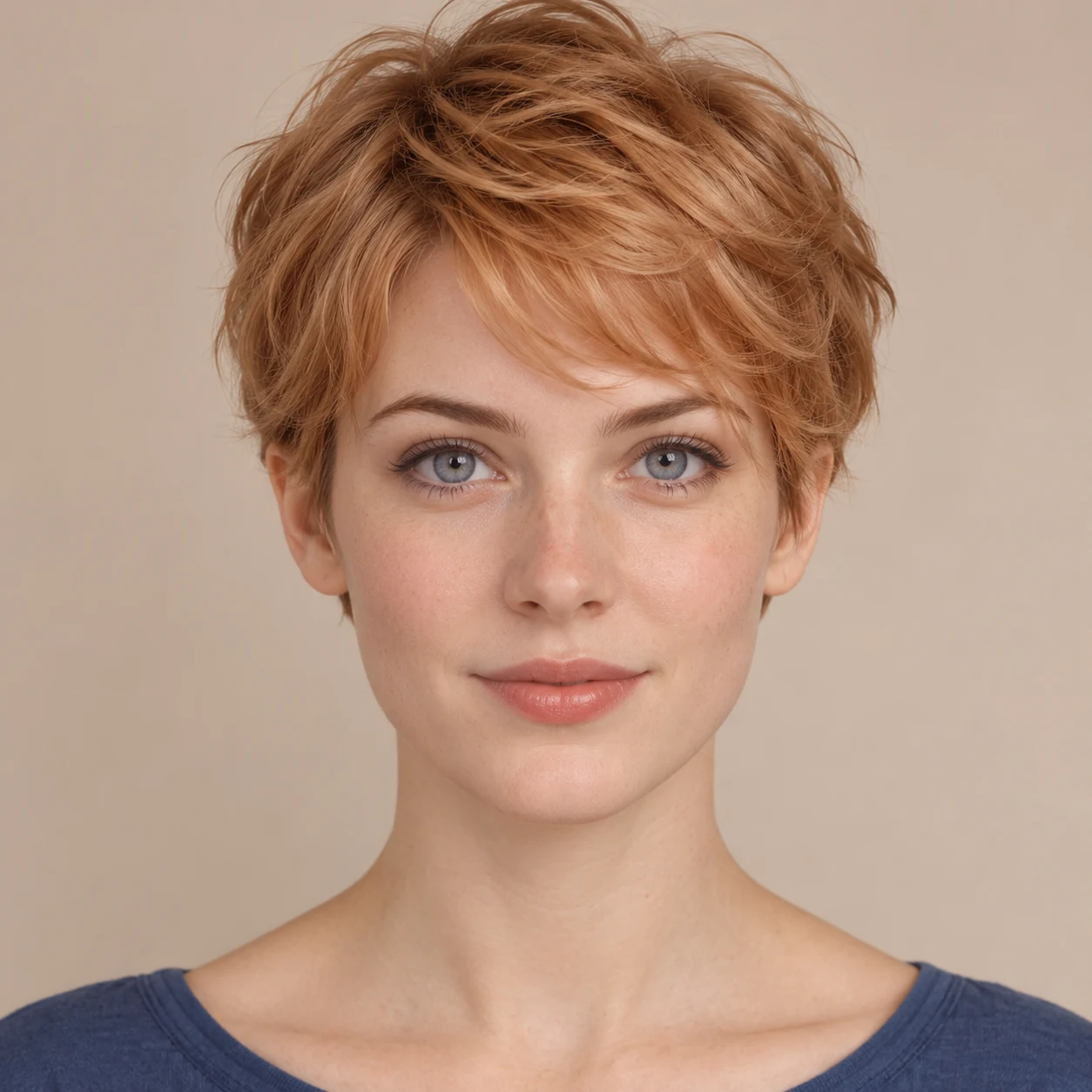
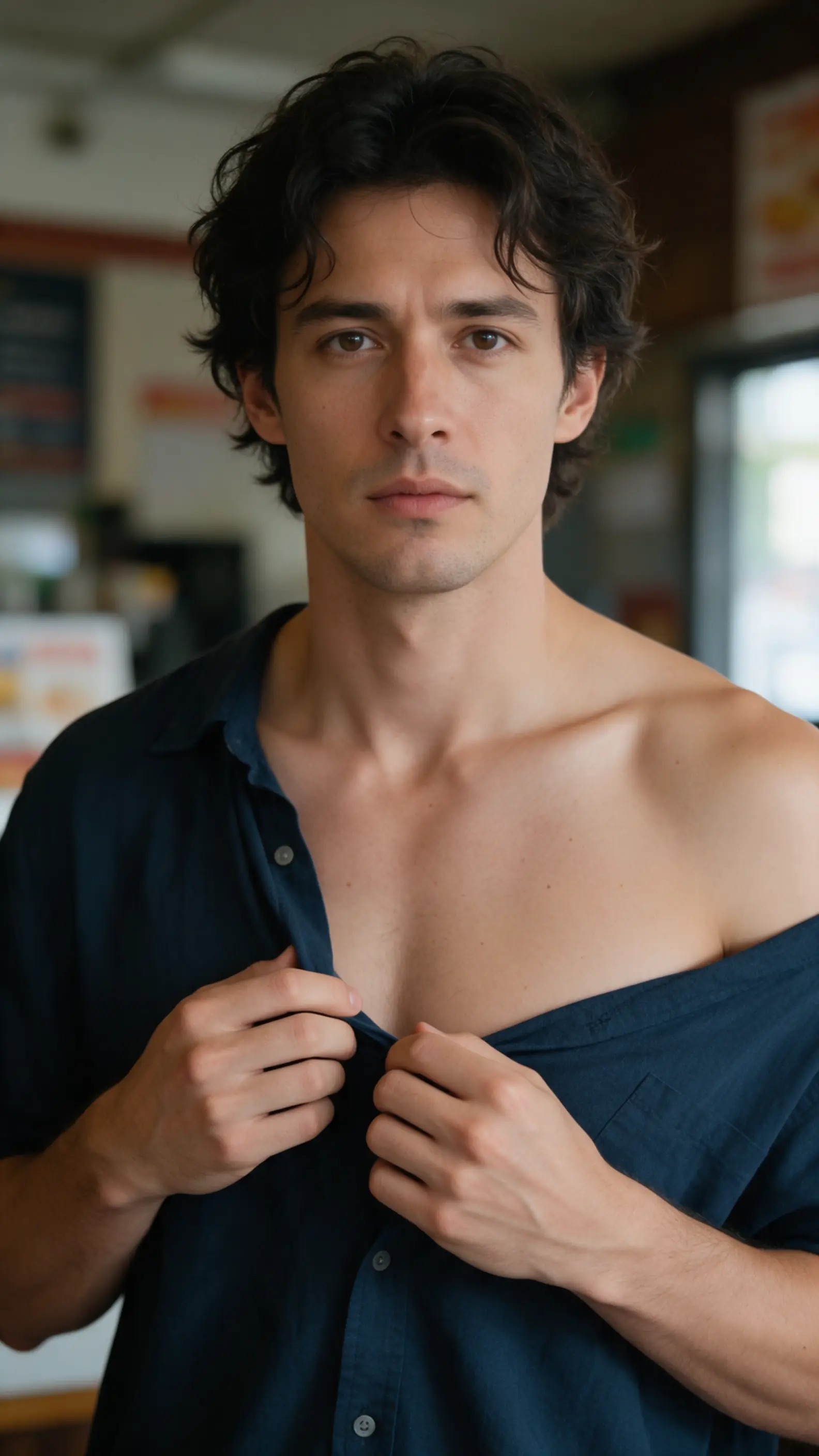
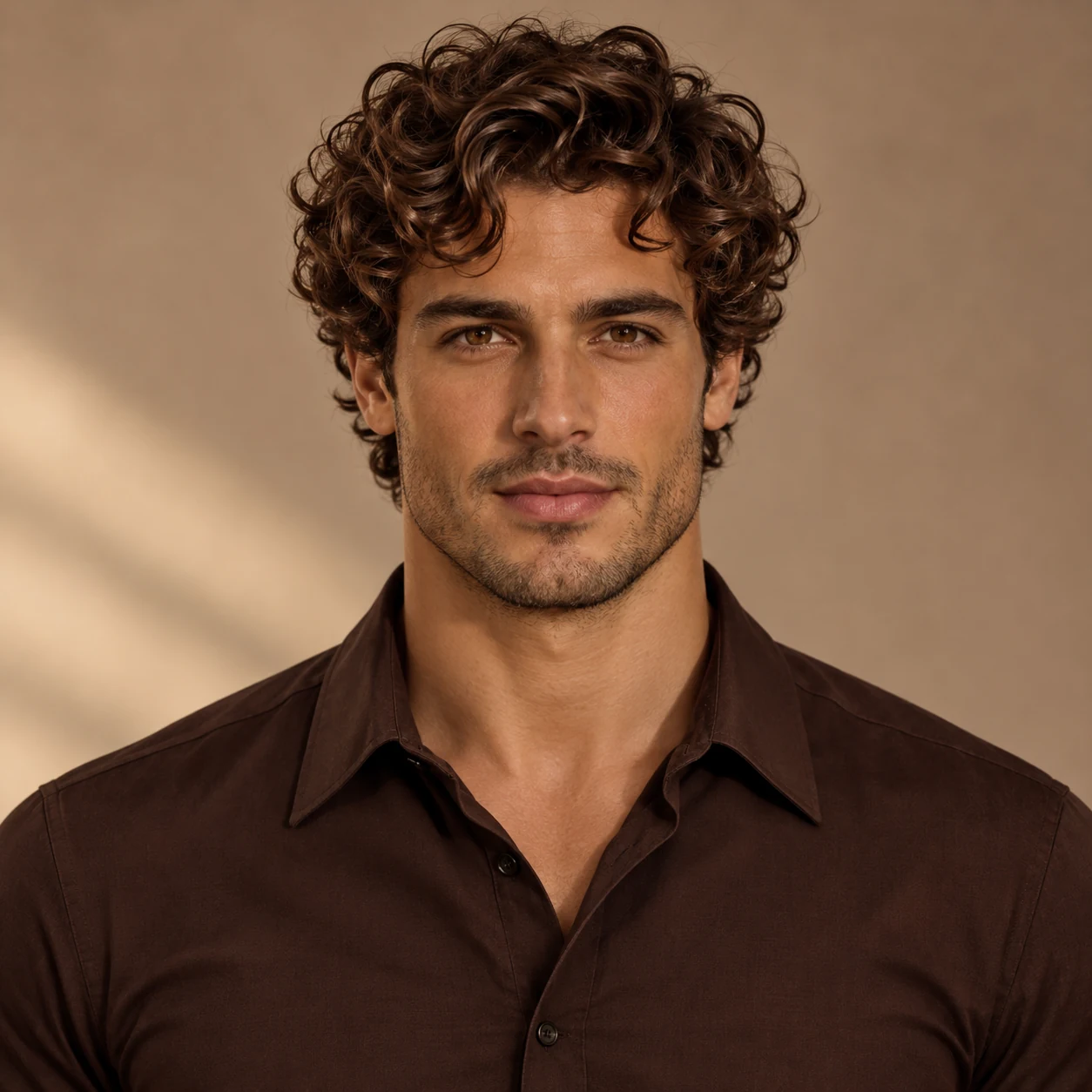
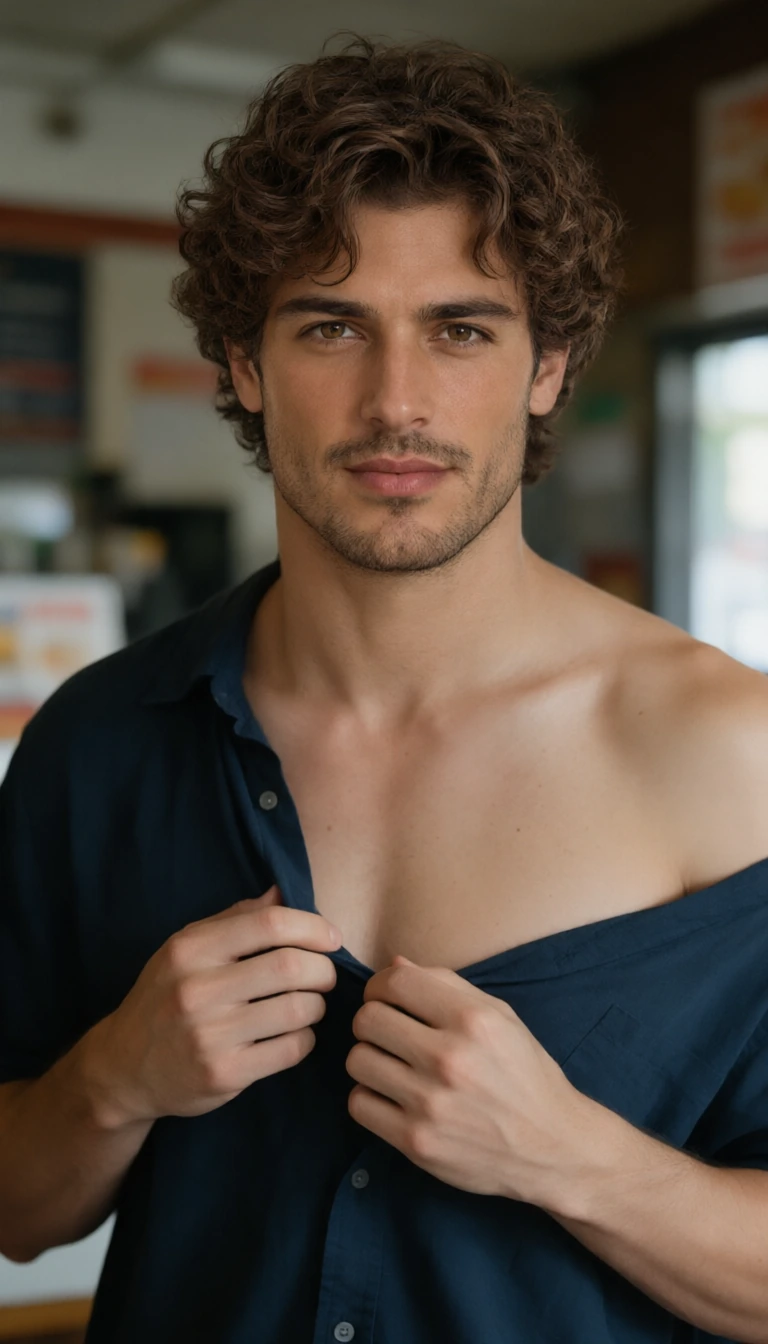
A full head swap changes the hair as well as the face. See the original and the reference in the examples below.
On ThumbBlox, you can use two photos to change a person’s head without hand-masking their hair. A 1K edit costs 30 credits and the smallest pack with enough is $5.00 for 50 credits; 2K is also available. Each run returns one still image with no added watermark.
How to swap heads in a photo
Start with two photos that have one consenting adult each. The base supplies the outfit, pose and backdrop; the head photo supplies the face and full hairstyle. Choose portrait, landscape or square framing close to the base photo, so the editor has less reason to crop or reshape the shot.
- Upload the base photo with the body, clothes and background you want to keep.
- Upload a clear head photo with the full hair and a similar angle.
- Pick the framing and resolution, confirm permission, then sign in and use credits to generate. Check the hair and collar before downloading.
Whole-head swap examples
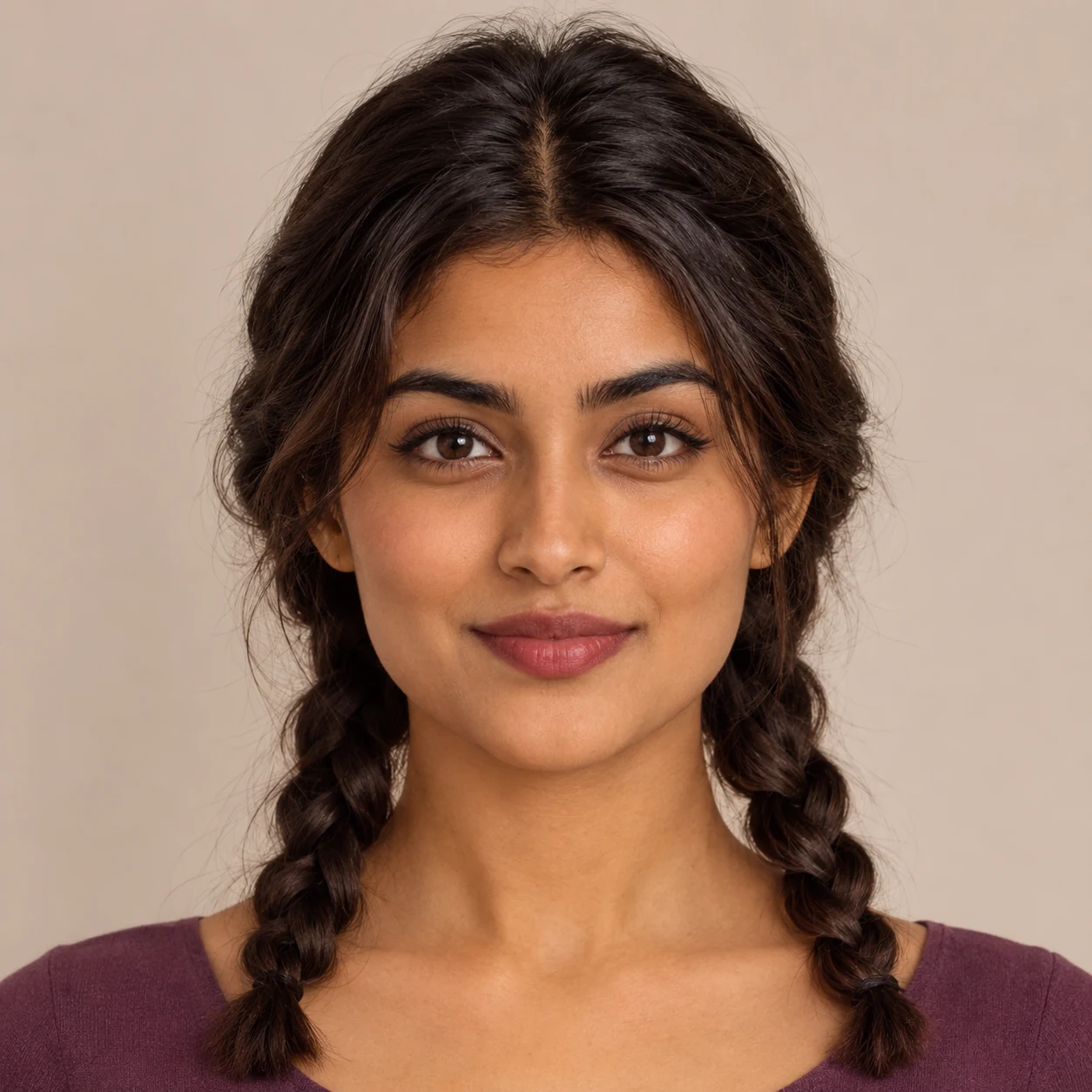
Read across each set: the original photo, the new head, and the edited result. Compare the face and hair to the head photo, then check the collar, pose and setting against the base. These examples illustrate the edit, not a guarantee of pixel-perfect preservation.



Does an AI head swap replace hair too?
Yes. A full head swap aims to replace the face, hair, hairline, ears and head shape. A face swap changes facial features but generally leaves the base hairstyle in place. For a cleaner full-head swap, use a reference with the ends of the hair visible, a similar camera angle, and light coming from the same side.
Can I do a free AI head swap online?
No free head swap generations at sign-up. You can preview selected photos and see examples in the browser for free. Generating a new 1K result requires a signed-in account and 30 credits. There’s no separate charge to download the finished image or remove a watermark.
AI head swap pricing and credits
Each ThumbBlox head swap makes one still image. The 1K and 2K rows show the cheapest credit pack that can cover a run at that size. The per-photo figure is the value of credits used from that pack, not a checkout price for a single edit.
| Resolution | Credits per photo | Smallest pack | Per photo in pack |
|---|---|---|---|
| 1K | 30 | $5.00 / 50 credits | $3.00 |
| 2K | 80 | $15.00 / 1600 credits | $0.75 |
| Tool | Free terms | Photo download |
|---|---|---|
| ThumbBlox | No free head swap generations at sign-up. | Still image, no added watermark |
| Magic Hour | Free browser tool, no sign-up advertised. | Photo, no watermark |
| QuickFaceSwap | First photo head swap free after sign-up; then 3 credits per photo. | Photo, no watermark |
Public terms checked 2026-11-20
When a whole-head swap won’t work well
This tool edits one adult in one still photo. It does not swap groups or make GIFs or videos. A cropped hairline, hands over the face, very different lighting or a profile paired with a straight-on portrait can make the hair and neck look wrong. AI may redraw details or crop to the selected frame, so check the collar, ears and background before sharing.
Only upload photos of consenting adults. The image service reads your two uploads to make the edit. We don’t list results in the public gallery, but anyone with a direct storage link could open an upload or a result. Don’t upload sensitive photos or use edits to impersonate someone or mislead viewers.
AI head swap FAQ
Use these checks when moving photos between a camera roll and the editor, or before publishing an edit. The two inputs must be supported still-photo files. The browser can handle the whole flow, but it cannot grant you rights to another person’s image.
Which files can I upload for an AI photo head swap?
Use distinct JPG, PNG or WebP photos, up to 10 MB and 4 megapixels each. Export HEIC as JPEG and resize larger photos while keeping the hair and shoulders in frame.
Do I need to download an AI head swap app?
No. Open this tool in your phone or desktop browser, choose two photos, and sign in when you’re ready to generate. If sign-in reloads the page, choose your photos again; the editor does not carry them through sign-in.
Can I use an AI head swap photo commercially?
Only if you have the relevant rights to both photos and permission for the intended commercial use from the people pictured. Using the tool does not grant those rights. Disclose the edit when the context could otherwise mislead viewers.
Making a carnival photo board instead? Try Face in Hole Generator.