
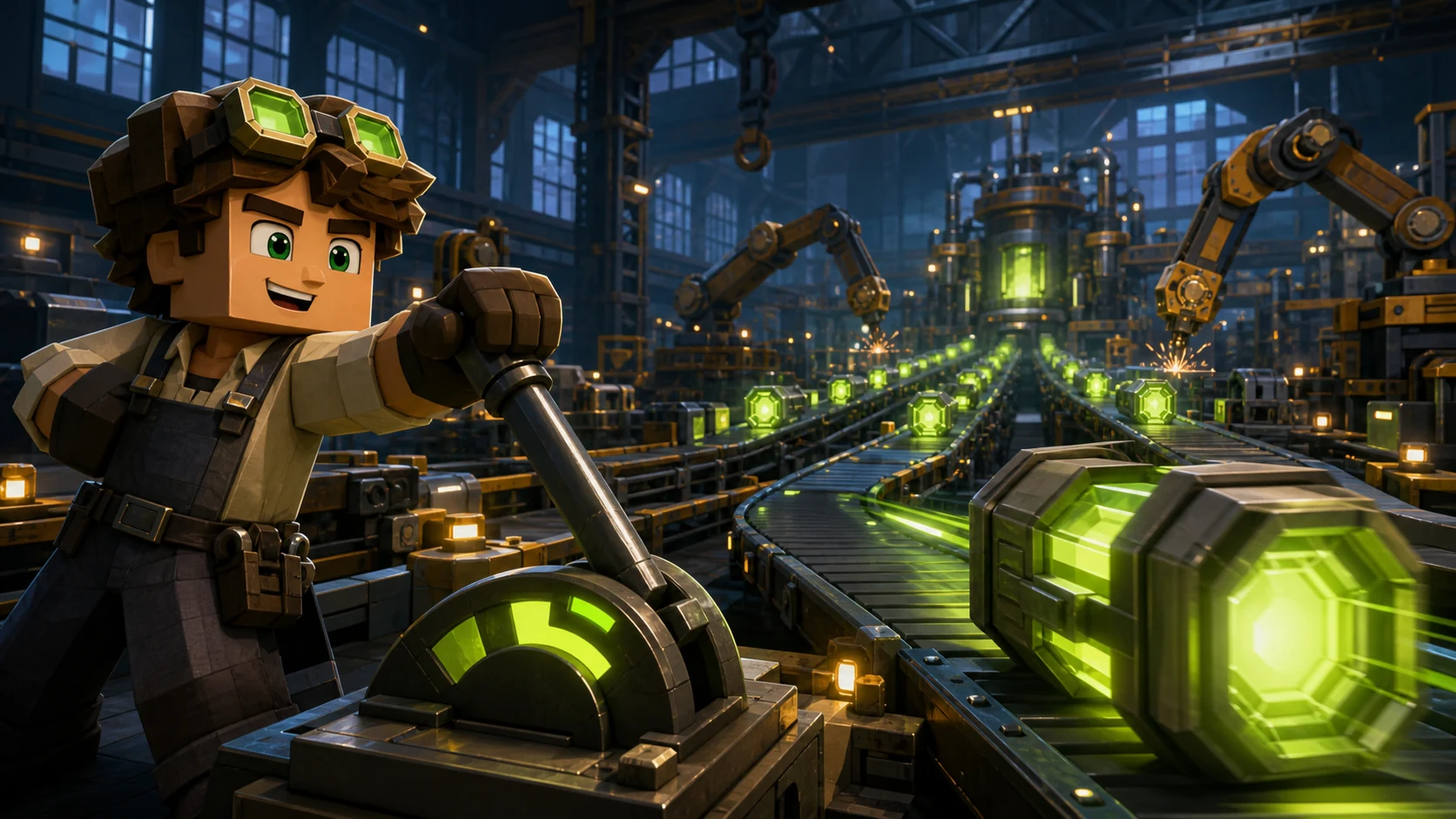
Tycoon
Factory tycoon
Brief: A cheerful player in goggles pulls a huge lever while glowing batteries race down a long factory conveyor.
AI Roblox thumbnail generator
Describe your game, add a screenshot if you have one, and this Roblox thumbnail generator returns a 16:9 game thumbnail for your experience page. No Blender, no Studio camera rig, no commission queue.
 Example
The Roblox thumbnail generator shows your image here at 16:9. Failed generations return their credits automatically.
Each game genre sells a different promise. Pick the closest example, load its brief into the Roblox thumbnail generator, then swap in your own characters and setting. A good Roblox game thumbnail maker starts from your game, not a generic scene, which is why this Roblox game thumbnail generator accepts your screenshots.
Tycoon
Brief: A cheerful player in goggles pulls a huge lever while glowing batteries race down a long factory conveyor.
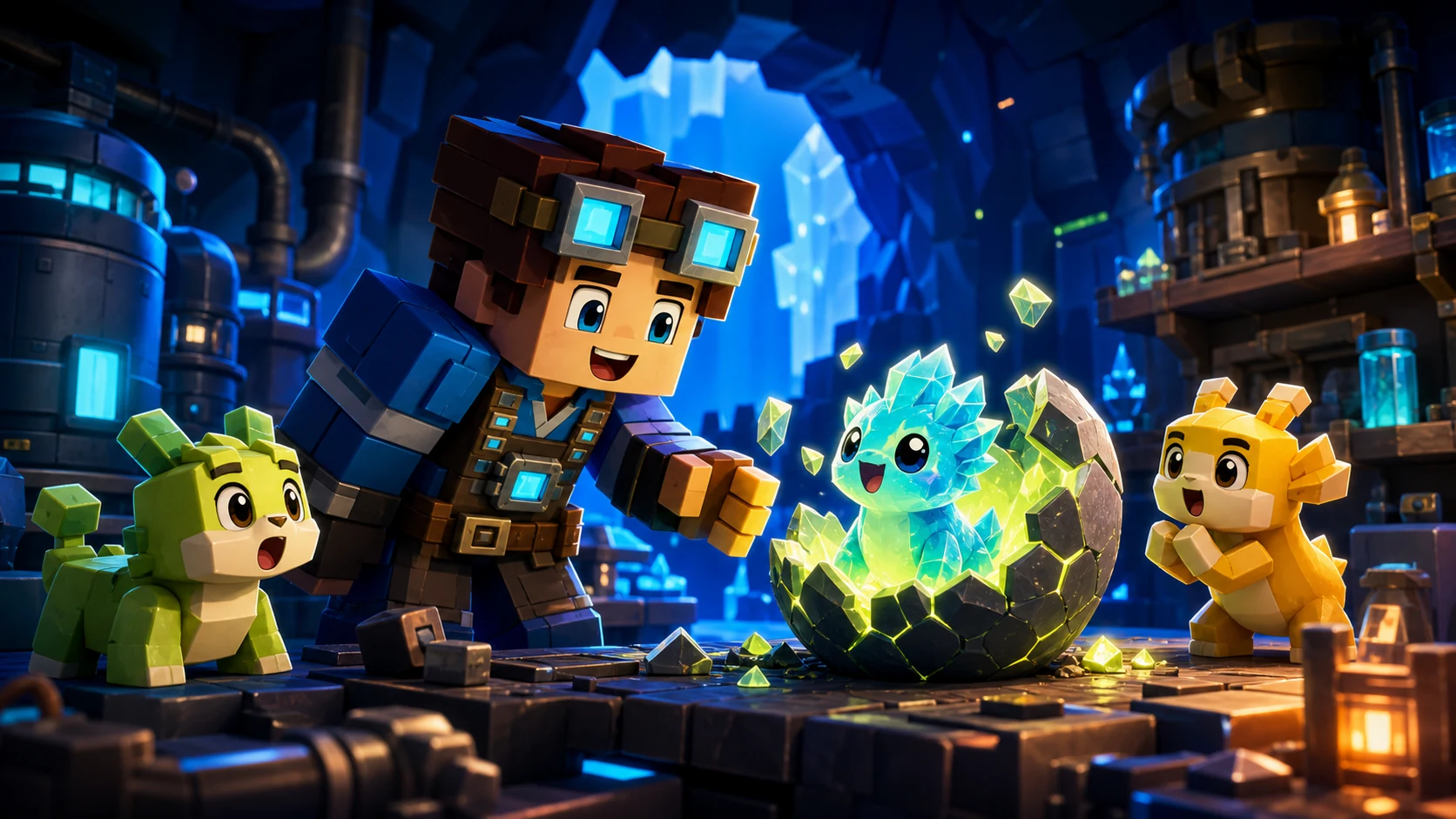
Pet simulator
Brief: A delighted player watches a crystal egg crack open and reveal a glowing rare pet, with two smaller pets cheering beside it.
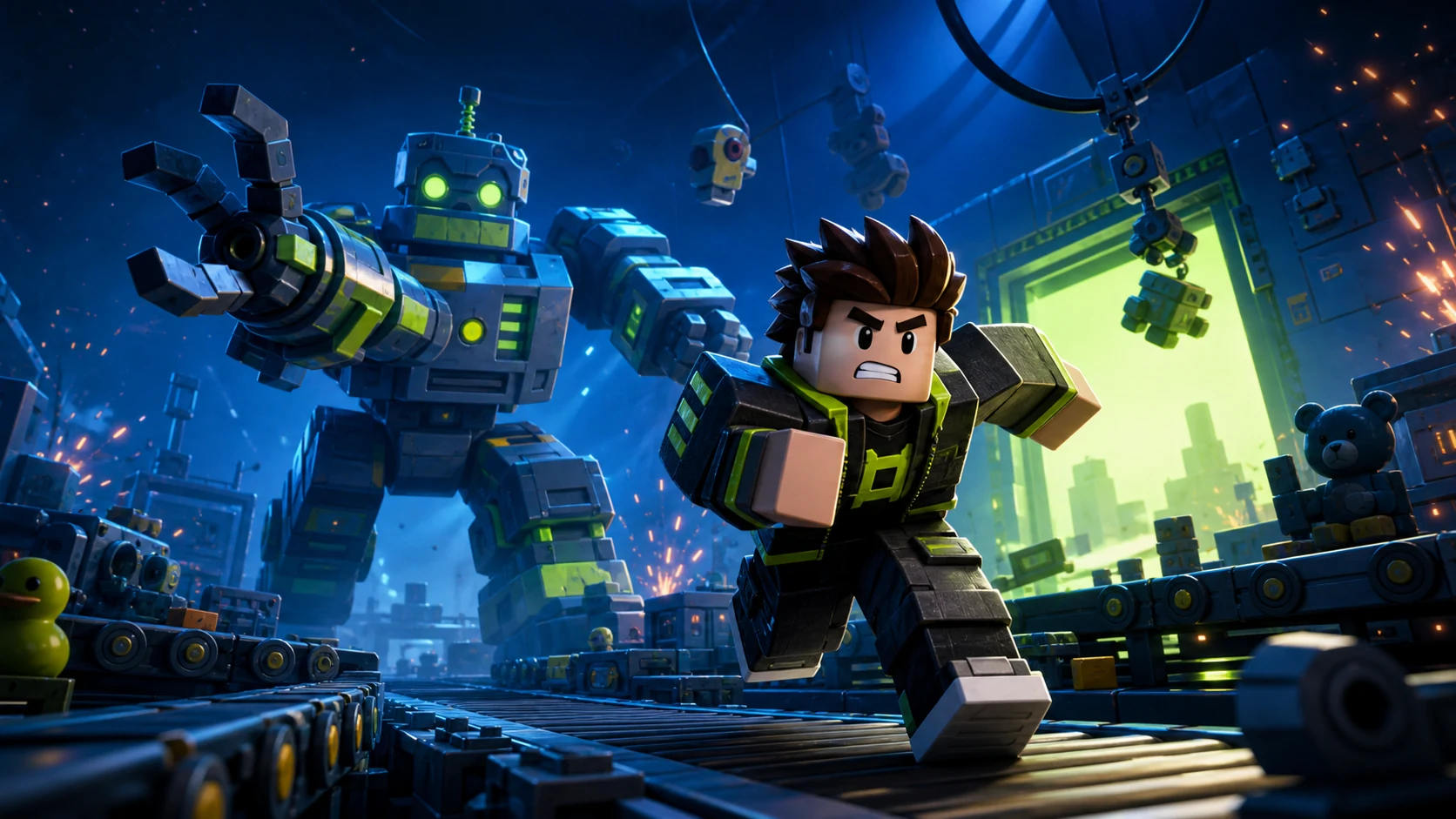
Horror
Brief: A frightened player sprints across a conveyor as a towering robot reaches out behind them in a dark factory.
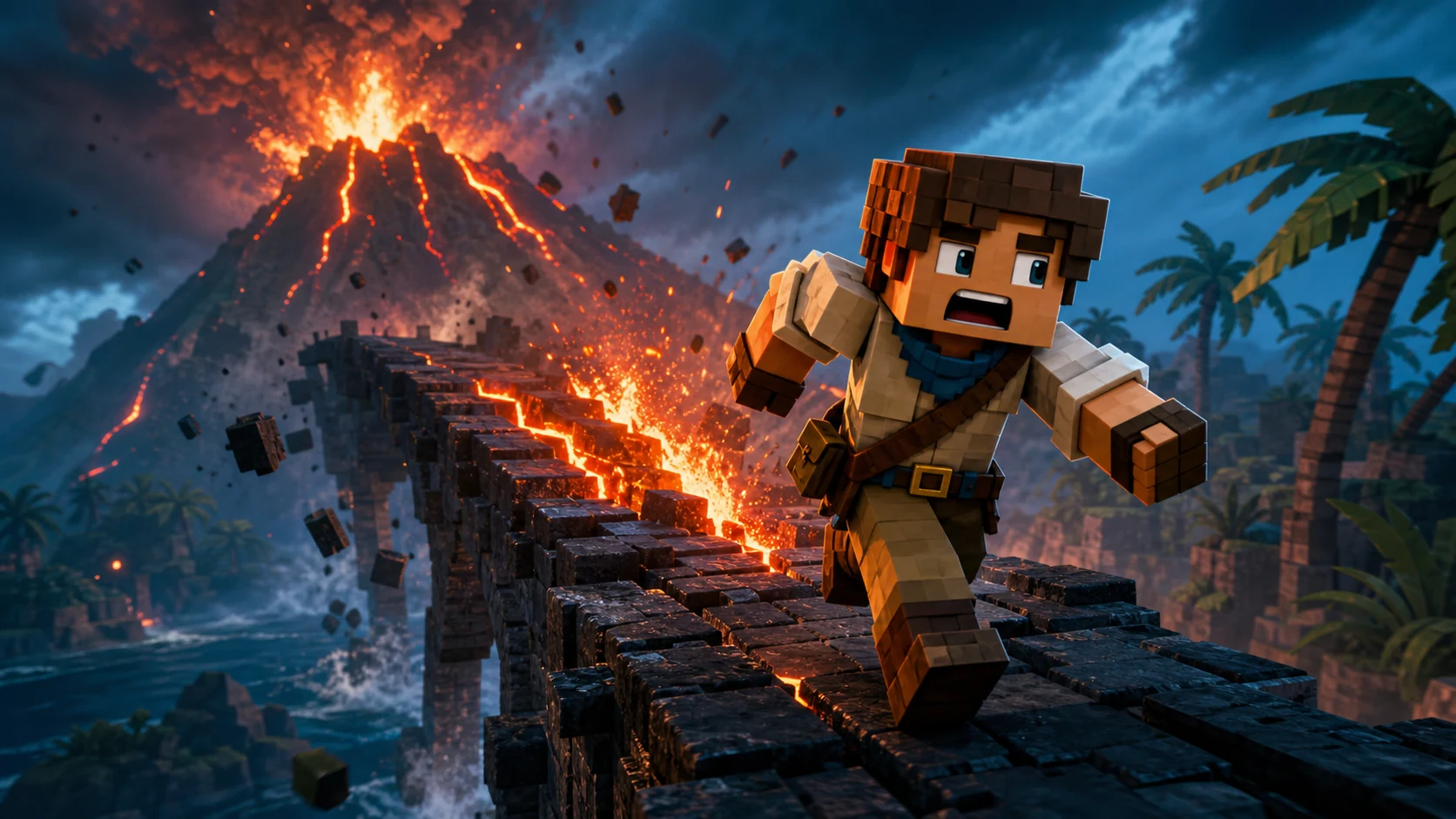
Obby
Brief: A shocked player runs along a crumbling stone bridge as a volcano erupts and lava chases them.
A Roblox thumbnail generator, sometimes called a Roblox thumbnail creator, is an AI tool that turns a written brief, with or without a game screenshot, into a finished thumbnail for your experience page. You skip the Studio posing and the Blender render, then try more ideas for less money. ThumbBlox is a Roblox thumbnail generator tuned for blocky game art, and it creates original characters instead of official Roblox assets.
You can finish a Roblox thumbnail in three steps, and the Roblox AI thumbnail generator handles the framing and lighting.
Choose tycoon, clicker, simulator, obby, horror, anime or brainrot. The Roblox thumbnail generator uses the genre to set the colors, staging and mood.
Write the single moment players should want to join, add one to three words of text if you need them, and upload a screenshot so the Roblox thumbnail generator matches your style.
Download the image from the Roblox thumbnail generator. In Creator Dashboard, select your game, open Configurations, then Places, pick a place and click Thumbnails.
A strong prompt names the genre, one moment, the feeling and any exact text. The Roblox thumbnail generator above builds this for you. Use these Roblox thumbnail templates as a starting point for each genre: load one into the form, then copy the full prompt for free.
Show: A proud player, a huge base and visible wealth in warm gold and green.
Prompt: A grinning player stands on top of a giant gold vault while cash pours from a row of money generators behind them.
Show: One giant target, huge numbers and rewards bursting toward the camera.
Prompt: A player taps a giant glowing coin as huge numbers, gems and tiny pets explode out of it toward the camera.
Show: Before and after power: a tiny starter tool beside a giant late-game upgrade.
Prompt: A small player holds a tiny wooden tool next to a towering version of the same player holding a giant diamond upgrade.
Show: A player mid-jump over danger, bright colors and a strong diagonal.
Prompt: A player leaps across a huge gap above bright lava toward a tiny finish flag in the distance.
Show: One clear threat, low-key light and tight framing. No gore.
Prompt: A terrified player holds a flashlight in a dark hallway while one huge shadowy monster leans out of a doorway behind them.
Show: One powered-up hero, a dynamic angle and a bold aura.
Prompt: An original hero charges a glowing blue energy attack in a shattered arena, with a low dramatic camera angle.
Show: A loud, deliberately sloppy meme look with one absurd original character.
Prompt: A confused player stares at an absurd original creature, half shark and half sneaker, in clashing neon colors with a huge reaction face.
The Roblox thumbnail aspect ratio is 16:9, and Roblox stretches any other shape to fit. These are the Roblox thumbnail size rules from the Creator Hub, and every good Roblox thumbnail generator should follow them.
This Roblox thumbnail generator composes every image at 16:9, so nothing gets stretched. A 1K image is 1360×768, which is below Roblox's recommended 1920×1080. For the sharpest upload, choose 2K (2736×1536) or 4K (3840×2160), then resize it to 1920×1080 and save it as a JPG under 3 MB.
Read the full Roblox thumbnail size guideA Roblox thumbnail generator only does half the job. A thumbnail tester for your Roblox game shows whether the image still reads at card size, and Roblox itself can measure which version earns plays.
Drop the image from the Roblox thumbnail generator into our free tester to see it beside trending experiences before anyone else does.
Open the thumbnail testerActivate 2 to 5 thumbnails in the Home Page tab. Roblox shows each one to a random set of users, then gives more impressions to the winner for each group.
After a few hours, the Thumbnail Performance table fills in. Roblox recommends keeping several thumbnails active and testing new ones with each major update.
Use these rules whichever Roblox thumbnail generator you choose. The first three come straight from the Roblox Creator Hub.
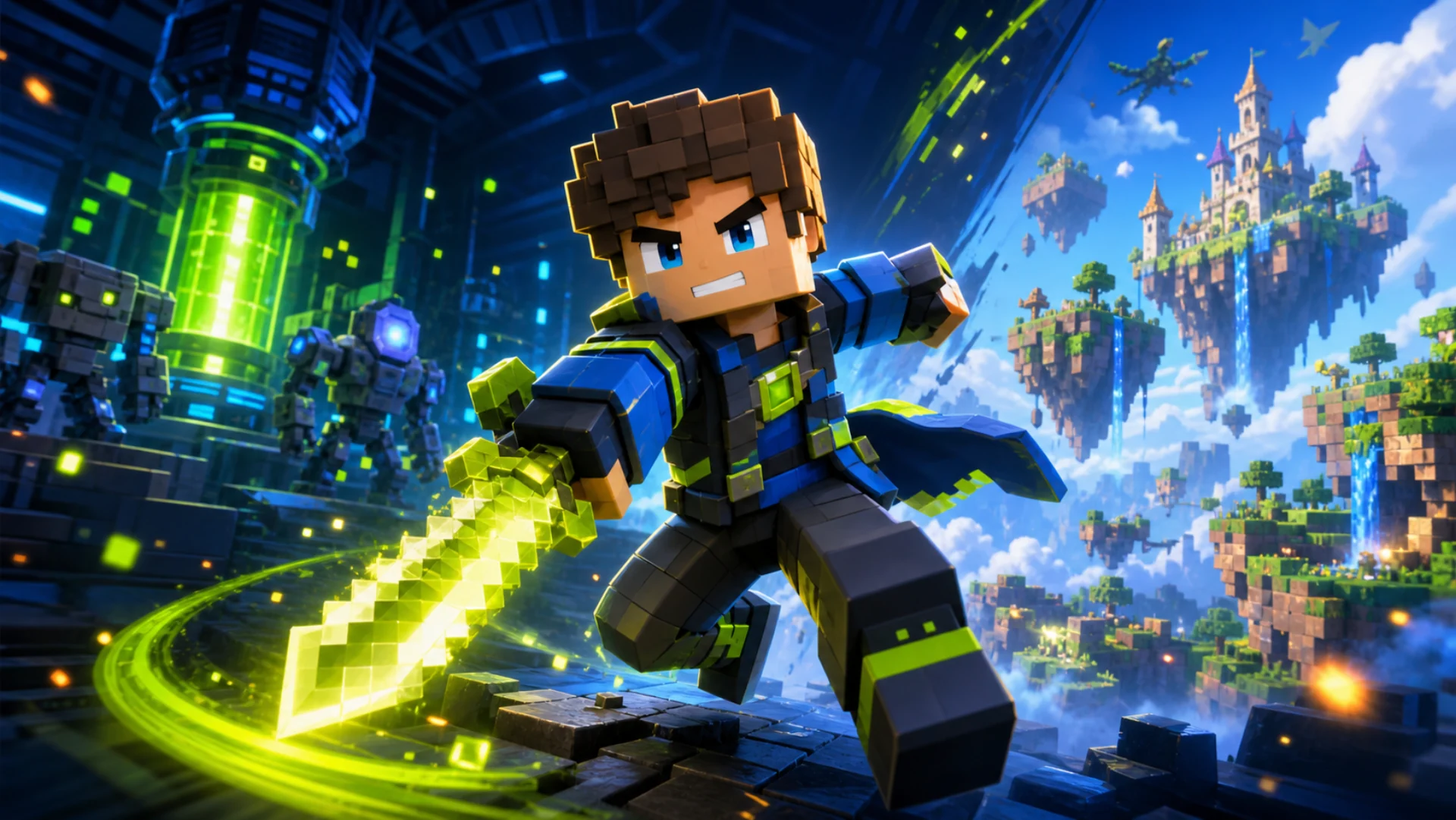
Roblox says relevant, unique imagery has more impact, and ambiguous graphics confuse players.
Roblox warns that metadata such as the player count may cover the bottom of the image. Our prompts keep key details out of that area.
Bright colors suit comical games and dark, stormy ones suit horror, so players can judge the game at a glance.
Ask the Roblox thumbnail generator for a single character or object. One big subject survives small cards, and a crowded scene turns to noise.
Short, heavy text stays readable on a phone. Type it into the Roblox thumbnail generator, or leave it out when the picture tells the story.
Partly. This Roblox thumbnail generator uses paid credits for AI images, and new accounts do not receive free credits, but the planning and testing tools cost nothing.
| Feature | Price | Sign-in needed |
|---|---|---|
| AI prompt builder | Free | No |
| Roblox thumbnail tester | Free | No |
| 1K generation | 10 credits | Yes |
| 2K generation | 40 credits | Yes |
| 4K generation | 60 credits | Yes |
| Each reference image | +4 credits | Yes |
The ThumbBlox homepage, with style presets, game types and credit packs.
Preview your image on the home grid for free.
Exact sizes and file limits for thumbnails and icons.
Turn a Roblox video into a thumbnail with your face and title.
Pick a game genre, describe one moment and add a screenshot if you have one. The Roblox thumbnail generator composes a 16:9 image that you can download and upload in Creator Dashboard.
ThumbBlox does not give free AI generations. New accounts have no free credits, and a 1K thumbnail without reference images uses 10 credits from a $2.99 pack. The prompt builder and the thumbnail tester are free with no sign-in.
A Roblox thumbnail is 16:9. Roblox stretches other shapes to fit, so this Roblox thumbnail generator composes every image at 16:9.
Roblox recommends 1920×1080 pixels at 16:9. Keep Home Page uploads under 3 MB. This Roblox thumbnail generator always uses that 16:9 shape, and its 2K and 4K images are larger than 1920×1080.
Yes. Sign in and add up to 4 screenshots, characters or old thumbnails. The Roblox thumbnail generator uses them to keep your style, colors and characters, and each image adds 4 credits.
Yes. Type the exact words in the text field and the prompt asks for them in the upper half of the image. One to three words work best, and AI text can still need a second try.
Use our free tester to check the image from the Roblox thumbnail generator on the home grid, then activate 2 to 5 thumbnails in the Home Page tab. Roblox thumbnail personalization compares them by qualified play through rate.
In Creator Dashboard, select your game, go to Configurations, then Places, pick a place and click Thumbnails. Use the Home Page and Experience Detail Page tabs to set each one.
No. ThumbBlox is an independent AI image tool and is not affiliated with Roblox Corporation. It creates original characters and art rather than official Roblox assets.
One moment, one sentence, one 16:9 image. Start with a free prompt, then generate from 10 credits with this Roblox thumbnail generator.
Open the Roblox thumbnail generator