
Anniversary Card Maker for Photos and Print
Anniversary Card Maker by ThumbBlox turns your photo, names, and message into a card you can send or print, with optional AI artwork.
JPG, PNG, or WebP up to 5 MiB, 20 megapixels, and 10,000 px per side. Your card photo stays on this device.
Card style
62 / 180 characters
Live card preview · 5 × 7 in
Free download · No account or watermark
Optional AI background
Generate one background for this card. Your card photo, names, date and message stay in the editor and are never sent with this request.
Model
Background resolution
3:4 portrait background. The finished card exports at 5 × 7 inches.
Make a wedding or relationship anniversary card for your partner or a couple you love. Add a photo, type the names and date, and download a 1500 × 2100 PNG or single-sided 5 × 7-inch PDF. The free exports need no account and have no added watermark. Optional AI backgrounds start at 18 credits per image and require signing in.
How to make an anniversary card
Start with a design, personalize the wording, and check the live preview before downloading. The photo frame keeps the full picture visible, including the edges of a tall portrait. Use the date field for a date or a milestone such as “25 years together.”
- Choose a card design and add a photo if you have one.
- Enter the names, date, and a short message. For custom artwork, open the AI background options.
- Download a PNG to send or a PDF to print at actual size.
Anniversary card examples
See how a bouquet, champagne glasses, or a scrapbook illustration looks on a finished card. The examples show the full 5 × 7 layout, including the space reserved for the names, year, and note. You can add your own picture in the same frame.

Original illustration
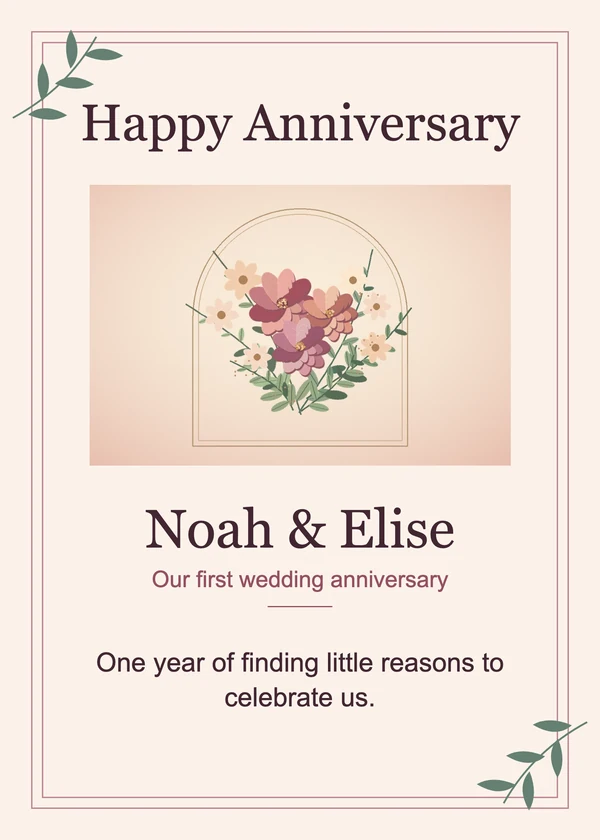
Finished card
First wedding anniversary
Pink dahlias and a short note for a partner.

Original illustration
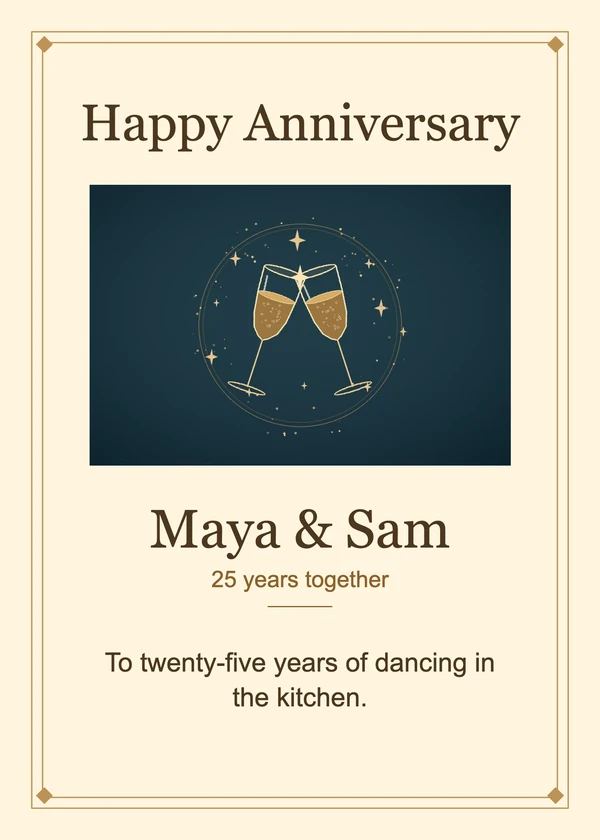
Finished card
Silver wedding anniversary
An illustrated keepsake for a couple celebrating 25 years.
Original illustration
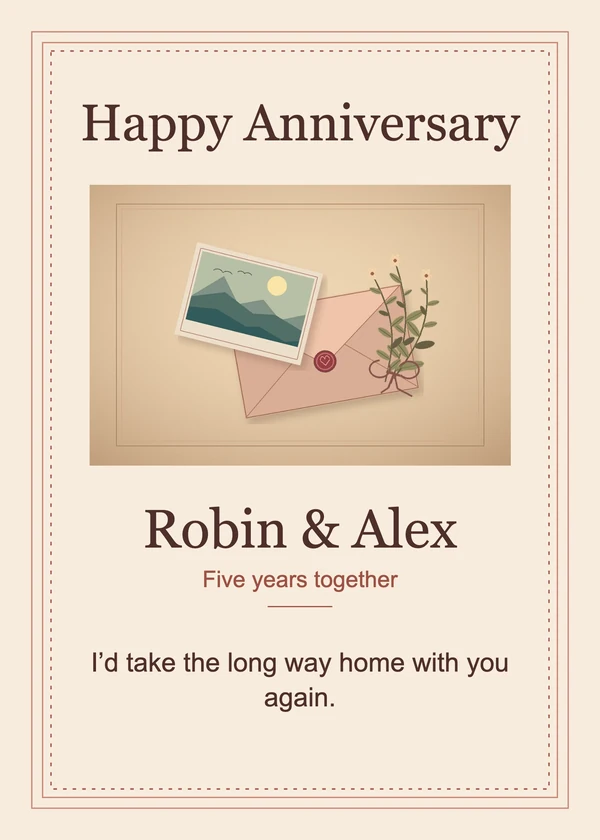
Finished card
Relationship anniversary
A scrapbook-style card for an everyday memory you share.
Can I make an anniversary card online for free?
Yes. This online anniversary card maker lets you use any built-in design, add a picture and personalized wording, and download as many cards as you need. Both the PNG and print PDF are free and have no added watermark. AI artwork is optional and uses credits only when you choose to generate a background.
Can I make an anniversary card with my own photo?
Yes. Upload a wedding or couple photo and the editor places it directly on the card. Your names, date, and greeting stay editable in separate fields, so changing the wording leaves the picture alone. Even if you generate new background art, the original photo stays in the editor as its own image.
How do I make a printable anniversary card?
Download the single-page PDF to print a 5 × 7-inch anniversary card. Turn off Fit to Page and choose Actual Size or 100% in your print dialog. The card includes 1500 × 2100 pixels, equivalent to 300 pixels per inch at 5 × 7. For a printer that needs margins, print at actual size on a larger sheet and trim the card by hand.
Anniversary card pricing and credits
Built-in layouts, previews, and downloads are free. One generated background costs 18 credits at 2K. From zero credits, the smallest pack that covers it is $5.00 for 50 credits. Dollar equivalents in the table use the lowest bulk credit price.
| Option | Cost | Added watermark |
|---|---|---|
| Built-in design | Free · 0 credits | None |
| 2K AI background | 18 credits · about $0.15 | None |
| 2K AI background with style image | 19 credits · about $0.16 | None |
| 4K AI background | 26 credits · about $0.22 | None |
| 4K AI background with style image | 27 credits · about $0.23 | None |
Anniversary card format and limits
The editor makes one flat, portrait card front. It has one photo slot and no folded inside page, bleed controls, animation, or delivery service. The 2K and 4K settings affect only the background artwork. The final PNG and PDF have the same 5 × 7 proportions and export size in either mode.
Anniversary card maker FAQ
When you use the photo picker on a phone, choose an image from your device or skip the picture entirely. The editor keeps your layout in the open tab. Download the card before closing the tab to keep a copy of your work.
Do I need an anniversary card maker app on my phone?
You can design and download a card from your phone’s browser. Once you save the PNG, attach the image to a text, email, or chat from your usual app.
Can I make a card without a photo?
Yes. Each design can be used with just your names, date, and message. You can add a picture later or remove the one you selected.
Can I make a death anniversary card here?
For a remembrance card, use the dedicated sympathy card maker. It has condolence designs, a photo option, and the same 5 × 7-inch PDF size.
Open Sympathy Card MakerDoes the AI anniversary card maker receive my photo?
Your card photo and the text fields stay in this browser. The AI service receives the background description and any separate style image you choose to submit. Keep names and other personal details out of that description and style image.