
2K27 Build Thumbnail — Keep Your Stats
2K27 build thumbnail by ThumbBlox frames your player and stats screenshots with exact text and optional AI court backgrounds.
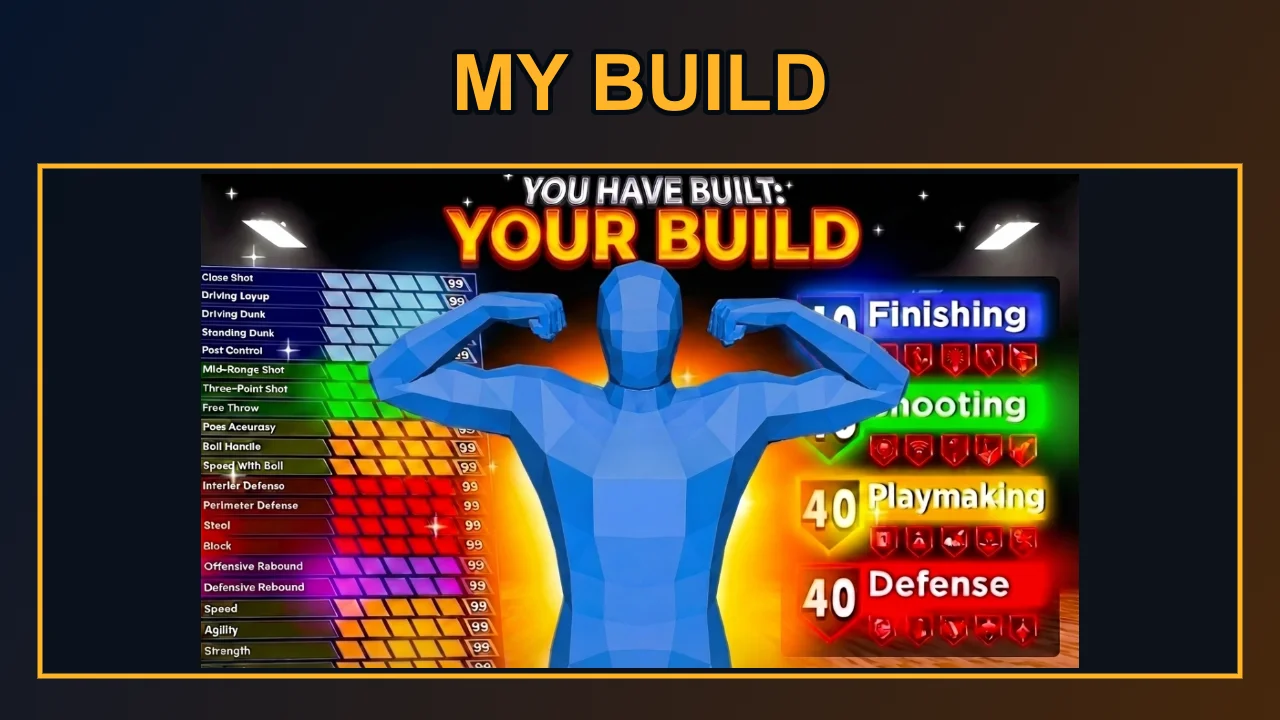
Local layout preview · free
Upload to preview your own layout. The original screenshots are scaled to fit, including their existing background. The AI button changes the arena behind the panels; it does not cut out your player or rewrite your stats.
A 2K27 build thumbnail presents a MyPLAYER build before viewers open the video: ThumbBlox combines your screenshots and exact title in a 1280×720 PNG without redrawing faces or stats. Local layouts and downloads are free with no added watermark; AI backgrounds start at 18 credits, with 0 signup credits and a $5.00 minimum pack covering one background. Use a phone or desktop browser.
How the build thumbnail maker works
A 2K27 build thumbnail starts with your own player screenshot, plus an optional attribute screen. Add a short title and choose the court lighting. Download the local layout immediately, or sign in to create an AI background before exporting. Both routes place the original screenshots above the background, so the tool never asks a model to invent your attribute values.
- Upload your screenshots
Use a clear player image. Add an attribute screenshot if you want the exact numbers visible. Crop private account details before uploading.
- Set the title and background
Use a short title such as BEST PG BUILD. Court and Neon give two lighting directions; Custom accepts your required background description.
- Preview, then download
Check the screenshot panels at phone size. The free PNG export is 1280×720; generating another AI background spends credits again.
Before and after layout examples
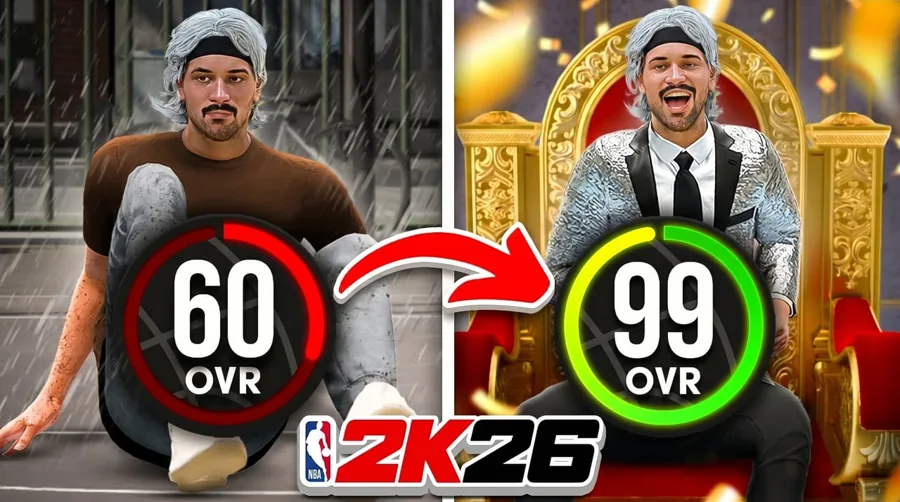
These build thumbnail examples show the free editor’s framing and exact text overlay using existing sample artwork. The first two preserve their visible 2K26 labels as earlier layout references; the third shows a build chart. Original image and exported layout are paired below. AI background appearance depends on your description and model output; these pairs demonstrate layout editing.
Original image
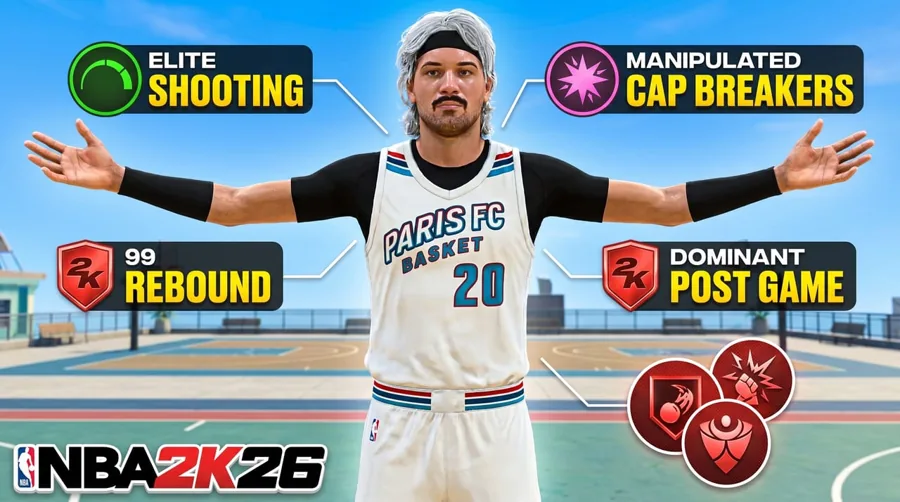
Exported layout · 1280×720
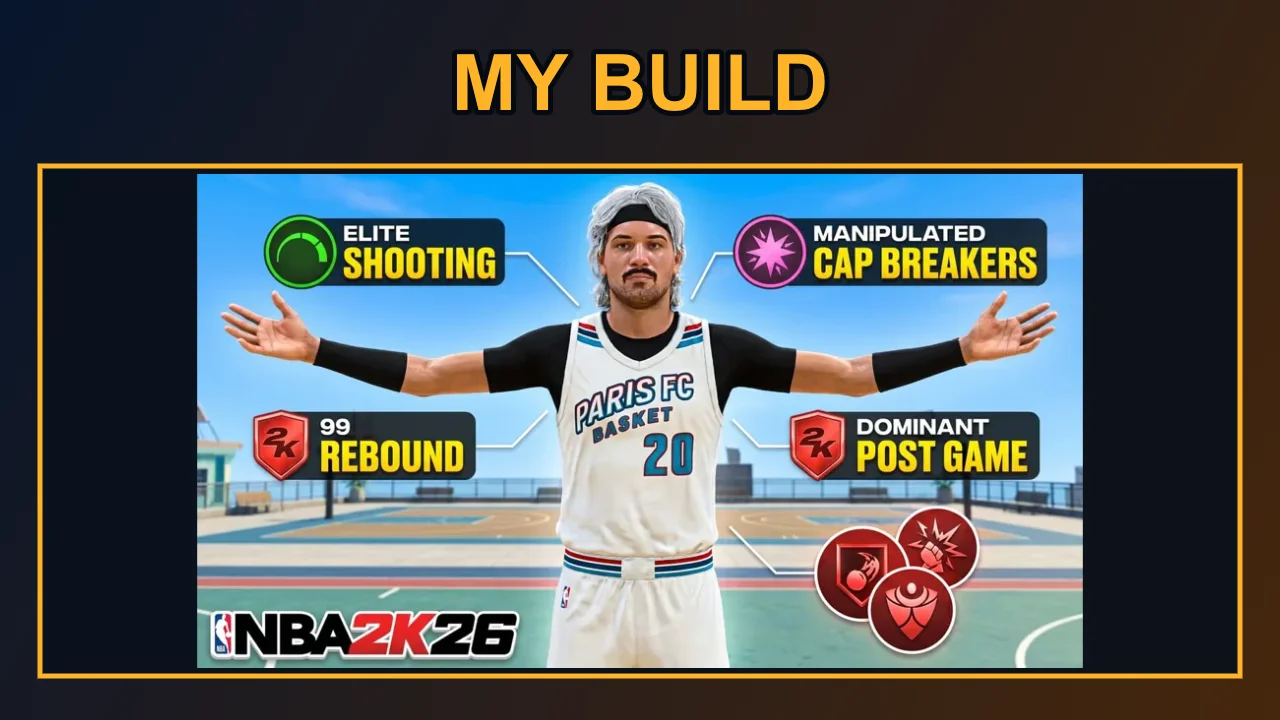
Original image
Exported layout · 1280×720
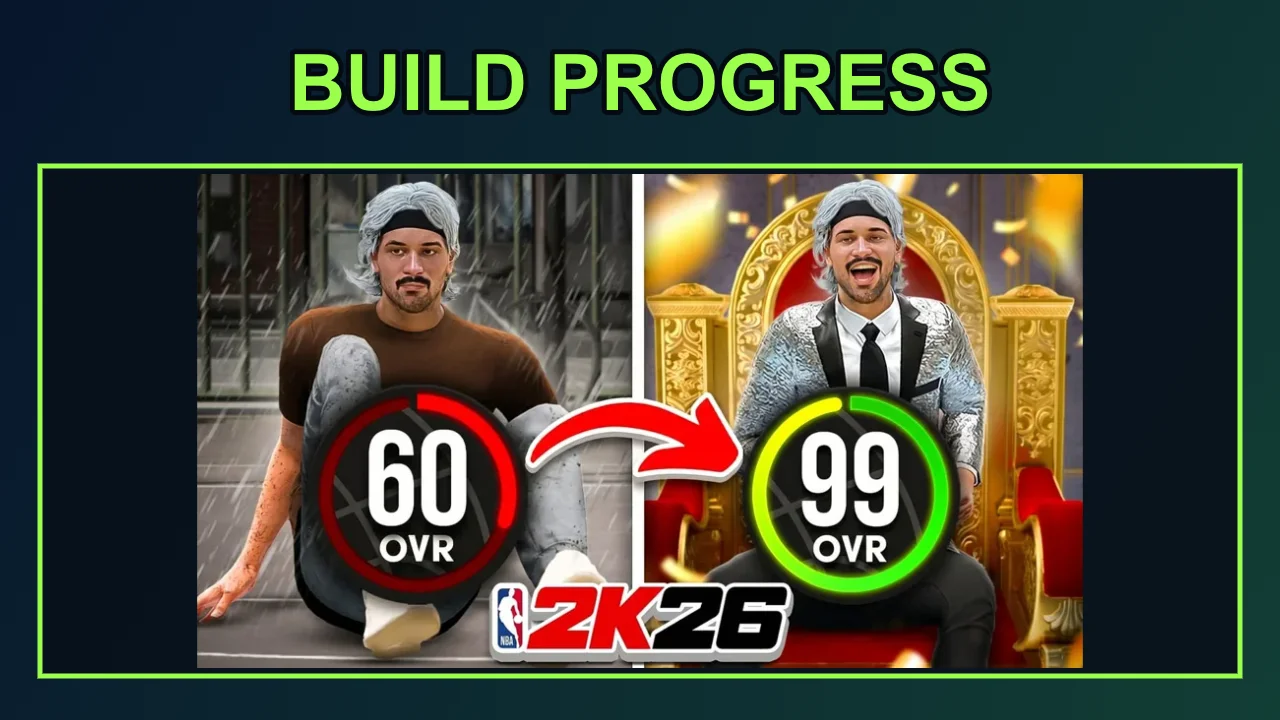
Original image
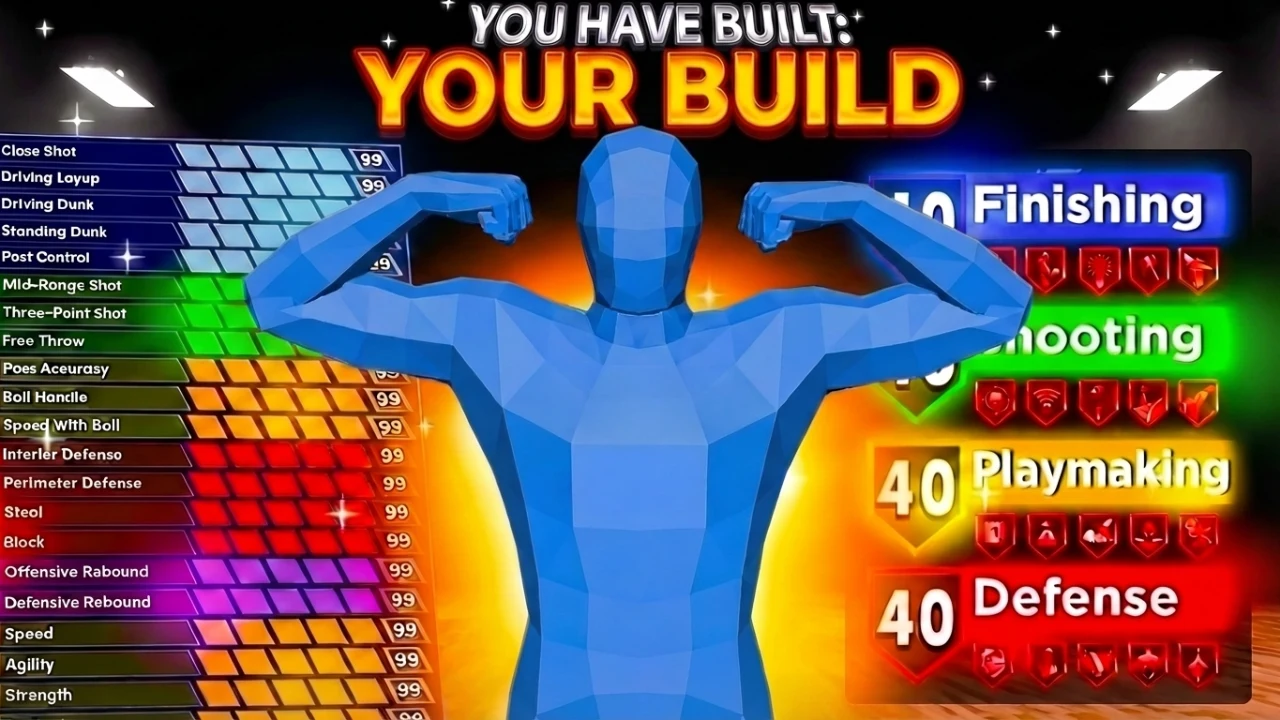
Exported layout · 1280×720
Can I make a 2K27 build thumbnail free?
A 2K27 build thumbnail is free to arrange and download in ThumbBlox using the local background and your own screenshots, without sign-in or an added watermark. AI backgrounds are a separate paid action, starting at 18 credits. The current signup allowance is 0 credits; compare it with the selected generation cost. From zero balance, the smallest credit pack covering one background costs $5.00.
How do I make a 2K27 build thumbnail on PS5?
To make a 2K27 build thumbnail from PS5 captures, save a player screenshot and a separate attribute screenshot, then transfer them to your phone or computer. Open ThumbBlox in that device’s browser and upload the images to their labeled slots. The stats panel uses your screenshot directly. This tool runs in the browser, connects to no console account, and does not change your build in the game.
What makes the best 2K27 build thumbnail readable?
The best 2K27 build thumbnail for a build guide makes one promise easy to read: a position, a key attribute or a clear progression. Use a large player image and a short title instead of filling every corner with claims. If a full attribute screen becomes too small, crop your upload to the relevant stats first. Check the final image at phone size; this tool does not predict clicks or rank builds.
Pricing & credits
The build thumbnail editor charges only when you request an AI background; arranging screenshots and exporting the PNG remain free. Each AI request creates one 16:9 background at the chosen resolution, then the editor exports a 1280×720 composition. The smallest pack covering the default request is $5.00 for 50 credits. Failed generation requests return their reserved credits; another successful generation is charged again.
| Option | Price / credits | Output / watermark |
|---|---|---|
| Local screenshot layout | Free · no sign-in | 1280×720 PNG · no added watermark |
| 1K background · 1 input(s) | 18 credits · about $0.15 | One AI background · no added watermark |
| 1K background · 2 input(s) | 22 credits · about $0.18 | One AI background · no added watermark |
| 1K background · 3 input(s) | 26 credits · about $0.22 | One AI background · no added watermark |
| 2K background · 1 input(s) | 34 credits · about $0.28 | One AI background · no added watermark |
| 2K background · 2 input(s) | 38 credits · about $0.32 | One AI background · no added watermark |
| 2K background · 3 input(s) | 42 credits · about $0.35 | One AI background · no added watermark |
| Signup allowance | 0 credits | Below one AI background; local export stays free |
Dollar equivalents use the $50.00 / 6000-credit pack, not a per-image cash checkout. Smaller packs have higher per-credit prices. Existing marks inside an uploaded image are retained. See credit packs
What this tool cannot do
This 2K27 build thumbnail maker does not verify builds, read attribute numbers, remove a screenshot’s background or invent official badges. Your uploads remain rectangular image panels, scaled to fit. AI is asked for court lighting and background art; its results vary and can require another paid attempt. No promised clicks, build strength or affiliation with 2K or the NBA is implied. Use images and game footage you have permission to publish.
Build thumbnail FAQ
Can I finish a thumbnail in my phone browser?
Yes. Choose images from your phone, edit the title, and use Download PNG. No app is required. If your browser opens the image instead of saving it, use its image-saving or sharing action.
Does this export editable PSD templates?
No. The download is one flattened PNG. Keep your source screenshots if you want to revise the layout later; there is no Photoshop layer or template-file export.
When are my screenshots uploaded?
Local layout editing stays in your browser. Generating an AI background uploads the selected images to storage and sends their links to the model service. Anyone with an image link may open it, so remove private account details first. Browser drafts save settings, not your image files.
More tools: YouTube thumbnail generator · YouTube title generator