
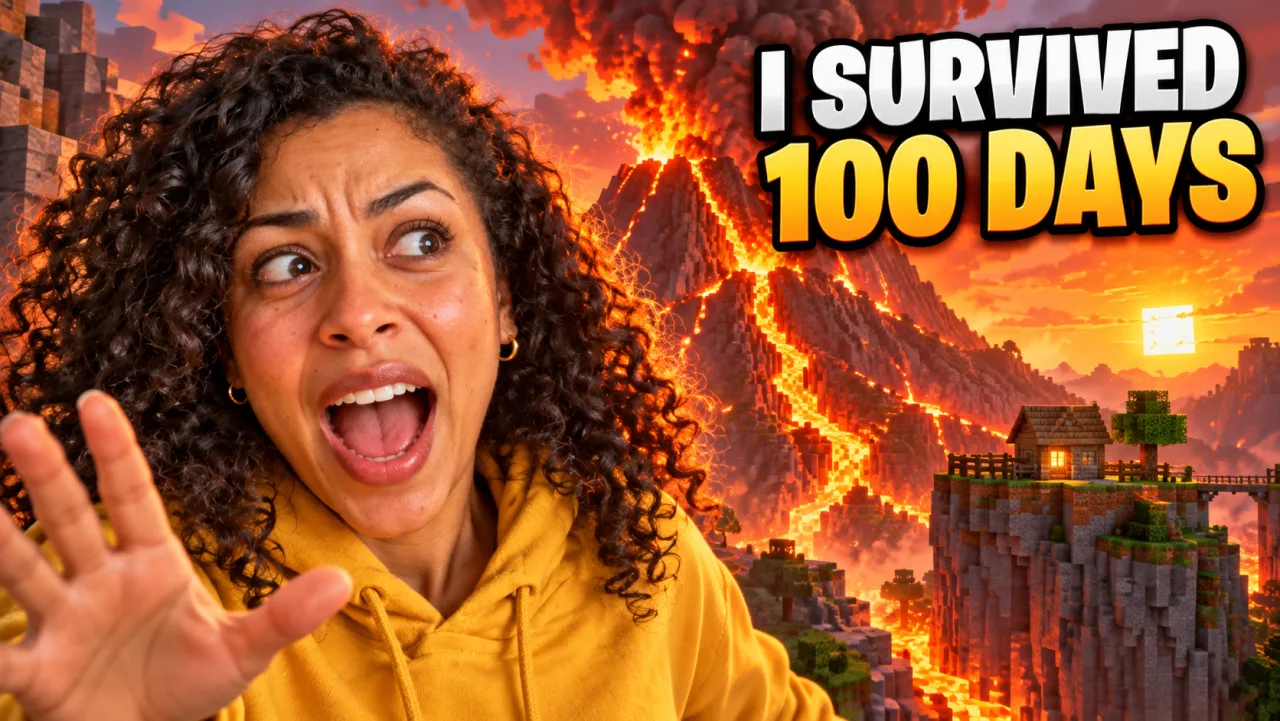
Gaming · with selfie
Text: I SURVIVED 100 DAYS
Scene: Me screaming in shock in front of a giant erupting volcano made of blocky terrain, lava rivers, a tiny house on a cliff, orange sky.
AI YouTube thumbnail maker
Upload a selfie, type the words you want on the image and describe the scene. This YouTube thumbnail generator returns a finished 16:9 thumbnail with your face, a bold headline and a background built for the click — in about a minute.
ExampleYour 16:9 thumbnail appears here in about a minute. Every result is saved to your library, so you can come back and refine it.
Each example below was made from the exact brief shown: the thumbnail text, a one-line scene and a style. The people are fictional creators made for the demo — upload your own selfie and the YouTube thumbnail generator builds the thumbnail around your face instead.
 Selfie inThumbnail out
Gaming · with selfie
Scene: Me screaming in shock in front of a giant erupting volcano made of blocky terrain, lava rivers, a tiny house on a cliff, orange sky.

Tech review · with selfie
Scene: Me pointing at two open laptops on a dark studio desk, a cheap plastic one on the left and a sleek glowing one on the right, skeptical eyebrow.
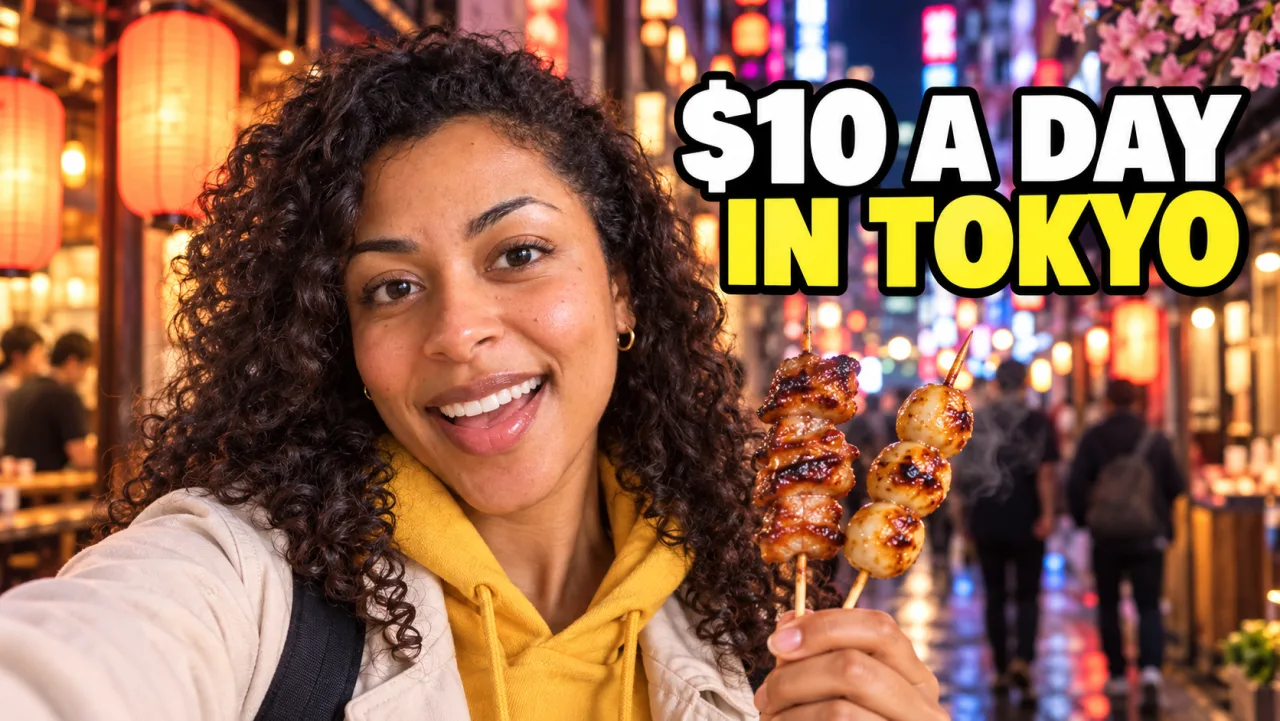
Travel vlog · with selfie
Scene: Me grinning and holding up street-food skewers on a busy neon-lit side street at night, paper lanterns, shallow depth of field.

Cooking · with selfie
Scene: Me looking amazed at a giant steaming bowl of upgraded instant ramen with a soft egg, scallions and chili oil; the bowl is the hero.
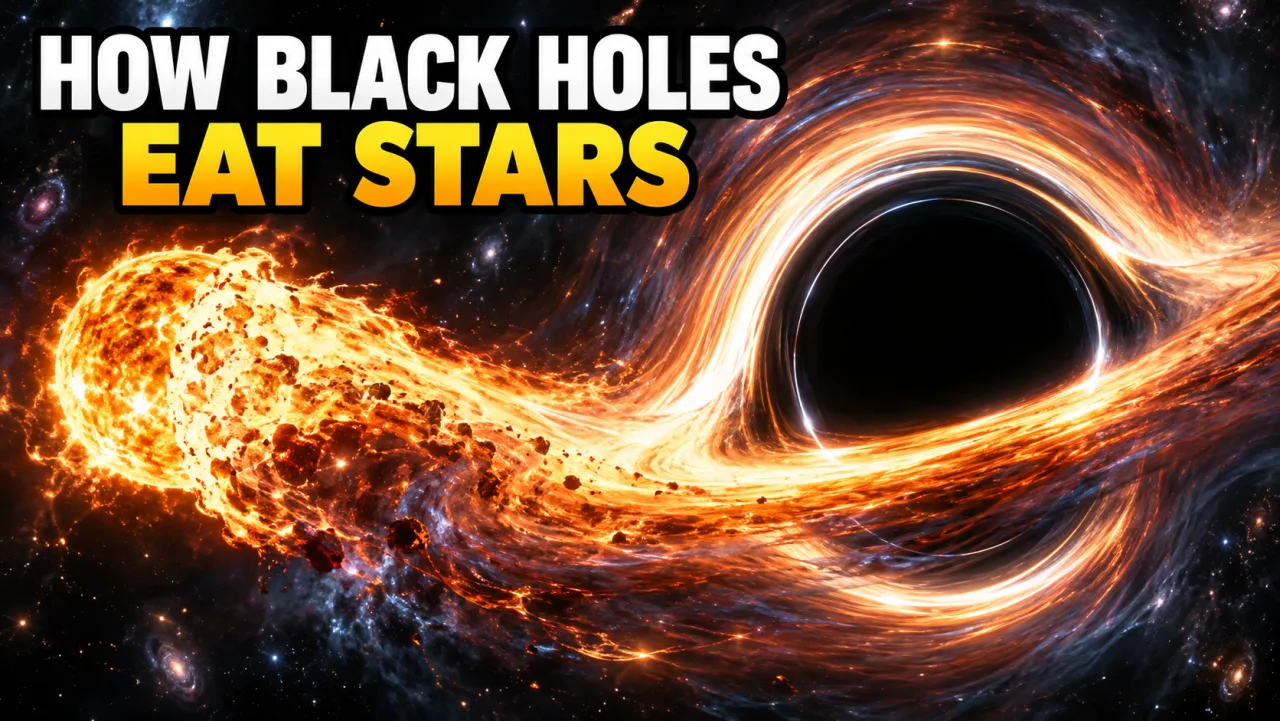
Explainer · text only
Scene: A glowing star stretched into a spiral of fire around a black hole, deep space, dramatic contrast, no people.
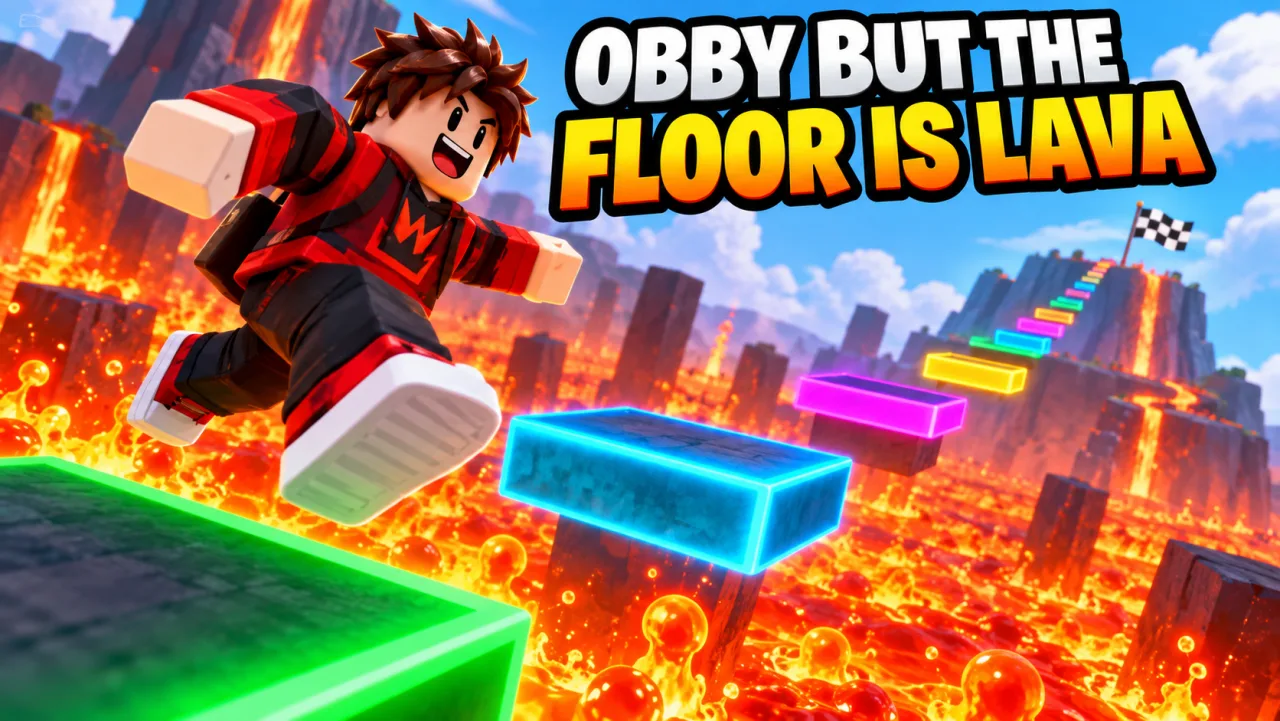
Roblox channel · text only
Scene: An original blocky avatar mid-jump between floating neon platforms above bubbling lava, bright cartoony colors, a finish flag far away.
No design skills, layers or templates. If you can describe your video, you can make a YouTube thumbnail with this generator.
Upload a well-lit selfie that shows your whole face, or a product shot or game screenshot you want to feature. Skip it and the YouTube thumbnail generator invents an original presenter or scene.
Type the 3–5 words that should sit on the thumbnail, then one or two sentences about what the frame shows: your expression, the subject, the place. Pick a style such as Reaction face, Gaming or Tech review, and a resolution.
Your 16:9 thumbnail appears in about a minute and is saved to your library. Check the text and the face at phone size, open it full size to download, or refine it in the editor with a follow-up like "make the text yellow".
Most AI image tools can draw a nice picture. A YouTube thumbnail maker has to do three harder things at once: keep you looking like you, put readable words on the image, and survive being shrunk to the size of a stamp.
Use it as a YouTube thumbnail generator from image: upload up to four photos — your face, a co-host, a product or a screenshot. The generator keeps the person recognizable, removes the original background and gives them an expression that fits the video.
Your headline goes in its own field and is rendered word for word in heavy, outlined letters. It is kept out of the bottom-right corner, where YouTube prints the video length.
Reaction face, Gaming, Tech review, Vlog & travel, Explainer and Cinematic each push the composition toward what works in that niche: big faces, hero products, a strong sense of place.
1K covers YouTube's 1280×720 recommendation. Pick 2K or 4K when you want a sharper file to crop, reuse on a channel banner or post on other platforms.
Every thumbnail opens in the editor as a conversation. Ask for a different expression, a brighter background or new words, and the next version keeps the same person and layout.
Results are stored in your account, so you can compare versions, come back after the video is edited, or reuse a strong thumbnail as the reference for the next one.
The same AI YouTube thumbnail generator adapts to the channel. These are the briefs creators type most often.
Challenge videos, survival series and updates. Describe the moment of danger or reward and add a reaction face. For game-page art, use the Roblox thumbnail generator.
Roblox thumbnail generatorPut the product on a clean studio background with you pointing at it. Comparisons like "$200 vs $2,000" read instantly at small sizes.
Show the place, the food or the moment, with you in the foreground. Short cost or time hooks work well as thumbnail text.
Make the before/after or the key idea obvious. Text-only briefs work here — no photo needed.
Upload two photos for a host-and-guest thumbnail and put the most surprising quote in four words.
Use the same video thumbnail maker for live streams and premieres. Output is 16:9; for a YouTube Shorts thumbnail, keep the subject centered so a vertical crop still works.
A YouTube thumbnail generator saves the hours, but the click still comes from the idea. These rules come from what the top tools and channels agree on.
The thumbnail and the title should add to each other. Put the hook or the number on the image and the full sentence in the title.
A large face with a clear expression is easier to read than a group. In your brief, name the emotion: shocked, proud, skeptical, laughing.
Bright subject, darker or simpler background, at most three elements. Clutter disappears at phone size.
YouTube covers that corner with the video length. The generator already keeps your text away from it — keep key objects out of it too.
A good YouTube thumbnail prompt names who is in the frame, what they are doing, where, and the mood. "Me holding a tiny fish, shocked, on a boat at sunset" beats "fishing video thumbnail".
Run the same brief with two styles or two headlines and compare them in our thumbnail tester before you publish. YouTube Studio can then A/B test the finalists. Thumbnail tester
Templates in Canva and a Photoshop file still have their place. Here is where an AI thumbnail generator fits.
| Method | Time per thumbnail | Skill needed | What you get |
|---|---|---|---|
| This AI YouTube thumbnail generator | About a minute | Describe the video | A unique scene built around your photo and your words |
| YouTube thumbnail template | 10–30 minutes | Basic layout | Fast and consistent, but the same layouts other channels use |
| Photoshop or a designer | 1–3 hours, or days with a designer | Cut-outs, lighting, type | Full control, at the highest cost |
Many creators mix them: generate the scene here, then add a channel logo or a recurring frame in their usual editor.
YouTube's own requirements for a custom thumbnail, and how the generator's output lines up.
Every image from this YouTube thumbnail generator is already 16:9. 2K and 4K files can be larger than 2 MB — resize to 1280×720 or save as JPG before uploading. Custom thumbnails require a verified YouTube account.
Each thumbnail is paid with credits from a credit pack or plan. You see the price on the button before you generate.
| Resolution | Credits per thumbnail | Best for |
|---|---|---|
| 1K | 10 | Uploading to YouTube |
| 2K | 25 | Cropping and reuse |
| 4K | 40 | Banners and print-size crops |
Game-page thumbnails and icons for Roblox, Minecraft and other sandbox games.
Preview your image in a real feed before you publish it.
Exact sizes and file limits for Roblox thumbnails and icons.
Public thumbnails with the prompts that made them.
Upload a clear photo (optional), type the words for the thumbnail, describe the scene in a sentence or two, pick a style and click Generate. The YouTube thumbnail generator returns a 16:9 image in about a minute, saved to your library.
Yes. Upload a well-lit photo where your whole face is visible. The generator keeps your face, hair and skin tone recognizable and changes your expression to fit the video. You can add up to four photos, for example a co-host or a product.
The headline is passed to the model exactly as you type it, and short headlines of 3–5 words come out right in almost every run. Always check it at full size; if a letter is off, ask for the fix in the editor or generate again.
YouTube recommends 1280×720 pixels in 16:9, at least 640 pixels wide, as JPG, PNG or GIF under 2 MB. Every image from this generator is 16:9; resize 2K and 4K files to 1280×720 or save them as JPG if they are over 2 MB.
A thumbnail costs 10 credits at 1K, 25 at 2K and 40 at 4K. Credits come from one-time packs or a plan, and a failed generation is refunded automatically. You need an account to generate.
Not yet. The generator works from your photos and a written description, not from a video or URL. Describe the key moment of the video instead, or upload a screenshot of it as a reference photo.
Usually about a minute. Higher resolutions and briefs with several photos can take a little longer.
YouTube lets you upload any custom thumbnail that follows its community guidelines, including AI-made ones. Keep the image honest about the video's content and do not use other people's likeness or logos without permission.
Upload one of your past thumbnails as a reference photo and say "match this style" in the brief. Colors, text treatment and layout carry over; for a series, refine the same thumbnail in the editor so the person and layout stay consistent.
The best one is the one that keeps your face, gets your text right and gives you a file you can upload without fixing it. Test that with your own selfie: make one thumbnail here and compare it with your current workflow.
Selfie, five words, one sentence. The YouTube thumbnail generator does the rest — from 10 credits per thumbnail, with failed runs refunded.
Open the YouTube thumbnail generator