
Channel identity
YouTube Profile Picture Maker
A YouTube profile picture maker turns a photo or a written brief into a still channel icon. Creators can preview the circular crop at 98×98 and export an 800×800 PNG for free, without a watermark or an account. AI generates one 1024×1024 image for 16 credits from text or 19 with a photo. New accounts receive no free AI credits.
JPG, PNG or WebP · up to 10 MB
98 × 98
Choose your own photo to adjust the crop or save a free PNG.
Is there an online YouTube channel profile picture maker where I can upload a photo, preview the circular crop, and download the finished image?
Start with a photo in your browser and check the round preview before you decide whether to generate anything. Move the face or symbol toward the center and leave some space around hair, ears and glasses. Save the free square PNG when the 98-pixel view looks right. For a new illustration, write a short brief or choose a starting style, then generate once to see the result. Upload the square file in YouTube Studio under Customization, Profile and Picture, then publish the change. Keep the larger file if you expect to use it elsewhere.
- 1. Choose a photo or write a brief.
- 2. Check the circle and the 98px view.
- 3. Save the square PNG and publish it in Studio.
Why do YouTube profile pictures look circular when people upload square images?
YouTube masks the four corners of your square file when it shows the channel icon. Its profile picture guidelines specify a 98×98 pixel rendering size. That is a useful viewing test, but a 98-pixel source leaves little detail for larger displays. Start with the 800-pixel PNG export or the 1024-pixel AI original. YouTube accepts JPG, PNG, BMP and non-animated GIF files up to 15 MB. Check whether you can still pick out the subject at a glance in the small circle. If eyebrows or initials disappear, enlarge the subject or remove a detail before uploading.
How can I keep my real facial features while still getting a polished illustration?
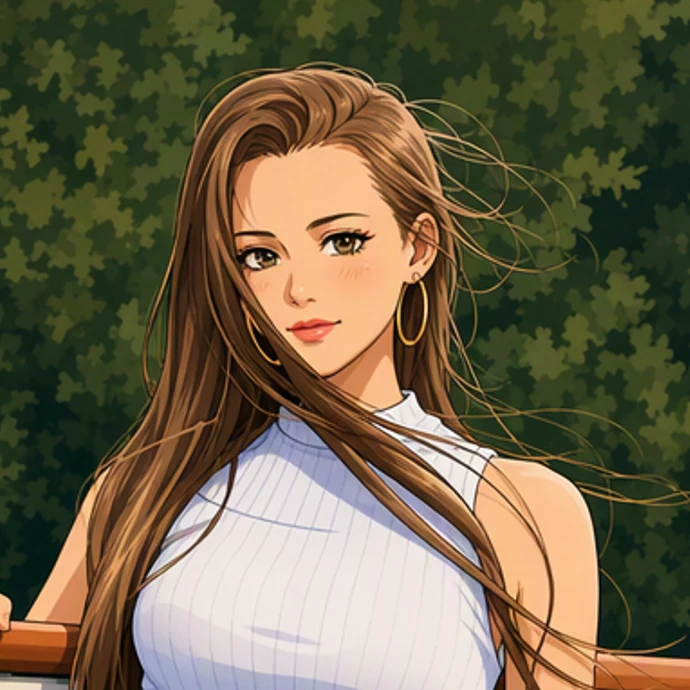
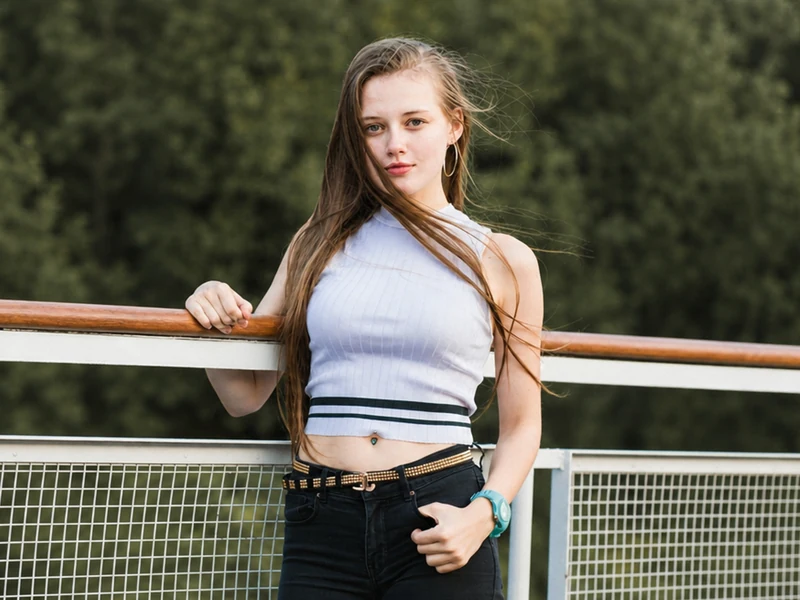
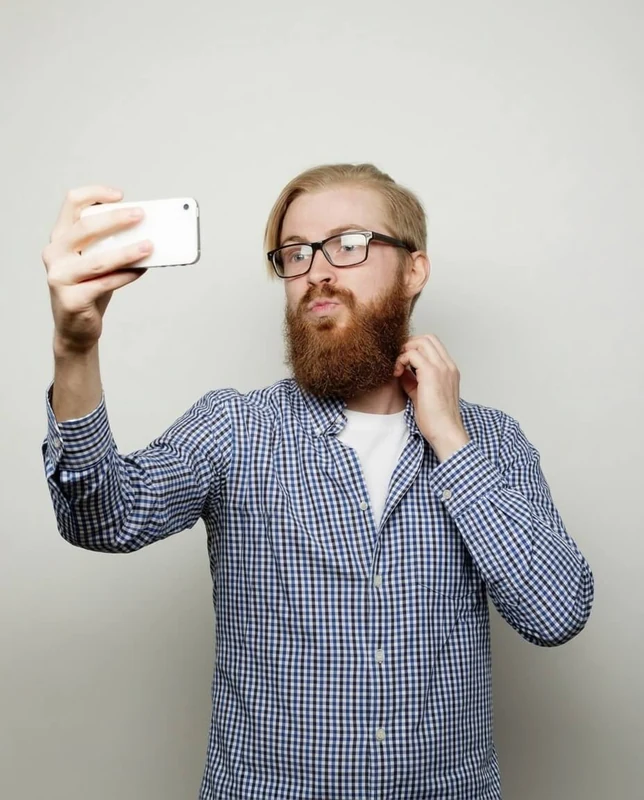
Choose a well-lit photo with one face in focus. If glasses, a hair part or a particular expression makes you recognizable, ask for that detail explicitly and check it against the original after generation. The pairs below show how a change of style or background affects a face at channel-icon size. AI may redraw the nose, change a pose, alter lettering or lose one person in a group. When an exact likeness or an unchanged business logo matters, crop the original and export it directly. Moving the crop cannot restore detail missing from a blurry photo.
 OriginalChannel icon
 Original
 Channel icon
 Original
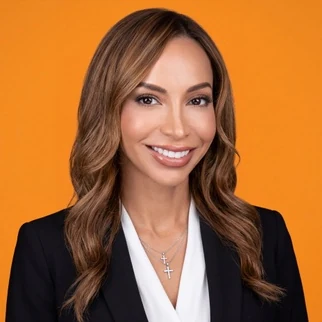 Channel icon
How can I make a faceless YouTube channel icon using just my channel name and a couple of colors?
Choose one thing a subscriber could draw from memory. A coffee channel might use an ivory cup with a red handle, while a gaming channel might use a fox in teal headphones. Leave the photo field empty, describe that single object and name your foreground and background colors. A full channel name rarely survives the small circle. If a letter matters, try one initial and check its shape at 98 pixels. When you already have an approved wordmark, use a local crop of that artwork to keep its exact spelling and proportions.
Is there a completely free YouTube profile picture maker that doesn’t put a watermark on the final image?
You can choose, crop and download your own photo here without signing in or buying credits. The free PNG is 800×800 pixels and carries no added watermark. That path works entirely in your browser. Generating new artwork is a separate action: it requires a signed-in account with enough credits, and sends the brief and any selected reference crop for processing. There is no automatic sign-up allowance. Each AI request makes one square image, and a second variation uses credits again. Previewing or downloading the same completed result has no extra generation charge.
| Tool or action | Price | Free allowance | Watermark | Output |
|---|---|---|---|---|
| Local photo crop | $0 | Unlimited local crops | None added | 800×800 PNG |
| AI channel icon | 16 text / 19 photo credits | 0 sign-up credits | None added | One 1024×1024 still |
How much do AI YouTube profile picture makers cost if I only need a single avatar?
If you already like your photo, the free crop may be all you need. For new artwork here, one text-only icon costs 16 credits and one photo-guided icon costs 19. The smallest pack covers 10 credits for $2.99, so it cannot fund either AI option by itself. The $5 pack includes 50 credits and can cover two photo-guided icons. The comparison below distinguishes an editor’s free export from a new AI image. A price per subscription month and a price per finished icon answer different questions when you only need one file.
| Tool or action | Price | Free allowance | Watermark | Output |
|---|---|---|---|---|
| Adobe Express | Free plan; US Premium $9.99/mo | Limited free AI; count not published | Not published for all assets | Still profile picture |
| ProfilePicture.ai | $0 | Free edits, no account | None added | Square PNG or JPEG |
Does a YT profile picture maker generate a video or a still image for my Shorts channel?
The picture beside a Shorts comment is the same still channel icon a viewer sees on other YouTube surfaces. Export a square PNG and upload it as your profile picture. An animated GIF will not provide a moving channel avatar. A thumbnail belongs to an individual video and usually uses a wide frame. A banner spans the top of the channel page and has its own safe area. You can reuse a color or character across those three pieces of artwork while composing each file for the place it will appear.
Make a YouTube video thumbnail