
Rocket League Thumbnails — Your Car, Your Next Cover
Rocket League thumbnails by ThumbBlox turn your car screenshot into a YouTube cover with aerial, duel or mechanics layouts and editable headline text.
1. Upload your car screenshot
JPG, PNG or WebP · up to 10 MB. A clear 16:9 game screenshot works best.
2. Choose a layout
Model
Working resolution
Shape: 16:9 · one image
Up to 32 characters. Added after generation, never spelled by AI.
Your cover preview
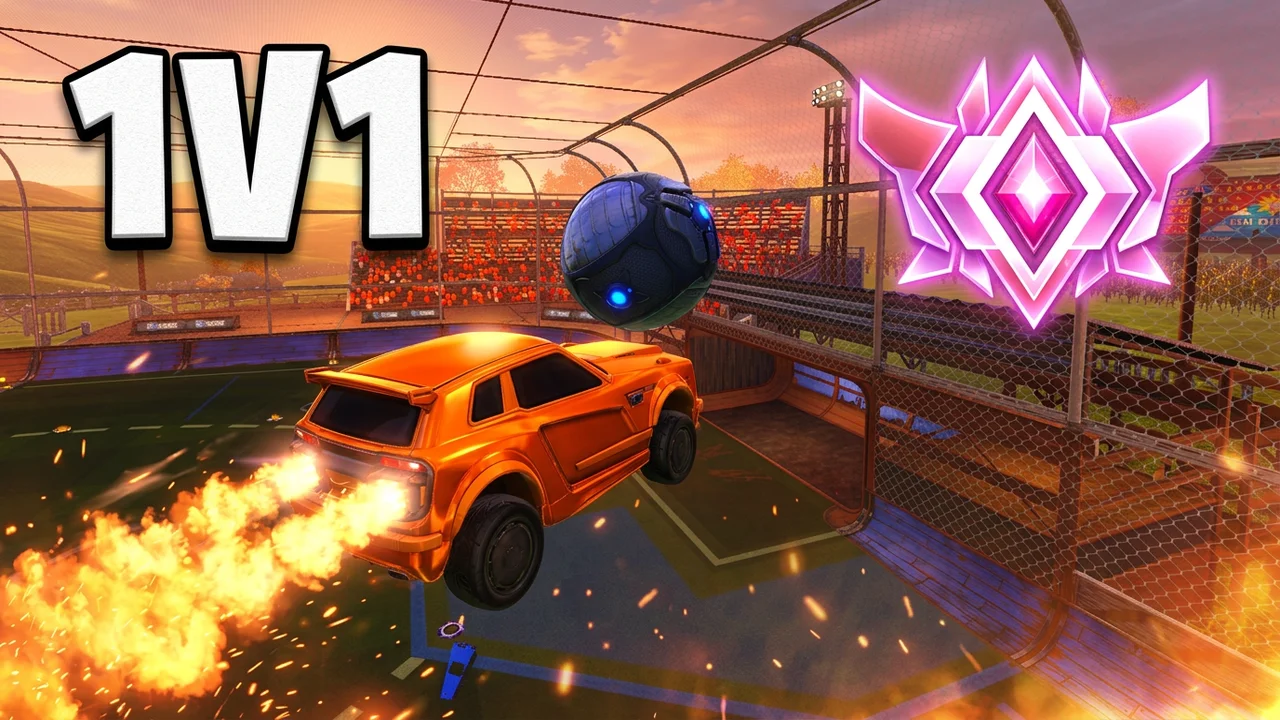
Upload your screenshot to start. These layouts illustrate car-and-ball compositions; they do not predict your AI result.
AI may change the car body, decals, wheels or ball position. Check those details before publishing.
AI mode uploads selected images to file links for processing. Anyone with a file link can open it. Paid-account results are unlisted by default; free-credit results may appear in the gallery. Original-image edits stay in this browser.
Rocket League thumbnails help gaming creators package montages, ranked matches and tutorials around their own car screenshot. Editing the original and exporting a 1280×720 PNG is free without an account or added watermark; AI costs 14 credits at 1K, about $0.117 per image on the largest pack. New accounts receive 0 credits; AI can change car details, while typed headlines remain separate and exact.
How it works
To make a Rocket League thumbnail, upload a screenshot where your car and the ball are easy to recognize. Choose an AI layout for a new composition, or Keep original for free editing. Add a short headline after the picture is ready, inspect the car and text at a small size, and download one PNG for your video.
- 01
Start with your own car
Use a clear frame from your recording or replay. Hide game menus and choose a view that shows the body and paint you want to keep.
- 02
Match the video
Choose Aerial, Versus, Skills or Live. Custom accepts a scene description and an optional style image. Keep original skips AI.
- 03
Add text and export
Use two to four words, check the details, and download a 1280×720 PNG. Changing the headline or exporting again costs no extra credits.
Screenshot-to-cover layout examples
These three pairs demonstrate the free editor adding a headline to existing artwork: an aerial duel, a progress comparison and a mechanics cover. The original car image stays in place, with a dark text band at the bottom. Compare the arrangement and text size; AI mode makes a new composition from your screenshot and may change the car details.
Original artwork
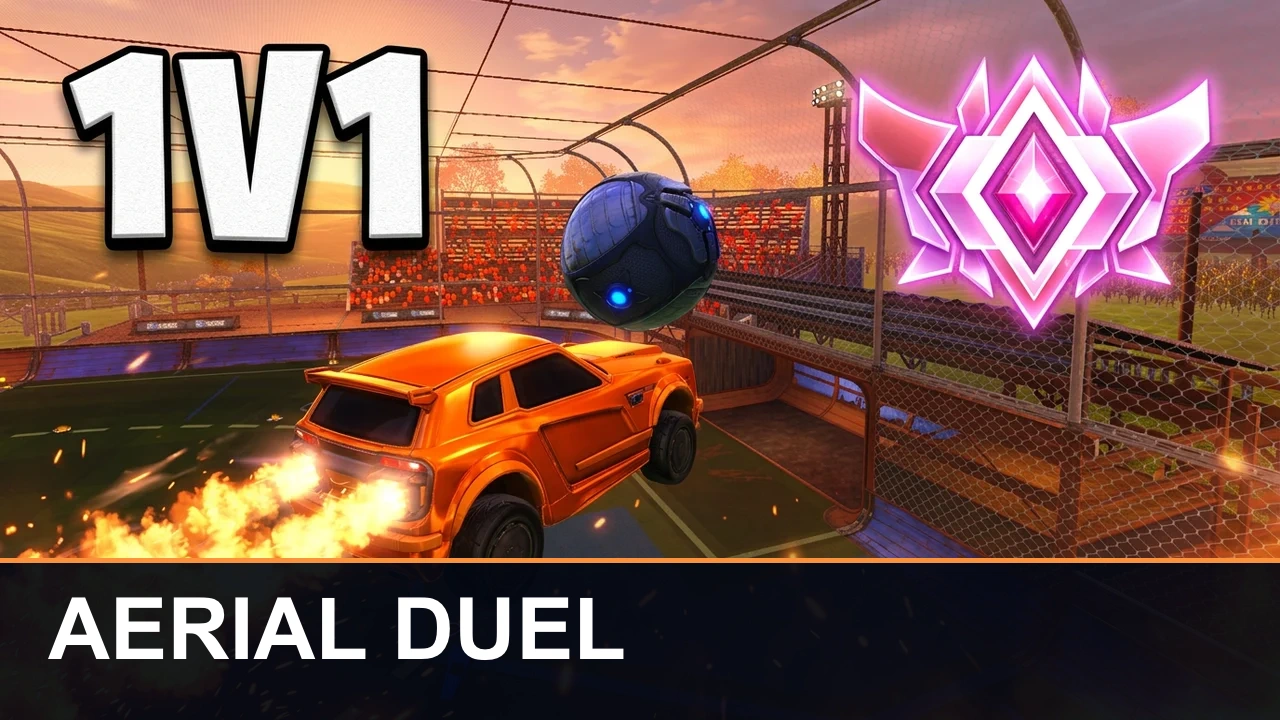
Export with headline
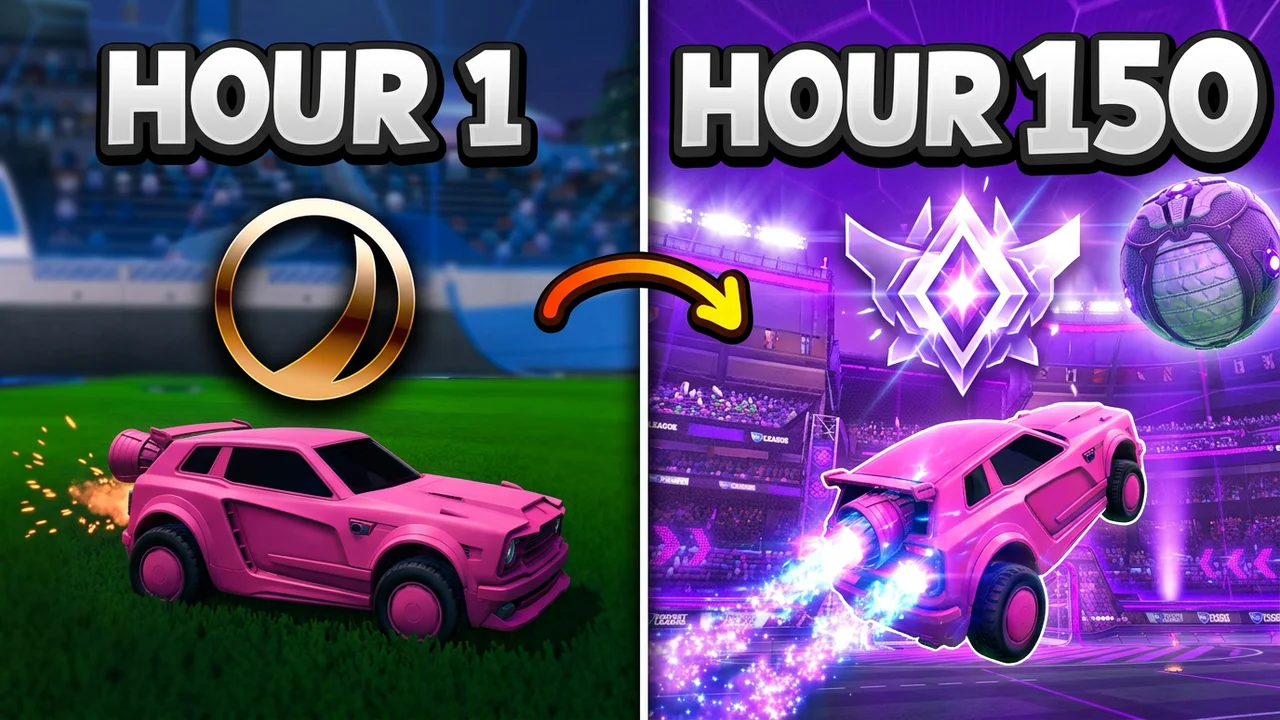
Original artwork
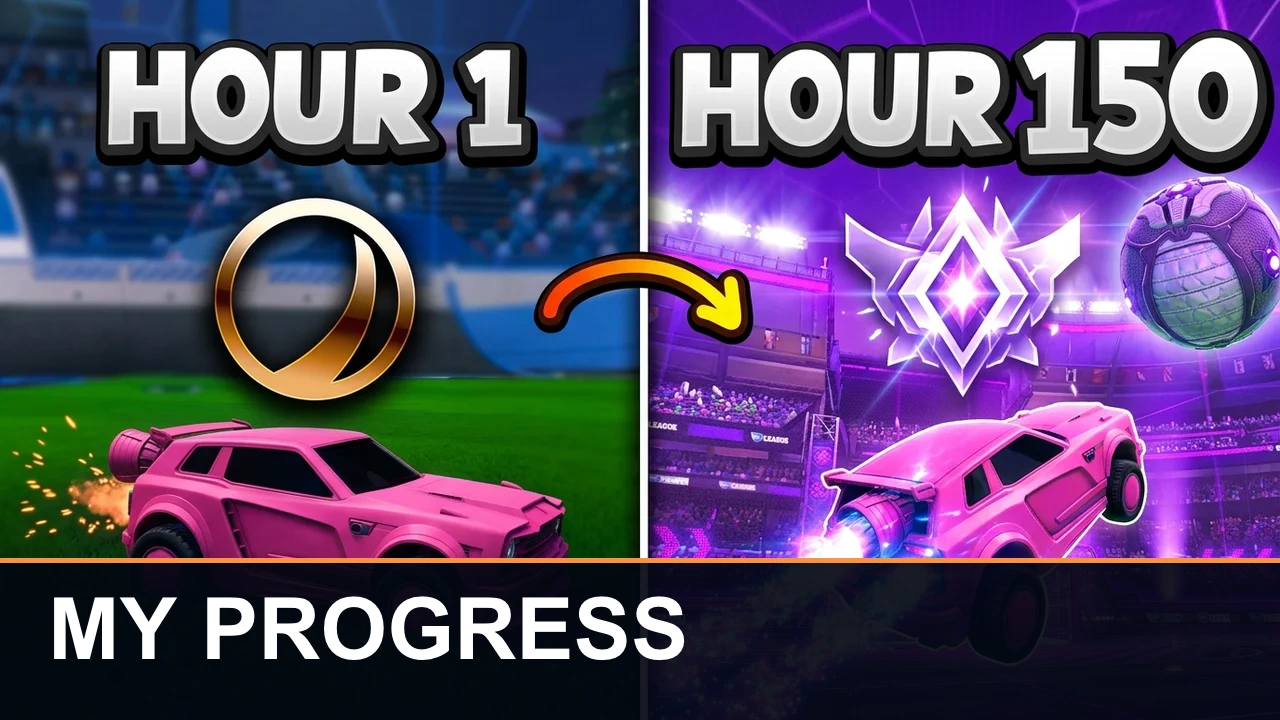
Export with headline
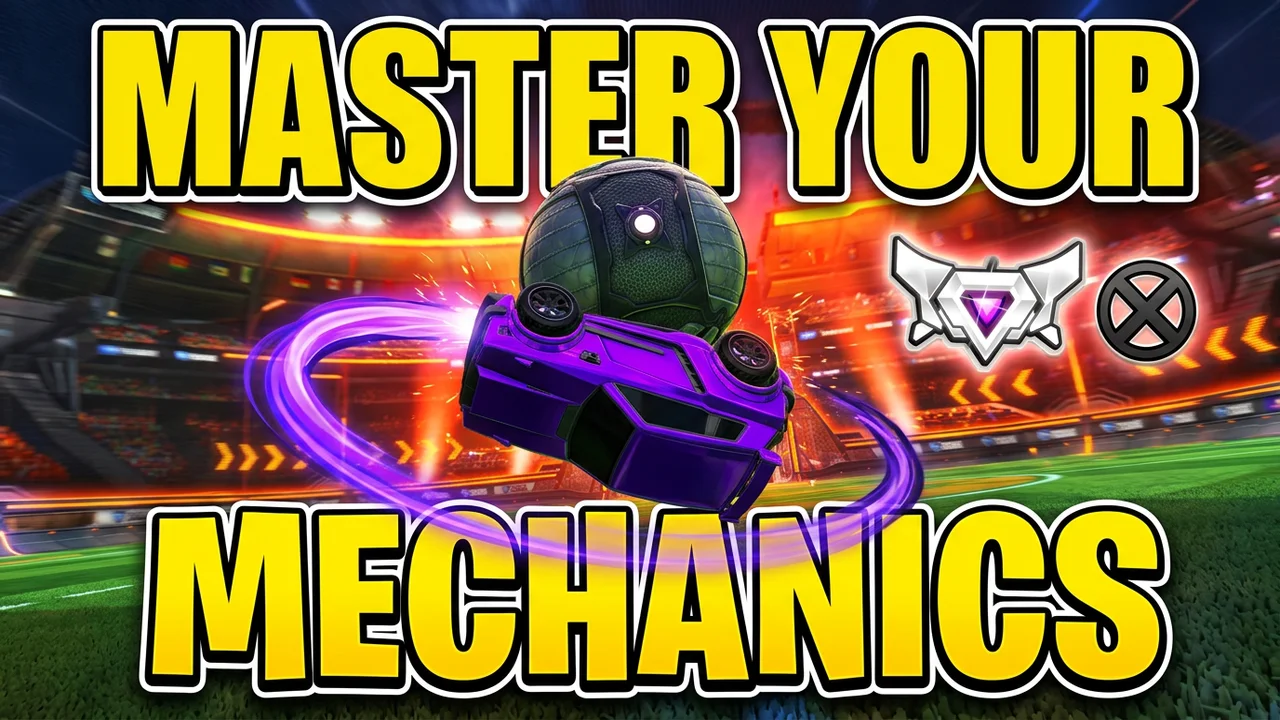
Original artwork
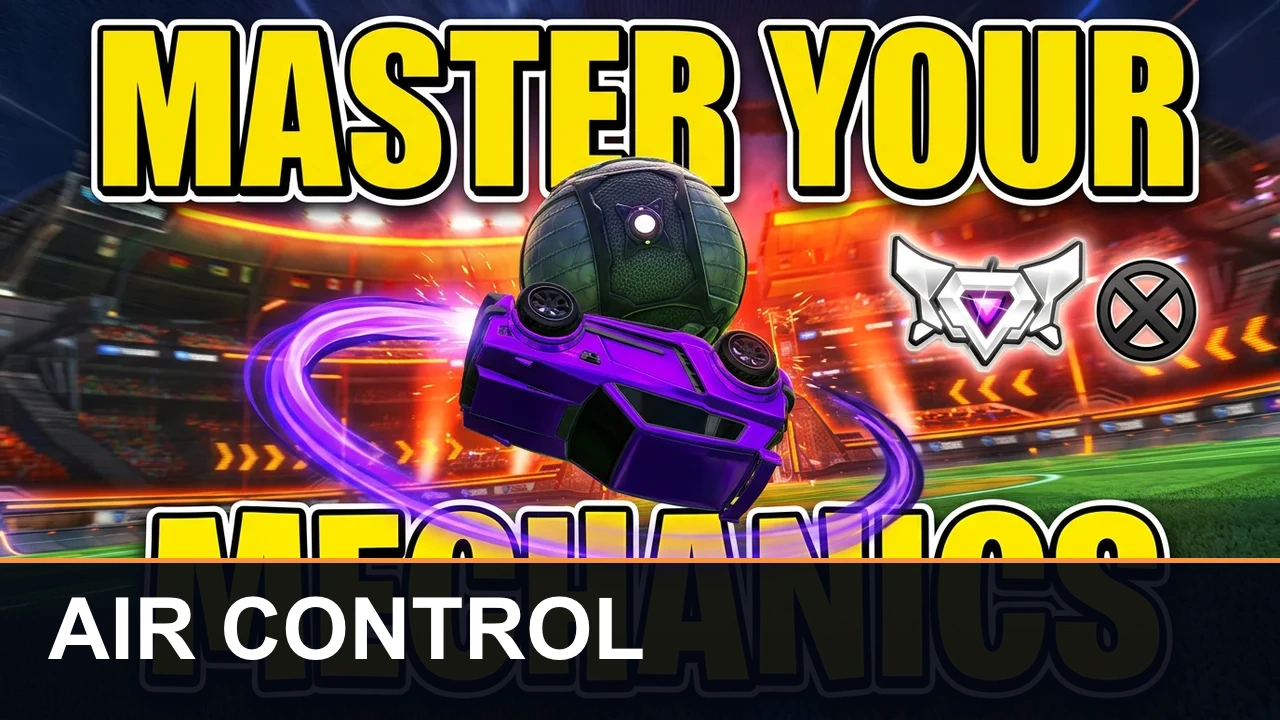
Export with headline
How do I make Rocket League thumbnails for YouTube?
A Rocket League YouTube thumbnail starts with a recognizable car, one clear action and a readable headline. Use a replay screenshot with the menus hidden, choose a layout that fits the video, then add two to four words. This maker exports 16:9 at 1280×720. Keep important details away from the bottom-right corner, where a video duration badge can cover them; use Keep original when exact decals matter.
Can I make Rocket League thumbnails free?
Yes: edit your own screenshot and download a PNG for free, without signing in or adding a watermark. AI composition uses 14 credits at 1K with one screenshot; a second unique style image adds 4 credits. New accounts currently receive 0 credits. That does not cover one AI generation. Title changes and downloads remain free, but every new AI composition uses the displayed credits again.
What makes a good Rocket League montage thumbnail?
A good Rocket League montage thumbnail focuses on one striking play rather than several tiny screenshots. Keep the car and ball large, separate them from the stadium with contrasting light, and use a brief phrase such as AIR DRIBBLE. Aerial suits highlight reels; Skills suits a single technique. For a Rocket League live thumbnail, choose Live and name the session clearly instead of implying a rank or result you have not achieved.
Pricing & credits
Original-image editing and PNG downloads are free. AI costs 14 credits for a 1K cover with one screenshot, about $0.117 using the largest pack. From zero credits, the smallest single purchase that covers a generation is $5.00 for 50 credits, or $1.40 per default image on that pack. The table includes each available resolution and input count; rerunning AI is a new paid generation.
| Action | Credits / price | Access & output |
|---|---|---|
| Original image and text | 0 credits · $0 | No sign-in · 1280×720 PNG · no added watermark |
| AI · 1K · 1 input image(s) | 14 credits · ~$0.117 | Sign-in · one 16:9 working image · 1280×720 PNG export · no added watermark |
| AI · 1K · 2 input image(s) | 18 credits · ~$0.150 | Sign-in · one 16:9 working image · 1280×720 PNG export · no added watermark |
| AI · 2K · 1 input image(s) | 29 credits · ~$0.242 | Sign-in · one 16:9 working image · 1280×720 PNG export · no added watermark |
| AI · 2K · 2 input image(s) | 33 credits · ~$0.275 | Sign-in · one 16:9 working image · 1280×720 PNG export · no added watermark |
| Smallest sufficient pack | $5.00 / 50 credits | One-time purchase · credits valid for one year |
| New account allowance | 0 credits | AI allowance depends on the current sign-up offer |
What this Rocket League thumbnail maker cannot do
AI cannot guarantee exact Octane or Fennec geometry, decals, wheels, rank badges or a physically correct ball contact. Use Keep original for a faithful screenshot. The tool creates video covers, not in-game items, replay footage or proof of a rank. It does not remove backgrounds automatically, promise more clicks, or supply official game assets. Use images you have permission to edit and check the output before publishing.
Rocket League thumbnail FAQ
Can I export a Rocket League thumbnail in 4K?
No. AI working images are available at 1K or 2K, while this editor exports a flattened 1280×720 PNG. Selecting 2K does not change the final download dimensions. There is no 4K export option on this page.
Is this a Rocket League thumbnail pack or background download?
This is a thumbnail maker for your uploaded images, not a library of PSD packs, transparent cars or official stadium backgrounds. You can make a single cover and download its PNG. Editable layers and separate background files are not included.
Can I make a Rocket League thumbnail on my phone?
Yes. Use a mobile browser to upload a screenshot, choose a layout and download the PNG; no app is required. AI generation needs an account and enough credits. After signing in, text and settings are restored, and you may need to attach the images again.